


The best wallpaper app for iPhone is Zedge for variety, Vellum for curated art, and Backdrops for original designs. These nine iPhone wallpaper apps were tested on iOS 26 across library size, image resolution, ad frequency, live wallpaper handling, and compatibility with the iOS 26 Lock Screen depth effect. Each one earns its place as one of the best wallpaper apps for iPhone for a different reason.
How We Tested
Testing took place on iOS 26 using multiple iPhone models. Each app was evaluated against six criteria: library size, image resolution at the device's native display, frequency of ads, pricing and what the free tier actually delivers, support for the iOS 26 Lock Screen depth effect, and live wallpaper handling. Apps were also assessed on how quickly a user can go from opening the app to having a wallpaper set, and whether the saved file held full resolution without visible compression.
Pricing and App Store ratings listed below were current at time of testing.
Best iPhone Wallpaper Apps Compared
App | Best for | Price | Live wallpapers | App Store rating |
|---|---|---|---|---|
Zedge | Variety and free library | Free, Zedge+ from $4.99/mo | Yes (Live Photos) | 4.1 |
Vellum | Curated daily picks | Free, $2.99 one-time unlock | No | 4.7 |
Backdrops | Original in-house artwork | Free, Pro from $4.99/year | No | 4.7 |
Walli | Artist-made wallpapers | Free, PRO subscription | No | 4.3 |
Everpix | Curated photography | Free, premium from $7.99/mo | No | 4.5 |
Unsplash | High-resolution photography | Free | No | 4.8 |
Wallcraft | Themed collections | Free, premium subscription | No | 4.3 |
Inspiration browsing | Free | No | 4.7 |
The Best Wallpaper Apps for iPhone, Ranked
1. Zedge
Best for: Anyone who wants one app for static wallpapers, Live Photos, and ringtones with no account required.
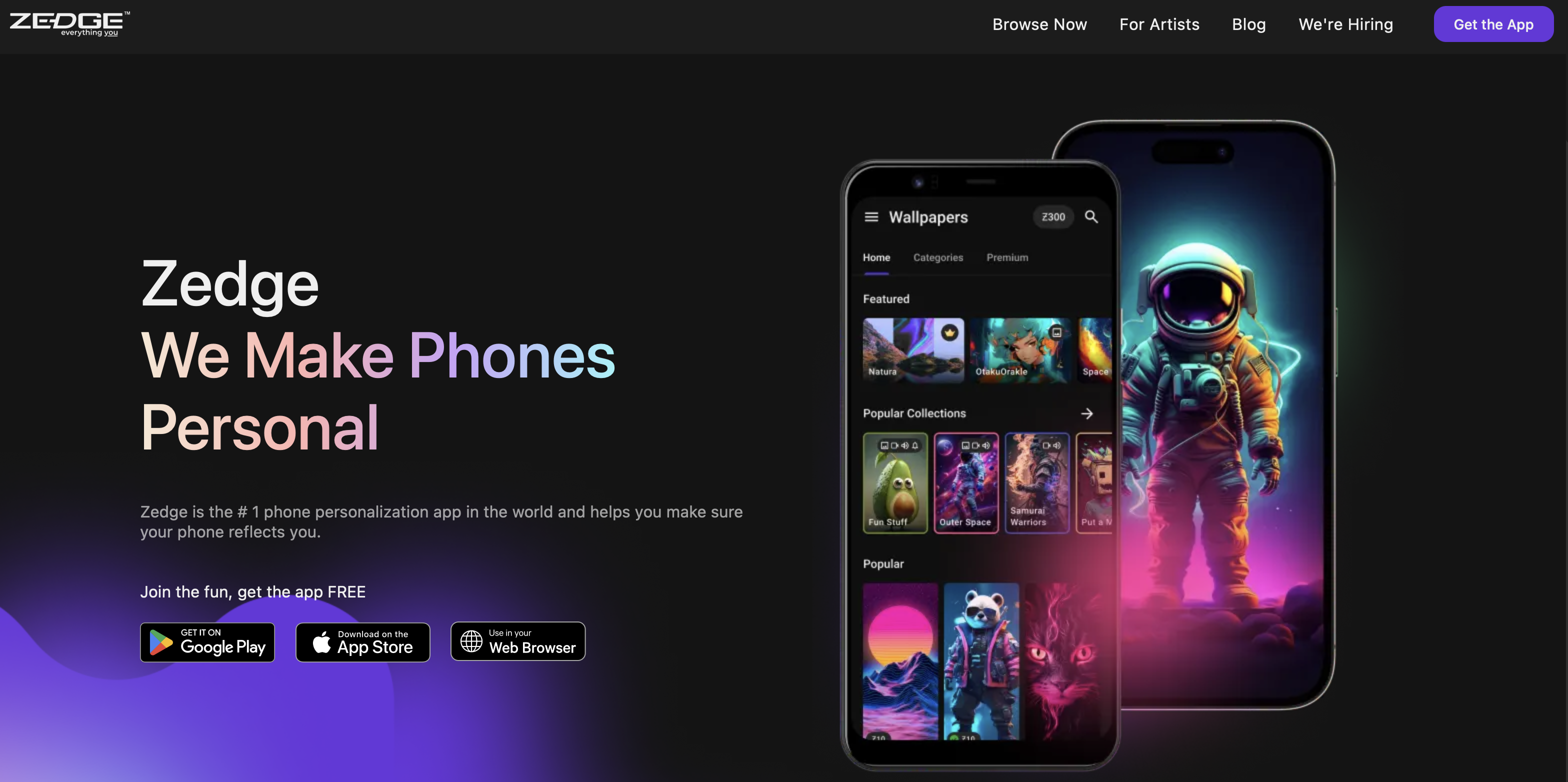
Zedge is the largest free wallpaper app for iPhone, with a library built from millions of user and creator uploads that grows daily. It holds a 4.1 rating on the App Store and ranks among the best wallpaper apps for Android and iPhone, with over 500 million downloads on Android. The free tier requires no account, carries no download cap, and covers static wallpapers, Live Photos, and ringtones in a single app.
Ads appear between downloads; Zedge+ ($4.99 per month) removes them and unlocks premium content. The iPhone wallpaper category on Zedge filters the full library to phone-ready images and Live Photos sized for the iOS Lock Screen. The full wallpapers collection is also accessible in a browser without installing the app.
Pros:
- Largest free library of any app on this list
- No download cap on the free tier
- Live Photo category optimised for iPhone Lock Screen
- AI Wallpaper Maker generates original wallpapers from a text prompt
Cons:
- Ads appear in the free tier between downloads
- Quality varies across the user-submitted catalog
- Best content requires Zedge+ subscription
2. Vellum Wallpapers
Best for: Users who want one well-chosen wallpaper each day, optimised for the iPhone Lock Screen, with no browsing required.
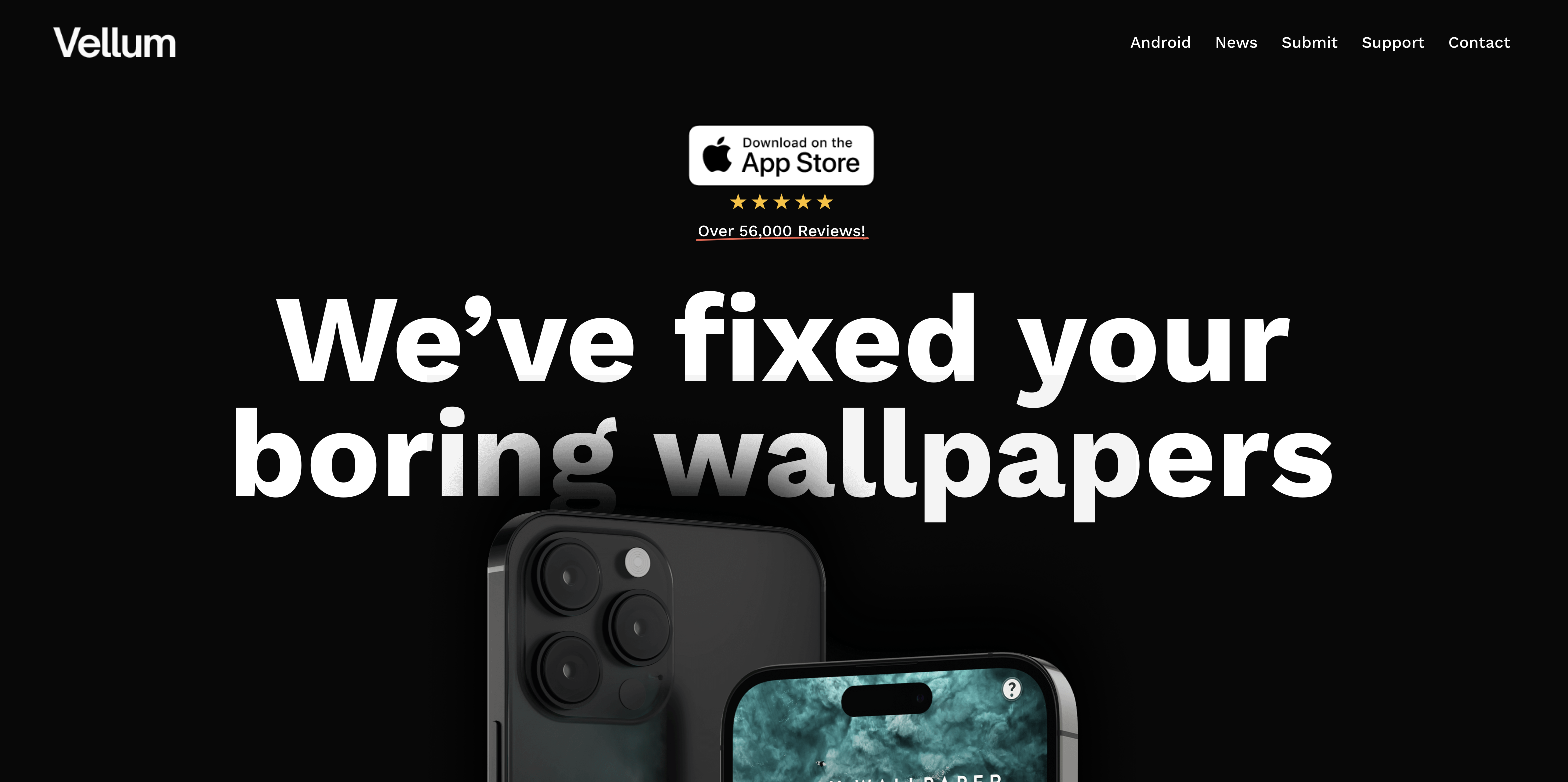
Vellum delivers one curated wallpaper per day, chosen by an editorial team, and has maintained a 4.7 App Store rating as a dedicated iPhone wallpaper app. Every pick is sized and colour-graded specifically for the iPhone Lock Screen, which means the result sits cleanly behind widgets and the clock without manual adjustment. The free tier gives access to recent picks; a one-time $2.99 unlock opens the full four-week archive and adds a blur tool designed for the Lock Screen. That one-time purchase model is the key differentiator: no recurring subscription, no ad-supported workaround.
Pros:
- Every wallpaper sized and graded for iPhone specifically
- One-time purchase unlocks the archive permanently
- Blur tool designed for the Lock Screen clock cutout
Cons:
- Small catalog compared to library-based apps
- No live wallpaper support
- Daily drop model offers limited choice at any given moment
3. Backdrops
Best for: Users who want design-consistent artwork built specifically for phone screens rather than adapted from other formats.
Backdrops produces original artwork in-house rather than accepting community uploads, which means the catalog maintains a consistent quality floor from top to bottom. The app holds a 4.7 rating on the App Store and a Wall of the Day feature surfaces one curated wallpaper daily. Backdrops Pro ($4.99 per year or a one-time purchase) unlocks the full archive; the free tier covers a rotating selection that changes periodically. No account is required to browse or download from the free portion.
Pros:
- In-house artwork with no quality variance from creator uploads
- Annual Pro subscription is affordable
- No account needed to access free content
Cons:
- Smaller library than Zedge or Walli
- Strongest artwork sits behind Backdrops Pro
- No live wallpaper support
Download Backdrops on App Store
4. Walli
Best for: Users who want to discover independent illustrators and follow specific creators whose aesthetic they return to.
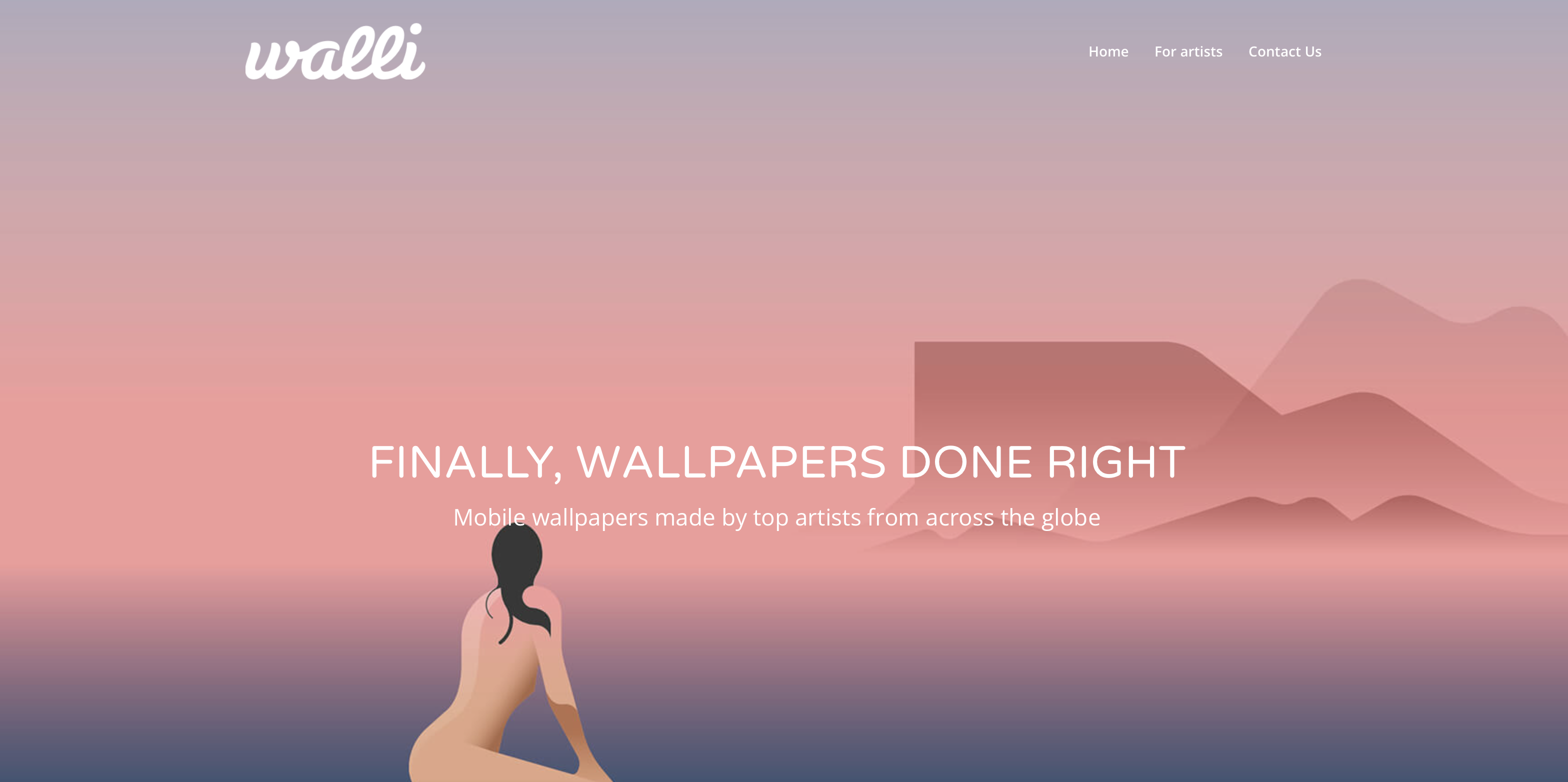
Walli connects users directly with independent artists and illustrators, with a creator-following model that lets you subscribe to specific artists and receive notifications when they upload new work. The app holds a 4.3 rating on the App Store. Collections are organized into auto-rotating playlists built around followed creators. Walli PRO unlocks the full premium catalog; the free tier covers a substantial selection from across the artist community.
Pros:
- Creator-following model with upload notifications
- Auto-rotating playlists from followed artists
- Strong variety of illustration and graphic styles
- Active artist community adds new content regularly
Cons:
- Some premium content requires Walli PRO
- Catalog depth depends on which artists you follow
- No live wallpaper support
5. Everpix
Best for: Users who want curated photography as their iPhone background, particularly landscape and nature imagery.
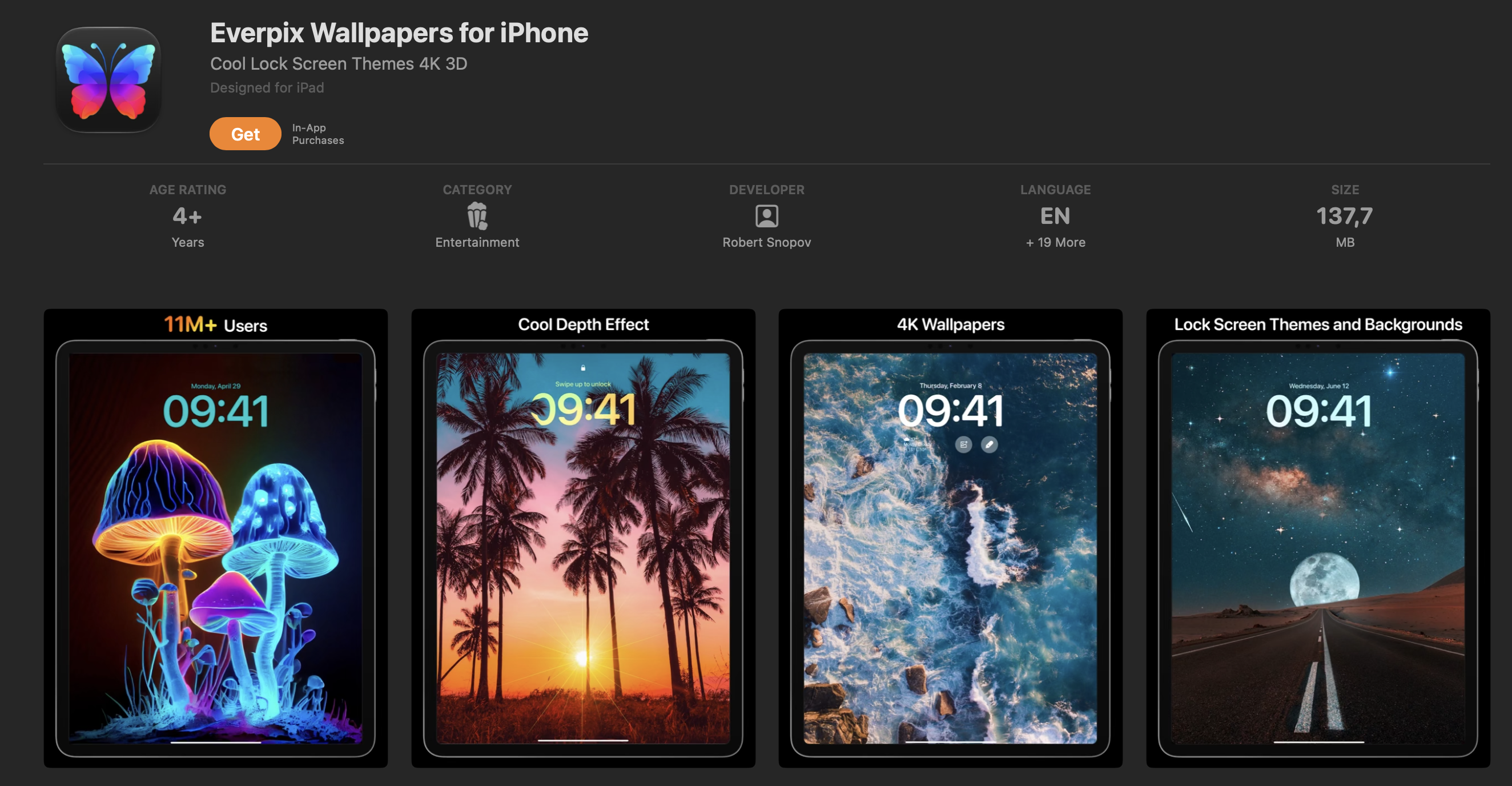
Everpix curates photography from a hand-picked selection of photographers, with a focus on landscape, nature, architecture, and abstract imagery. The App Store rating sits at 4.5. A premium subscription ($7.99 per month) unlocks full-resolution downloads and removes ads; the free tier gives access to a rotating selection at standard resolution. The curated approach keeps the catalog smaller than crowd-sourced alternatives but more consistent in quality.
Pros:
- Editorial curation keeps quality consistent
- Clean browsing interface with good search
- Low-cost premium subscription
- Strong landscape and nature selection
Cons:
- Smaller library than open-upload apps
- Limited to photography; no illustration or graphic content
- No live wallpaper support
6. Unsplash
Best for: Users who want high-resolution photography from professional photographers, completely free with no account required.
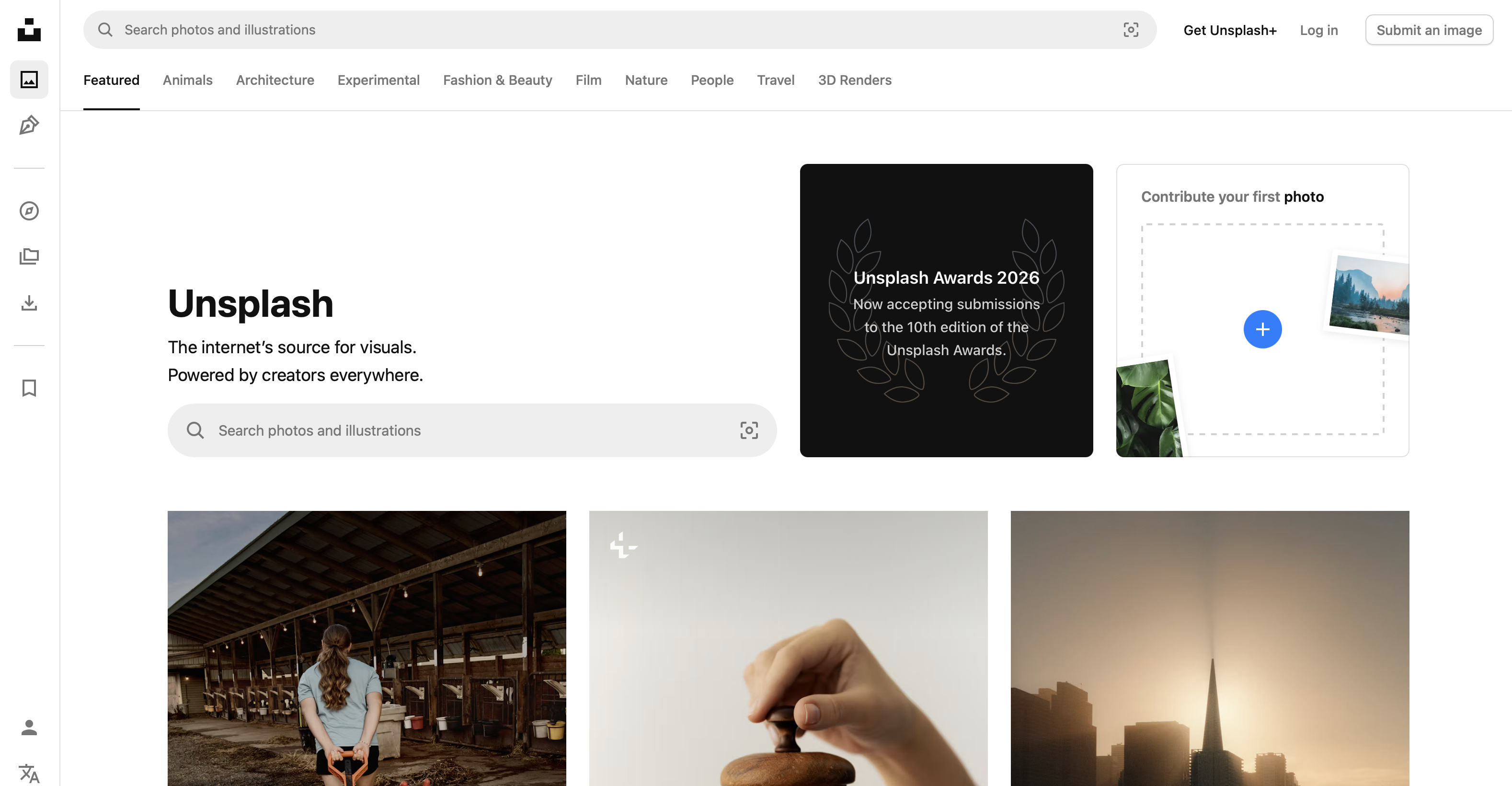
Unsplash gives iPhone users access to millions of royalty-free photographs at full resolution, with no subscription, no ads, and no account required. The app holds a 4.8 rating on the App Store. Contributors are professional and semi-professional photographers, which keeps the resolution floor high across the catalog. Every category is represented: travel, architecture, portraits, nature, street photography, and abstract. There is no premium tier because the entire library is free.
Pros:
- 4.8 App Store rating
- Entire library is free with no download cap
- Millions of professional photographs
- No account required
- Consistent resolution quality across the catalog
Cons:
- No live wallpaper support
- Search can surface visually similar results repeatedly
Download Unsplash on App Store
7. Wallcraft
Best for: Users who prefer browsing by theme and want a broad mix of photography, illustration, and graphic wallpaper styles.
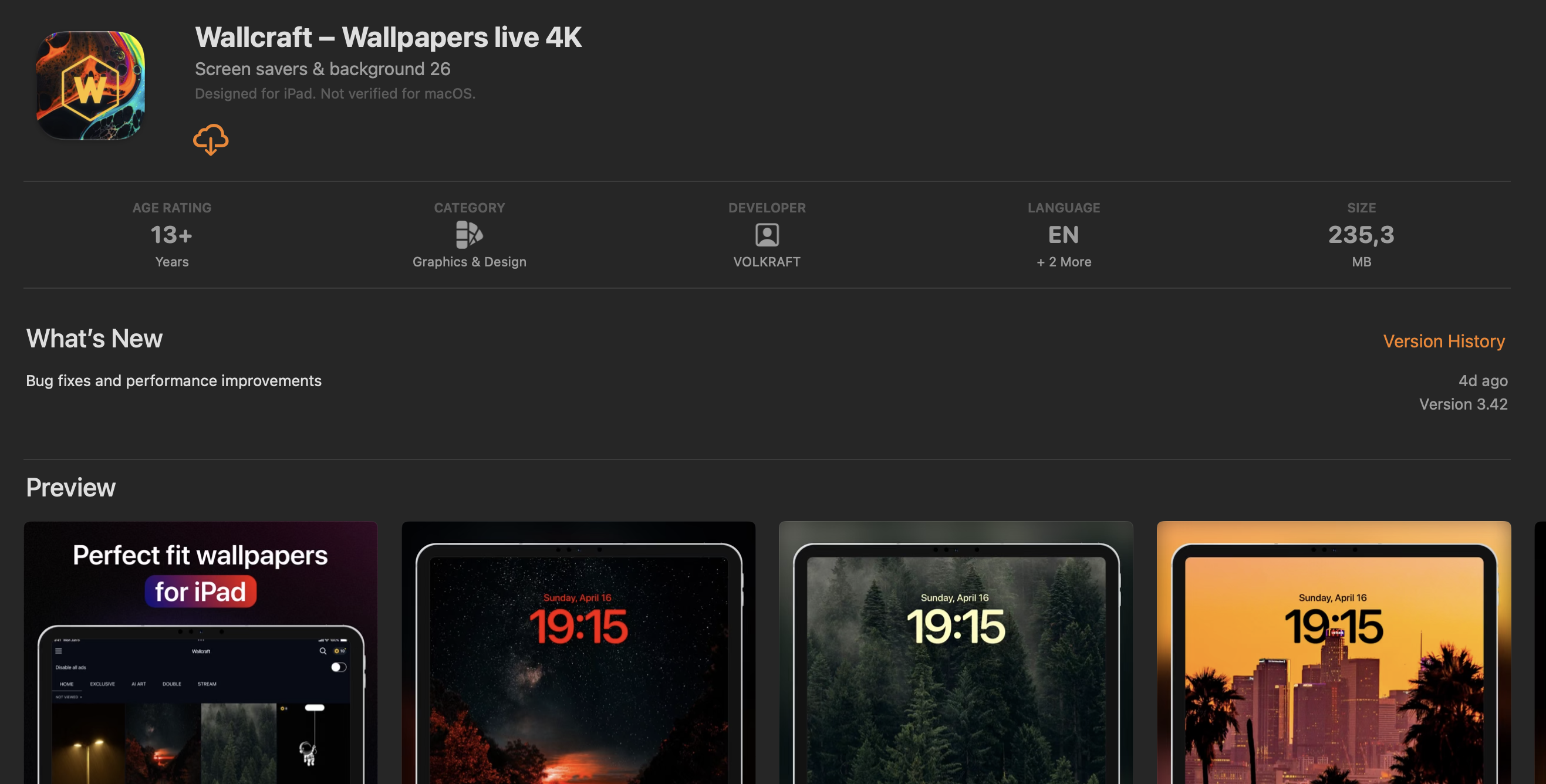
Wallcraft organizes its library into themed packs spanning categories such as cars, anime, nature, sport, space, and abstract art, with content from both creators and editors. The App Store rating sits at 4.3. A free tier gives access to a broad selection; a premium subscription unlocks additional packs and removes ads. The category-first structure suits users who know the aesthetic they want and prefer to browse by theme rather than by creator or daily pick.
Pros:
- Wide category coverage makes browsing fast
- Themed packs group related content clearly
- Cross-platform on iOS and Android
- Good variety of photographic and illustrated styles
Cons:
- Quality is inconsistent across creator-submitted content
- Some themed packs require a premium subscription
- No live wallpaper support
Download Wallcraft on App Store
8. Pinterest
Best for: Finding aesthetic direction before downloading from a dedicated wallpaper app.
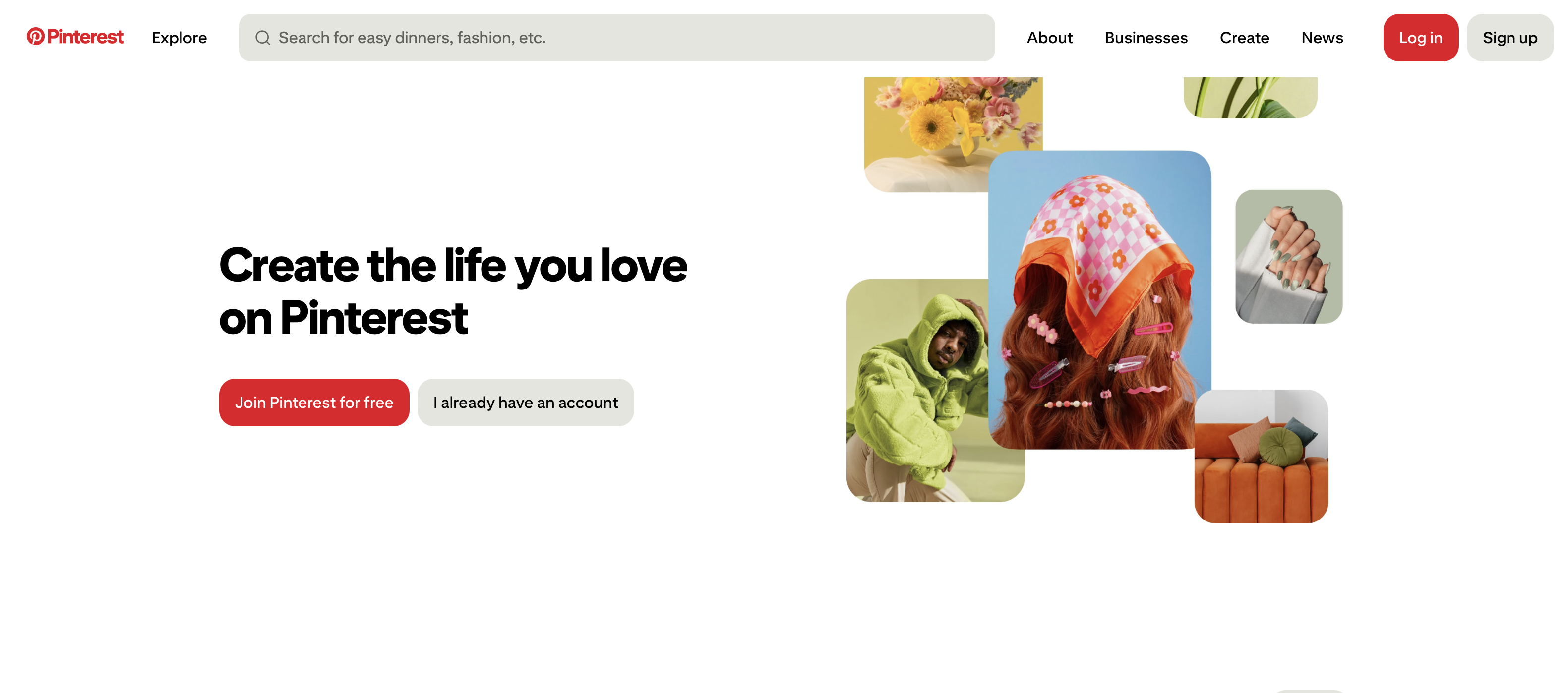
Pinterest is not a wallpaper app, but it functions as the widest available discovery tool for aesthetic inspiration before choosing one. Searching any theme, colour palette, or visual style surfaces thousands of options from across the web, and images can be saved to a board for reference before downloading to the camera roll. The App Store rating sits at 4.7. The trade-off is that Pinterest does not deliver optimized phone-ready files: resolution and sizing depend on the source upload, so cropping or resizing is often necessary after saving. It belongs at the end of this list as a research step, not a one-tap download tool.
Pros:
- Enormous discovery library with no category limits
- Strong for visual research across any aesthetic or theme
- Free with no download limit
- Effective for finding a specific look before committing to an app
Cons:
- Not a dedicated wallpaper app: no optimized phone-sized files
- Image resolution and quality vary entirely by source upload
- No download-to-set pipeline: saving and cropping are manual steps
- No live wallpaper support
Download Pinterest on App Store
Best Free Wallpaper App for iPhone
Zedge is the best free wallpaper app for iPhone. The free tier covers the full library with no download cap and no account required, including wallpapers, Live Photos, and ringtones. Ads appear between downloads.
Unsplash is the best option for users who want no ads at all without paying: the entire catalog of professional photography is free, with no subscription and no account.
Vellum and Backdrops each have free tiers, but the strongest content in both sits behind a purchase.
Best Live Wallpaper App for iPhone
iOS 26 does not support third-party animated wallpapers the way Android does. Any app that labels content as "live wallpapers for iPhone" is delivering Live Photos: short motion clips that animate on press-and-hold on the lock screen only and sit as still images everywhere else. The iPhone live wallpapers category inside Zedge is the largest free library of Live Photos on iOS. Vellum occasionally includes Live Photo picks in its daily editorial drops, though the selection is smaller and less predictable. No app on this list enables animated wallpapers on the iPhone Home Screen.
How to Set a Wallpaper From an App on iPhone
These five steps cover how to change wallpaper on iPhone, including Lock Screen depth effect and widget layout on iOS 26.
- Open the wallpaper app and find the image you want to use.
- Tap the download or save button inside the app to save the image to your Photos library.
- Open the Photos app and tap the image.
- Tap the share icon (the square with an arrow pointing up) and select "Use as Wallpaper."
- Choose Lock Screen, Home Screen, or both, adjust the position if needed, and tap Set.
FAQs
What is the best wallpaper app for iPhone?
Zedge is the best wallpaper app for iPhone for users who want the widest free library, with millions of wallpapers and Live Photos and no download cap on the free tier. Vellum is the best for curated daily picks sized specifically for the iPhone Lock Screen. Unsplash is the best for high-resolution photography at no cost. The right pick depends on whether you want to browse a large library, receive a daily editorial choice, or download professional photography.
Is there a free wallpaper app for iPhone without ads?
Unsplash is free with no ads and no subscription. Backdrops and Vellum both offer ad-light free tiers, with ads minimal or absent in the browse experience. Zedge's free tier runs ads between downloads; Zedge+ ($4.99 per month) removes them. Vellum's $2.99 one-time purchase removes ads permanently and opens the full archive, which makes it the lowest-cost permanent ad-free option among the apps on this list.
How do I get more wallpapers for my iPhone?
The straightforward route is a dedicated wallpaper app. For browsing before committing to an app, zedge.net/wallpapers opens the full Zedge library in a browser without downloading anything.
Are there 3D or live wallpapers for iPhone?
iOS 26 does not allow third-party apps to set animated or 3D wallpapers on the Home Screen. Live Photos animate on press-and-hold on the Lock Screen only. The depth effect on the iOS 26 Lock Screen creates a layered appearance with compatible still images, but that is a system feature applied by iOS, not an animation format that apps can deliver. Any app that refers to "live wallpapers for iPhone" is delivering Live Photos in this format.
What size should an iPhone wallpaper be?
The recommended resolution for a modern iPhone wallpaper depends on the model. The standard target for current iPhones is 1290×2796 pixels, and iPhone wallpaper size lists exact dimensions for every model in the current lineup. Most dedicated wallpaper apps automatically optimize the file for the device they run on, so manual resizing is rarely needed when downloading from an app rather than from a general image source.