

Choosing one of the ten best wallpaper apps for Android and iPhone depends on what you want from your home screen. Some people want a massive, ever-growing library to dig through. Others want a handful of hand-picked designs, or a wallpaper that changes on its own without any effort.
This guide covers ten of the best wallpaper apps for Android and iPhone in 2026, judged on variety, live wallpapers support, AMOLED fit, and download size: Zedge, Backdrops, Tapet, Walli, Muzei, Unsplash, Resplash, Vellum Wallpapers, Abstruct, and Magic Fluids.
Selection Criteria For Choosing The Best Wallpaper Apps
- Library quality and resolution support, since a huge catalog is only useful if the images actually look sharp on a modern screen
- Live wallpaper and animated background support, for anyone who wants motion instead of a static image
- AMOLED wallpaper support and the battery impact that comes with it
- Auto-change and home screen automation options, for anyone who wants their wallpaper to update on its own
- Platform support across Android and iPhone
- Current 2026 ratings and download counts, pulled directly from each app's live store listing
Quick Comparison Table Of The Best Wallpaper Apps
App | Platform | Price | Standout Feature | Rating | Downloads |
|---|---|---|---|---|---|
Zedge | Android and iPhone | Free, with Zedge+ from $4.99/month | Full personalization suite with live wallpapers and an AI Wallpaper Maker | 4.4 (Play) / 4.1 (App Store) | 500M+ on Android |
Backdrops | Android and iPhone | Free, with Pro from $4.99 | Wall of the Day plus in-house original art, with AMOLED-friendly walls | 4.4 (Play) / 4.7 (App Store) | 5M+ on Android |
Tapet | Android | Free, with an optional premium unlock | On-device generative patterns that never repeat, with scheduled auto-change | 4.6 (Play) | 1M+ on Android |
Walli | Android and iPhone | Free, with a Walli PRO subscription | Follow-artist system with auto-rotating playlists | 4.3 (Play) / 4.3 (App Store) | 10M+ on Android |
Muzei | Android | Free, open source | Blurred daily art rotation pulled from plug-in sources like Unsplash | 4.1 (Play) | 1M+ on Android |
Unsplash | iPhone | Free | A huge royalty-free photography library | 4.8 (App Store) | Not published by Apple |
Resplash | Android | Free, open source | Lightweight Unsplash-powered brooding with Muzei integration | 4.1 (Play) | 1M+ on Android |
Vellum Wallpapers | iPhone | Free, with a one-time $2.99 unlock | A daily limited-edition wallpaper drop with a built-in blur tool | 4.7 (App Store) | Not published by Apple |
Abstruct | Android and iPhone | Free, with a Pro subscription | Exclusive 4K abstract collections, with SHIFT auto-rotate on Android | 4.2 (Play) / Not enough ratings on App Store | 1M+ on Android |
Magic Fluids | Android | Free, with ads | Real-time, touch-reactive fluid wallpapers with 100+ presets | 4.1 (Play) | 500K+ on Android |
Zedge and Magic Fluids are the two picks here with true animated live wallpapers built in. Backdrops is the one with AMOLED-friendly walls called out directly on its store listing.
Top 10 Best Wallpaper Apps For Your Home Screen
1. Zedge - Best For Variety And Live Wallpapers
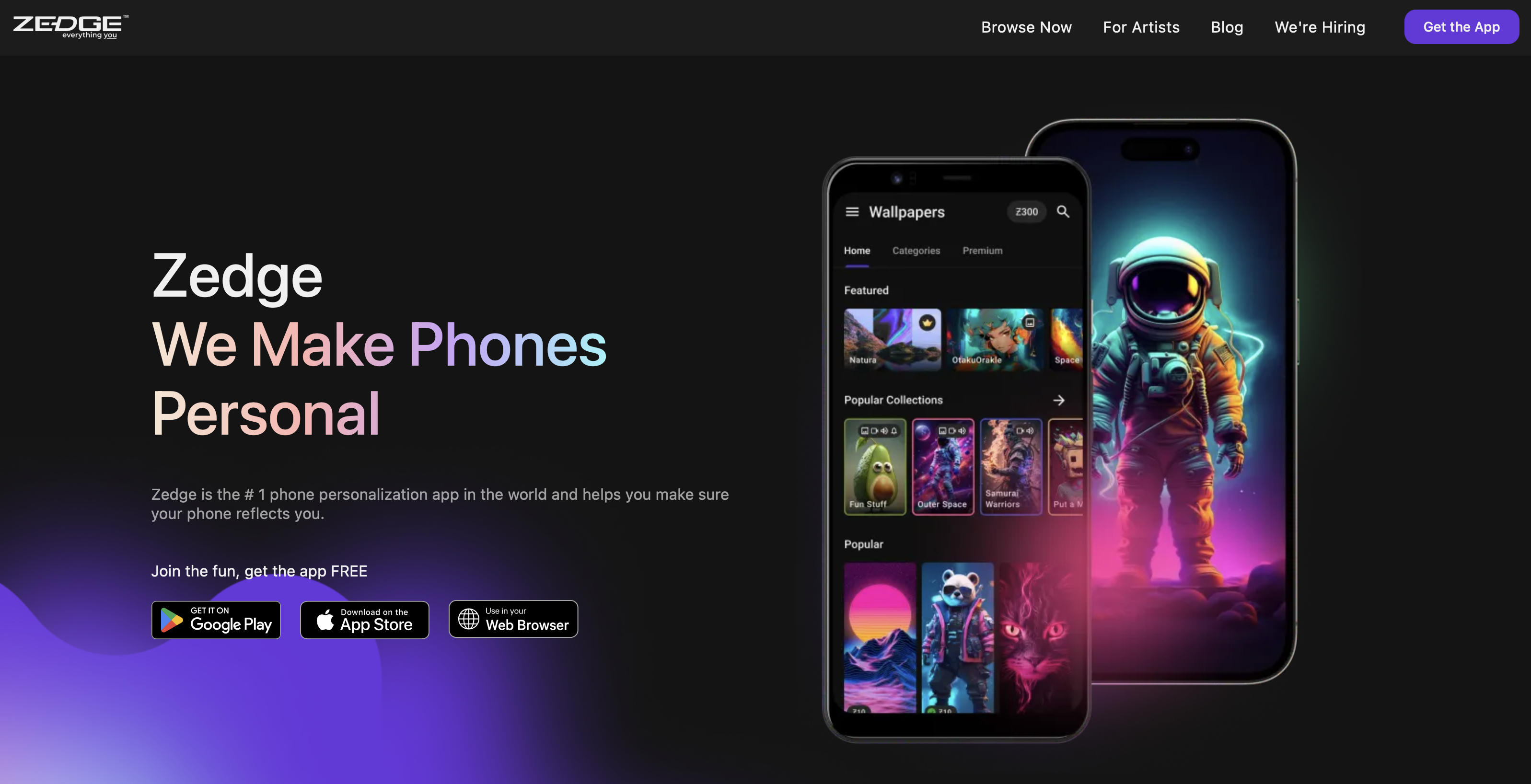
Zedge remains the widest personalization app on this list, covering wallpapers, live wallpapers, ringtones, and notification sounds in one place. It holds a 4.4 rating on Google Play and 4.1 on App Store, with over 500M downloads on Android. The Zedge wallpapers library is built almost entirely from user and creator uploads, which is why the catalog keeps growing every day.
Why It Stands Out
The catalog itself is the draw. Zedge also has an AI background generator called AI Wallpaper Maker, which turns a text prompt into a custom wallpaper without leaving the app. That makes Zedge the best app to make a wallpaper from scratch on your phone. For a closer look at how Zedge stacks up against similar apps, see Zedge vs Mobcup and Zedge vs Fringster.
Best For
Anyone who wants one app that covers wallpapers, live wallpapers, and ringtones instead of juggling separate apps for each.
Key Strengths
- HD and 4K wallpaper collections across nearly every category and theme
- Live wallpapers, including time-shifting 24H Wallpapers and parallax depth effects
Possible Limitations
Because most of the catalog comes from user uploads, quality varies from one wallpaper to the next. The free version also runs ads, and some of the best content sits behind Zedge+.
Download Zedge on Google Play and App Store.
2. Backdrops App - Design-Led Wallpapers For A Clean Home Screen
Backdrops takes a narrower, design-first approach than Zedge. It's built around original, in-house artwork rather than an open upload model, and it holds a 4.4 rating on Google Play and 4.7 on the App Store, with over 5M downloads on Android.
Why It Stands Out
The Wall of the Day feature surfaces a new hand-picked wallpaper every day, and the app leans on original art the Backdrops team makes itself rather than relying on a crowd-sourced catalog.
Best For
Users who want a minimal, design-first home screen instead of a massive, mixed-quality library.
Key Strengths
- A cross-device favorite for its clean, Material Design-friendly interface
- AMOLED-friendly dark wallpapers called out directly in the app's own listing
Possible Limitations
Some of the best packs sit behind Backdrops Pro, priced from $4.99, and individual themed collections are sold separately on top of that.
Download Backdrops on Google Play and App Store.
3. Tapet - Auto-Generating Patterns And Auto-Change
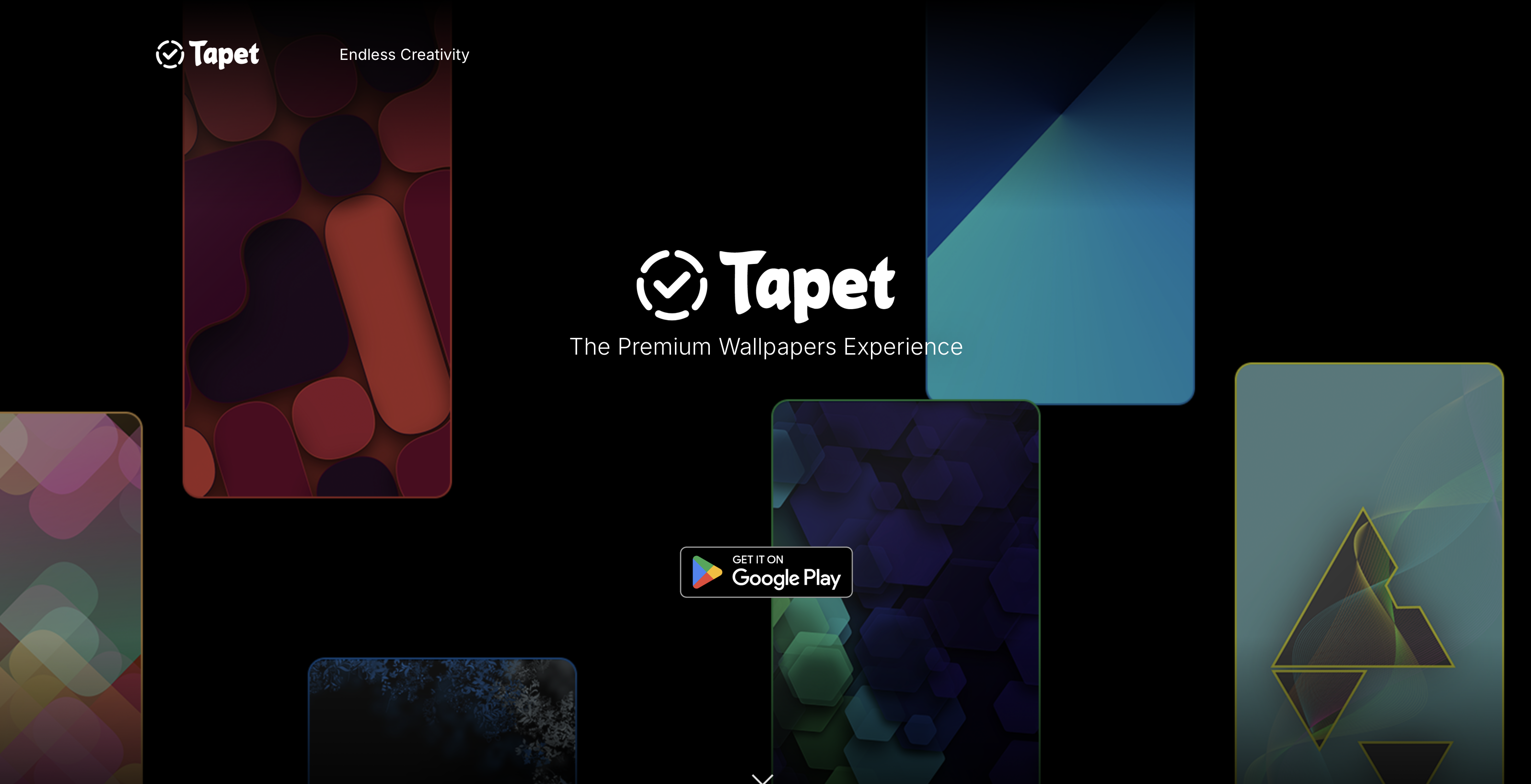
Tapet works differently from every other app on this list. Instead of pulling from a library, it generates original abstract patterns on the device itself, rendered at your phone's native resolution. It holds a 4.6 rating on Google Play with over 1M downloads on Android.
Why It Stands Out
Every pattern Tapet generates is unique, so you're never looking at the exact same wallpaper someone else has.
Best For
Anyone who wants a wallpaper that changes on its own without having to pick a new one manually.
Key Strengths
- Patterns are rendered at your device's own resolution
- Built-in auto-refresh lets you set wallpapers to change hourly, daily, or on your own schedule
Possible Limitations
The style is limited to geometric and abstract patterns. If you want photography or artist-made illustrations, Tapet isn't built for that.
Download Tapet on Google Play.
4. Walli - Artist-Made Wallpapers And Creator Support
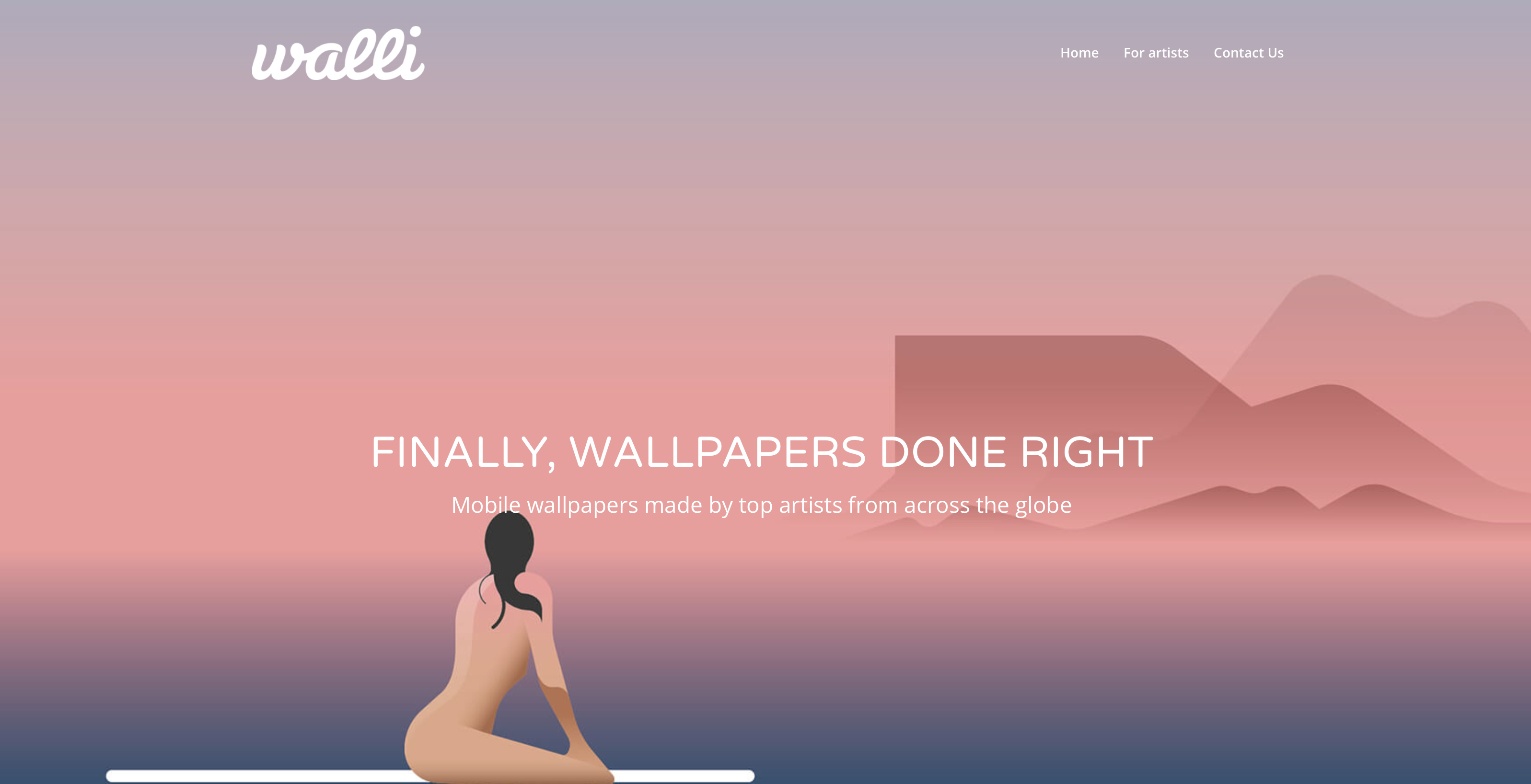
Walli is built around independent artists rather than a general upload pool. It holds a 4.3 rating on both Google Play and the App Store, with over 10M downloads on Android.
Why It Stands Out
You can follow individual artists and get notified when they publish new work, and the app organizes wallpapers into auto-rotating playlists tied to your own preferences.
Best For
People who want original art from named creators rather than a mixed, anonymous catalog.
Key Strengths
- Curated collections organized by artist and style
- Clear artist attribution built into the browsing experience
Possible Limitations
The strongest, most exclusive pieces are gated behind a Walli PRO subscription.
Download Walli on Google Play and App Store.
5. Muzei - Dynamic Art Rotation For Home Screen Focus
Muzei takes a quieter approach than the rest of this list. It's a free, open source Android app that rotates artwork on your home screen and blurs it into the background so your icons stay readable. It holds a 4.1 rating on Google Play, with over 1M downloads.
Why It Stands Out
Muzei blurs and dims whatever artwork is showing so your app icons and widgets stay in focus instead of competing with a busy image.
Best For
Anyone who wants their home screen to feel like a rotating gallery rather than a fixed background.
Key Strengths
- Pulls artwork from plug-in sources, including an Unsplash source
- Supports Tasker automation, so power users can trigger sources or changes as part of a larger workflow
Possible Limitations
Muzei is static images only. It has never added support for animated or live wallpapers, and it's Android-only.
Download Muzei on Google Play.
6. Unsplash - High-Resolution Photography For Phone Screen
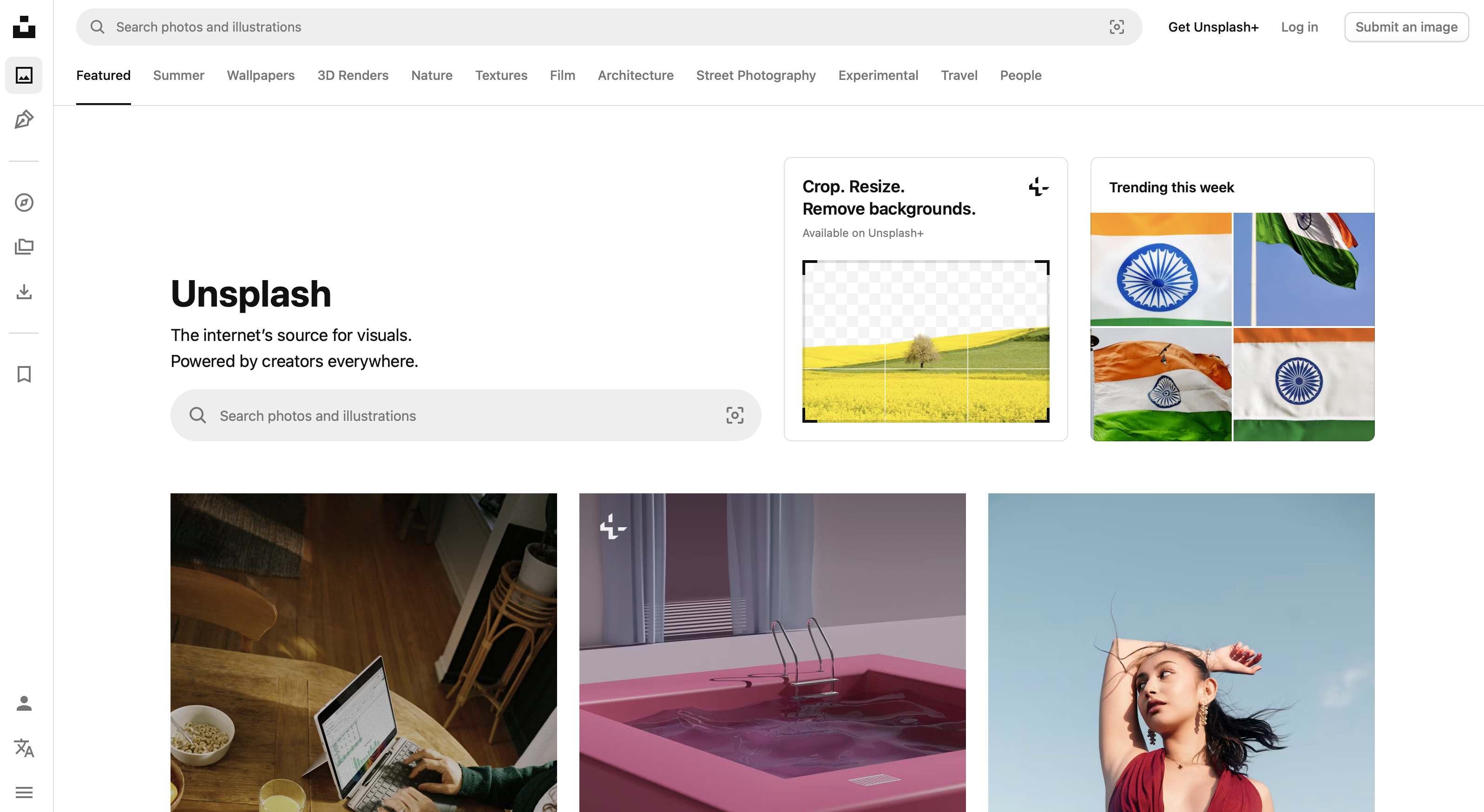
Unsplash isn't built as a dedicated wallpaper app. It's a royalty-free photography library that happens to work well as a wallpaper source, especially on iPhone. It holds a 4.8 rating on the App Store. There's no official Unsplash app on Google Play.
Why It Stands Out
The library runs into the millions of high-resolution, professional-quality photos, and every image is free to download and use.
Best For
Photography lovers on iPhone who want real photos rather than illustrated or generated wallpapers.
Key Strengths
- A vast, constantly growing library of high-resolution photography
- Every image is free, with no subscription or paywall
Possible Limitations
Unsplash has no live wallpaper support, and there's no dedicated cropping tool for phone screens built into the app. Fitting a photo to your lock screen depends on your phone's own wallpaper tools.
Download Unsplash on App Store.
7. Resplash - Unsplash-Based Clean Photo Wallpapers
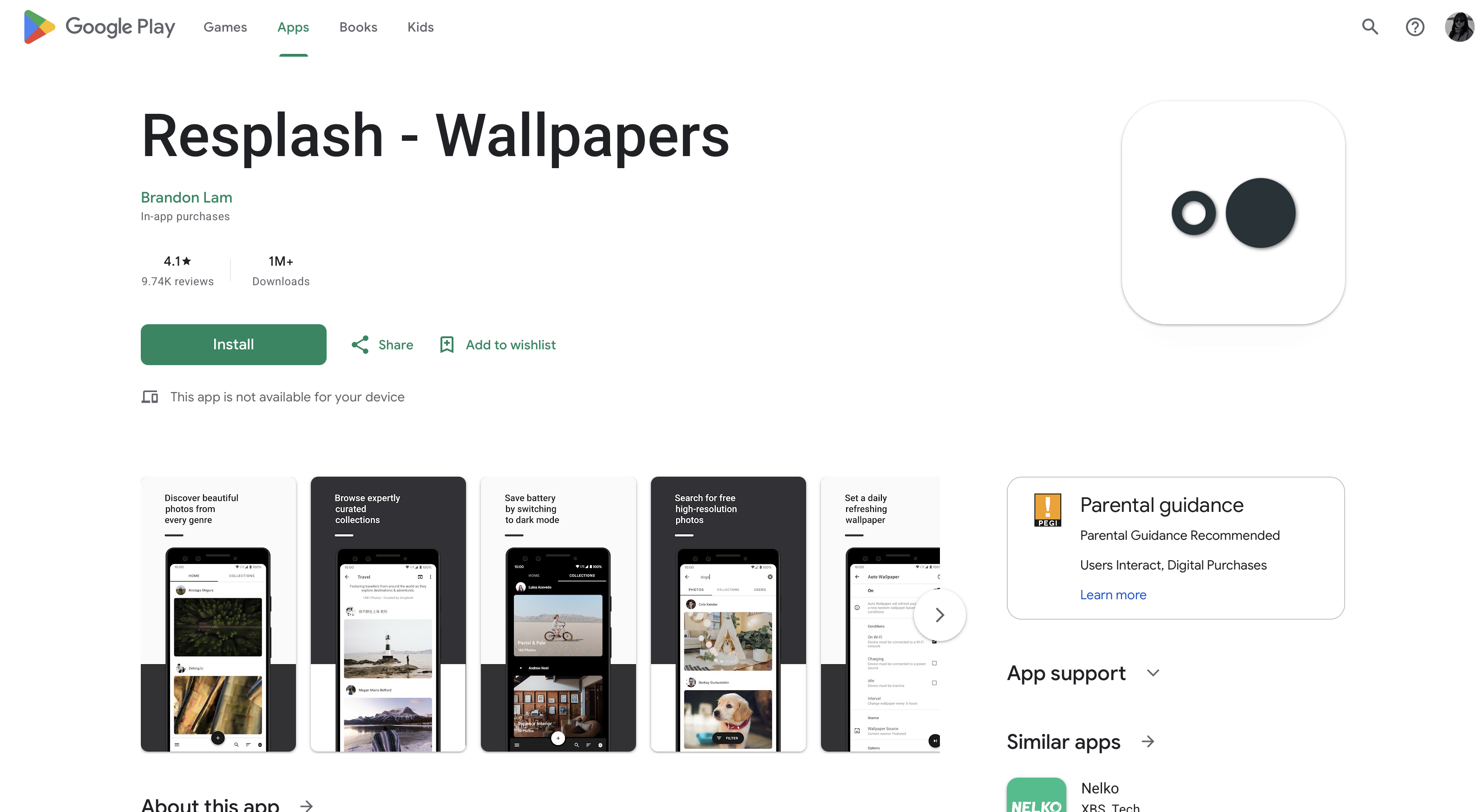
Resplash is an open source Android app built on top of the Unsplash API. Since there's no official Unsplash app for Android, Resplash is the closest thing to one. It holds around a 4.1 rating on Google Play and over 1M downloads.
Why It Stands Out
It gives Android users a clean, lightweight way to browse the same Unsplash catalog iPhone users get through the official app, without extra clutter.
Best For
Multi-device users, including those on newer form factors like foldables, who want a straightforward photo-wallpaper app.
Key Strengths
- Multiple layout options for setting a wallpaper
- Built-in Muzei integration for anyone who wants Unsplash photos inside Muzei's rotation
Possible Limitations
Everything in Resplash is photography. There's no illustrated or artist-made artwork the way Walli or Backdrops offer it.
Download Resplash on Google Play.
8. Vellum Wallpapers - iPhone-Focused Curated Daily Walls
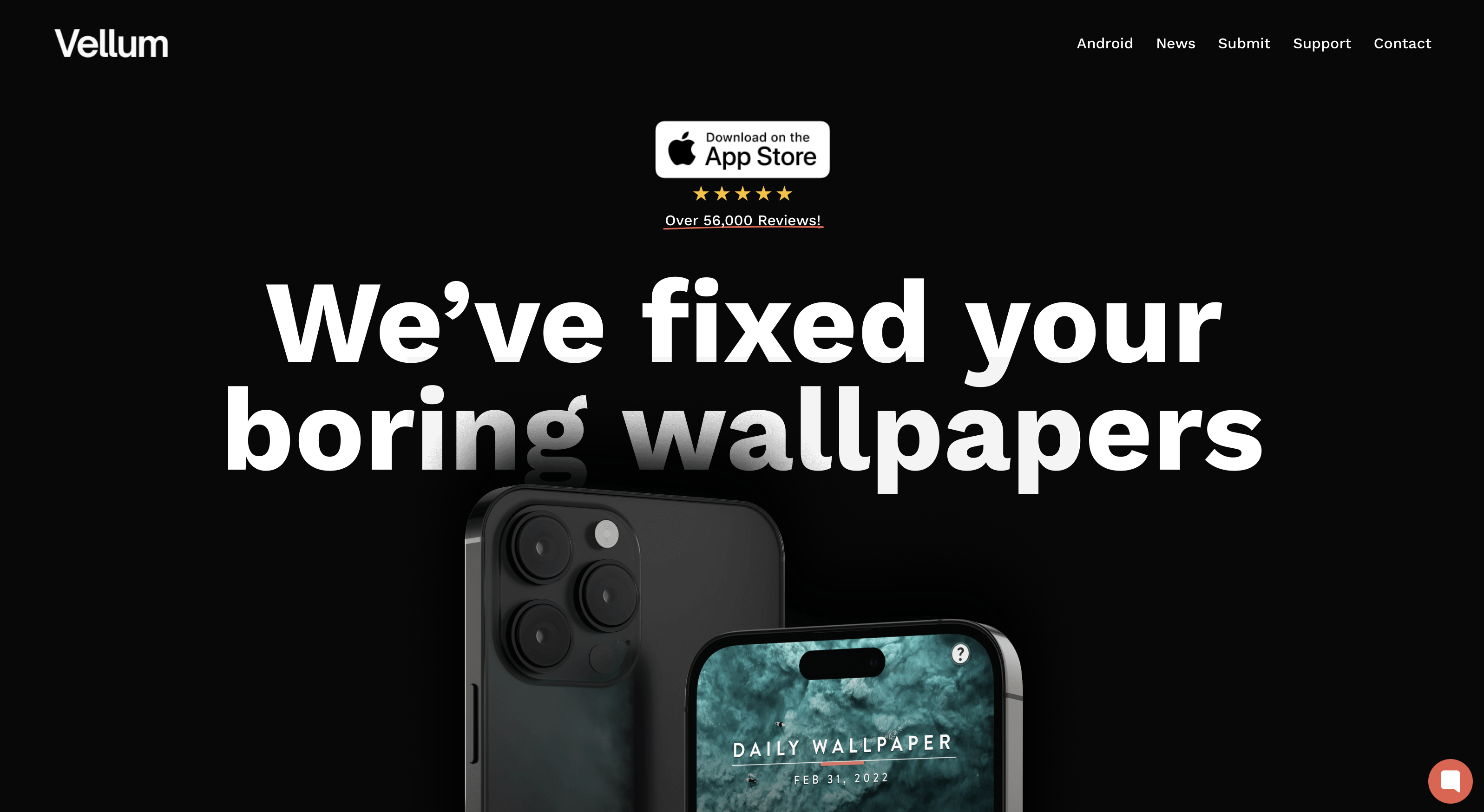
Vellum Wallpapers is a small, iOS-only app built around a daily wallpaper drop. It holds a 4.7 rating on the App Store, and there's no Android version.
Why It Stands Out
Each day brings one new, limited-time wallpaper. A one-time $2.99 unlock also gives you access to the past four weeks of daily wallpapers you may have missed, plus a built-in blur tool for creating a softened background.
Best For
iPhone users who want a small, tightly curated selection rather than an enormous library to dig through.
Key Strengths
- A genuinely daily wallpaper feature, not just a static rotating collection
- A one-time purchase instead of a recurring subscription
Possible Limitations
The catalog is intentionally small, with hundreds of images rather than the tens of thousands you'll find in Zedge or Walli.
Download Vellum Wallpapers on App Store.
9. Abstruct - 4K Abstracts Optimized For High-Res Screens
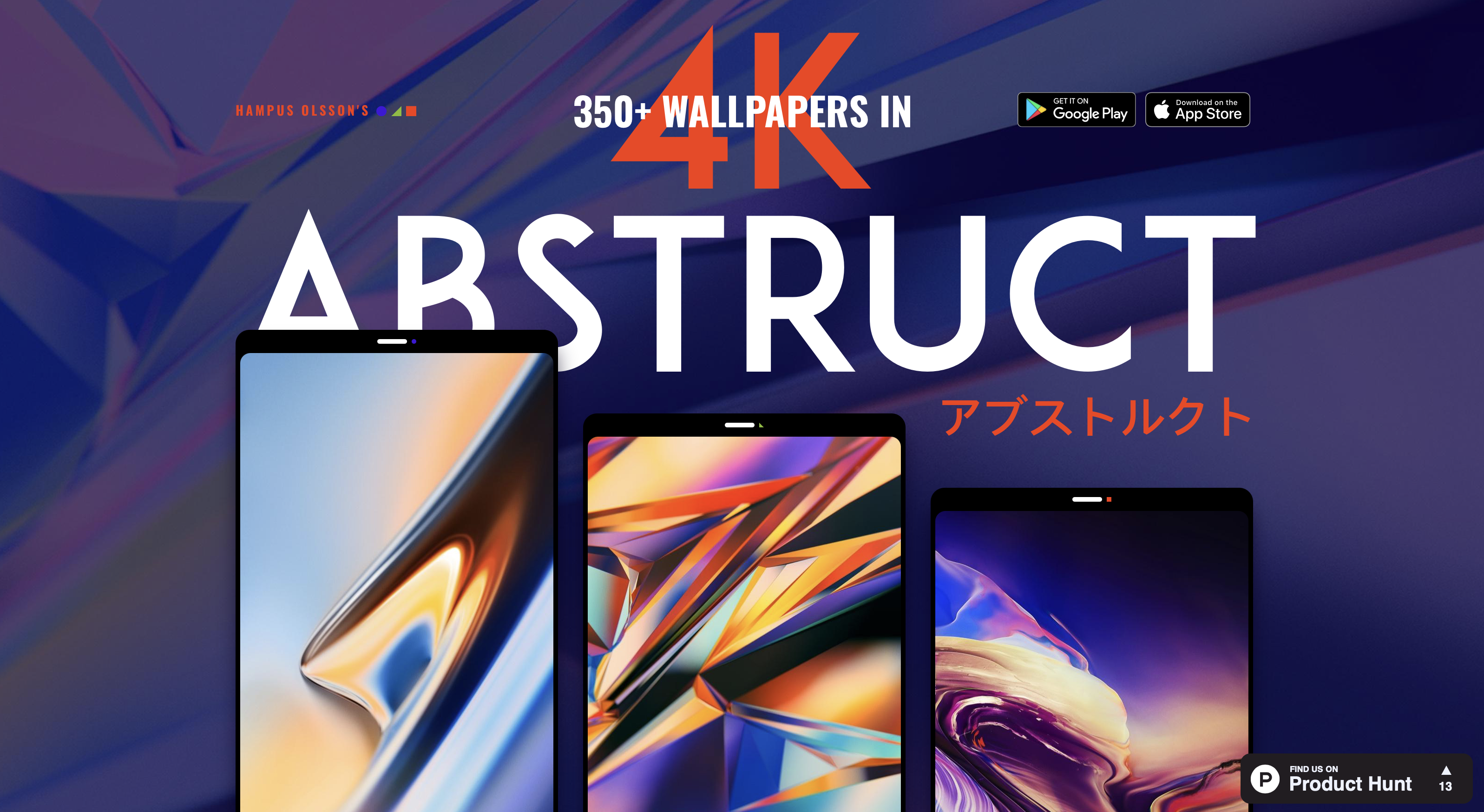
Abstruct is built entirely around abstract and geometric wallpapers in 4K. It holds a 4.2 rating on Google Play, with over 1M downloads on Android.
Why It Stands Out
Every wallpaper in Abstruct is served in 4K, and the app's SHIFT feature (Android only) automatically rotates your wallpaper on a schedule you choose.
Best For
Anyone who specifically wants resolution-consistent abstract wallpapers rather than a mixed-style library.
Key Strengths
- SHIFT auto-rotate for hands-off wallpaper changes
- Curated categories, from minimal and vibrant to abstract dreamscapes
Possible Limitations
The style is abstract-only, and some of the collection sits behind a Pro subscription.
Download Abstruct on Google Play and App Store.
10. Magic Fluids - Best Live Wallpaper And Motion Effects
Magic Fluids is a dedicated live wallpaper app built around real-time fluid simulation. The most established version of the app, from Protector & Security for Mobile Ltd, holds a 4.1 rating on Google Play and over 500,000 downloads. It's worth noting the name "Magic Fluids" is shared by several unrelated apps on Google Play, so double-check the developer before installing.
Why It Stands Out
The wallpaper reacts to your touch in real time, with fluid and liquid effects rendered live on your screen rather than a static animation loop.
Best For
Anyone who wants a genuinely animated, interactive live wallpaper rather than a still image.
Key Strengths
- Over 100 presets covering different colors, speeds, and effects
- Real-time, touch-reactive rendering rather than a looping video
Possible Limitations
Continuous animated rendering is more demanding on the device than a static wallpaper, so it's worth keeping an eye on battery use, especially on older phones.
Download Magic Fluids on Google Play.
Quick Side-By-Side At-A-Glance
App | Best For | Live Wallpaper | AMOLED Optimized |
|---|---|---|---|
Zedge | Widest variety, all-in-one personalization | Yes | Yes |
Backdrops | Clean, design-led home screen | No | Yes |
Tapet | Hands-off, auto-changing patterns | Auto-change only, not animated | Yes |
Walli | Artist-made, original wallpapers | No | Yes |
Muzei | Daily rotating art with icon focus | No | No |
Unsplash | Photography lovers on iPhone | No | Yes |
Resplash | Multi-device Unsplash browsing | No | Yes |
Vellum Wallpapers | Curated daily iPhone wallpapers | No | Yes |
Abstruct | Resolution-consistent 4K abstracts | No, auto-rotate only | Yes |
Magic Fluids | Animated, touch-reactive live wallpapers | Yes | Yes |
Best Free Wallpaper App for Android
Zedge is the best free wallpaper app for Android. The free tier gives access to the full library (millions of wallpapers and live wallpapers) with no download cap and no account required. Ads appear while browsing and between downloads; Zedge+ ($4.99 per month) removes them and unlocks premium content.
Tapet is the cleanest ad-free option for users who want no paywall: pattern generation runs entirely on-device and is free by default, with an optional one-time unlock for additional styles. Backdrops sits between the two: the free tier covers a rotating selection of curated wallpapers, but the strongest artwork is behind Backdrops Pro ($4.99 per year or a one-time purchase). No account is required to browse or download from Zedge or Backdrops. Tapet requires no account at all.
Best 4K Wallpaper App for Android
Abstruct and Zedge are the two apps that serve true 4K source files on Android. Abstruct delivers every wallpaper at 4K resolution as a baseline, the file you download is the full 4K asset, not an upscaled version of a smaller file. Zedge's 4K collection is labelled within the app; images tagged 4K carry the native resolution rather than a compressed copy, though quality varies across the library because uploads come from multiple creators.
To check the resolution of a downloaded wallpaper before setting it, open the file in the device's default gallery app after downloading and check the file details. A true 4K phone wallpaper runs at 2160×3840 pixels. Any file that reports a lower resolution has been upscaled.
Best Wallpaper App for iPhone
Zedge, Unsplash and Vellum Wallpapers are the strongest iPhone wallpaper apps in 2026. Zedge runs on both platforms and gives iPhone users access to the full free library, with downloads requiring no account. Unsplash offers millions of royalty-free photographs at full resolution, all free, with a dedicated iPhone app rated 4.8 on the App Store. Vellum Wallpapers is iOS-exclusive and curated to a single new wallpaper per day; a one-time $2.99 unlock opens the four-week archive and adds a blur tool designed for the iPhone lock screen.
iOS does not support third-party animated wallpapers. Any app that claims to set a live wallpaper on iPhone is using a Live Photo workaround: a short motion clip that animates on press-and-hold on the lock screen only, not the home screen.
Android Versus iPhone: Choosing For Your Phone Screen
Android Phone Considerations
Live wallpaper support on Android can vary by phone maker. Some Android skins are more aggressive about killing background processes to save battery, which can affect how reliably a live wallpaper keeps running. It's worth testing any live or AMOLED-heavy wallpaper for a day or two and watching how much it actually costs you in battery before committing to it long term. Muzei and Tapet are two of the strongest picks specifically for Android, since neither one has an iOS equivalent that works the same way.
iPhone And Vellum Wallpapers Notes
iPhone-specific considerations (platform restrictions on animated wallpapers, sizing differences and iOS-first app strengths) are covered in the Best Wallpaper App for iPhone section above. Vellum Wallpapers remains the top iOS-exclusive choice for curated daily wallpapers.
Platform-Specific Action Items
Before you install anything, it's worth checking the app's current rating on the App Store or Google Play yourself, since ratings and reviews shift over time. It also helps to look at a few current screenshots on the store listing so you know what the app actually looks like today, not what it looked like when it first launched.
How To Choose The Right Wallpaper App For Your Needs
The right app depends less on which one is "best" overall and more on what you actually want out of it.
- Choose by library type and subject, since a photography app like Unsplash and an artist-driven app like Walli serve very different tastes
- Choose by how much live wallpaper and motion you actually want, since animated wallpapers look great but cost more battery
- Choose by AMOLED optimization if battery savings matter more to you than variety
- Choose by whether you want auto-rotation and scheduling, or you'd rather pick every wallpaper yourself
- Choose by privacy and offline support, especially if you'd rather not have an app pulling images over a live connection every time
If you also want to dress up your desktop, our roundup of the best wallpaper apps for Mac covers the computer side of the same question.
Which Option Is Best For You
For the widest variety and genuine live wallpapers, Zedge is the strongest all-around pick. Get Zedge now and you'll have wallpapers, live wallpapers, and ringtones in one place. If sound matters as much as the screen, compare it with other free ringtone apps before you decide.
For a clean, design-led home screen, Backdrops is the better fit.
For wallpapers that change on their own without any manual picking, Tapet's auto-generated patterns do that job well.
For the best curated wallpapers built specifically for iPhone, Vellum Wallpapers is the pick.
Optimization Tips For Home Screen And Favorite Wallpaper Management
- Crop your wallpaper to fit your exact phone screen instead of relying on a generic size, so nothing gets awkwardly cut off around the edges
- Turn on AMOLED blacks where the app supports it, since true black pixels use less power on an AMOLED display
- Build a favorites album inside whichever app you use, so you're not hunting for the same wallpaper twice
- Export your favorites to cloud storage as a backup, in case you switch phones or apps later
- Test any live wallpaper for a day before keeping it, so you know its real battery cost before it becomes a habit
More Free Wallpapers
The apps above are one route to a new phone background.
- The phone wallpapers hub spans static options across every category.
- The live wallpapers collection spans animated styles for Android and iPhone.
- The AMOLED wallpapers collection covers dark-background options across every format.
FAQ
Who is the best app for wallpaper?
Zedge is the strongest overall pick for most people, thanks to its combined wallpaper, live wallpaper, and ringtone library. If you want a more design-led, curated experience instead, Backdrops or Walli are worth a look.
What is the best app to make a wallpaper?
Tapet and Magic Fluids are the two best picks if you want a wallpaper generated rather than downloaded. Tapet creates unique abstract patterns on your device, while Magic Fluids generates real-time animated fluid effects.
What is the best free wallpaper app for iPhone?
Unsplash and Vellum Wallpapers are the strongest free options on iPhone. Unsplash gives you a huge photography library at no cost, and Vellum's daily wallpaper is free to view, with only the archive of past wallpapers gated behind a small one-time purchase.
Are AMOLED wallpapers better for battery?
Yes, on a phone with an AMOLED or OLED screen. True black pixels on these displays use very little power, so a wallpaper with genuine black areas, rather than a dark gray, can noticeably extend battery life over time.
How do live wallpapers affect battery life?
Live wallpapers use more battery than static ones, since the screen is constantly rendering motion instead of displaying one fixed image. The impact varies by phone and by how demanding the animation is, so it's worth testing a live wallpaper for a day or two before deciding to keep it.
What is the best free wallpaper app for Android?
Zedge is the best free wallpaper app for Android. The free tier gives unlimited access to the full library of wallpapers and live wallpapers, with no download cap. Ads appear while browsing and between downloads. The library runs into the millions and grows daily from user and creator uploads.
Which wallpaper app has real 4K wallpapers?
Abstruct and Zedge both serve true 4K source files on Android. Abstruct delivers every wallpaper at 4K by default. Zedge's 4K images are labelled within the app. To verify the resolution of a downloaded wallpaper before setting it, open the file in the device's gallery app and check the file details.
Do wallpaper apps use a lot of storage?
The apps themselves are small, typically under 50 megabytes. The storage cost comes from downloaded wallpapers: a 4K file runs to a few megabytes each, and the total adds up if you keep every download. Most apps store downloads in a cache. Clearing the app cache removes downloaded files without uninstalling the app.