

The Zedge wallpaper for phone library spans thousands of free HD and 4K backgrounds across aesthetic, AMOLED black, anime, superhero, football, devotional and live styles. Every download is free for iPhone and Android, no sign-up needed. The sections below cover each category with links to the Zedge galleries.
Phone Wallpaper Sizes and Resolutions
The resolution you need depends on your device. Downloading a file smaller than your screen's native resolution means the phone enlarges it to fill the frame, which softens edges and colour gradients. Downloading at or above native resolution keeps the image sharp.
Device class | Resolution | Aspect ratio |
|---|---|---|
Full HD and older Android | 1080 × 1920 | 9:16 |
Modern Android | 1080 × 2400 | 9:20 |
iPhone 17 | 1206 × 2622 | ~9:20 |
iPhone 17 Pro Max | 1320 × 2868 | ~9:20 |
4K download | 2160 × 3840 | 9:16 |
1080 × 1920 is the standard for Full HD and older Android models, and it is the universal safe minimum for wallpaper downloads: it fills any current phone screen without enlargement. For 4K, no current phone displays the full resolution natively, but the extra pixel data means you can crop and reframe the composition during setup without the image going soft.
4K Wallpapers for Phone
4K means 2160 × 3840 pixels, four times the pixel count of a standard HD screen. No current phone displays 4K at native resolution: most high-end models cap at around 1440p, and the majority of phones in use today have 1080p displays. The reason to download a 4K file is that the phone downsamples it, using the extra pixel data to keep edges clean and colour gradients smooth rather than blocky. The visible difference between a well-scaled 4K image and a 1080p version of the same image is consistent, particularly on high-contrast backgrounds and images with fine detail.
Download 4K wallpapers on Zedge.
Aesthetic Phone Wallpapers
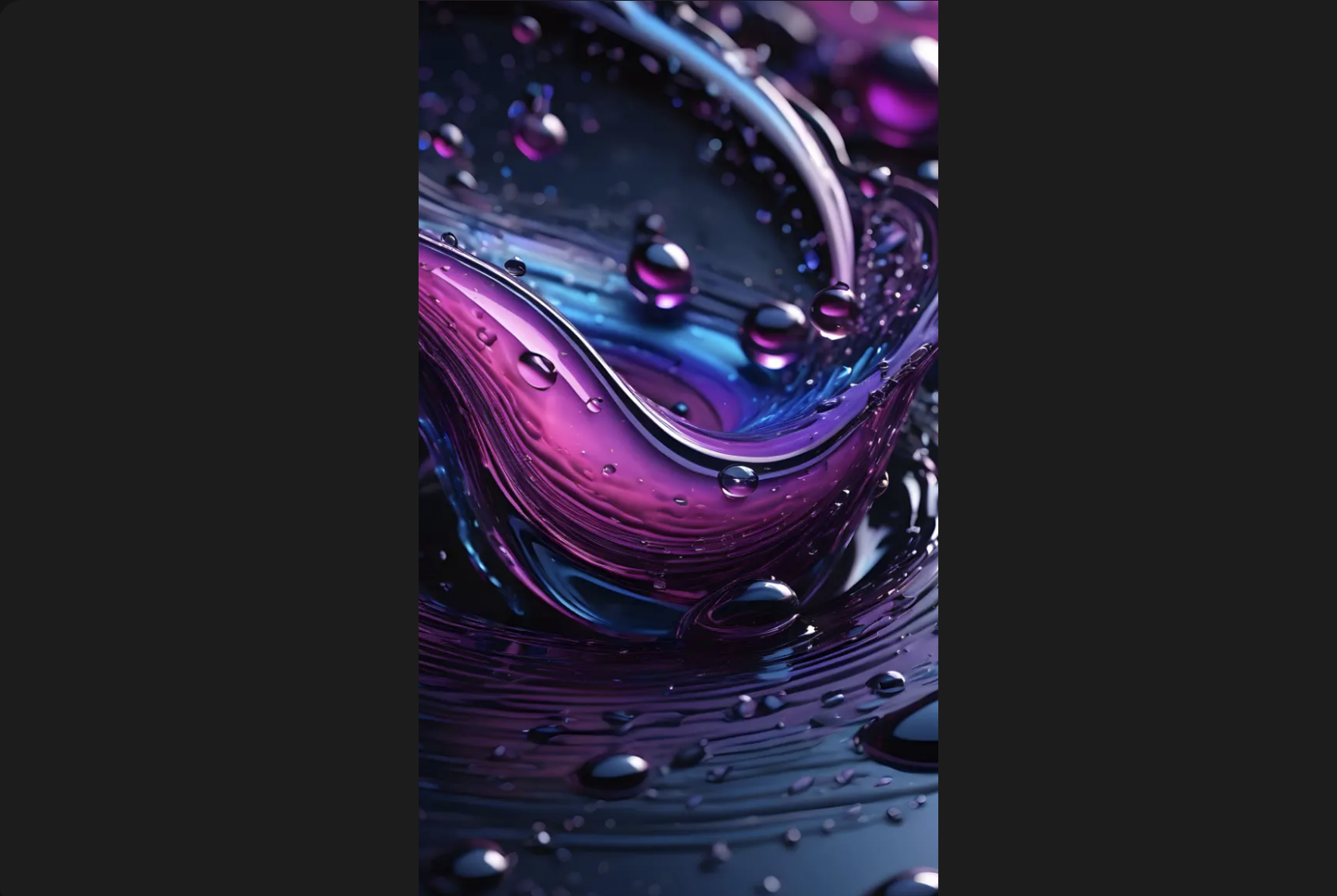
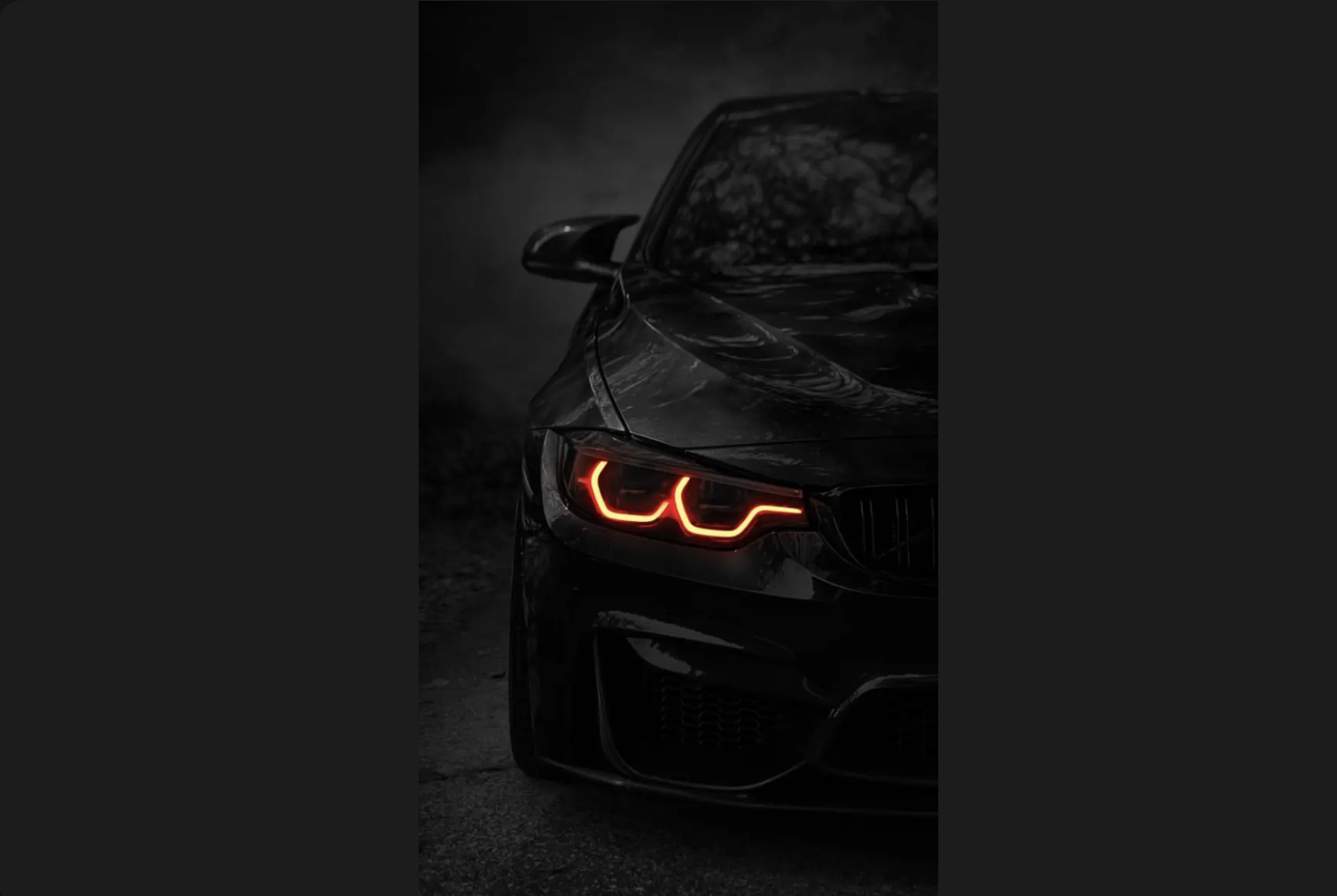
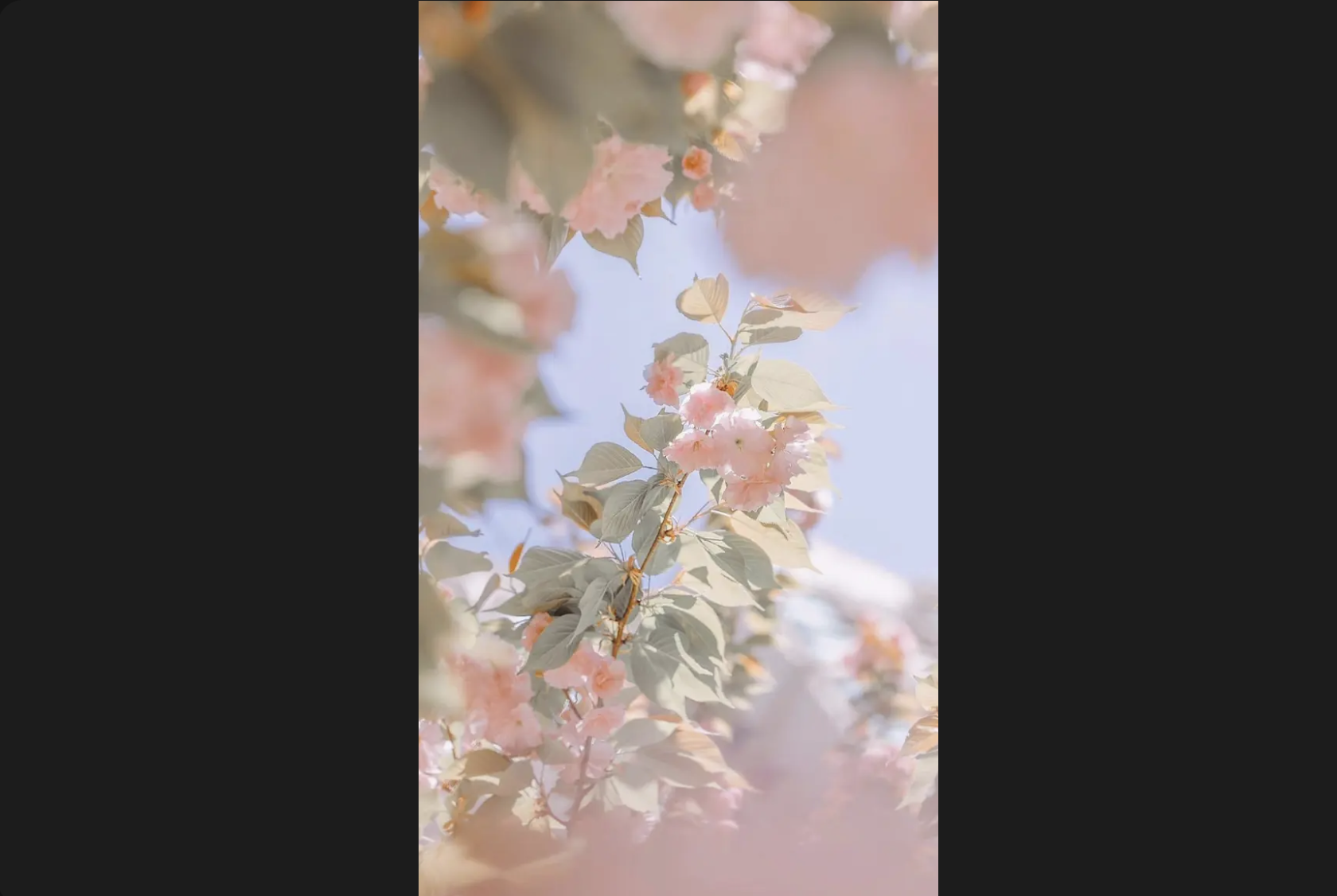
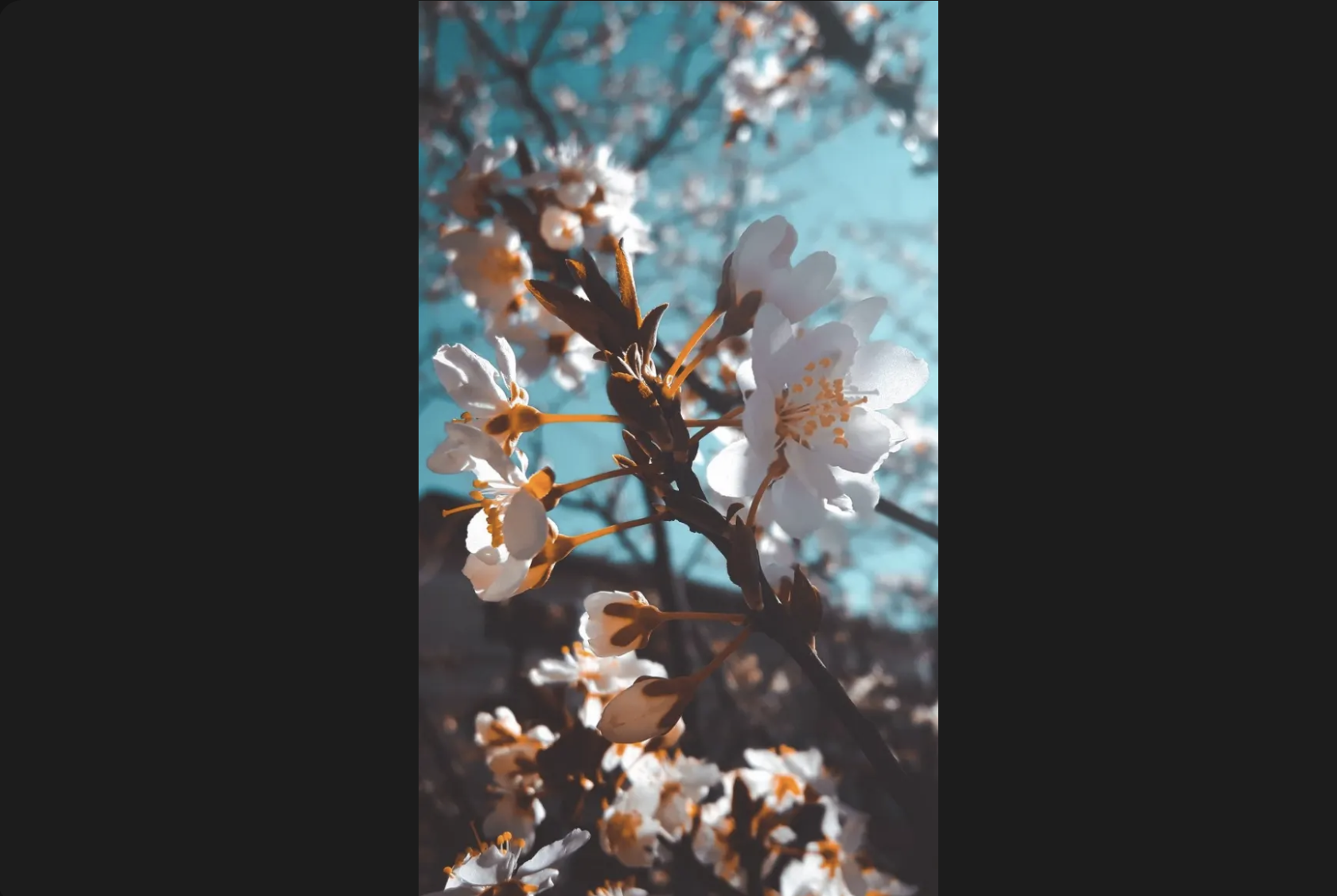
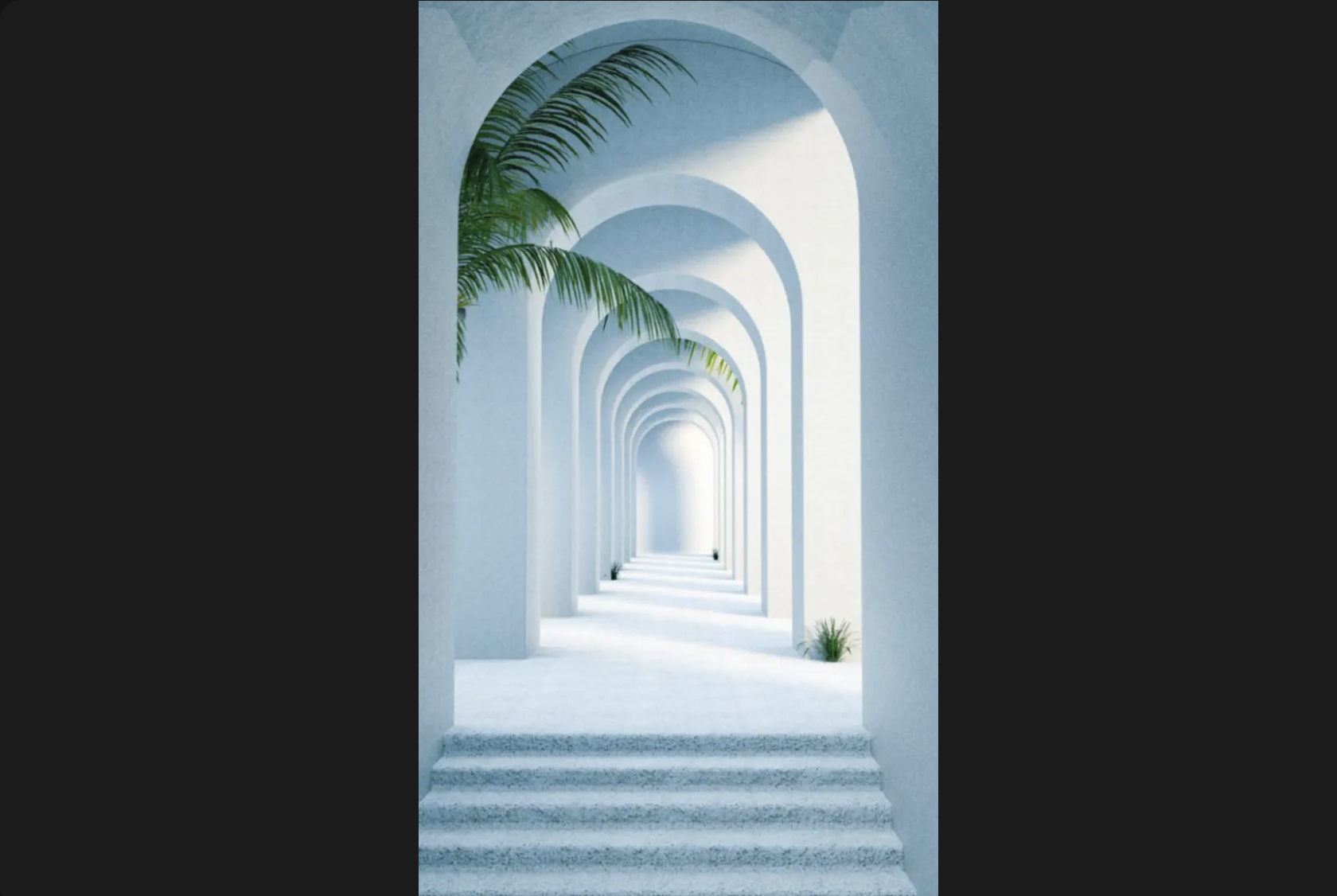
Aesthetic covers a wide range of visual styles that lean into a particular mood rather than a specific subject. On Zedge the range spans pastel gradients, minimalist line art, y2k typography, dark moody photography, nature close-ups and coquette pink. The common thread is that these wallpapers give the phone screen a consistent personality rather than just filling it with an image. They work well when the colour scheme complements the icons on the home screen rather than competing with them.
Download aesthetic wallpapers on Zedge.
Black and AMOLED Phone Wallpapers
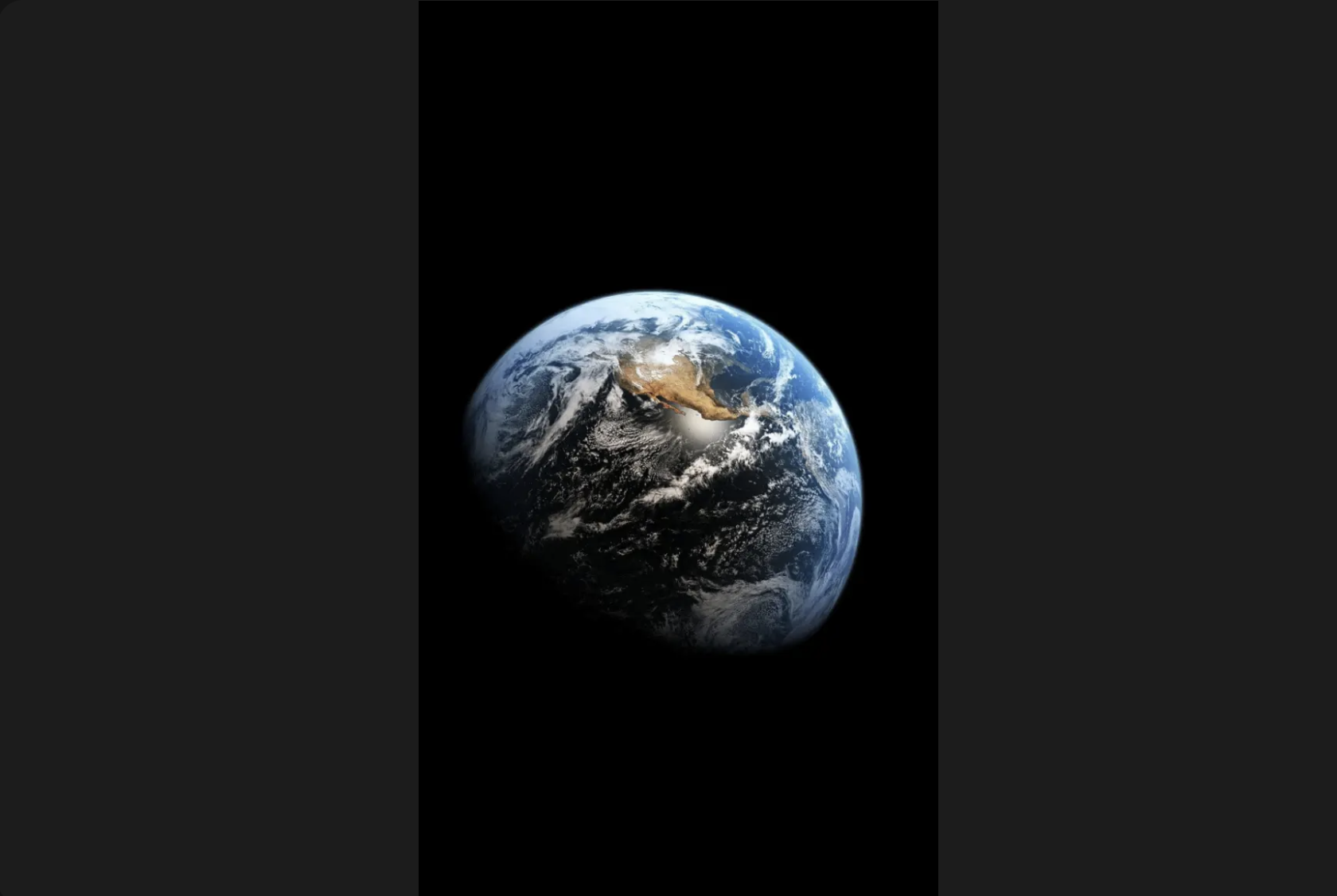
On an AMOLED screen, a pixel displaying true black is switched off entirely rather than lit to a dark level, and that is the mechanism behind the battery saving. A wallpaper with a black or near-black background uses fewer lit pixels across the day, which translates to measurably lower power draw compared to a bright background. The practical benefit beyond battery life is readability: app icons stay visible against a dark background without needing a light overlay. Browse AMOLED wallpapers for the full range, or download AMOLED wallpapers on Zedge directly.
Anime Wallpapers for Phone
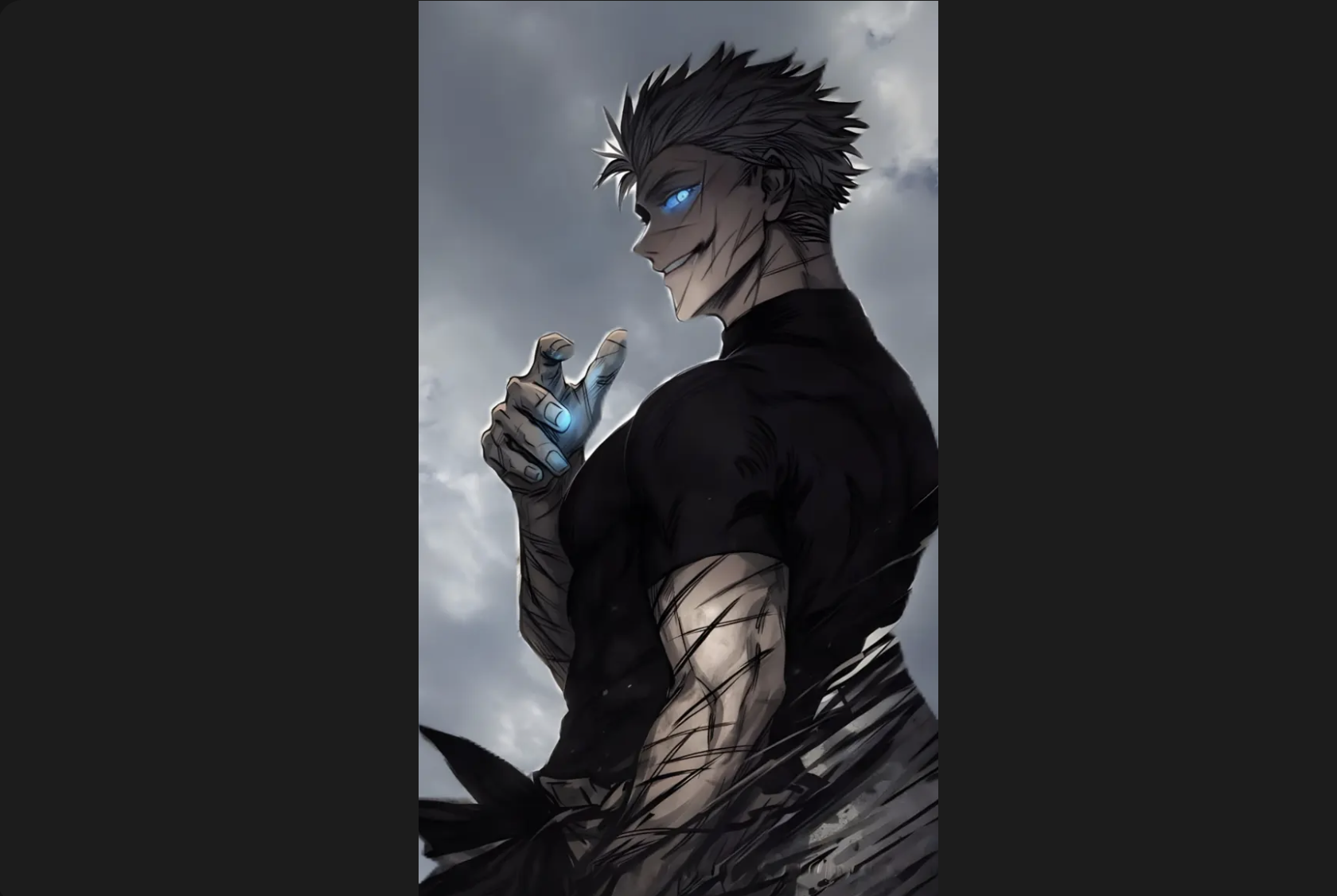
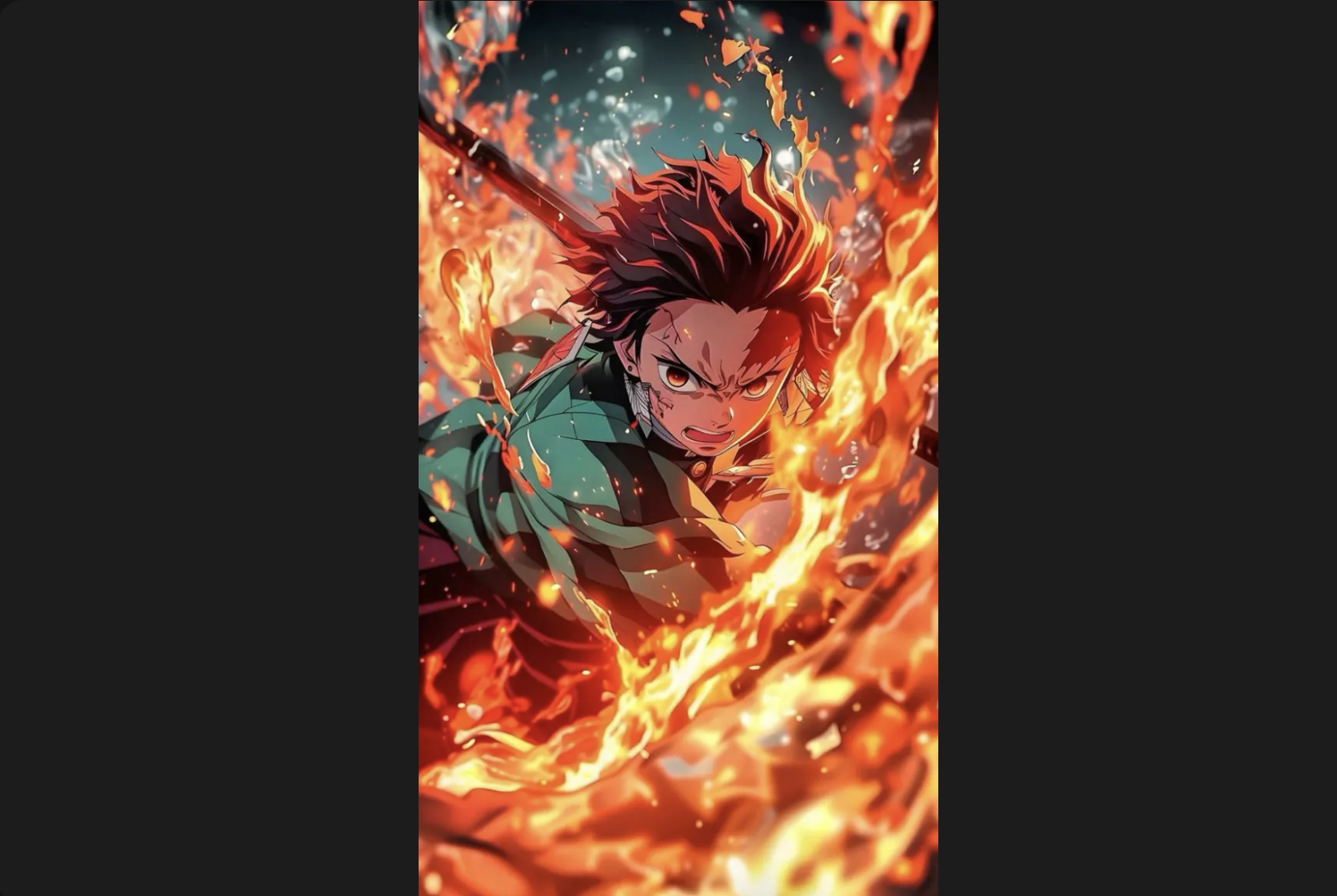
The anime category on Zedge spans hundreds of series, from long-running shonen titles through to recent seasonal releases. The visual styles vary as much as the series themselves: clean digital art with flat colour, hand-drawn textures, dark cinematic stills from action sequences, and soft painterly backgrounds from slice-of-life titles. Dedicated fans of a specific series tend to browse by character or title rather than the broad anime category, and the Zedge collection accommodates both. The One Piece wallpapers collection is one of the largest single-series galleries on the platform.
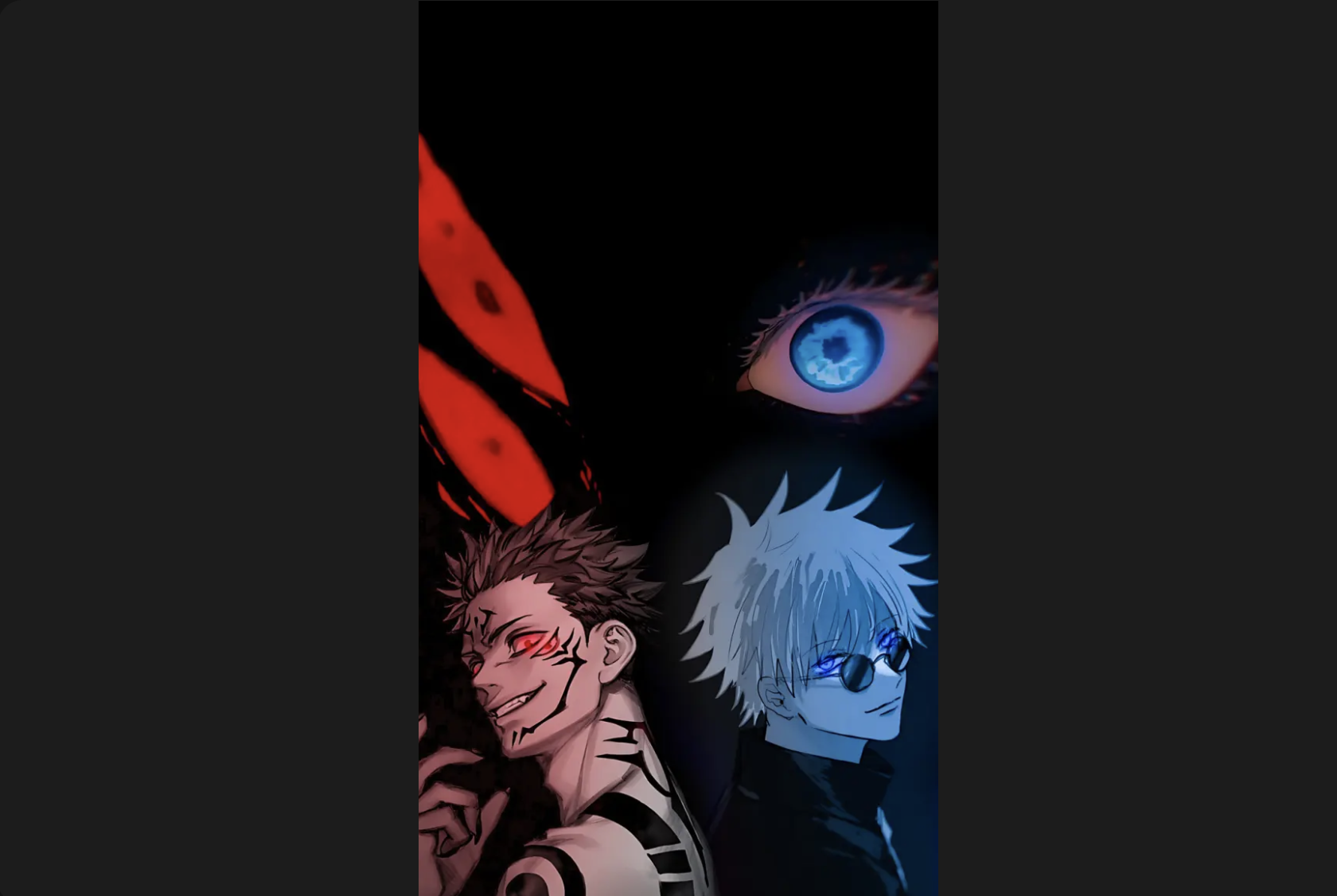
Download more anime wallpapers on Zedge.
Superhero and Movie Wallpapers
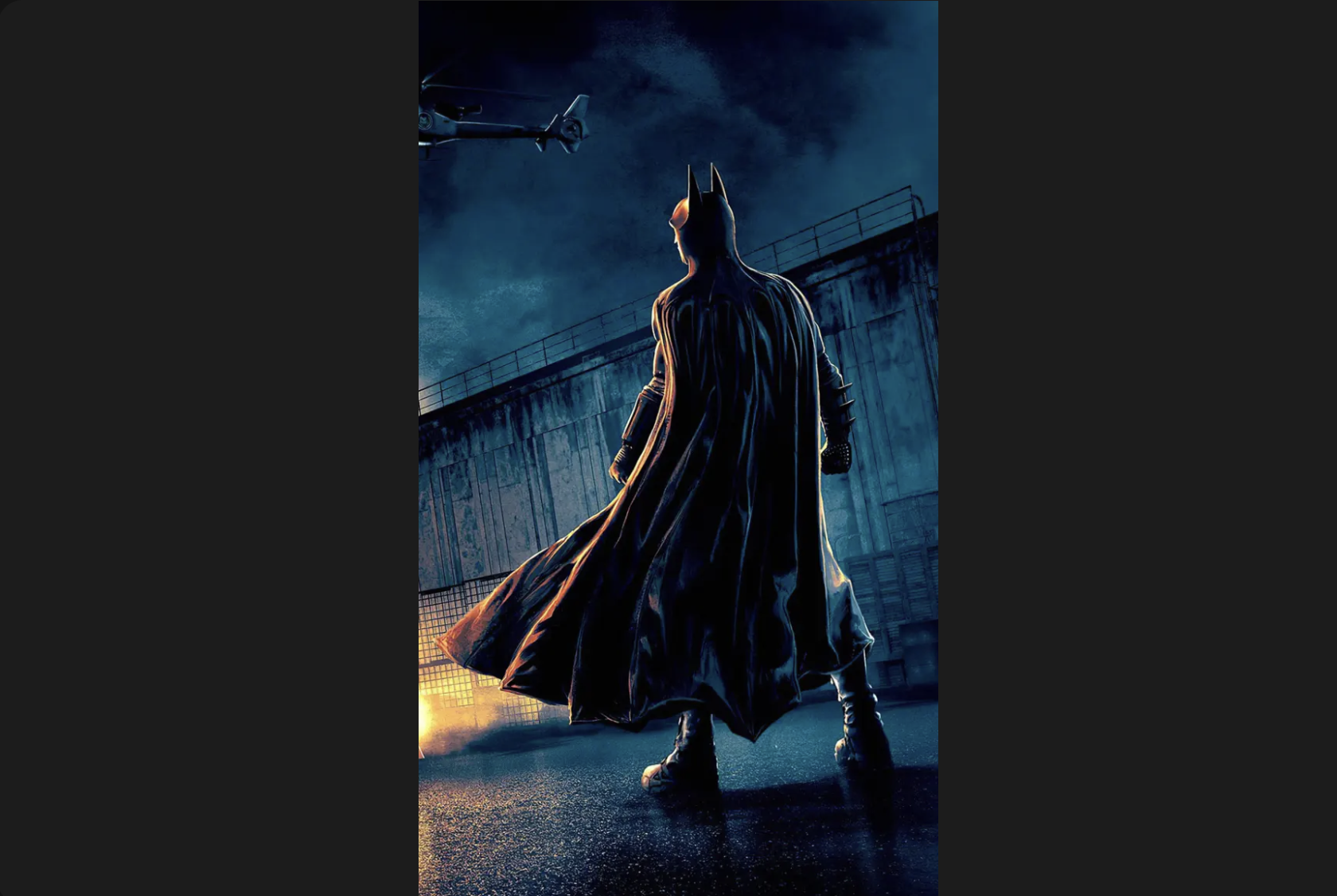
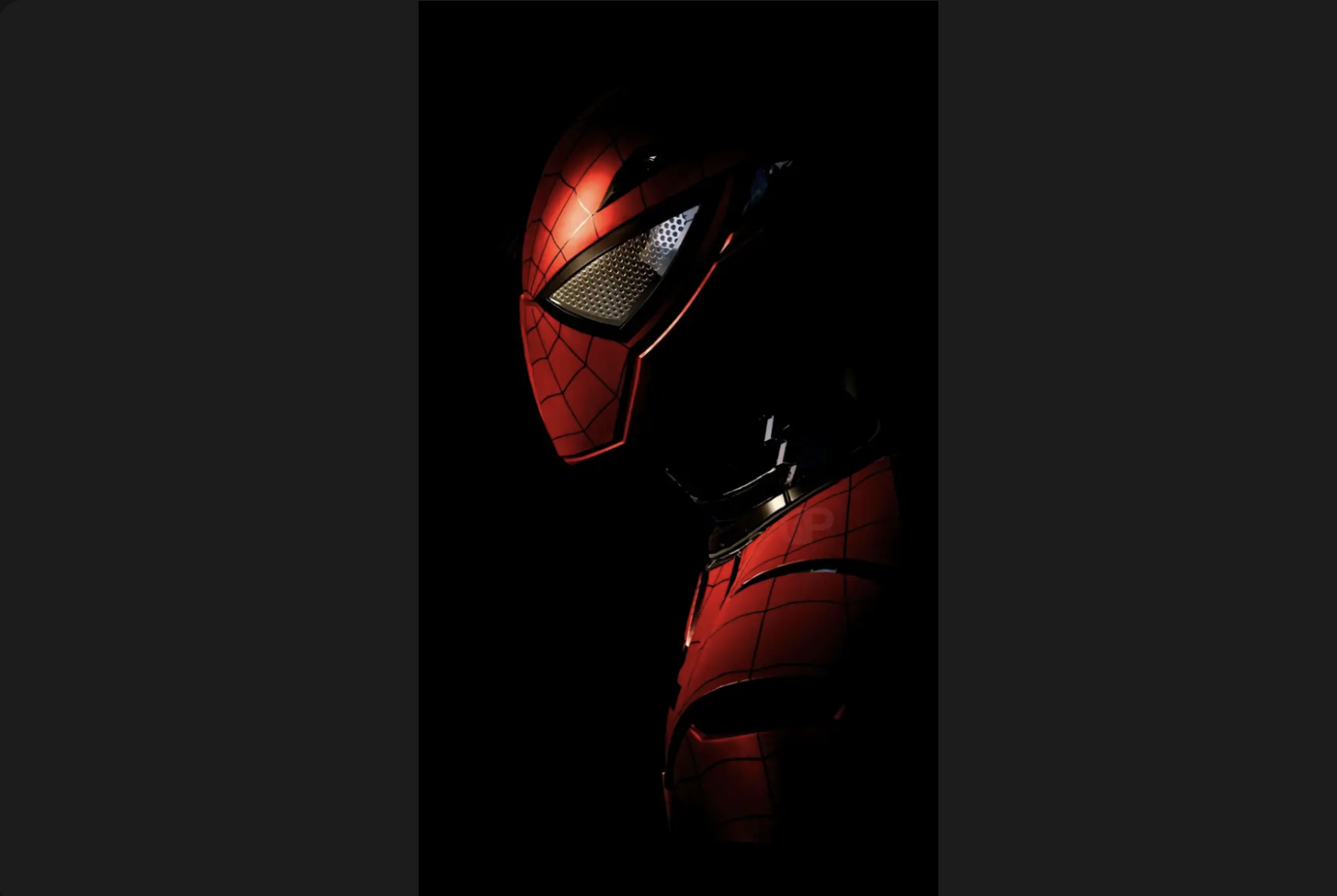
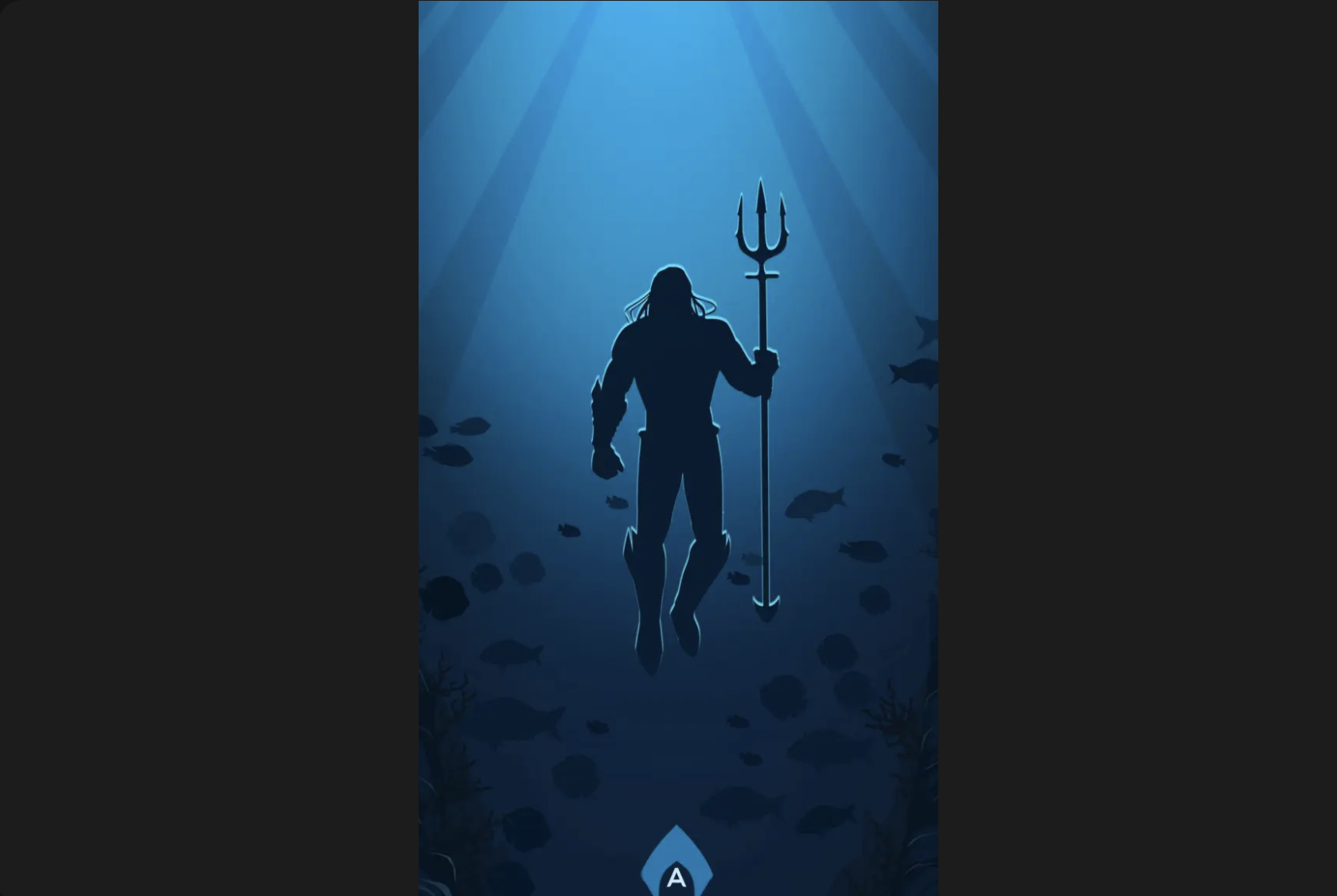
Marvel, DC and film franchise imagery are among the most popular wallpaper categories on Zedge. Spider-Man alone has multiple distinct versions, from the Miles Morales animated style through to the live-action films, and the black symbiote suit is its own visual category. Spider-Man wallpapers covers the full range. Beyond Spider-Man, the broader franchise gallery includes Iron Man, Batman, The Joker and ensemble cast compositions from the MCU and DCEU. Download Marvel wallpapers on Zedge for the wider superhero and movie collection.
Football and Sports Wallpapers
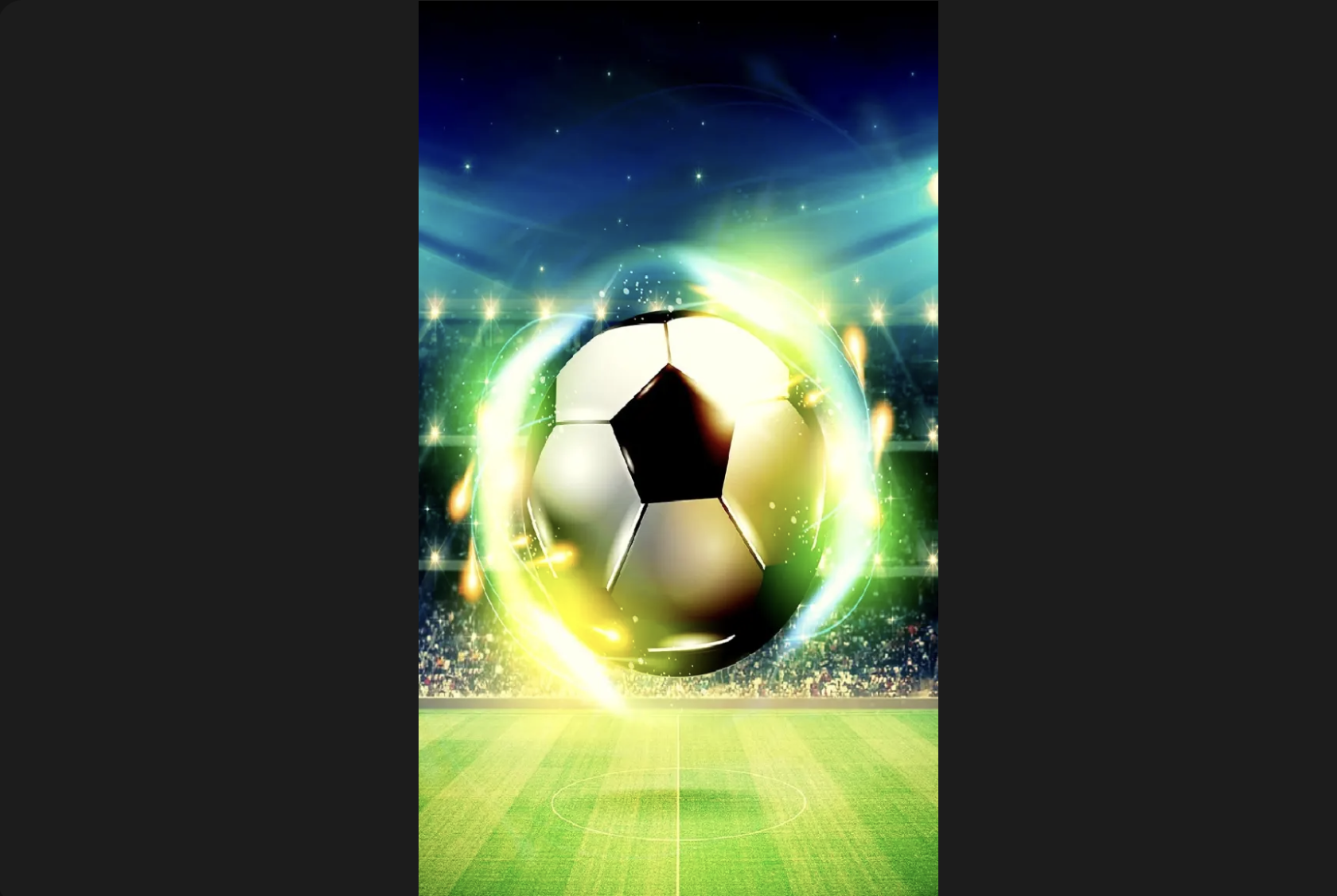
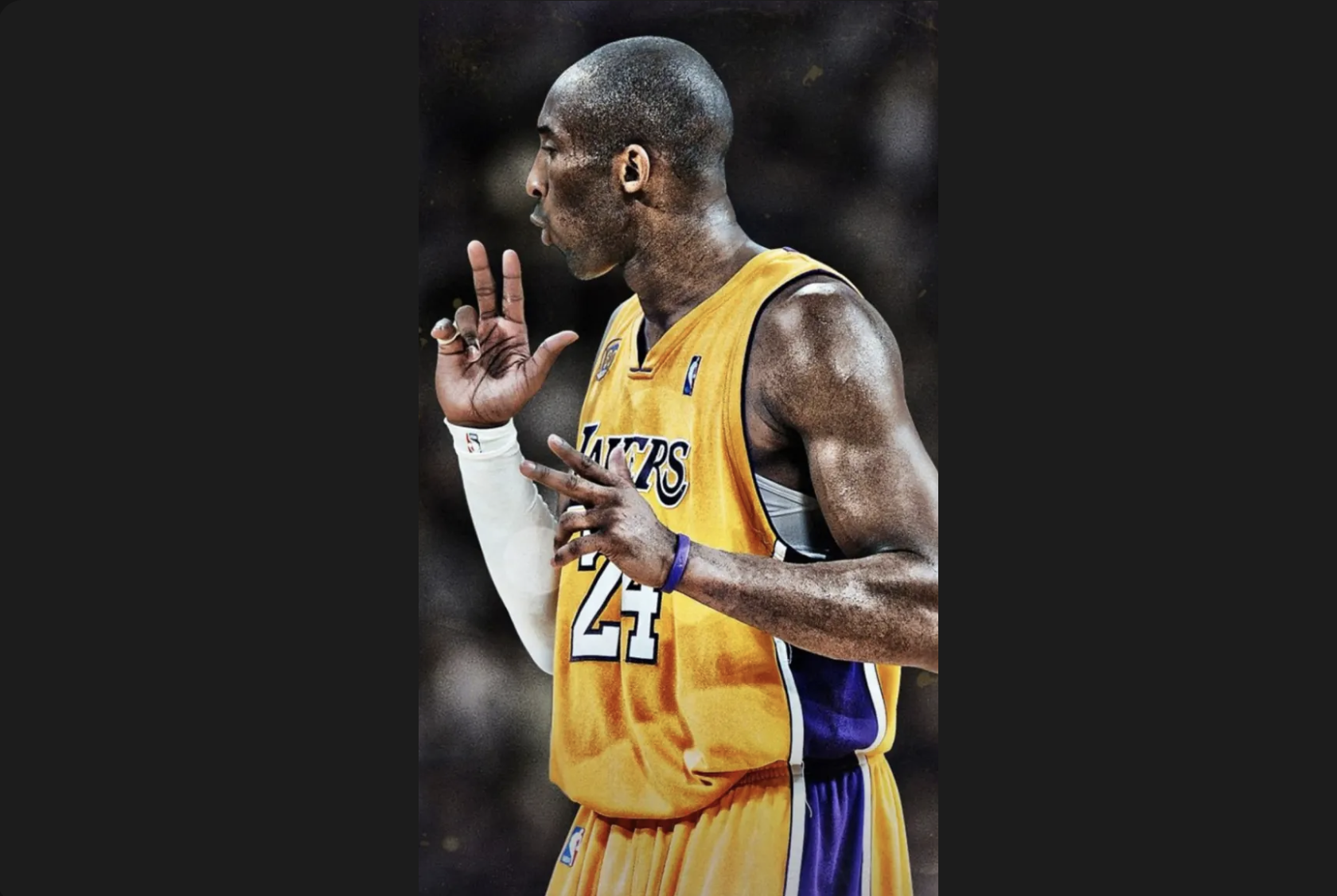
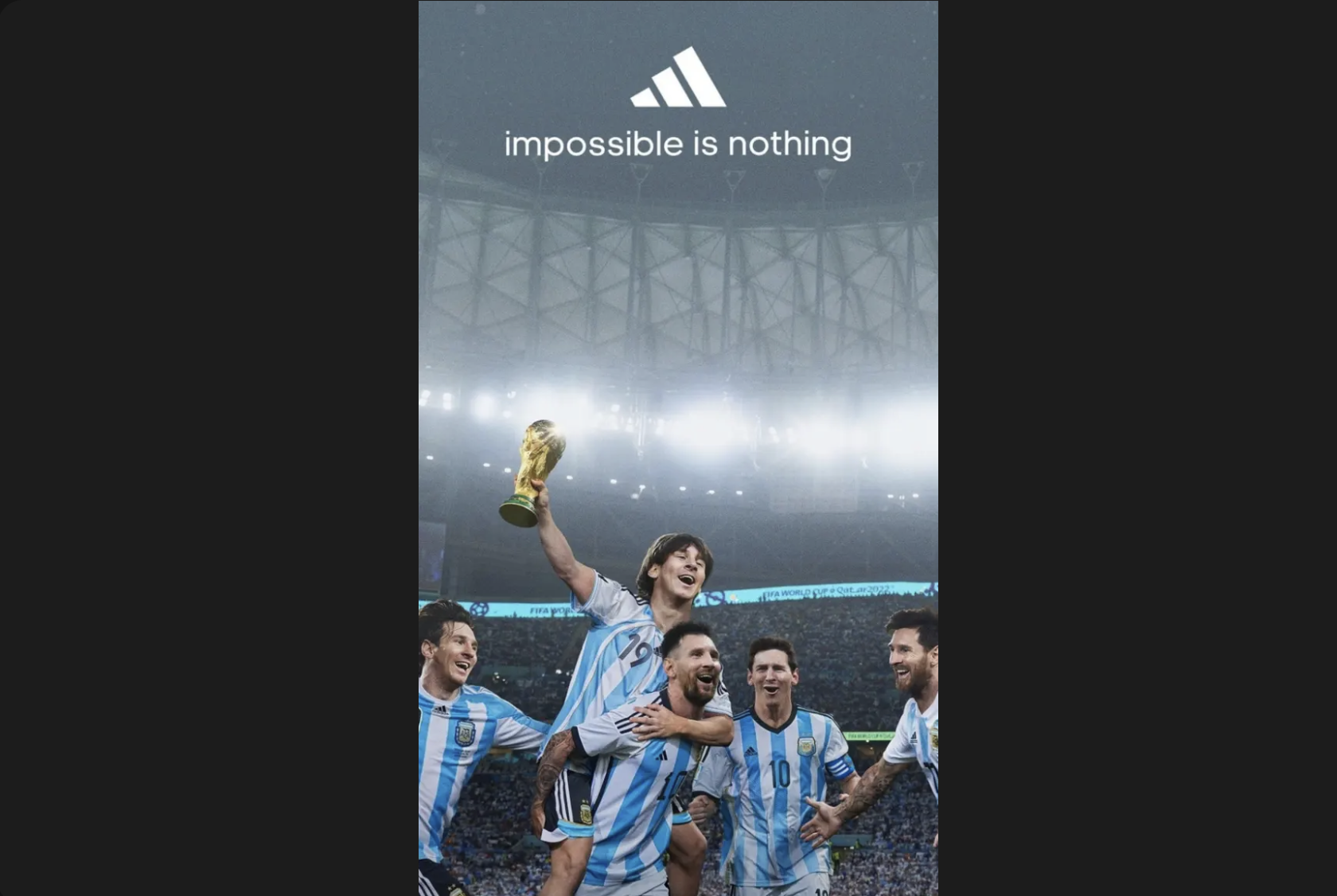
Football is the dominant sports wallpaper category on Zedge, led by Cristiano Ronaldo and Lionel Messi, who each have dedicated galleries running to hundreds of options. The collections span club and international imagery across every era: kit photography, match celebrations, studio portraits and digital art renders. Ronaldo wallpapers covers the full CR7 range, including Al-Nassr, Portugal and the Siu celebration. Messi wallpapers covers Inter Miami, Argentina, the 2022 World Cup trophy lift and the Barcelona era. Both collections are free to download on Zedge, for iPhone and Android.
Devotional and God Wallpapers
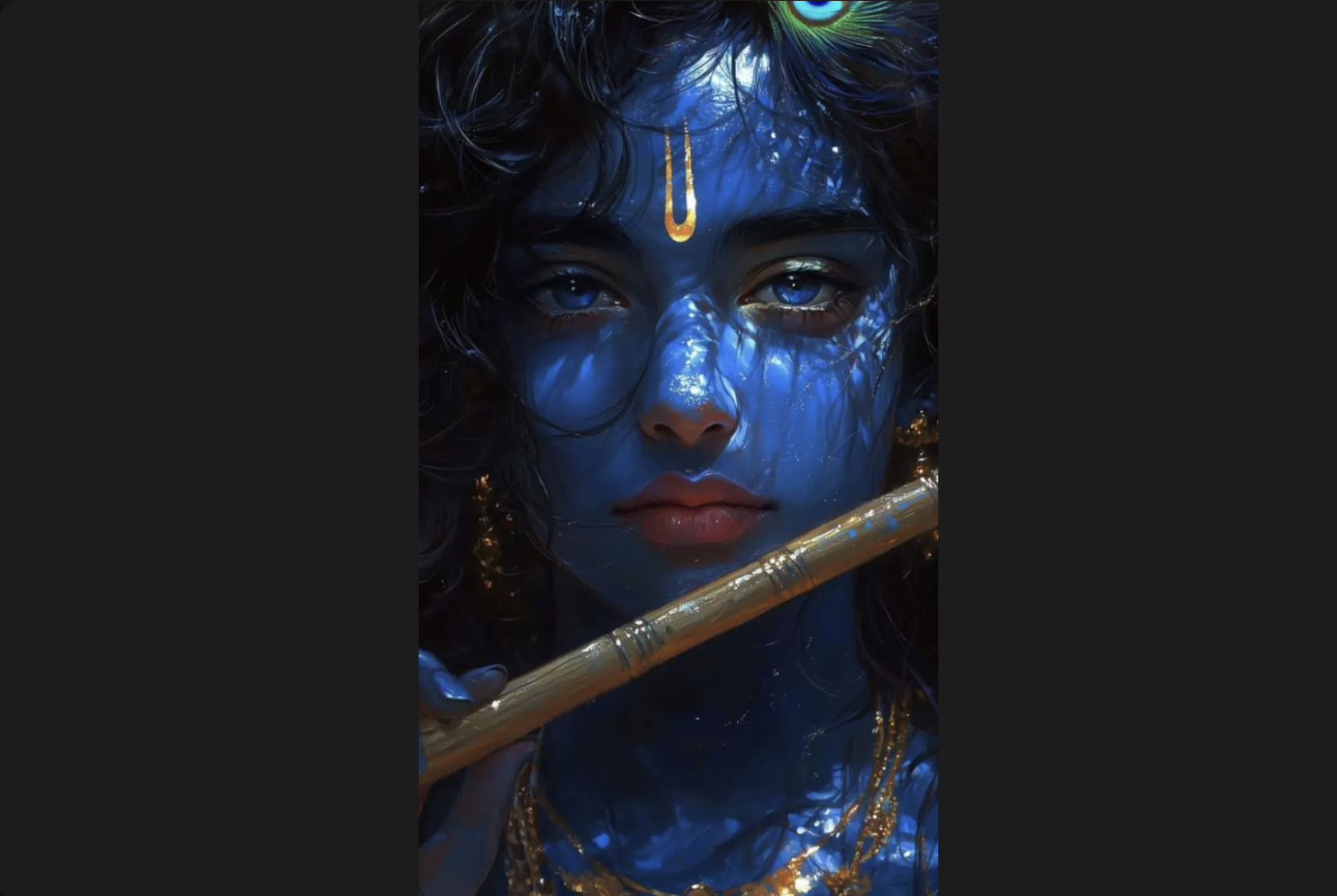
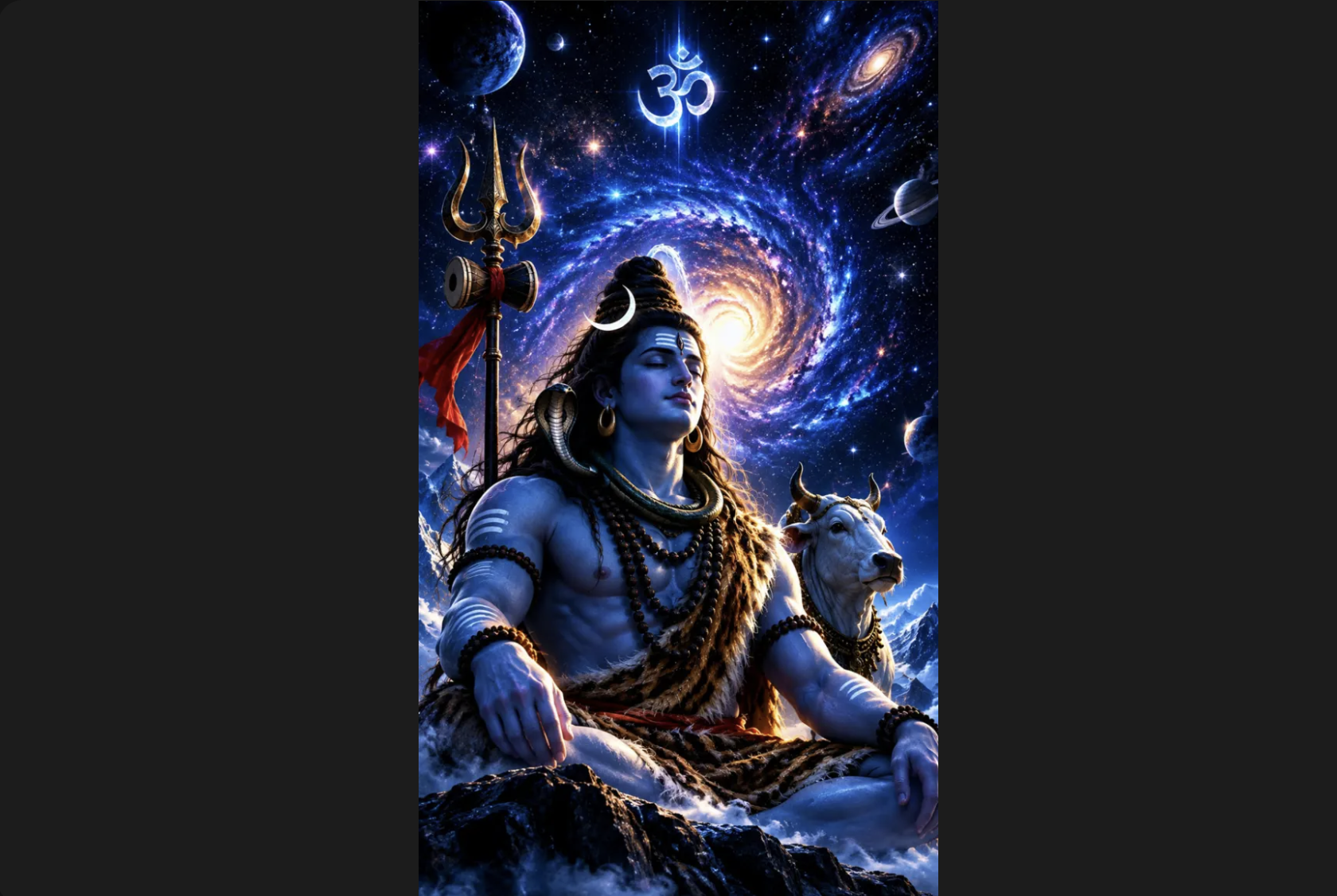
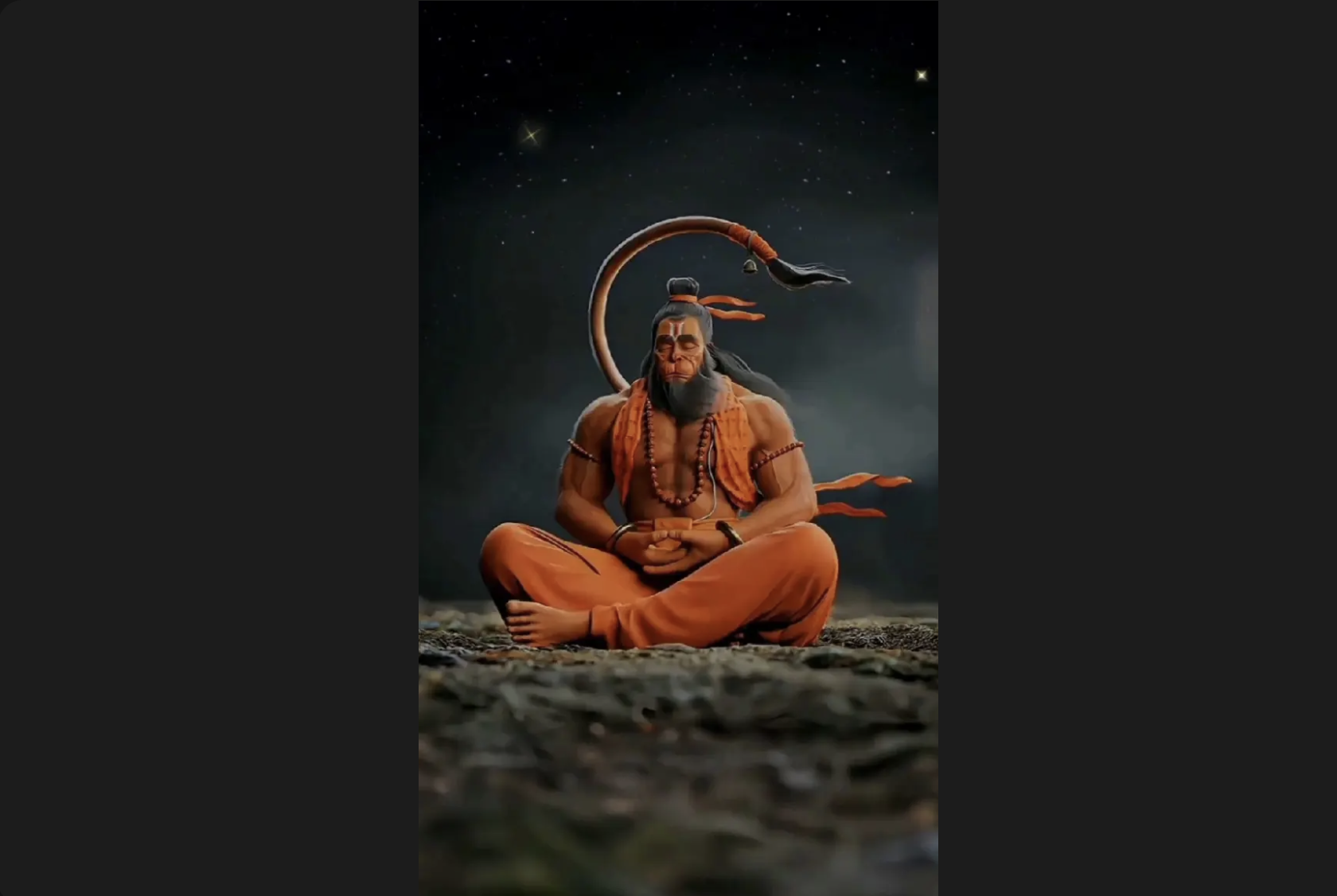
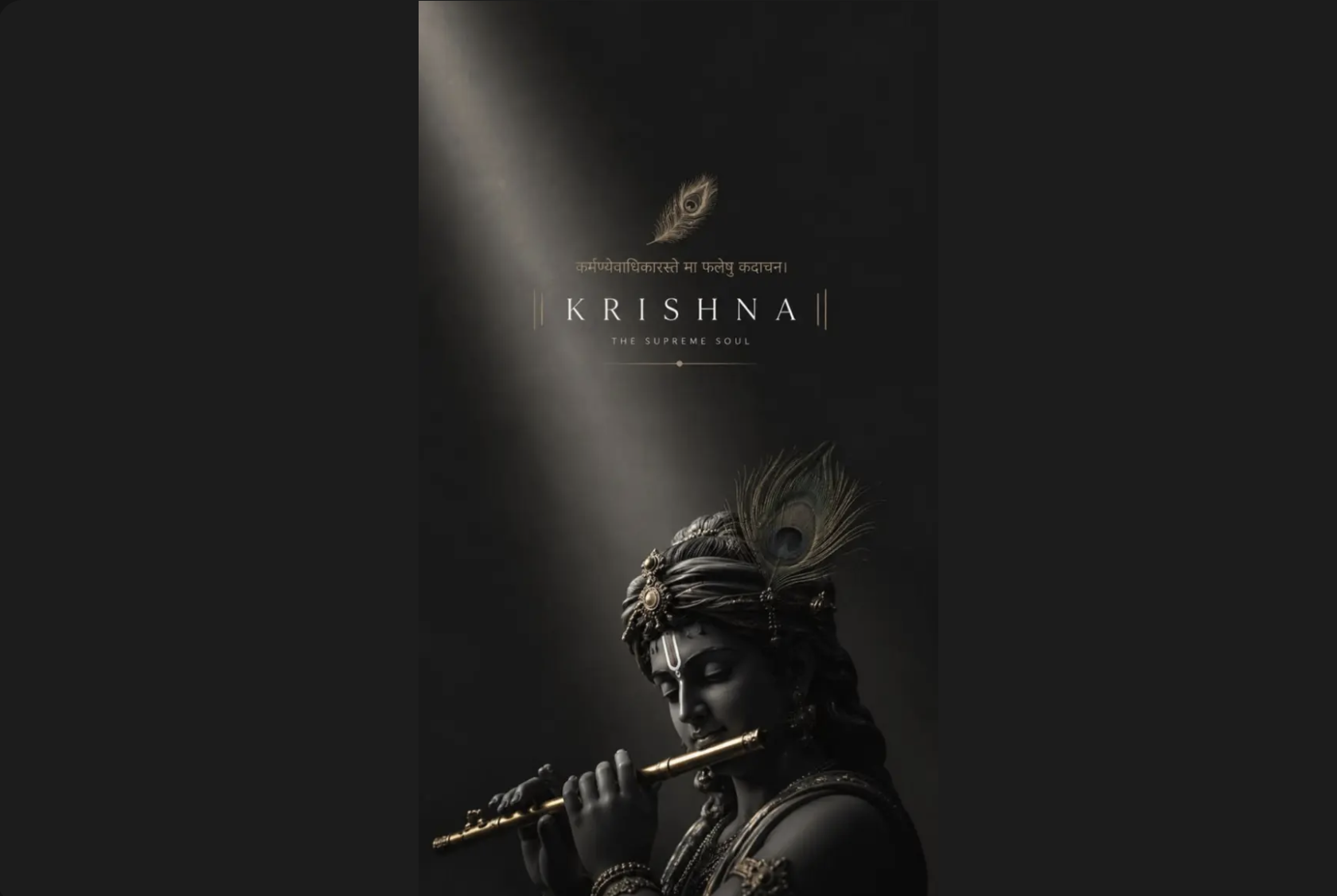
Devotional wallpapers are one of the largest categories on Zedge, with galleries covering Hindu deities and religious figures across major traditions. Lord Shiva, Lord Hanuman and Durga Maa each have extensive dedicated collections spanning illustrated, photographic and modern digital art renders. The Lord Shiva wallpapers and Lord Hanuman wallpapers collections cover both the classic illustrated styles and newer digital compositions. For the full range of devotional imagery across deities and traditions, god wallpapers is the place to start.
Live Wallpapers for Phone
Live wallpapers animate on the phone screen rather than sitting static as a background image. On Android, a live wallpaper runs as an app-layer animation: the motion is smooth and continuous, but the battery cost is real, because the screen cannot drop to its lowest refresh rate while animation is active. On iPhone, the equivalent is a Live Photo set to the lock screen, which plays on touch-hold but does not animate on the home screen. For a curated selection, live wallpapers covers the main categories. For options beyond the Zedge collection, the guide to the best live wallpaper apps covers the wider ecosystem.
How to Download and Set a Wallpaper on Your Phone
On iPhone
- Download the wallpaper from Zedge.
- Save the image to Photos.
- Open Settings, tap Wallpaper, then Add New Wallpaper.
- Choose Photos, select the image, position it and tap Add.
The Zedge app also shows a Set as wallpaper button directly on the download screen, which skips the Photos steps entirely. For a full step-by-step walkthrough, see how to change your wallpaper on iPhone.
Need help removing an old wallpaper? See how to delete wallpaper on an iPhone.
On Android
- Download the image from Zedge.
- Open Gallery or Files and find the downloaded image.
- Tap the three-dot menu in the top corner.
- Tap Set as wallpaper, then choose home screen, lock screen, or both.
Tips for Choosing a Wallpaper That Works
Match the resolution to your device. Check the resolution table above before downloading. A file smaller than your screen's native resolution gets enlarged to fill the frame, which softens the image. Downloading at or above native resolution keeps edges sharp and colour gradients clean.
Pick a background that works around the clock and widget area. The top third of the phone screen is where the clock, date and status bar sit. A busy pattern or bright colour in that area competes with the readout. A wallpaper with a plain or gradient area at the top works better for everyday home and lock screen use.
Use a black or dark background if your phone has an AMOLED display. An AMOLED screen switches pixels off entirely when they show true black, which saves battery across the day. A dark wallpaper costs measurably less power than a bright one on this type of display, and the difference adds up over a full day of use.
Set the wallpaper and check it with your icons before committing. A composition that looks good in the preview often reads differently once the icon grid is laid over it. Set the wallpaper, go to the home screen, and check that the icons remain readable and the overall look works before finalising.
How to Make Your Own Phone Wallpaper
Most phone cameras shoot at a resolution high enough to produce a solid wallpaper, and the crop tool in Photos or Google Photos lets you frame it to the right aspect ratio for your screen. For a full step-by-step process, make your own phone wallpaper covers everything from shooting to setting.
FAQ
How do I change my phone wallpaper?
On iPhone, open Settings, tap Wallpaper, then Add New Wallpaper, choose Photos, select the image and tap Add. On Android, long-press the home screen, tap Wallpapers and select from there, or use the Set as wallpaper option from the Gallery app. The Zedge app shows a Set as wallpaper button on the download screen for both platforms, which handles the whole process in one step. For a full walkthrough on iPhone, see the On iPhone steps above.
Where can I find free phone wallpapers?
Zedge has thousands of free phone wallpapers in HD and 4K across aesthetic, AMOLED black, anime, superhero, football, devotional and live styles. Every download is free with no sign-up required. The category sections above link directly to each gallery on Zedge.
Can I use my own photos as a phone wallpaper?
Yes. On iPhone, open Photos, select the image, tap the Share button and choose Use as Wallpaper. On Android, open the Gallery app, select the photo and tap Set as wallpaper. The wallpaper setup on both platforms lets you crop and position the image to fit your screen. For creative ideas, check out how to make your own phone wallpaper.
What is the ideal size for phone wallpapers?
The ideal size depends on the device. For most current Android phones, 1080 × 2400 pixels is the standard. For iPhone 17 it is 1206 × 2622, and for iPhone 17 Pro Max it is 1320 × 2868. The resolution table in the Sizes and Resolutions section above covers all current devices. 1080 × 1920 is the universal safe minimum for older models on both platforms.
What size is 1080x1920 and which phones use it?
1080 × 1920 is Full HD portrait resolution, with a 9:16 aspect ratio. It is the standard for older Android phones and many mid-range models still in wide use. It is also the universal safe minimum for wallpaper downloads: any file at this resolution fills a current phone screen without enlargement, which is why it remains one of the most common wallpaper sizes.
Do 4K wallpapers drain phone battery?
No. A static 4K wallpaper does not drain battery any faster than a standard HD wallpaper. The phone renders the home screen image once and does not run a continuous process to display it. Battery drain from wallpapers comes from live and animated wallpapers, which run an active rendering loop. A static 4K image costs no more power than a 1080p image.
Are these phone wallpapers free to download?
Yes, free for personal use on your own device. Zedge does not require a sign-up to browse or download wallpapers. Some premium content on Zedge is available for credits rather than free download, but the majority of the collection is free. Personal use means setting the image as your phone wallpaper and does not extend to printing or distributing the images.