

The best live wallpaper app for Android is Zedge, the best for PC is Wallpaper Engine, and the best for iPhone is also Zedge, paired with a Live Photo maker like intoLive. KLWP is the pick if you want to build animated wallpapers from scratch, and Muzei, Cartogram and Lively Wallpaper are the strongest fully free options.
All six Android apps were tested and ranked below, followed by the best live wallpaper apps for iPhone and PC. The comparison table shows platform and price for each app, and the last sections cover battery use and how to download and set a live wallpaper.
How We Tested
We ran each app on a Samsung Galaxy S25 (One UI 7) and a Pixel 9a (Android 16) for two weeks. We scored each on five criteria: library size and quality, battery impact during active use, performance on both devices, ad load and pricing model, and ease of setting up and changing wallpapers. Battery draw was compared using each device's built-in battery stats after 48 hours of continuous use per app.
Best Live Wallpaper Apps Compared (Android, iPhone and PC)
| App | Best for | Platform | Price | Play rating | Standout feature |
|---|---|---|---|---|---|
| Zedge | Large free library and AI generation | Android, iPhone | Free, Premium option | 4.7 | Live wallpaper library plus AI wallpaper maker |
| Wallpaper Engine | PC-connected enthusiasts | Android (companion), Windows PC | Free on Android (needs PC app) | 4.3 | Sync any Steam wallpaper to Android |
| KLWP Live Wallpaper Maker | Creative builders | Android | Free, one-time Pro key | 4.1 | Full WYSIWYG animated wallpaper builder |
| Walloop | Video and 4K animated wallpapers | Android | Free, Prime paid | 4.5 | 4K/3D, AMOLED-optimised, use your own video |
| Muzei | Auto-rotating art, low battery | Android | Free | 4.1 | Daily famous artwork rotation with blur overlay |
| Cartogram | Location-based unique wallpaper | Android | Free | 4.6 | Stylized live map of your current location |
| intoLive | Turning videos and GIFs into Live Photos | iPhone | Free, Pro upgrade | n/a | Video and GIF to Live Photo converter |
| GIPHY | Animated GIF wallpapers | iPhone, Android | Free | n/a | Save GIFs as Live Photos |
| Lively Wallpaper | Free animated desktop | Windows PC | Free, open source | n/a | Video, GIF and web page wallpapers |
Best Live Wallpaper Apps for Android, Ranked
1. Zedge
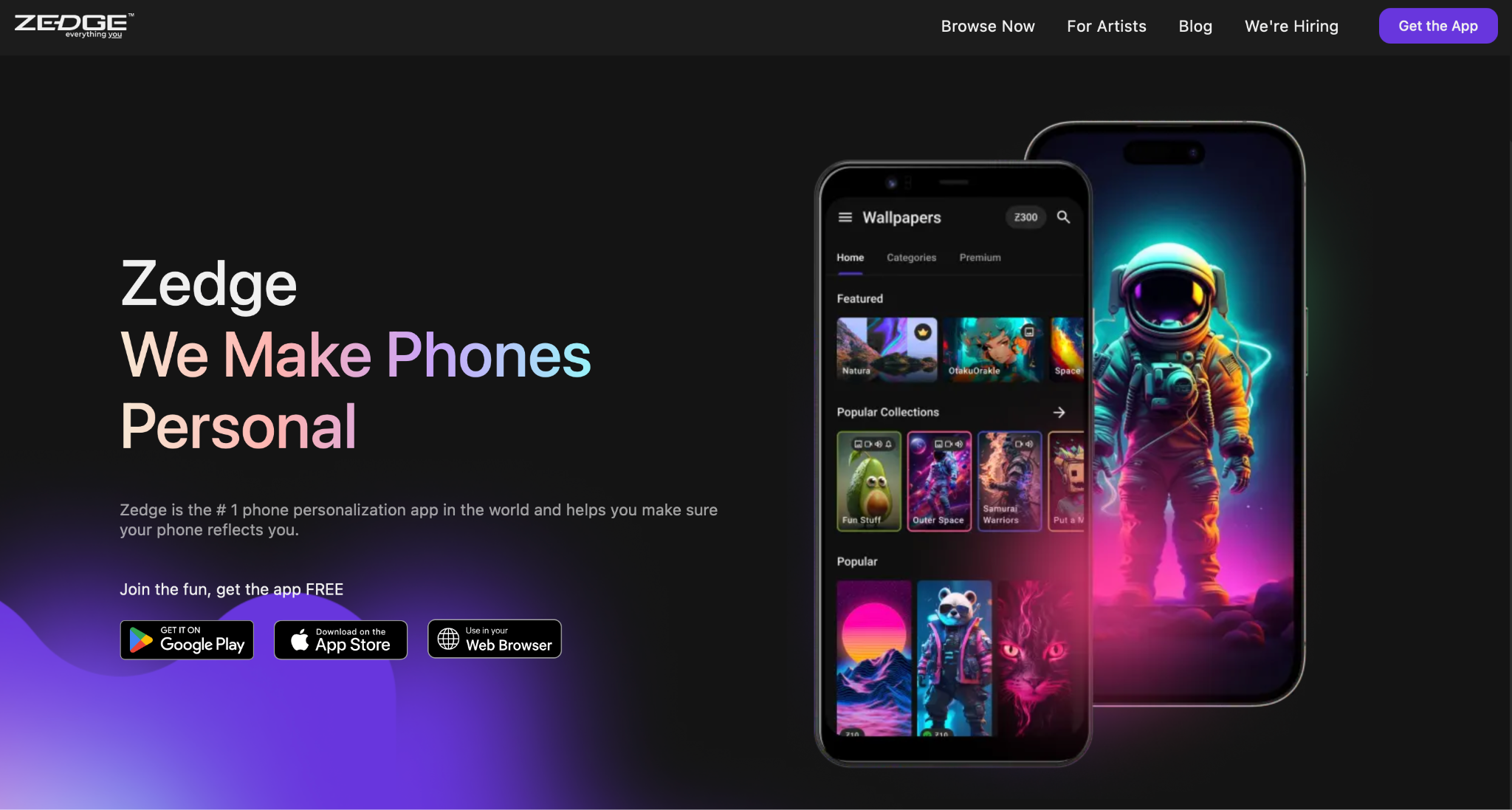
The best pick for a large free library, including AI-generated live wallpapers.
Zedge live wallpapers carries the widest free library, organized by style and category, with an AI Wallpaper Maker that generates originals from a text prompt. It also works on iOS and labels AMOLED-optimised options throughout the library.
Features: Large categorized live wallpaper library, AI Wallpaper Maker, ringtones and notification sounds, available on Android and iOS.
Pros: Wide variety of free content; AI generation for original wallpapers; works on both Android and iOS.
Cons: Ads on the free tier; AI generation and some premium content require credits or Premium; library quality varies between entries.
Price: Free with ads. Premium subscription removes ads.
Play rating: 4.7
2. Wallpaper Engine
The gold standard if you already use Wallpaper Engine on PC.
Wallpaper Engine on Android is a companion to the PC and Mac app, letting you push any wallpaper from your Steam Workshop library directly to your phone. The result is a level of animation complexity that standalone mobile apps cannot match. Battery draw varies by wallpaper: heavy particle scenes run warm, simpler loops are comparable to other apps.
Features: Direct sync from Wallpaper Engine PC/Mac library, access to millions of Steam Workshop wallpapers, playlists, screen mirroring support.
Pros: Unmatched content variety; high-quality animations; free on Android once you own the PC app.
Cons: Requires the paid PC or Mac app to function; PC and phone must be on the same network to sync; battery impact varies by wallpaper.
Price: Free on Google Play. Wallpaper Engine on PC/Mac costs $4.99 on Steam.
Play rating: 4.3
3. KLWP Live Wallpaper Maker
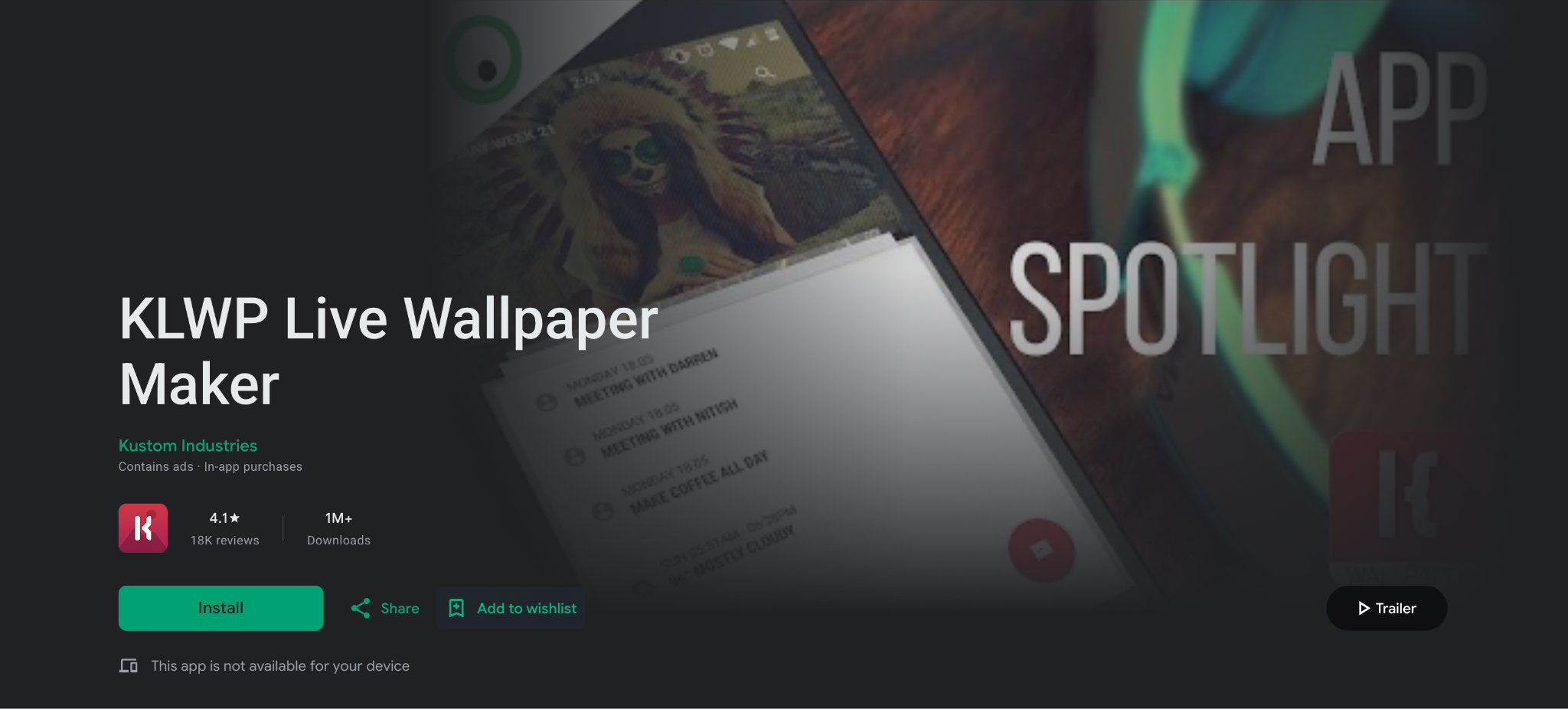
The most powerful live wallpaper app on Android if you want to build your own.
KLWP is a visual editor for building your own animated wallpapers from shapes, text, and live data like weather, battery, and calendar. The learning curve is steep, but the Kustom community has thousands of free presets to start from. Battery impact scales with what you build.
Features: Visual drag-and-drop wallpaper editor, live data integration (weather, fitness, calendar, battery), Tasker and HTTP data support, community preset library.
Pros: Unlimited creative potential; active community with thousands of presets; Pro key is a one-time purchase.
Cons: Steep learning curve for building from scratch; the editor takes time to navigate; not ideal if you want to browse and apply quickly.
Price: Free with ads. KLWP Pro key is a one-time purchase.
Play rating: 4.1
4. Walloop
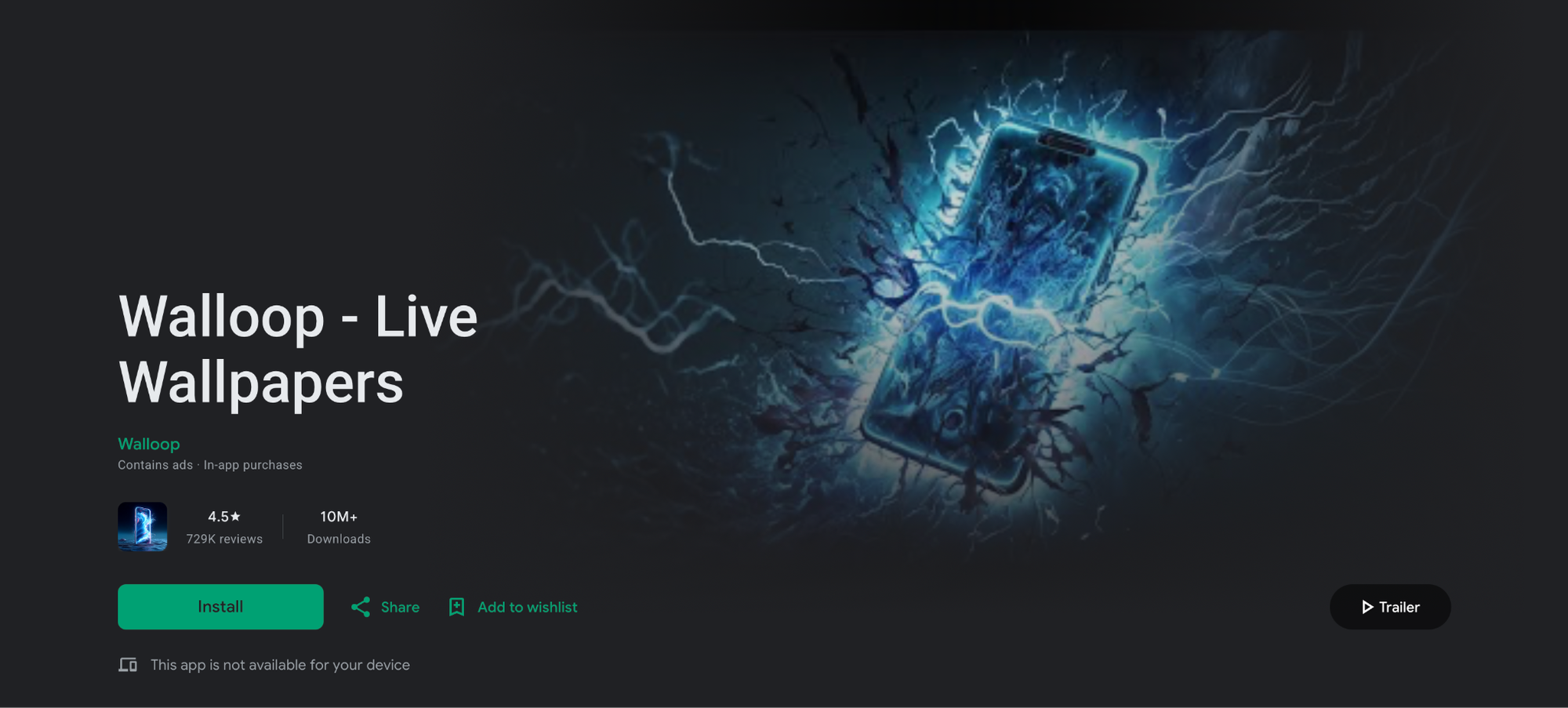
Best for video-based and 4K animated wallpapers, especially on AMOLED screens.
Walloop has the highest review volume on this list, with 720,000+ Play Store ratings. The library covers 4K, 3D/4D, and AMOLED true-black wallpapers, and you can also set your own videos as live wallpapers. The app is built around battery efficiency and supports different wallpapers on lock and home screens.
Features: 4K, 3D/4D, and AMOLED-optimised wallpapers, use your own videos as wallpapers, dual wallpaper support (lock and home), automatic wallpaper rotation, weekly content updates.
Pros: Most-reviewed app on this list with a 4.5 rating; battery-conscious design; AMOLED true-black library; video import.
Cons: Ads on the free tier; some premium content requires watching ads or a paid upgrade; recent update to a parallel app (Walloop Engine) split some content.
Price: Free. Walloop Prime is a paid no-ad version for $9.49/month.
Play rating: 4.5
5. Muzei
Best for auto-rotating famous art with minimal battery draw.
Muzei rotates famous works of art as your wallpaper daily, blurring and dimming the image so icons stay readable. A double-tap reveals the full artwork. It is open source, free, and has near-zero battery impact since it displays a static blurred image rather than continuous animation.
Features: Daily famous artwork rotation, blur and dim for icon readability, your own photos as source, open-source API for custom wallpaper sources, developer-friendly plugin system.
Pros: Near-zero battery impact; no ads; open source; consistently maintained; elegant approach to live wallpapers.
Cons: Not animated in the traditional sense; the blurred-by-default look is not for everyone; limited customisation compared to KLWP.
Price: Free. Optional in-app purchases for additional sources.
Play rating: 4.1
6. Cartogram
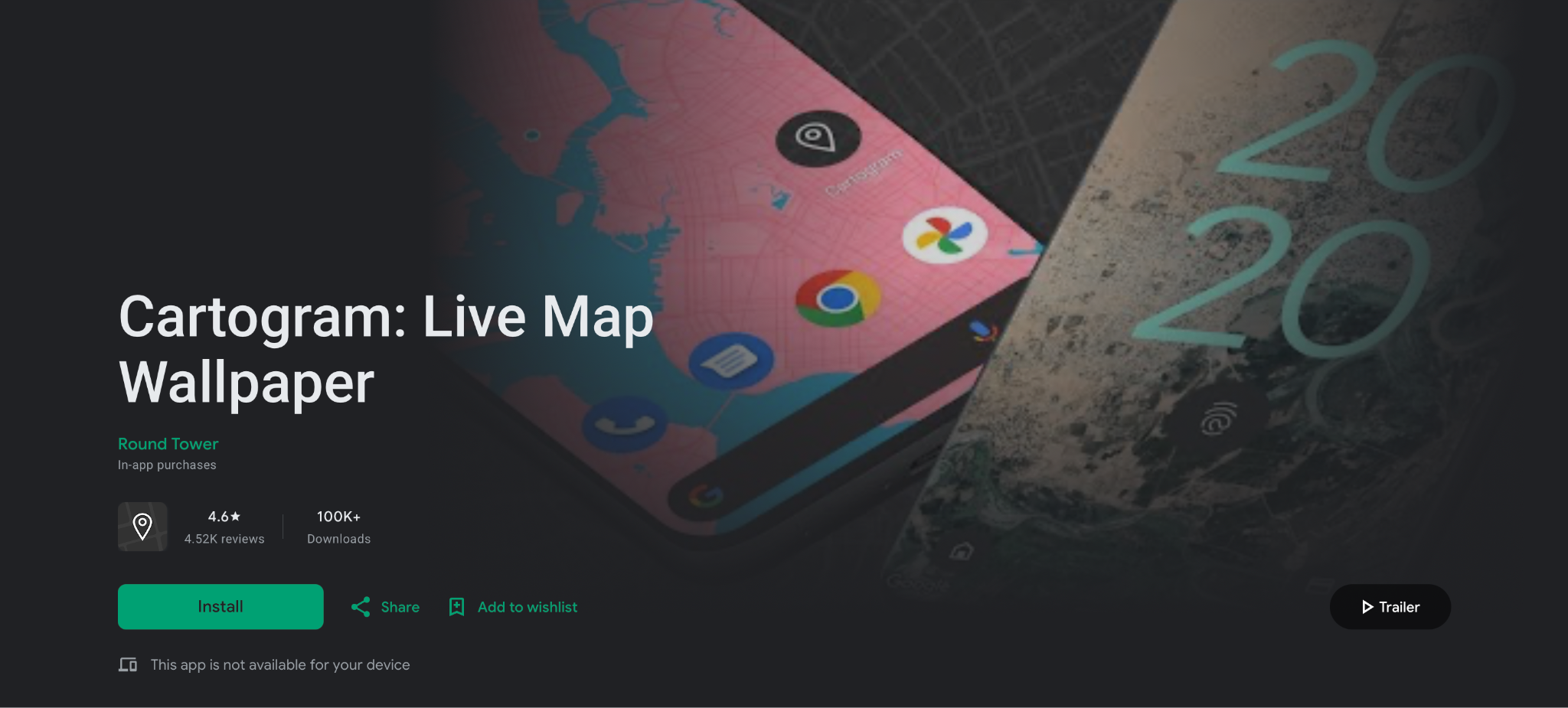
Best for something genuinely different: a live map of where you are.
Cartogram displays a stylized map of your current location as a live wallpaper, updating as you move. It offers several colour themes including OLED dark, and can be locked to a fixed location if you prefer a static look. Battery draw is moderate due to the location access it requires.
Features: Live map of your current location, auto-updates as you move, multiple colour themes including OLED dark, option to lock to a fixed location.
Pros: Genuinely unique concept; low setup effort; OLED-friendly theme; free.
Cons: Requires constant location access; style is limited compared to content-library apps; not for users who want traditional animated wallpapers.
Price: Free.
Play rating: 4.6
Best Free Live Wallpaper Apps for Android
Every app in the Android list has a free tier, but three stand out if you never want to pay anything:
- Zedge: the best free live wallpaper app for Android if you want to browse. The full live wallpaper library is free with ads, and you can download and set wallpapers without an account.
- Muzei: free, open source and ad-free. It rotates art rather than playing a loop, so it is the best choice when battery life matters more than motion.
- Cartogram: free with no purchases. It turns your location into a moving map, which no other app on this list does.
Wallpaper Engine is free on Google Play too, but it only works with the paid PC app, so it is not a true free option.
Best Live Wallpaper Apps for iPhone
iPhone live wallpapers work differently from Android. iOS does not let third-party apps run animated wallpapers on the Home Screen. In iOS 26, a moving wallpaper is a Live Photo set on the Lock Screen: it plays when you wake the phone or press and hold, and the Home Screen shows a still frame. Every live wallpaper app for iPhone is either a library of Live Photos or a tool that converts videos and GIFs into them.
If you want a clip of your own, see how to set a video as wallpaper on iPhone or how to convert a GIF to a Live Photo.
1. Zedge
The best live wallpaper app for iPhone if you want ready-made options. Zedge's live wallpapers download as Live Photos sized for iPhone, and the same library, categories and AI Wallpaper Maker are available as on Android. The free tier has ads; Premium removes them.
2. intoLive
The best tool for making your own. intoLive converts videos, GIFs and photo bursts into Live Photos, with trimming, speed and crop controls before you save. It is the most flexible option if your source clip is too long or framed for a landscape screen. The core converter is free, with a Pro upgrade for longer clips and extra editing.
3. GIPHY
The quickest route from a GIF to a Lock Screen. Find a GIF in GIPHY, save it as a Live Photo, then set it from the Photos app. Results depend on the source GIF, so pick vertical, high-resolution clips for the best result. Free.
4. Photos (built in)
Any Live Photo you shoot with the iPhone camera can be a live wallpaper. Open it in Photos, tap the Share button, choose Use as Wallpaper and keep the Live Photo option turned on. Free, and it uses no extra app.
For more ideas on what to set, browse the best iPhone live wallpapers.
Best Live Wallpaper Apps for PC
Windows does not support animated desktop wallpapers out of the box, so a live wallpaper on PC needs a dedicated app. Two lead the field. For static picks and more desktop tools, see the best wallpaper apps for Windows.
1. Wallpaper Engine
The best live wallpaper app for PC. Wallpaper Engine gives you access to the Steam Workshop library of animated, interactive and audio-reactive wallpapers, plus an editor to make your own. It pauses playback when a game or full-screen app is running, which keeps the performance cost low. It is the same app that powers the Android companion listed above.
Price: $4.99 on Steam (one-time).
2. Lively Wallpaper
The best free live wallpaper app for PC. Lively is free and open source, and it sets videos, GIFs and even web pages as an animated desktop. The library is smaller than Wallpaper Engine's, but it covers the basics with no cost and no account.
Price: Free.
How to Download and Set a Live Wallpaper on Android
The path to set live wallpaper on Android varies by device but follows the same general flow.
Downloading a live wallpaper from an app (Zedge as the example):
- Install the app from Google Play and open it.
- Go to the Live Wallpapers category, or search for a style.
- Tap a wallpaper to preview it, then tap Download or Set.
- Choose home screen, lock screen, or both, and confirm.
General Android (Pixel and most phones):
- Long-press an empty area of the home screen.
- Tap Wallpapers or Wallpaper & style.
- Select a Live category, or scroll to find live wallpaper options.
- Tap a wallpaper to preview it.
- Tap Apply or Set wallpaper, then choose home screen, lock screen, or both.
Samsung Galaxy (One UI):
- Long-press the lock screen, authenticate, and enter the wallpaper editor.
- Tap Change wallpaper or the wallpaper area.
- Choose a live wallpaper from the Live or Motion category.
- Tap Set as wallpaper.
Battery note: Live wallpapers use more power than static images because the device renders continuous animation. AMOLED screens mitigate this for dark or true-black wallpapers, as off pixels consume no power. On any device, expect a small but measurable increase in battery drain compared to a static wallpaper. Muzei, Cartogram, and AMOLED-optimised Walloop wallpapers are the lowest-impact options on this list.
If you use an iPhone, live wallpapers have their own setup path through the iOS Lock Screen editor, covered in the iPhone section above. For animated designs to try first, the Zedge live wallpapers gallery covers both platforms.
FAQ
What is the best live wallpaper app for Android?
Among the best wallpaper apps with live wallpaper support, Zedge is the best for browsing a large free library without a PC connection, Wallpaper Engine is the strongest for users who already run the desktop app on PC or Mac, and KLWP is the most powerful for building custom animated wallpapers.
What is the best free live wallpaper app for Android?
Zedge, for the size of its free library. If you want no ads at all, Muzei is open source with no ads. Cartogram is free with no purchases.
What is the best live wallpaper app for iPhone?
Zedge for ready-made Live Photo wallpapers, and intoLive if you want to turn your own videos or GIFs into one. Both work with the iOS Lock Screen editor.
Can iPhone have live wallpapers in iOS 26?
Yes, on the Lock Screen only. Set a Live Photo as the wallpaper with the Live Photo option turned on, and it animates when you wake the phone or press and hold. The Home Screen shows a still version, and no app can change that.
Can Android do live wallpapers?
Yes. Android has supported live wallpapers since Android 2.1. The feature lets you set animated or interactive backgrounds on your home screen and, on some devices, the lock screen. Every major Android phone supports live wallpapers natively.
Are there free live wallpaper apps for Android?
Yes. Every Android app on this list has a free tier. Muzei and Cartogram are free with no mandatory purchases. Wallpaper Engine is free on Google Play but needs the paid PC app. Zedge and Walloop are free with ads. KLWP is free with the option to buy a one-time Pro key for additional features.
Is live wallpaper safe?
Yes, when it comes from a known app on Google Play or the App Store. The wallpaper itself is just an animation. The real risk comes from sideloaded apps from unknown sites, which can carry adware. Check the permissions an app asks for: a wallpaper app needs storage access, and only apps like Cartogram have a reason to ask for location.
Which live wallpaper app uses the least battery?
Muzei, because it shows a blurred static image that changes once a day rather than a continuous animation. Cartogram is the next lightest. For true animation, dark AMOLED-optimised wallpapers in Walloop or Zedge use the least power, since black pixels are switched off on AMOLED screens.
Do live wallpapers drain the battery?
Yes, moderately. Live wallpapers render continuously in the background, which uses more power than a static image. The difference varies by app and wallpaper: Muzei and Cartogram have near-static rendering with very low impact; complex Wallpaper Engine scenes with particle effects and physics can be noticeably heavier. AMOLED-optimised dark wallpapers in Walloop have minimal impact because true black pixels are switched off.