

A live wallpaper replaces the static image on your phone screen with something that moves: an animation that responds to time, touch, or a built-in loop. How it runs depends on the platform. Android supports animated wallpapers natively as a persistent background layer on both the home screen and lock screen. iOS handles the feature through Live Photos, which animate on press-and-hold on the lock screen only, with no third-party animated wallpaper support. Both draw more battery than a static image. The phone wallpapers hub covers static and animated styles across every category.
Key Takeaways
- A live wallpaper is a background that plays a continuous animation, loops a short video clip, or, on iPhone, holds a Live Photo that animates on press-and-hold on the lock screen.
- Android runs animated wallpapers as a persistent system layer on both home screen and lock screen. iPhone supports Live Photo animation on the lock screen only, with no support for third-party animated wallpapers on iOS.
- The collection covers superhero, anime, 3D and nature styles, with options for Android and a matching set of Live Photo-format wallpapers for iPhone.
- Every download on Zedge is free for personal use with no account required.
What Counts as a Live Wallpaper
Three types of moving background get grouped under the term live wallpaper, and the distinctions matter for understanding which platforms support them.
The first is a true animated wallpaper: an app-layer animation that the phone's operating system runs continuously in the background. Android supports this natively. iOS does not allow it for third-party apps.
The second is a looping video background. Some launchers and wallpaper apps on Android can set a short video clip to loop as the home screen background. iOS has no equivalent for the home screen.
The third is the iPhone Live Photo. A Live Photo captures a short burst of motion around a still frame. On an iPhone lock screen, pressing and holding the photo plays that motion. This is iOS's live wallpaper equivalent, and it is limited to the lock screen.
Live Wallpapers for Android
Android runs animated wallpapers as a persistent background layer managed by the operating system. The home screen and lock screen can both display the animation continuously, responding to touch, device tilt, or a built-in loop. The battery cost is real: a full-frame animated wallpaper running through a full day of use will draw more power than a static image. Custom Android skins on some manufacturer devices, including Samsung One UI and Xiaomi MIUI, have background process management that can reduce wallpaper animation rendering when the device is under battery strain.
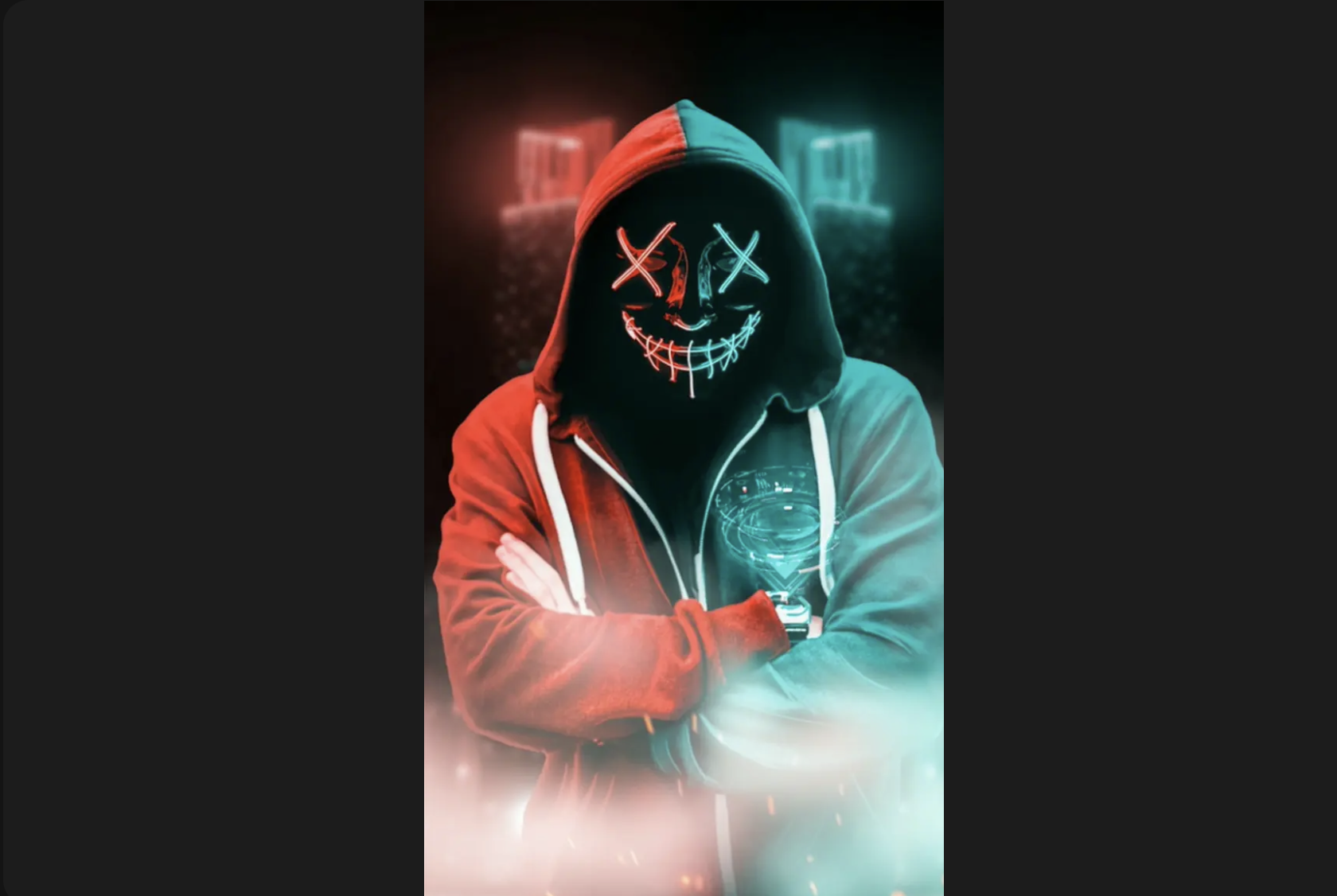
Most animated wallpapers run smoothly on current mid-range and flagship devices without noticeable lag. The main trade-off is battery life rather than performance. For dedicated app options beyond the Zedge library, live wallpaper apps for Android covers the full range. Browse live wallpapers on Zedge for the complete catalogue.
Live Wallpapers for iPhone
iOS does not support third-party animated wallpapers. This is a platform restriction, not a gap in available apps: Apple does not expose a wallpaper layer API to third-party developers that allows persistent background animation. Any app claiming to set an animated wallpaper on iPhone is using a workaround that does not persist after a home screen interaction, or is referring to the Live Photo route.
The Live Photo route is the supported option. A Live Photo is a short motion clip captured around a still frame. On the lock screen, pressing and holding the image plays the motion. It does not animate on the home screen. Set a live wallpaper on iPhone covers the full setup process, and iPhone live wallpapers has the dedicated collection in Live Photo format.

Superhero Live Wallpapers
Spider-Man has the largest superhero live wallpaper following on Zedge. Web-swing animations, city-rain scenes with a cape catching wind, and action frames where suit detail catches the light all translate well to short loop format. The animation tends to focus on one repeating element: the arc of a web swing, rain hitting a rooftop the character stands on, or fabric billowing in a cityscape. These isolated loops work cleanly on an Android home screen without pulling focus from the icon layer. Spider-Man wallpapers covers the static collection alongside the animated options. The wider superhero range, including Batman, Iron Man and Venom compositions, is in Marvel wallpapers on Zedge.
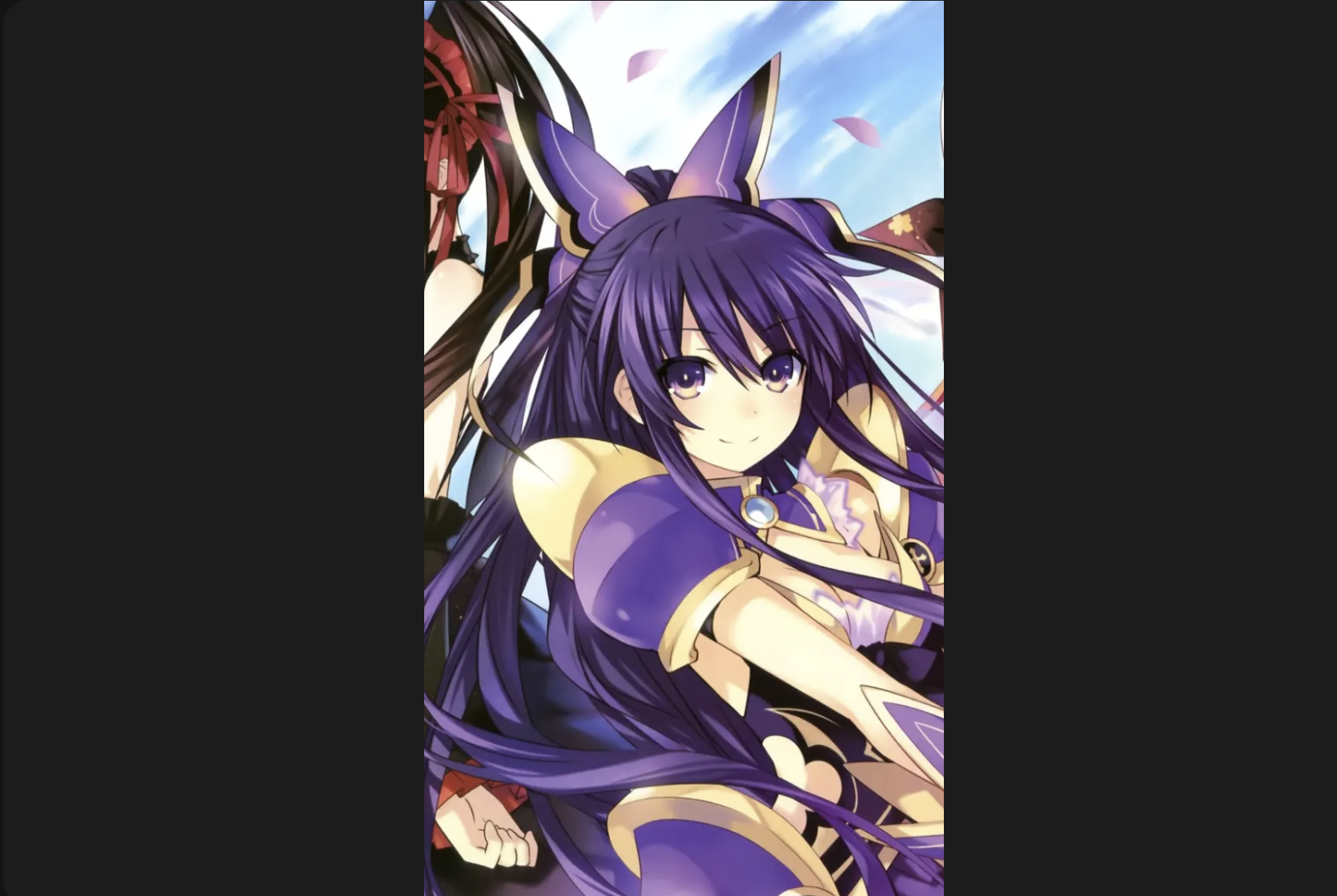
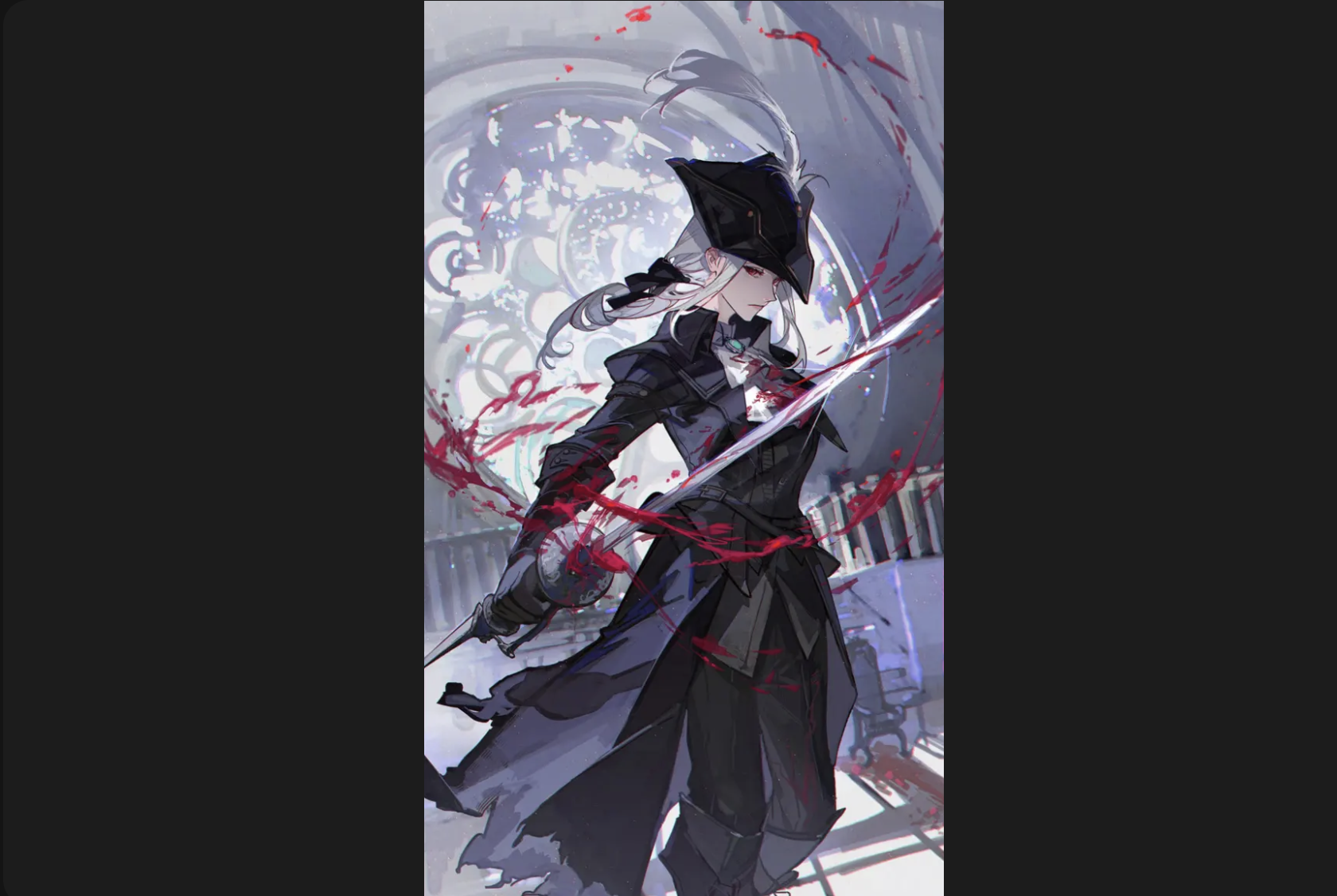
Anime Live Wallpapers
One Piece, Naruto and Demon Slayer generate the highest volume of anime live wallpaper downloads. Anime's limited animation style suits loops well: a small number of frames, flat colour fills and clean outlines keep the file size manageable and the loop seam difficult to spot. A flame effect in a Demon Slayer composition, a water ripple behind a Naruto character, or the wind movement in a Luffy Gear 5 scene can all cycle without a visible cut. The static One Piece wallpapers gallery sits alongside the animated options for the series. For Luffy-specific animated wallpapers, Luffy live wallpapers on Zedge covers the dedicated collection.
3D Live Wallpapers
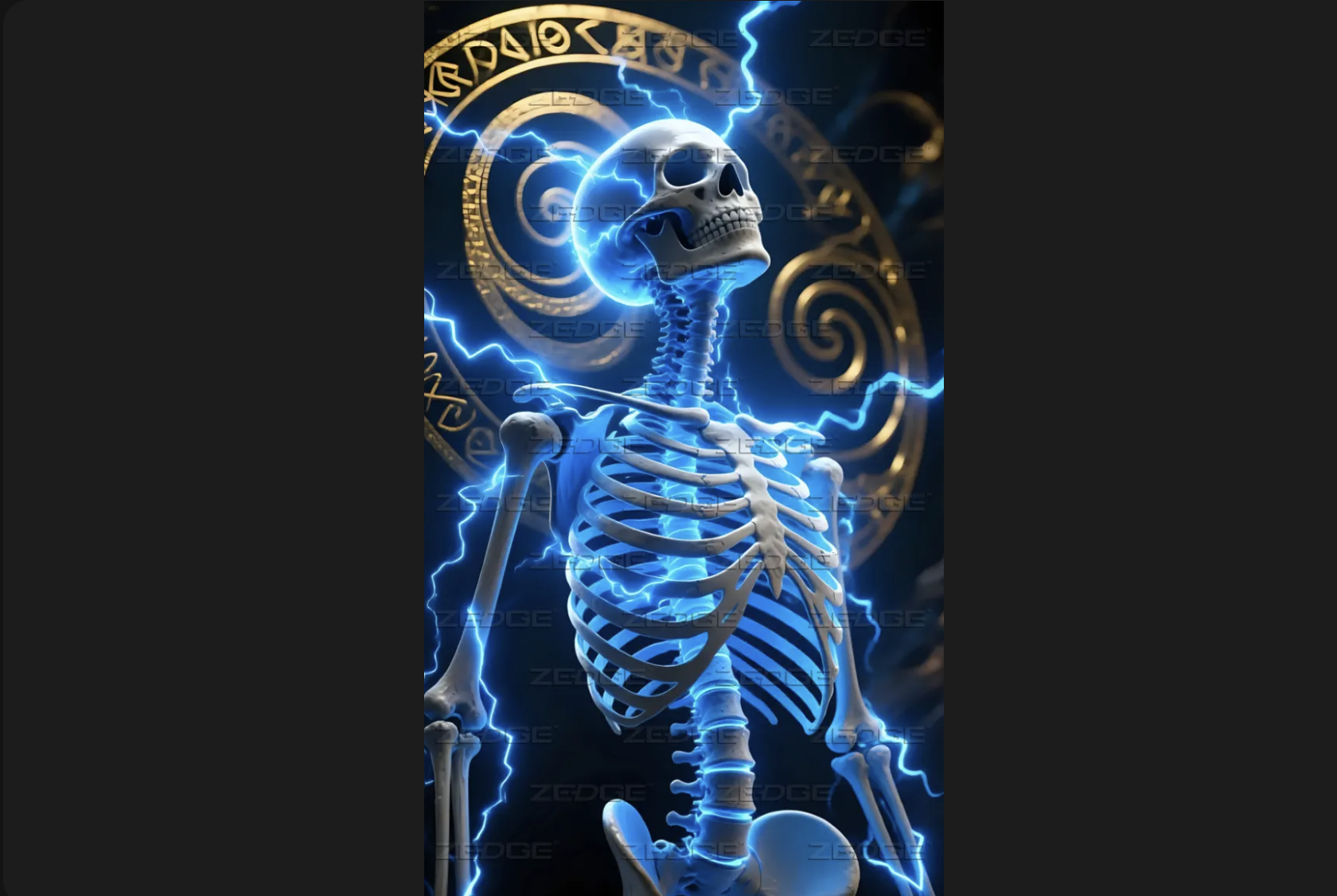
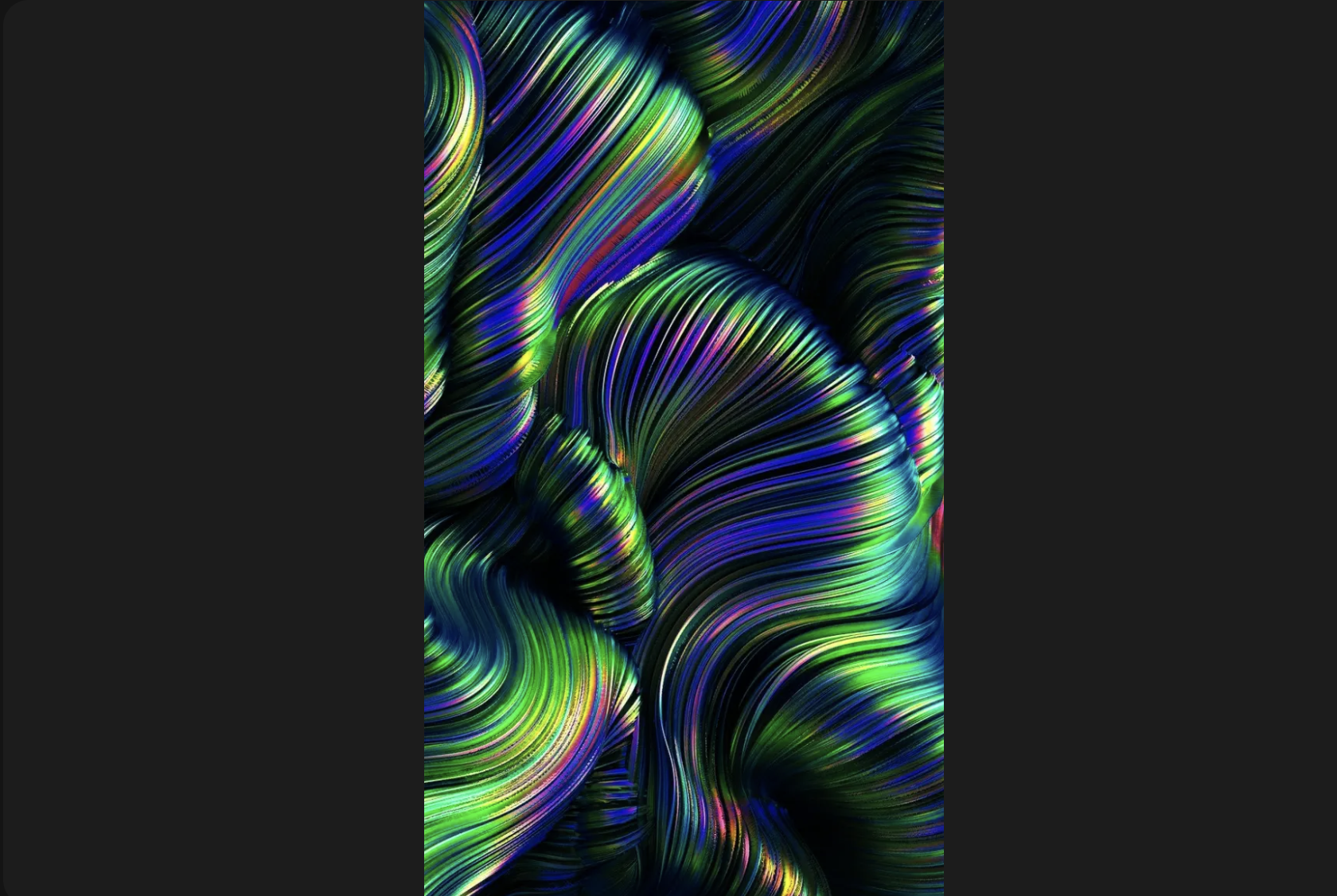
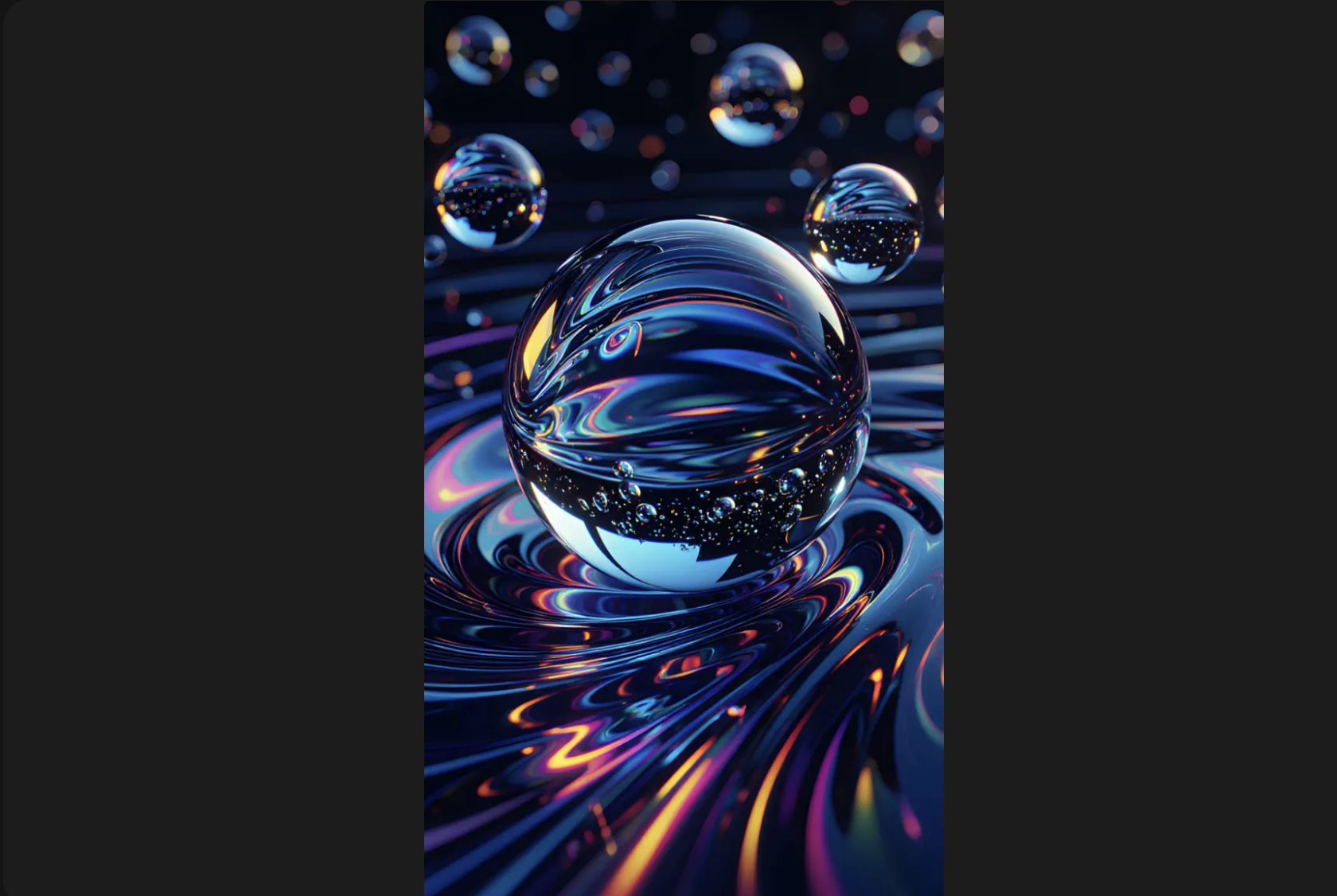
3D live wallpapers split into two types. Parallax uses the phone's gyroscope to shift a layered static image as the device tilts, creating a depth effect without rendering geometry in real time. The GPU load is low and the battery cost is comparable to other flat-loop animated wallpapers. True rendered 3D is different: the device renders geometry frame by frame, producing rotating objects, liquid surfaces or spatial environments at a higher processing cost. Mid-range and flagship phones handle both without visible lag, but true 3D rendering draws more power over the course of a day than parallax or flat-loop animation. The 3D live wallpapers collection on Zedge covers both styles.
Nature and Ambient Live Wallpapers
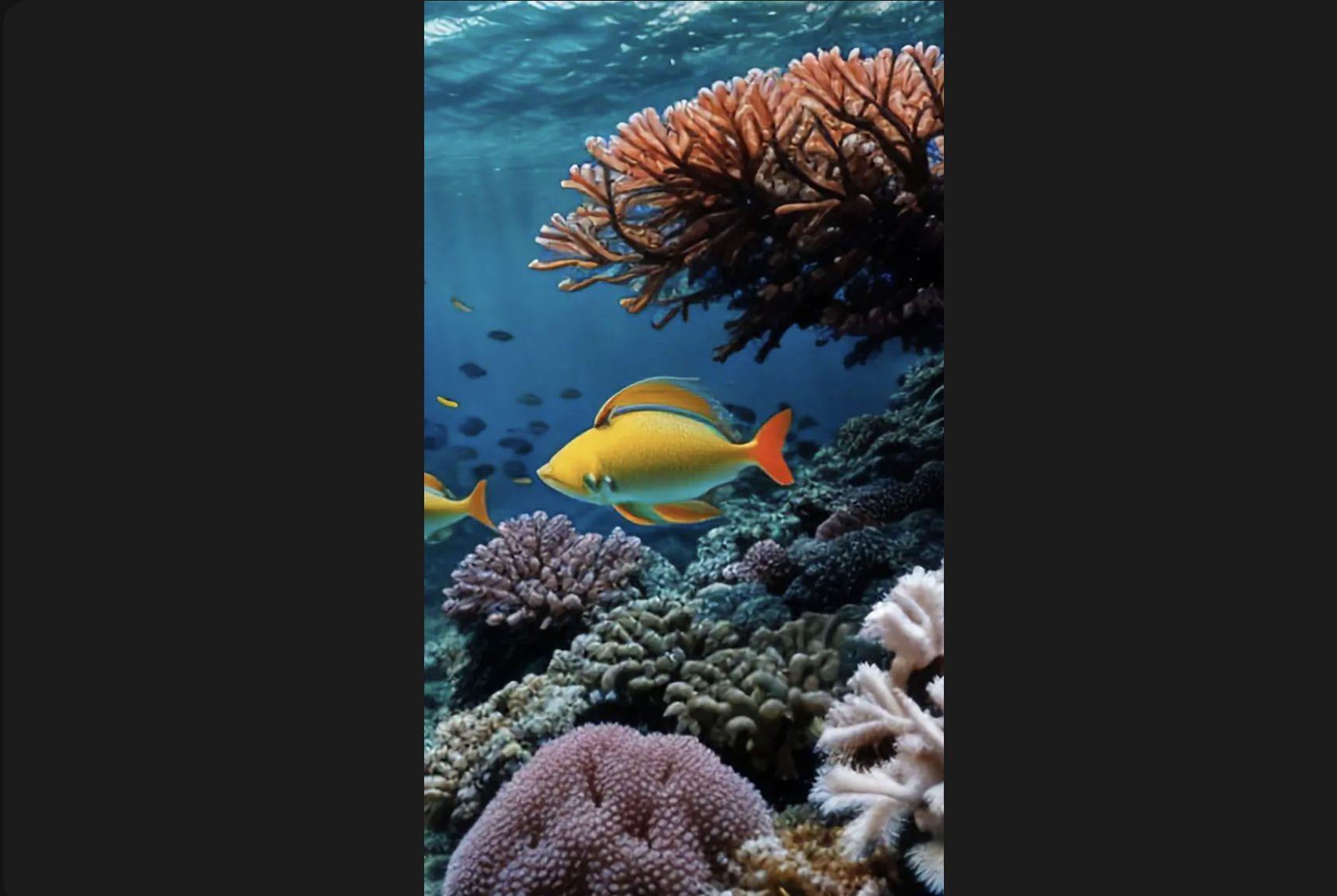
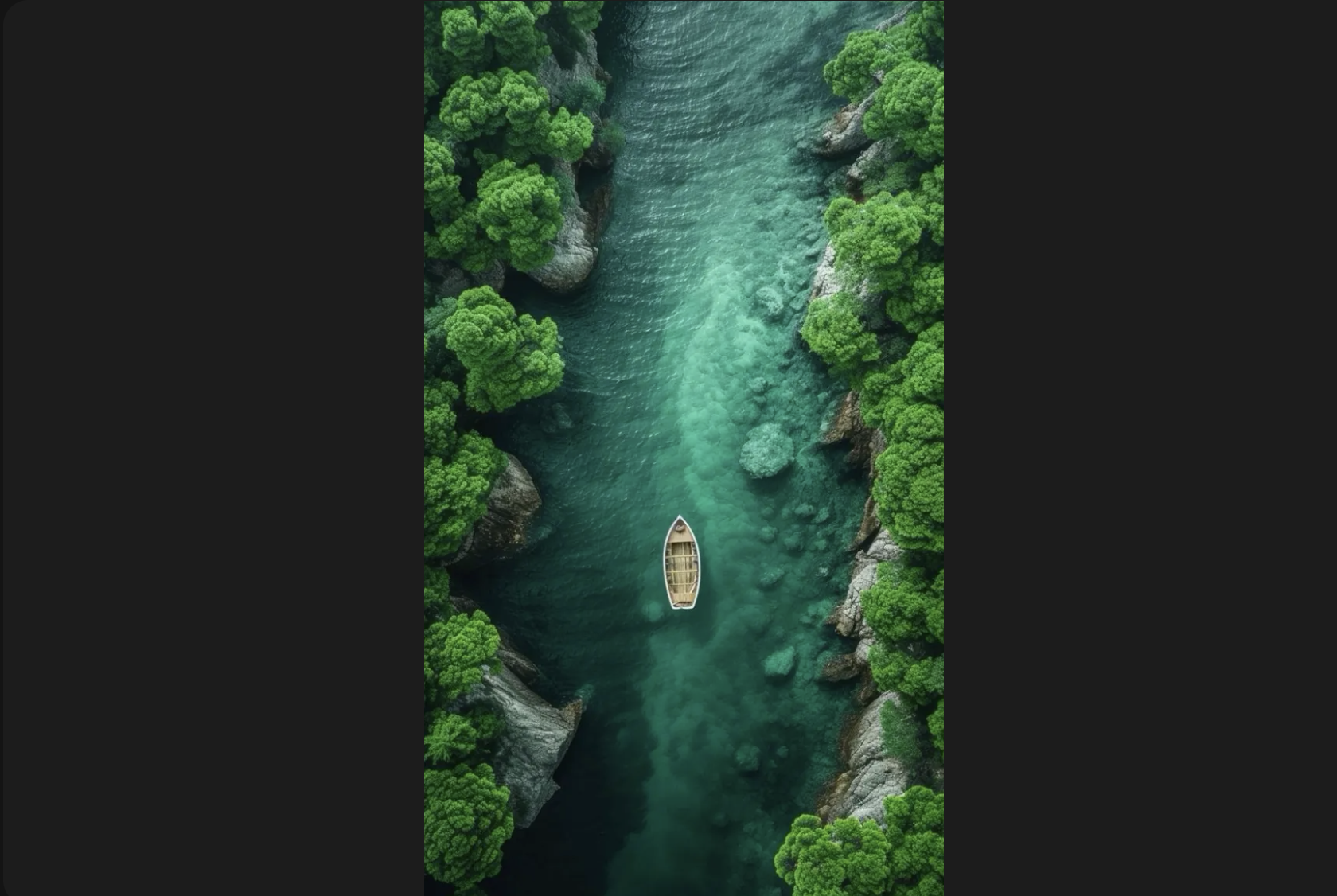
Rain on glass, ocean waves, drifting clouds, a fireplace and falling snow are the most consistently downloaded nature and ambient styles. These wallpapers tend to use slow, localized motion: a single element moving within an otherwise still frame rather than a full-screen animation. That approach is the most battery-friendly form of live wallpaper on Android: only a small portion of the frame redraws each cycle, reducing the GPU work required to maintain the loop. A fireplace confined to one edge of the composition costs far less than a full-screen weather scene. Browse nature live wallpapers on Zedge for the full ambient range.
Live Wallpapers and Battery Life
A live wallpaper draws more power than a static image. The GPU runs the animation frame by frame each time the screen is visible, creating a continuous load that a static background never creates. The practical impact depends on the animation: a slow ambient loop with motion confined to a small area of the frame costs relatively little, while full-frame 3D rendering or a complex particle effect at high frame rates costs more.
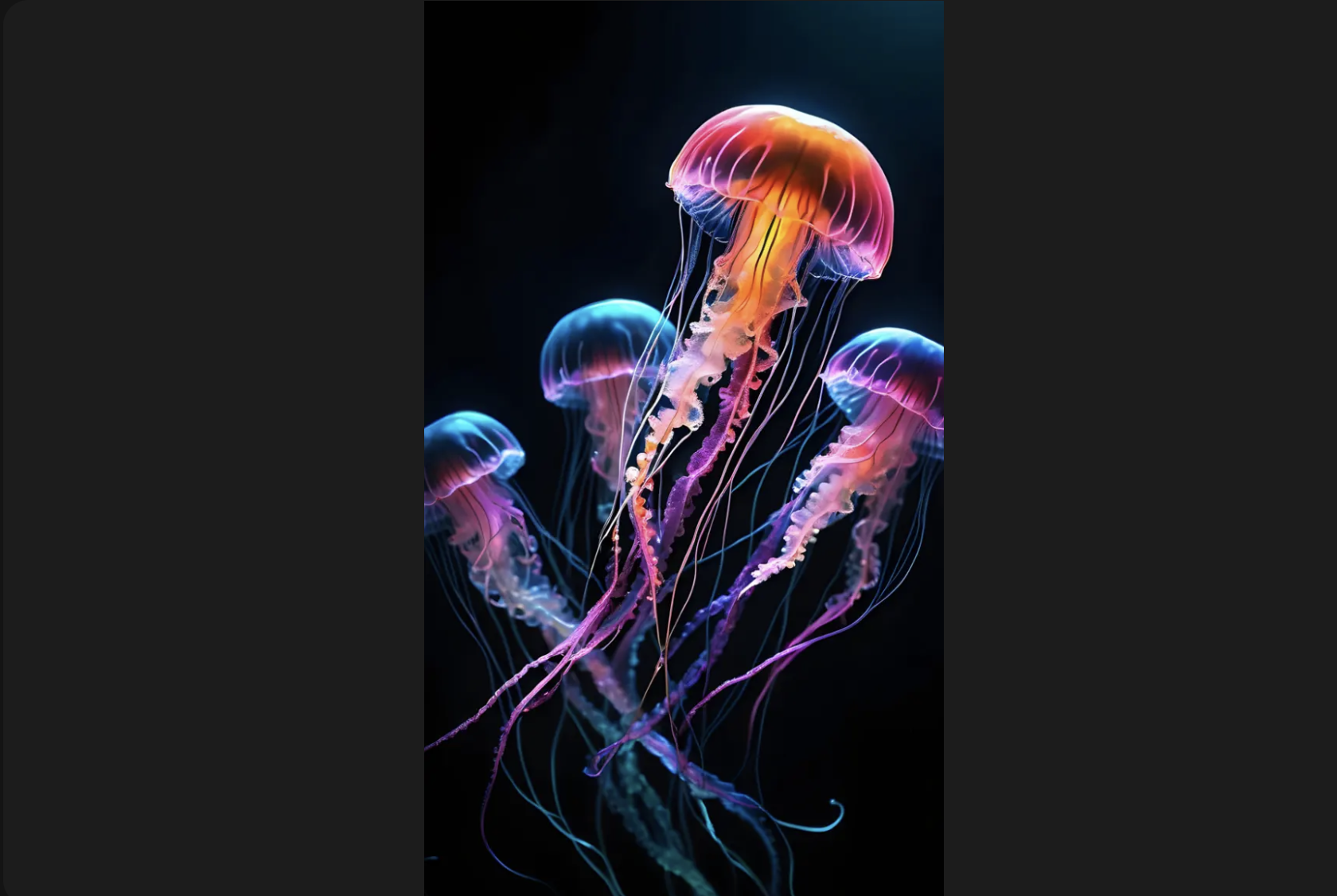
On AMOLED screens, a live wallpaper with a dark background switches off more pixels in still areas, partially offsetting the GPU cost. The AMOLED wallpapers collection covers dark-background options across animated and static styles. A practical comparison is to run the wallpaper for a full day and note the battery draw against your usual baseline.
How to Set a Live Wallpaper
Setting a live wallpaper takes a different route on Android and iPhone. The steps below cover both platforms.
On Android
- Download the animated wallpaper from Zedge.
- Open the Zedge app and tap the downloaded wallpaper.
- Tap Set as wallpaper.
- Choose home screen, lock screen, or both.
- Confirm the selection. The animation starts immediately.
Some Android skins, including Samsung One UI, require you to allow the Zedge app to run in the background for the wallpaper animation to persist. The permission prompt usually appears during the first set.
On iPhone
- Take or save a Live Photo. Live Photos from the iPhone camera display the concentric circles icon in the top corner of the viewfinder.
- Open Settings and tap Wallpaper.
- Tap Add New Wallpaper, then choose Photos.
- Select the Live Photo and position the frame.
- Tap Add. The Live Photo animates on press-and-hold on the lock screen.
The animation does not carry over to the home screen on iPhone. Both routes, static and Live Photo, are in the full guide to change your wallpaper on iPhone.
More Free Wallpapers
Live wallpapers are one part of a wider mobile background library. The phone wallpapers hub covers static options alongside animated styles across every category. For the full range of apps that handle wallpaper discovery and setting on both platforms, best wallpaper apps covers the options.
FAQ
Do live wallpapers drain battery?
Yes. A live wallpaper keeps the GPU active each time the screen is visible, running the animation continuously. The amount varies: a slow ambient loop with localised motion costs less than a full-frame 3D render or complex particle effect. An AMOLED screen with a dark live wallpaper partially offsets the cost, but the baseline power draw is always higher than a static background.
Can you set a live wallpaper on iPhone?
iOS does not support third-party animated wallpapers. Apple does not expose a wallpaper API that allows persistent background animation from third-party apps. The available route is the iPhone Live Photo: a motion image that animates on press-and-hold on the lock screen. It does not animate on the home screen.
Where can I download free live wallpapers?
Zedge has the largest free collection of live wallpapers for Android and iPhone-compatible Live Photos. No account is required and every download is free for personal use. Browse live wallpapers on Zedge directly for the full animated catalogue.
What is the difference between a live wallpaper and a video wallpaper?
A live wallpaper is an app-layer animation rendered by the phone's operating system as a persistent background. A video wallpaper loops a video file as the background through a third-party launcher or system setting. Both produce a moving background on Android, but a live wallpaper runs as a system process with direct access to sensor data like gyroscope input, while a video wallpaper is a media playback loop.
Do live wallpapers work on the lock screen and home screen?
On Android, a live wallpaper can run on the home screen, lock screen, or both, depending on the setting chosen at installation. On iPhone, the Live Photo route works on the lock screen only. The home screen on iPhone does not support animated wallpapers of any type.
Are live wallpapers free?
Yes, free for personal use. Zedge does not require an account to browse or download. Some items in the collection carry a Zedge Premium label and require credits to unlock, but the core animated wallpaper library is available without a subscription. Credits can be earned through the Zedge app or purchased if preferred.