


The best ringtone maker app for Android is Ringtone Maker – MP3 Cutter by Big Bang, which cuts any audio file and sets it as a system ringtone in two taps. For iPhone, GarageBand gives you the most control over trimming and exporting custom tones without ads or any cost. If you want a browser-based option with no app to install, media.io handles every common format and includes fade controls on the free tier.
For a ready-made library of millions of pre-formatted tones as an alternative to editing your own audio, browsing zedge.net/ringtones is the fastest starting point on both platforms.
How We Tested
Each app was evaluated against five criteria: supported audio formats (at minimum MP3, M4A, AAC, and WAV), whether fade in and fade out controls are available, the ad load on the free tier, output quality, and whether the app can set the ringtone directly on the device or requires extra steps through a file manager. Apps that locked the basic export behind a paid upgrade were scored down. For online tools, we checked the free file size limit, export format options, and whether a watermark is added to audio output.
Ringtone Maker Apps Compared
App | Platform | Free? | Best for |
|---|---|---|---|
Zedge | iOS, Android | Yes (ads) | AI generation + ready-made library |
GarageBand | iOS only | Yes, no ads | Precision trimming on iPhone |
InShot Ringtone Maker | iOS, Android | Yes (ads) | MP3 cutting with visual waveform |
Ringtone Maker – MP3 Cutter (Big Bang) | Android | Yes (ads) | Fastest Android system ringtone |
Ringtones Maker – the ring app | iOS | Yes (ads) | Simple dedicated iOS trimmer |
media.io | Browser | Yes (limits) | Online cutting without install |
Notevibes / Clideo | Browser | Yes (limits) | Quick one-off online cut |
The Best Ringtone Maker Apps, Ranked
1. Zedge
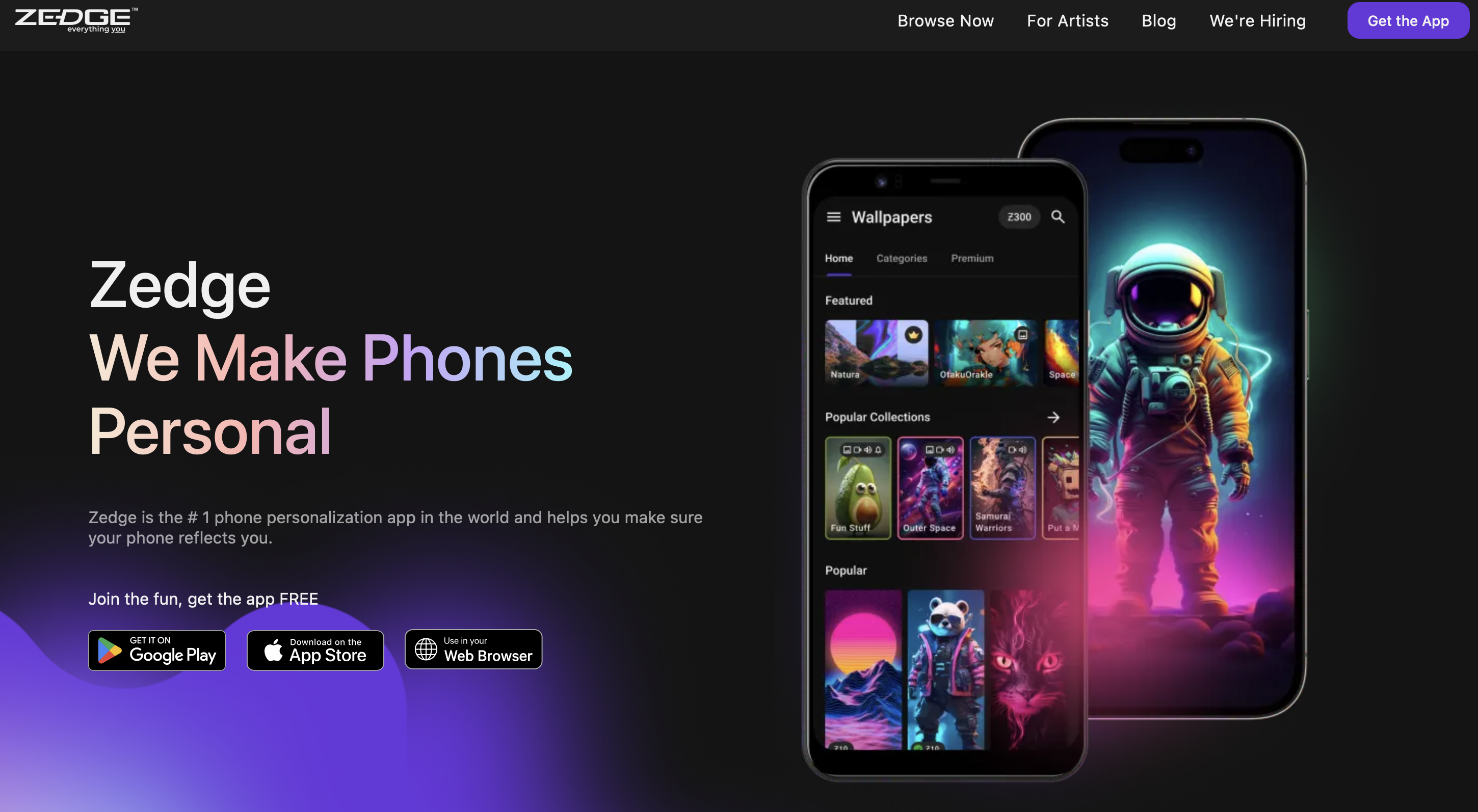
Zedge is the only app on this list that combines a ringtone editor with a library of over 50 million pre-made tones. The AI ringtone maker built into the app, called Zedge Audio AI, generates a custom tone from a text prompt: describe a style, a mood, or an instrument and it produces a short audio clip already formatted as a ringtone. Users who prefer to browse rather than generate can search the full library by genre, mood, or keyword and find tones already cut to the correct length with no editing required.
Platform: iOS and Android
Price: Free with ads; Zedge Premium removes ads
Best for: Anyone who wants a single app for browsing, generating, and setting ringtones
Pros: Library of 50M+ tones, AI generation on both platforms, direct set-as-ringtone flow, active upload community
Cons: Audio AI is currently Android-only; Ad load is high on the free tier; AI generation quality depends on prompt specificity
2. GarageBand
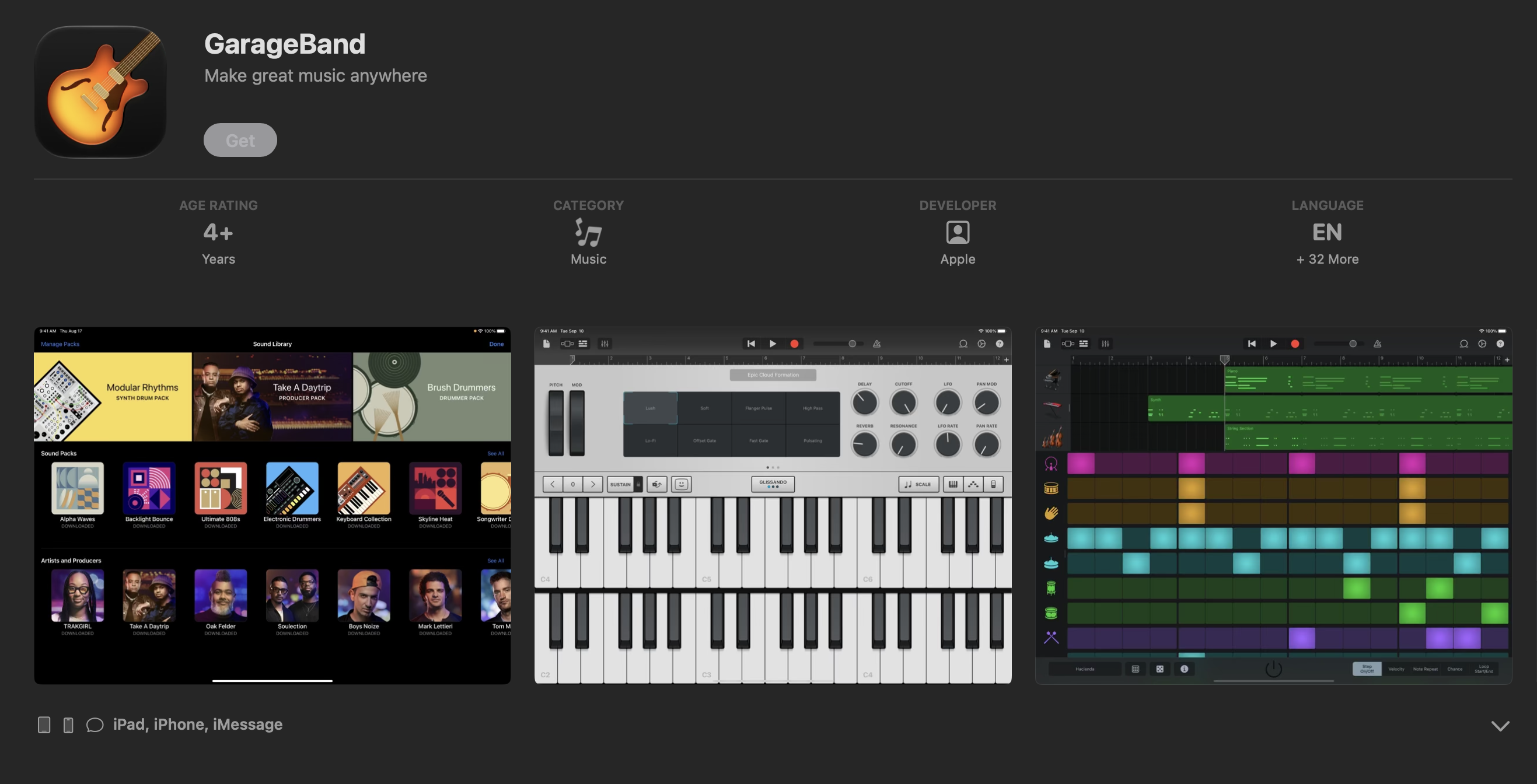
GarageBand is Apple's free digital audio workstation and the most capable ringtone maker app for iPhone. You import an audio file into the tracks view, drag the region edges to select the exact section you want, keep the clip under 30 seconds, and export directly to your ringtone library. The tone appears in Settings > Sounds & Haptics immediately. There are no ads and no in-app purchases required to complete the export.
The trade-off is setup time. GarageBand is a full DAW, so reaching the ringtone export involves more steps than a dedicated cutter. First-time users typically spend two to three minutes navigating the interface, but repeat use is faster once the workflow is familiar.
Platform: iOS only
Price: Free (no ads, no in-app purchases)
Best for: iPhone users who want precise control over which section of a DRM-free audio file becomes their ringtone
Pros: No ads, no watermark, direct ringtone export, precise waveform editing, 30-second limit enforced cleanly at export
Cons: iOS only, more steps than a dedicated app, learning curve for new users
3. InShot Ringtone Maker (MP3 Cutter)
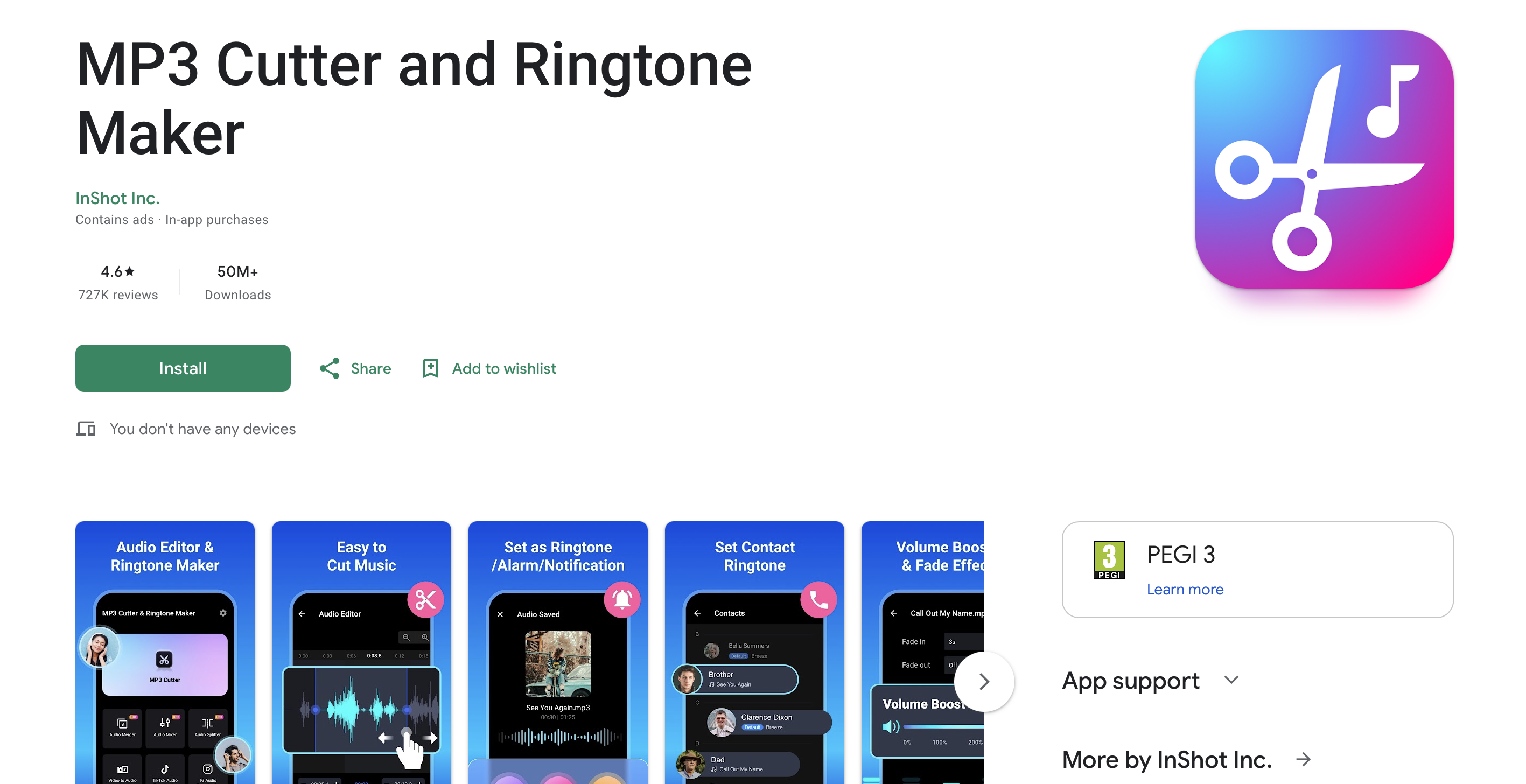
InShot is primarily a video editor, but its audio tools make it one of the more versatile ringtone maker apps on both platforms, combining audio trimming with the editing environment it was originally built for. You load a track, drag a visual waveform to mark the start and end points, apply fade in and fade out, and export. The app runs on iOS and Android, making it a practical cross-platform option for users who already have it installed.
The free tier is functional for basic cuts. The premium version removes ads and unlocks additional effects and export options.
Platform: iOS and Android
Price: Free with ads
Best for: Users who already use InShot for video and want a consistent editing environment for audio
Pros: Visual waveform, fade in and fade out, cross-platform, familiar interface for existing InShot users
Cons: Ads on free tier, primary product focus is video not audio
4. Ringtone Maker - MP3 Cutter (Big Bang)
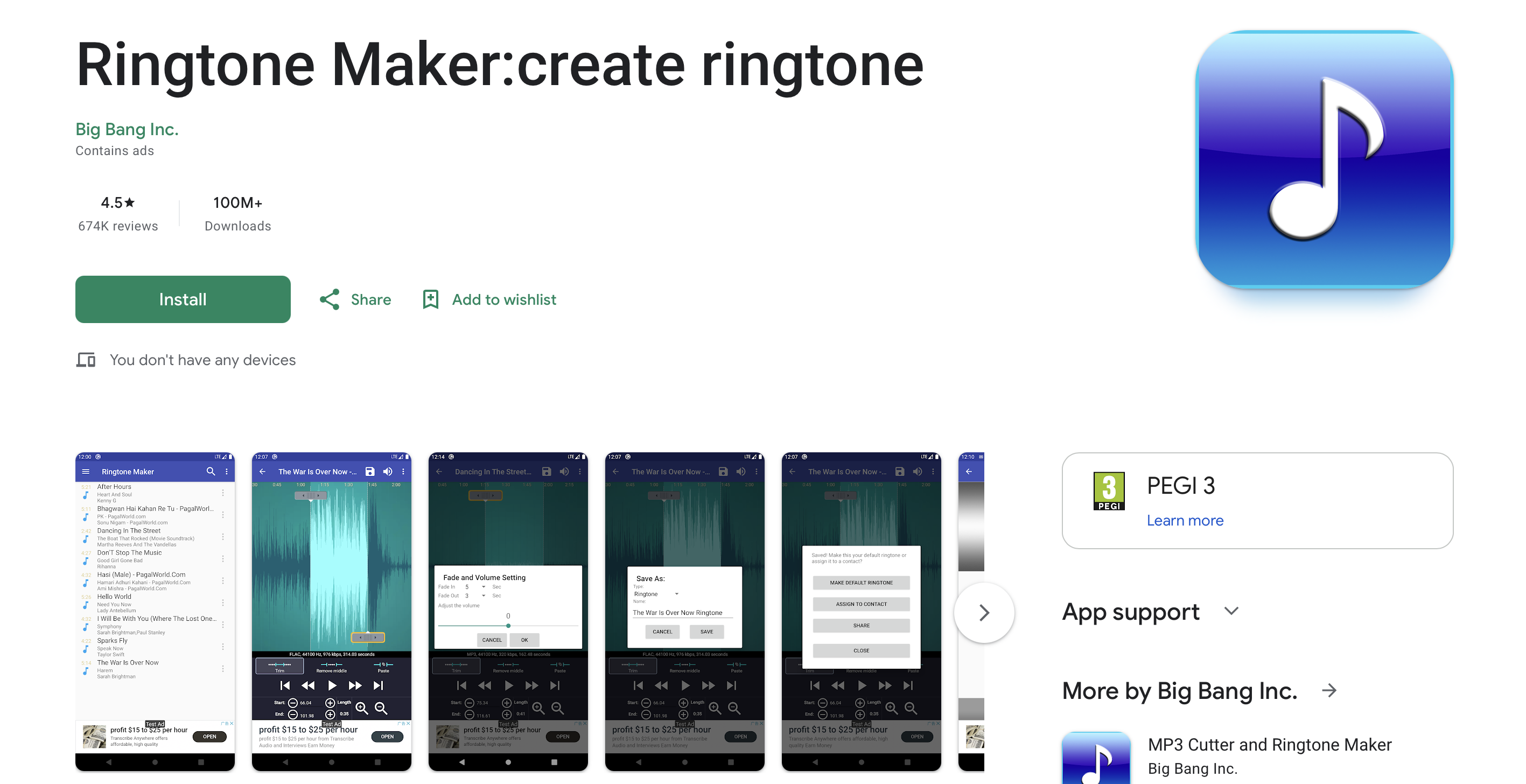
Big Bang's Ringtone Maker is a dedicated Android ringtone cutter with a straightforward two-panel layout: file browser on one side, waveform editor on the other. You select a file, drag the start and end markers, preview the clip, and tap Set as Ringtone to assign it to the system default, a specific contact, or a notification slot. It supports MP3, WAV, AAC, OGG, and FLAC. Basic fade controls are available for both ends of the clip.
The app is free with banner and interstitial ads. There is no subscription or one-time purchase to remove them.
Platform: Android
Price: Free with ads
Best for: Android users who want the fastest path from an audio file to a system ringtone
Pros: Direct system ringtone and contact ringtone assignment, FLAC and OGG support, minimal setup
Cons: Android only, ads cannot be removed, interface design is dated
5. Ringtones Maker - the ring app
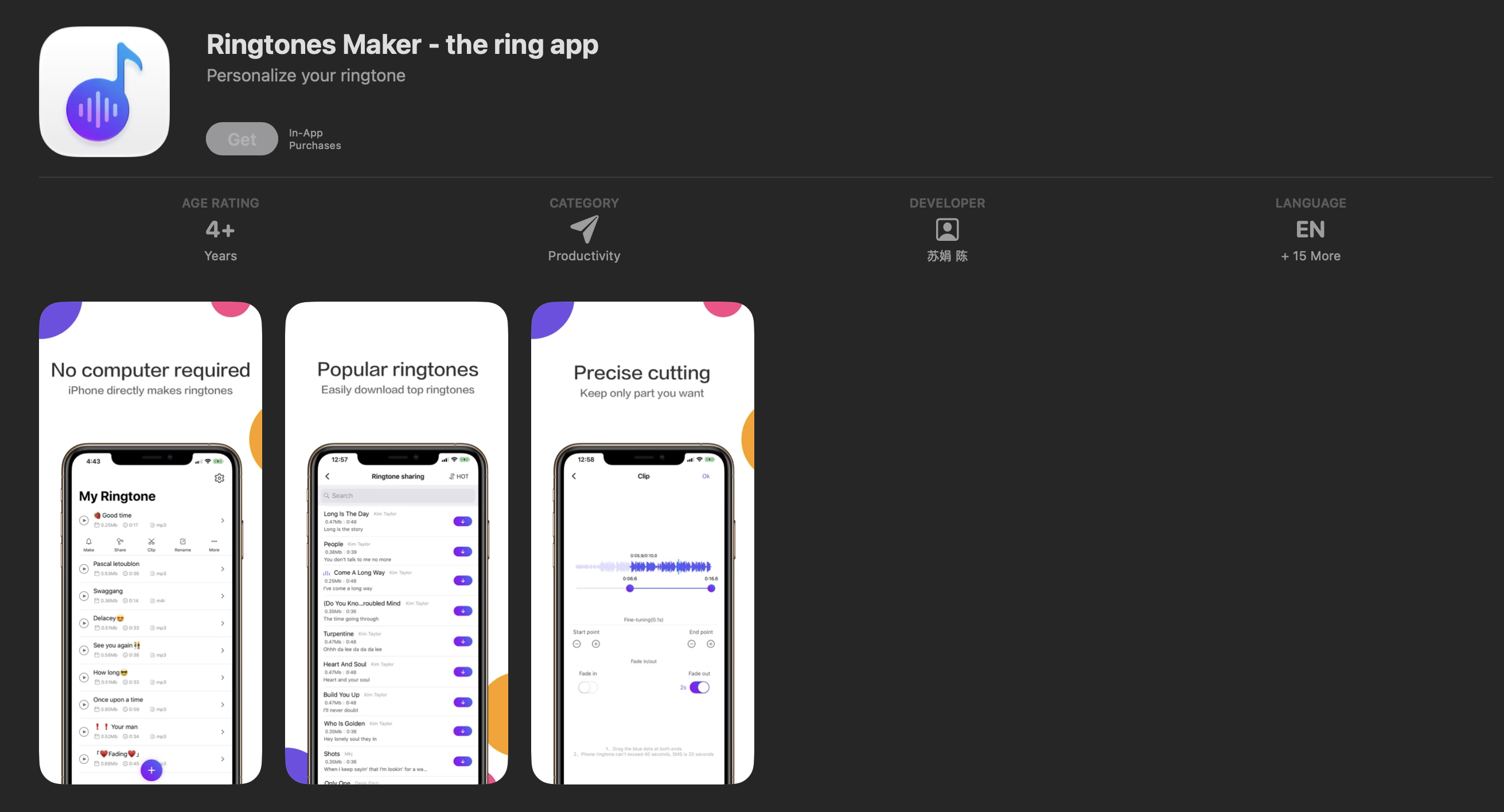
This iOS app is built specifically for creating ringtones and alert tones from files stored on your iPhone. The editor shows a waveform with drag handles for trimming, a preview button, and a direct export option that places the tone in your ringtone library without requiring iTunes or a computer. It supports M4R, M4A, and MP3. Fade in and fade out are included on both the free and paid tiers.
Platform: iOS
Price: Free with ads; one-time purchase available to remove ads
Best for: iPhone users who want a dedicated trimmer simpler than GarageBand without the multi-step DAW interface
Pros: Purpose-built for iOS ringtones, direct library export, simpler workflow than GarageBand, one-time purchase to remove ads
Cons: iOS only, narrower format support than Android alternatives, smaller file size limit than GarageBand
6. media.io
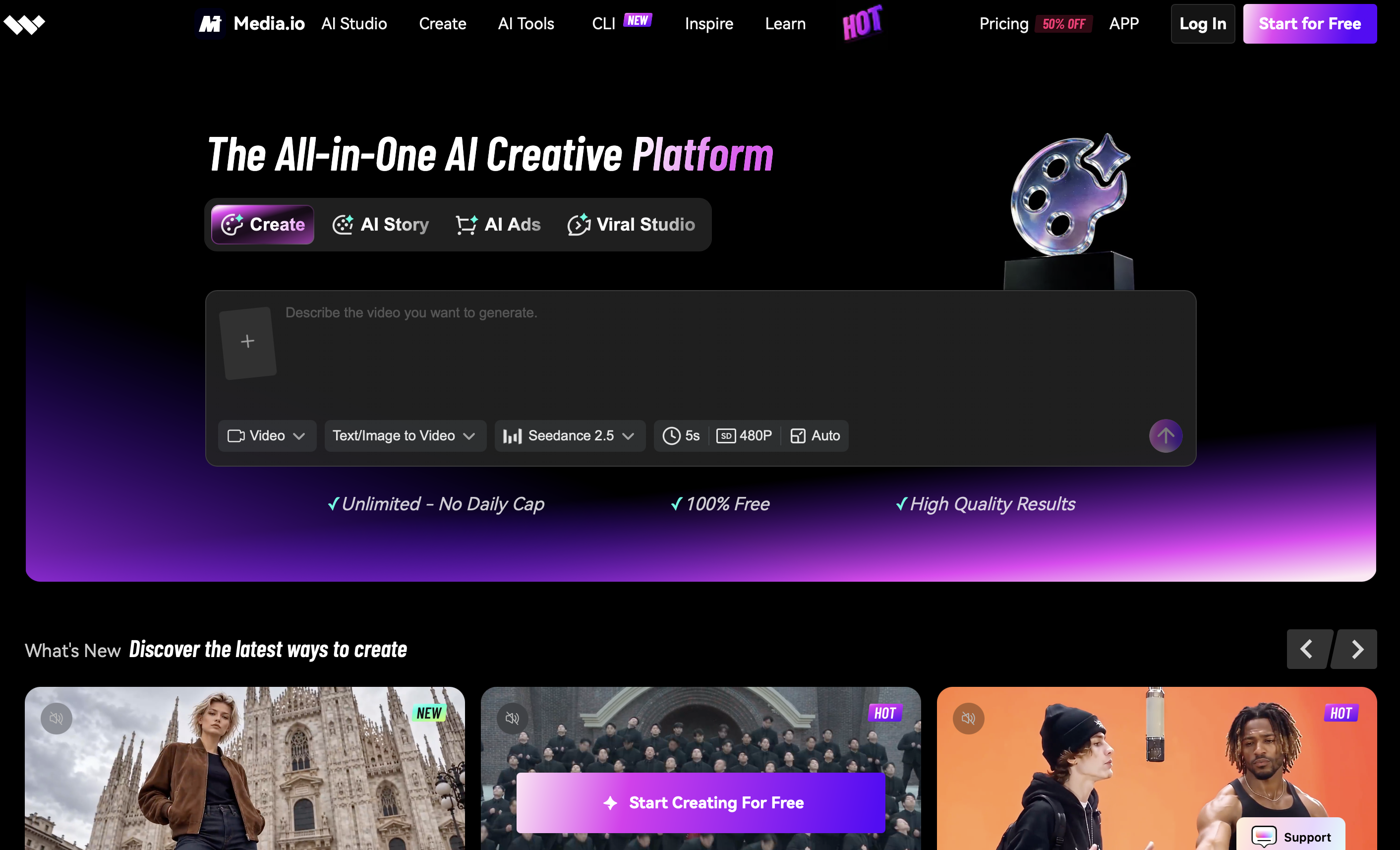
Media.io is a browser-based audio and video editing suite from Wondershare. The Audio Cutter tool loads files through drag-and-drop, displays a waveform, lets you set start and end points by dragging or entering timestamps, and exports as MP3, M4A, or WAV. No account is required on the free tier. The free plan is limited to 500 MB per file and 10 exports per day. Crucially for ringtone use, no watermark is added to audio output on the free tier.
The output file downloads to your computer or device. On Android, you transfer it using a file manager and assign it through system settings or a dedicated ringtone setter. On iPhone, you import it via GarageBand or the iOS 26 Files method.
Platform: Browser (all devices)
Price: Free with limits; paid plans from $9.99/month
Best for: Occasional use without installing an app, or editing audio from a desktop browser
Pros: No install, no watermark on audio, 500 MB free file limit, fade in and fade out included, no account required
Cons: Requires internet connection, file transfer step needed to set the tone on mobile, paid plan needed for heavy use
7. Notevibes / Clideo
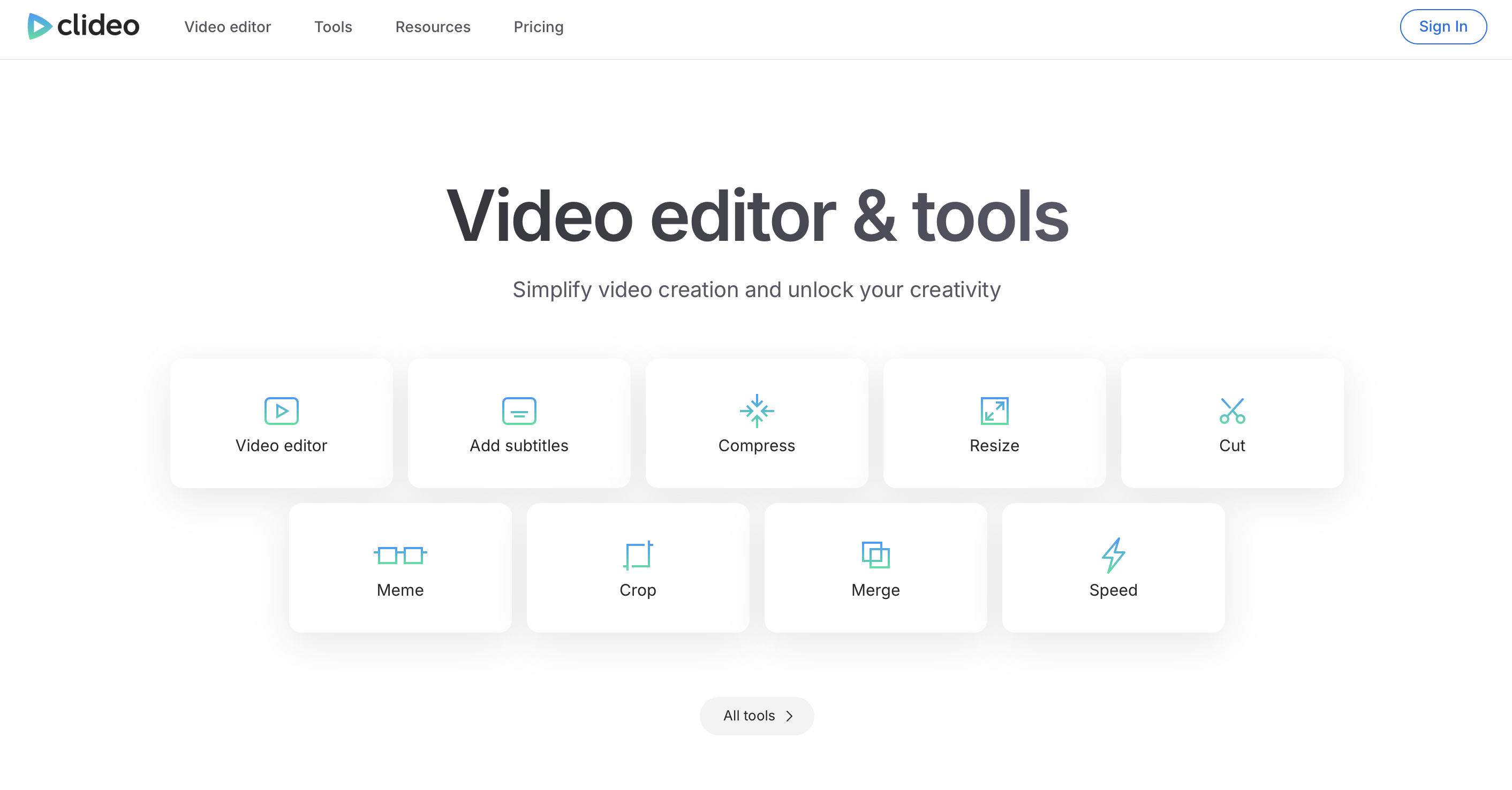
Clideo is a browser-based audio and video editor with a dedicated Audio Cutter tool. Upload a file, drag handles to clip the section you want, choose an output format, and download. The interface is the most minimal of the online options, which makes it fast for a single quick cut. The free tier adds a watermark to the output file; the paid plan removes it and raises the file size limit from 500 MB. Clideo does not offer fade-in or fade-out on the free tier, and there is no waveform zoom.
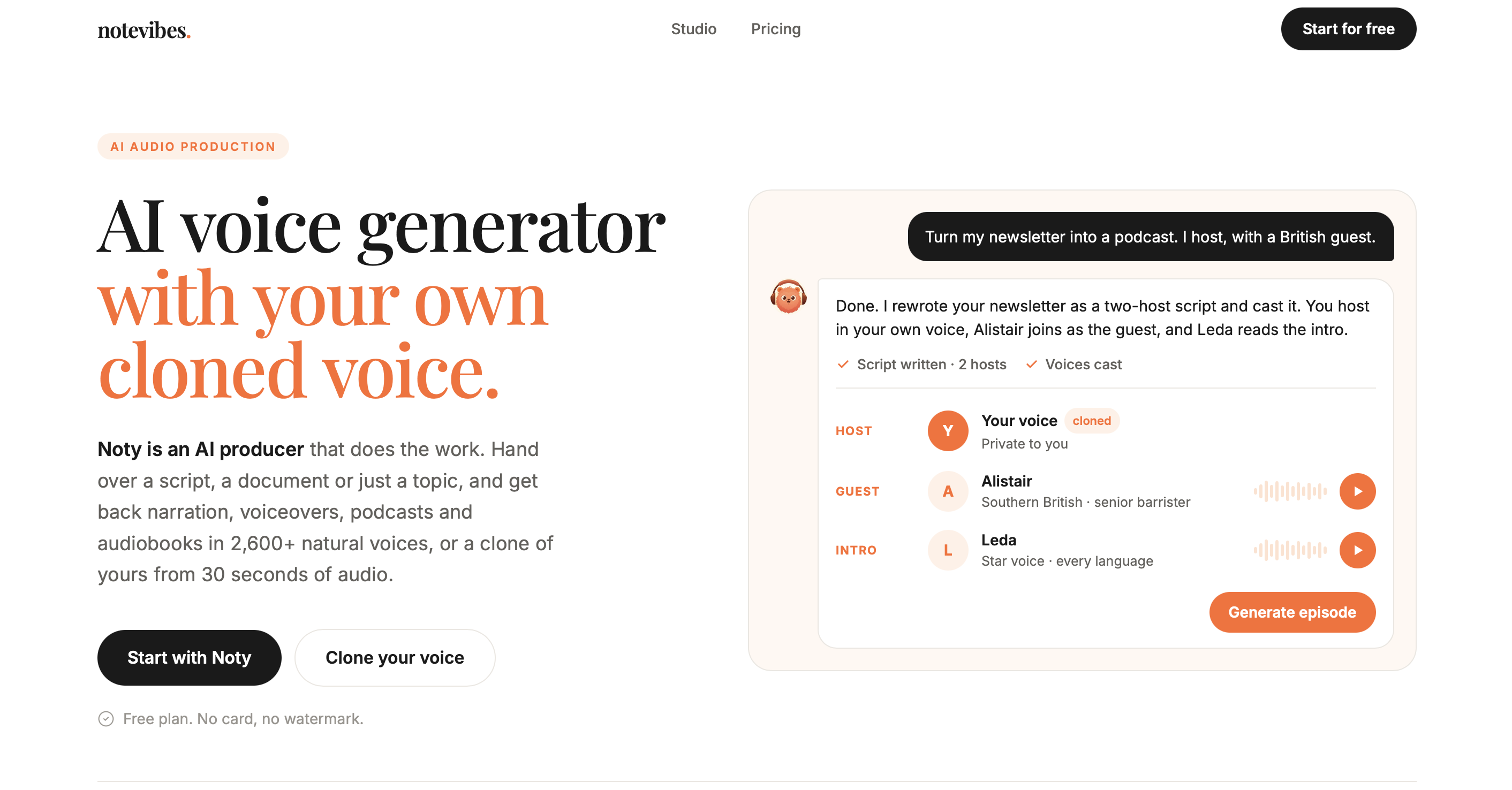
Notevibes takes a different approach: it is a text-to-speech platform rather than an audio cutter. You type or paste text, choose a voice, and download the generated audio as an MP3. This makes it useful for creating voice-based ringtones from a custom phrase or name, which you can then import into any of the cutter apps above to trim and set.
Platform: Browser (all devices)
Price: Clideo free with watermark, $9/month without; Notevibes free tier available with credit limits
Best for: Clideo for a fast one-off cut; Notevibes for generating a custom voice clip as a ringtone
Pros: No install, no account required for Clideo free tier, Notevibes covers a use case no other app on this list does
Cons: Clideo watermarks free exports and has no fade controls; Notevibes produces speech, not music
Best Free Ringtone Maker
GarageBand is the best completely free ringtone maker for iPhone with no ads, no watermark, and no limit on how many tones you can create. For Android, Ringtone Maker - MP3 Cutter by Big Bang is the top free option, though the ad experience is unavoidable. Among the best free ringtone apps across both platforms, the consistent trade-off on free tiers is ads versus watermarked exports, and GarageBand is the only major option that avoids both entirely.
Any free ringtone maker on Android can output a trimmed file that you then place in your phone's Ringtones folder for system-wide use, so the no-cost workflow is available even if the free app carries ads during use.
Best Online Ringtone Maker (No App)
Media.io is the better online option for most users. It adds no watermark to audio exports on the free tier, accepts files up to 500 MB, and includes fade in and fade out controls. The interface is clean and works from any browser on desktop or mobile. Clideo is a viable alternative for a single cut if you have the paid plan to remove the watermark, but its free tier is less practical for audio because the watermarked output needs to be removed before setting it as a ringtone.
Neither tool assigns the ringtone directly to your device. After downloading the clip, transfer it to your phone and use a file manager or a dedicated setter app to complete the setup.
How to Make a Ringtone in Under a Minute
The fastest way to make a ringtone on iPhone is through the Files app on iOS 26: long-press any compatible audio file, tap Share, and tap Use as Ringtone. No cutter needed if the file is already the right length. For a specific section of a longer track, open it in a ringtone maker first, trim to the section you want, and then use the Files method to set it.
On Android, open Ringtone Maker - MP3 Cutter, select your track, drag the waveform handles to the section you want, and tap Set as Ringtone. The whole process takes under 60 seconds once the app is installed.
FAQ
Is Ringtone Maker a free app?
Most ringtone maker apps are free to download and use for basic trimming. The trade-off on free tiers is usually ads (Big Bang, InShot) or watermarked exports (Clideo). GarageBand is the only major option with no ads, no watermark, and no premium tier required. Online tools like media.io and Clideo offer free plans with file size or daily export limits.
Is Ringtone Maker safe?
The apps listed here are available on the official App Store and Play Store and are used by millions of people. As with any app, check the permissions requested at install time. A ringtone cutter needs storage access to read audio files but does not need access to contacts, location, or camera. Apps that request broad permissions beyond storage and audio playback are worth questioning before approving.
What app makes your ringtone a song?
GarageBand on iPhone and Ringtone Maker by Big Bang on Android both let you use a song from your local library as a ringtone. The song needs to be saved as a DRM-free file on your device. Tracks streamed through Apple Music or Spotify cannot be exported because they are protected. The Zedge app also lets you set tones from its library directly, or use Zedge Audio AI to generate a custom tone from a style prompt.
How do I create a custom ringtone?
On iPhone, open GarageBand, import your audio file, trim it to 30 seconds or under, and export it as a ringtone. It appears in Settings > Sounds & Haptics immediately. On Android, open Ringtone Maker – MP3 Cutter, select the file, drag the handles to set the clip length, and tap Set as Ringtone. On either platform, the Zedge app is a no-edit alternative through its library of pre-formatted tones across every genre.