

Are you searching for the perfect way to personalize your phone with unique ringtones or eye-catching wallpapers? With so many apps out there, it is tough to know which one truly delivers on its promises. Most users struggle with too many choices and valid concerns regarding content quality or digital safety. Furthermore, many people feel deep frustration with apps that do not work as promised. This guide directly compares Zedge and Fringster, breaks down their features, and introduces the best alternatives and expert tips so you can confidently make your device your own.
TL;DR
- Zedge leads the market: It offers the largest collection of ringtones and wallpapers, plus built-in tools for customization.
- Fringster is declining: While once popular, newer apps now offer better features and a much smoother experience.
- The best alternatives: Top choices include Zedge, Audiko, Tones7, and Pi Music Player.
- Flexible monetization: Most apps are free, though some offer premium, ad-free versions for users.
- Safety first: Recommended apps are available for Android and iOS and are safe if downloaded from official stores.
Zedge vs Fringster: Feature-by-Feature Comparison
Choosing between these two platforms requires an understanding of how they have adapted to modern hardware. Zedge has focused on expanding its library with 4K visuals and high-fidelity audio tracks. Meanwhile, Fringster has remained a traditional repository for community-shared audio files. This creates a significant difference in the quality and variety of content available to you. You can see how this compares in a Zedge vs Wallpapers.com analysis for visual content.
Feature | Zedge (2026) | Fringster (2026) |
|---|---|---|
Library Size | Millions of HD assets | Thousands of community files |
Customization | Built-in maker and AI tools | Basic download only |
Interface | Modern and intuitive | Dated and ad-heavy |
Platform | Android, iOS, and Web | Primarily Web-based |
Safety | High (Verified content) | Moderate (Third-party ads) |
Monetization | Free with Premium options | Free with aggressive ads |
The verdict depends on what you want to achieve with your mobile device. Zedge is the clear winner for anyone wanting a comprehensive and polished one-stop shop. It provides a massive amount of variety for both audio and visual customization in a single interface. Fringster may still appeal to users looking for very niche or older community-uploaded clips. However, most people find that modern best Fringster alternatives offer a much safer and faster environment for discovery.
Best Apps and Tools for Ringtones, Wallpapers, and Customization
Ringtone Makers & Editors
Zedge
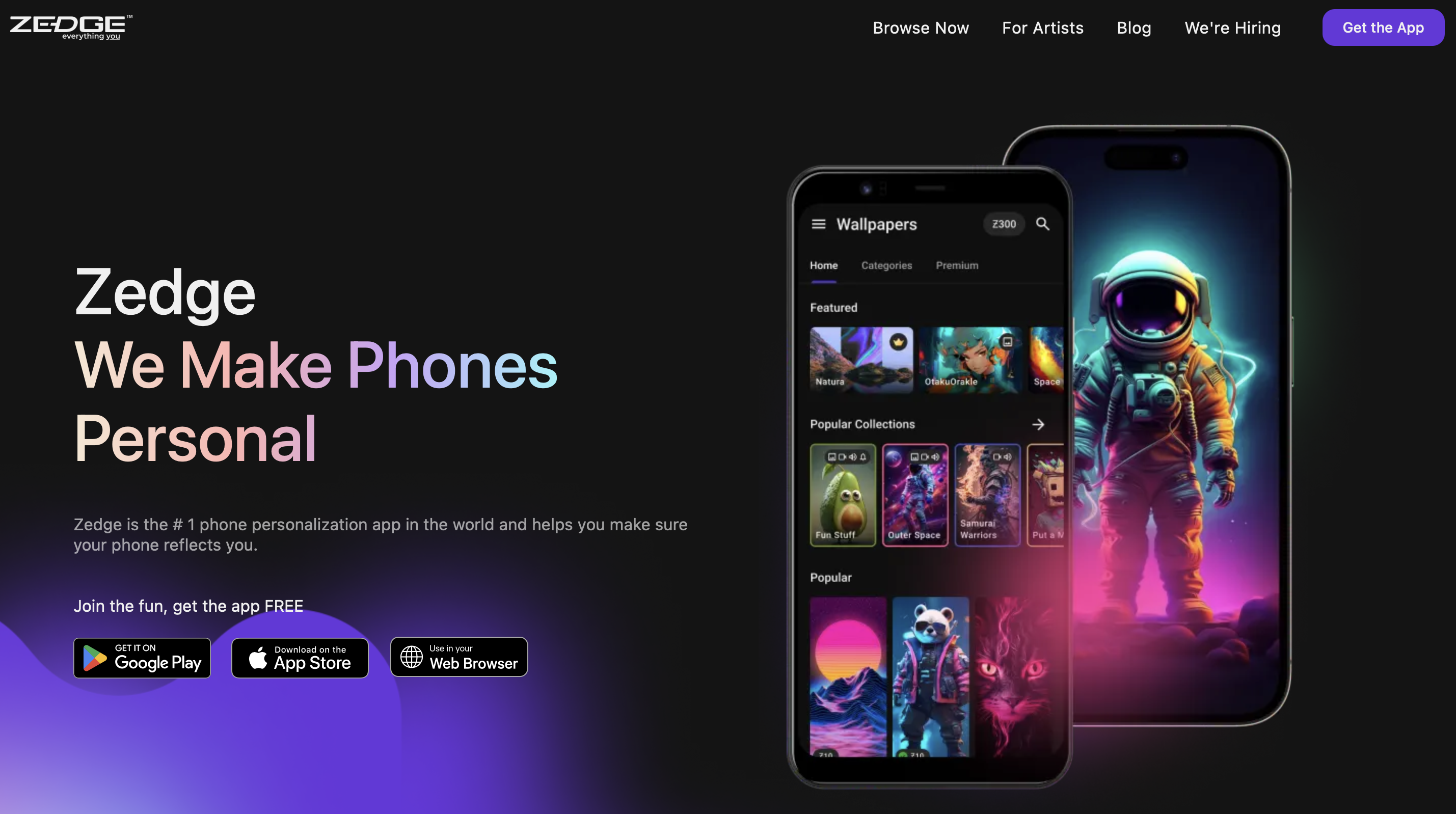
Zedge remains the most prominent name in the industry for a very good reason. It offers a massive selection of high-fidelity audio and easy preview options for every user. Because the library is updated daily, you can find everything from trending pop songs to retro notification sounds. This platform is widely considered one of the best ringtone apps available today. It is the perfect choice for anyone wanting a reliable experience.
- Key Features: Built-in ringtone maker, easy preview/download, and curated themes.
- Ideal User: Anyone wanting a high-quality, one-stop shop for customization.
- Status: Free with premium options.
- Privacy: High safety standards with verified content and clear permissions.
Audiko
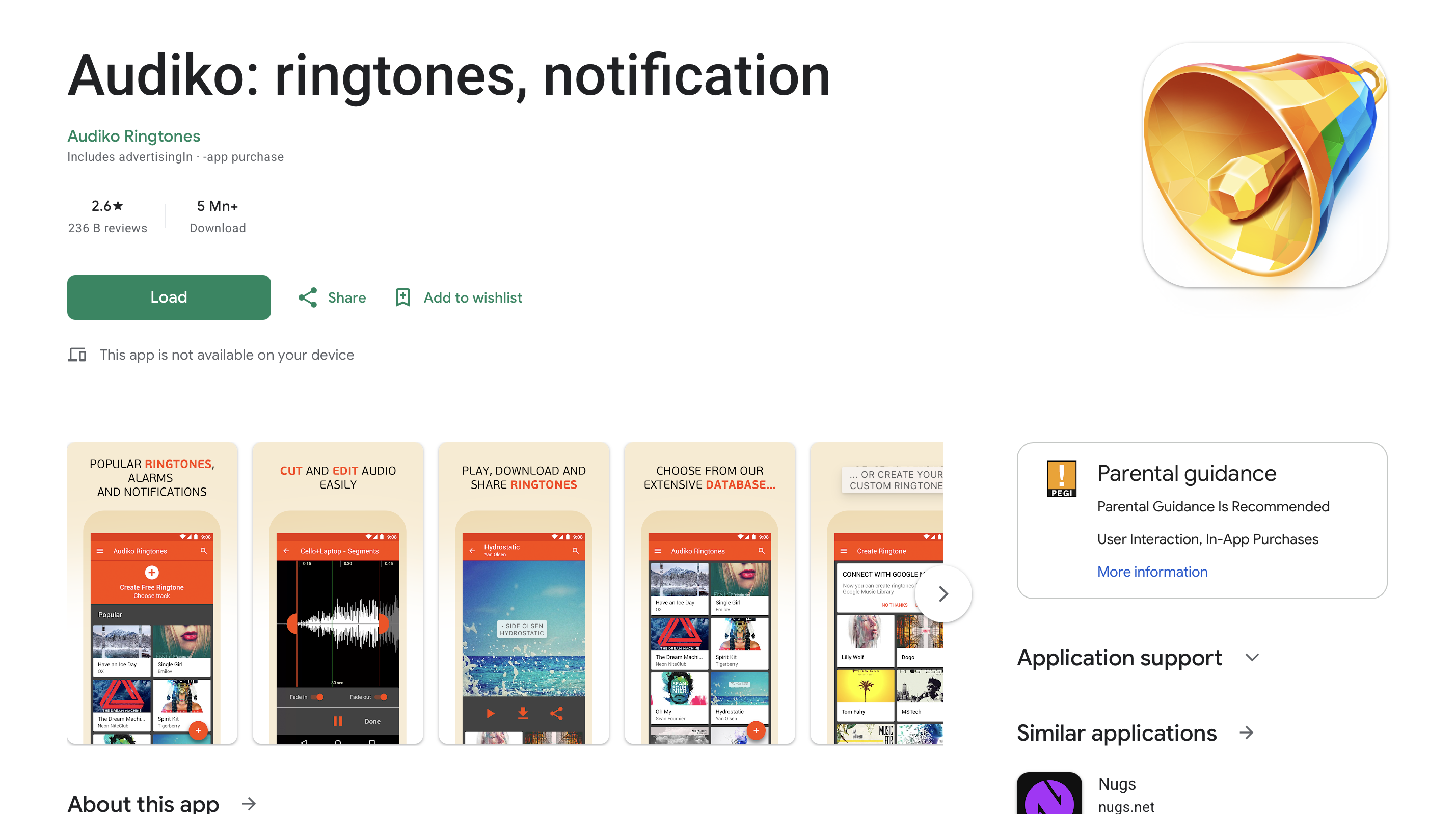
Audiko is a specialized tool that focuses on helping you find specific music tastes. It allows you to search by song title and then create custom clips from those tracks. This level of granular control is perfect for users who want a specific segment of a song. If you find the library too limited, you can check the best Audiko alternatives free ringtones for more options. It remains a solid choice for audio enthusiasts.
- Key Features: Search by song, audio trimming, and custom ringtone creation.
- Ideal User: Users with specific music tastes who want to edit their own clips.
- Status: Free with ads.
- Privacy: Standard permissions for file management and media access.
Pi Music Player
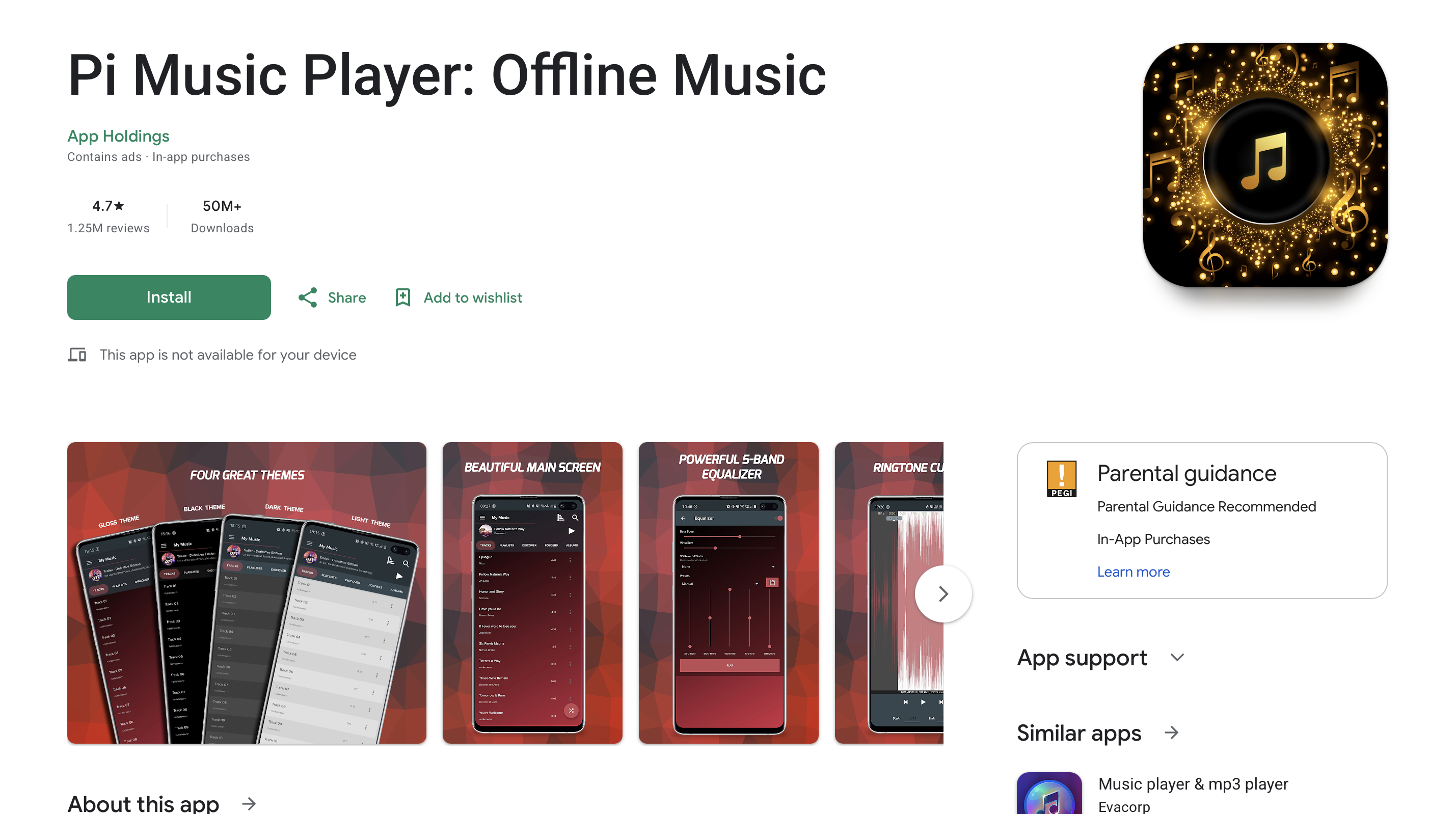
Pi Music Player is more than just a standard audio player for your smartphone. It includes a built-in ringtone cutter that is ideal for turning your own music library into alerts. This allows you to bypass the need for downloading external files from the internet. You can use it to find the best free ringtones sound samples within your existing collection. It provides a very smooth and multifunctional experience for Android users.
- Key Features: Built-in ringtone cutter, equalizer, and sleek user interface.
- Ideal User: Users wanting to turn their local music files into custom ringtones.
- Status: Free with premium options.
- Privacy: High safety as it primarily handles local device files.
Wallpaper & Theme Apps
Zedge (Visuals)
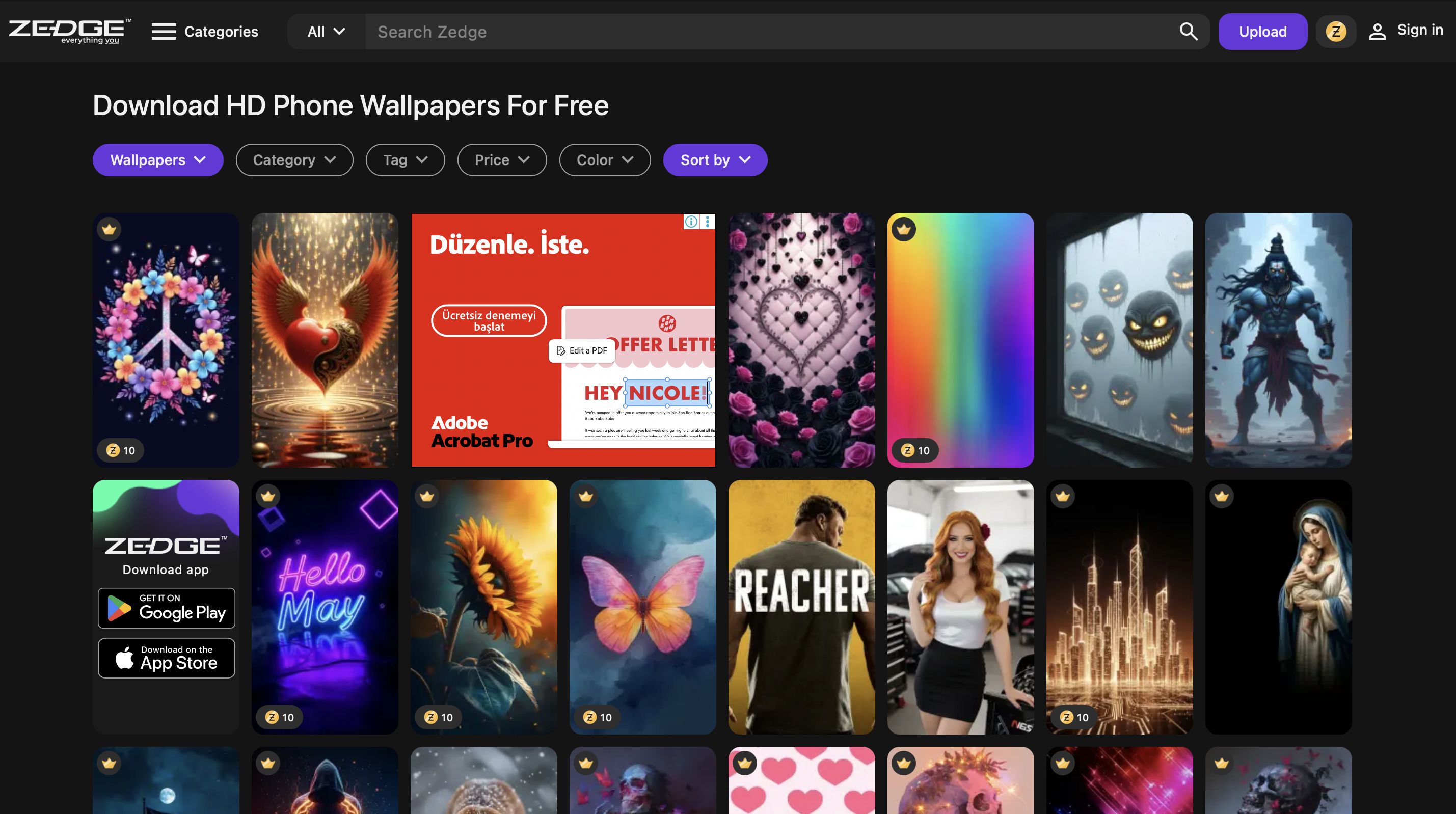
The visual side of Zedge is just as impressive as its famous audio library. It offers HD and live wallpapers that are tailored for every aesthetic and style. The app categorizes themes so you can quickly find a look that matches your mood. Moreover, it supports the latest display technologies like AMOLED and high-refresh-rate screens. It is the leading resource for people who want their phone to look professional and modern.
- Key Features: HD and live wallpapers, intelligent theme categorization, and AMOLED display support.
- Ideal User: People who want a professional and modern look for their phone screens.
- Status: Free with premium options.
- Privacy Notes: Safe and verified downloads with minimal system permissions required.
Ringtone & Wallpaper Websites
Tones7
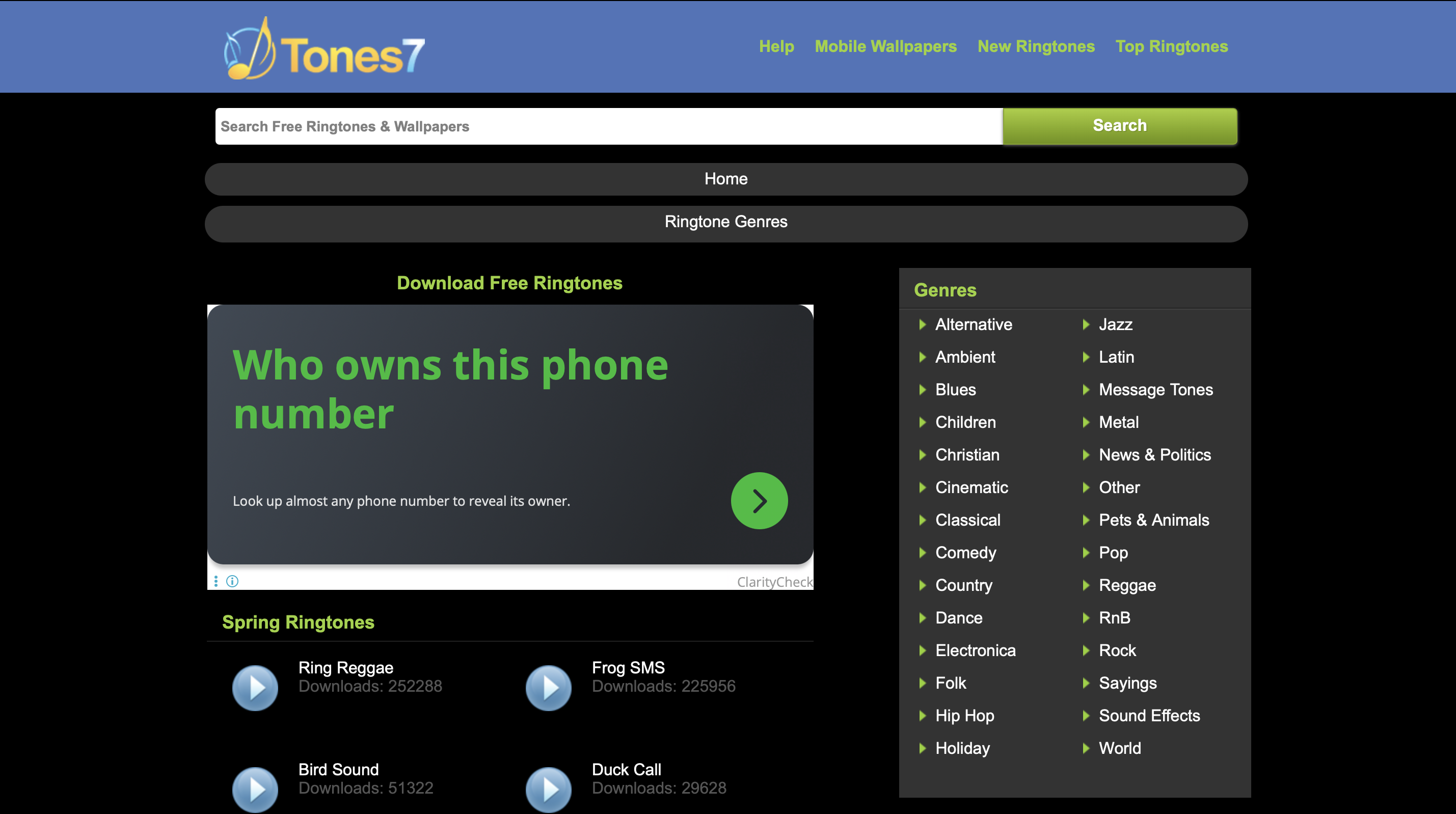
Tones7 is a very simple and straightforward website that offers a variety of free ringtones. It is an excellent choice for desktop users who prefer to manage their files on a computer. The site lacks the complexity of modern apps, which makes it very fast to navigate. Consequently, you can preview several tracks in seconds without dealing with heavy app animations. It remains a popular legacy choice for traditional mobile users.
- Key Features: Quick downloads, no registration, and easy desktop access.
- Ideal User: Desktop users seeking a fast and free way to find basic tones.
- Status: Completely free.
- Privacy: Safe, but users should be cautious with on-site third-party advertisements.
MyTinyPhone
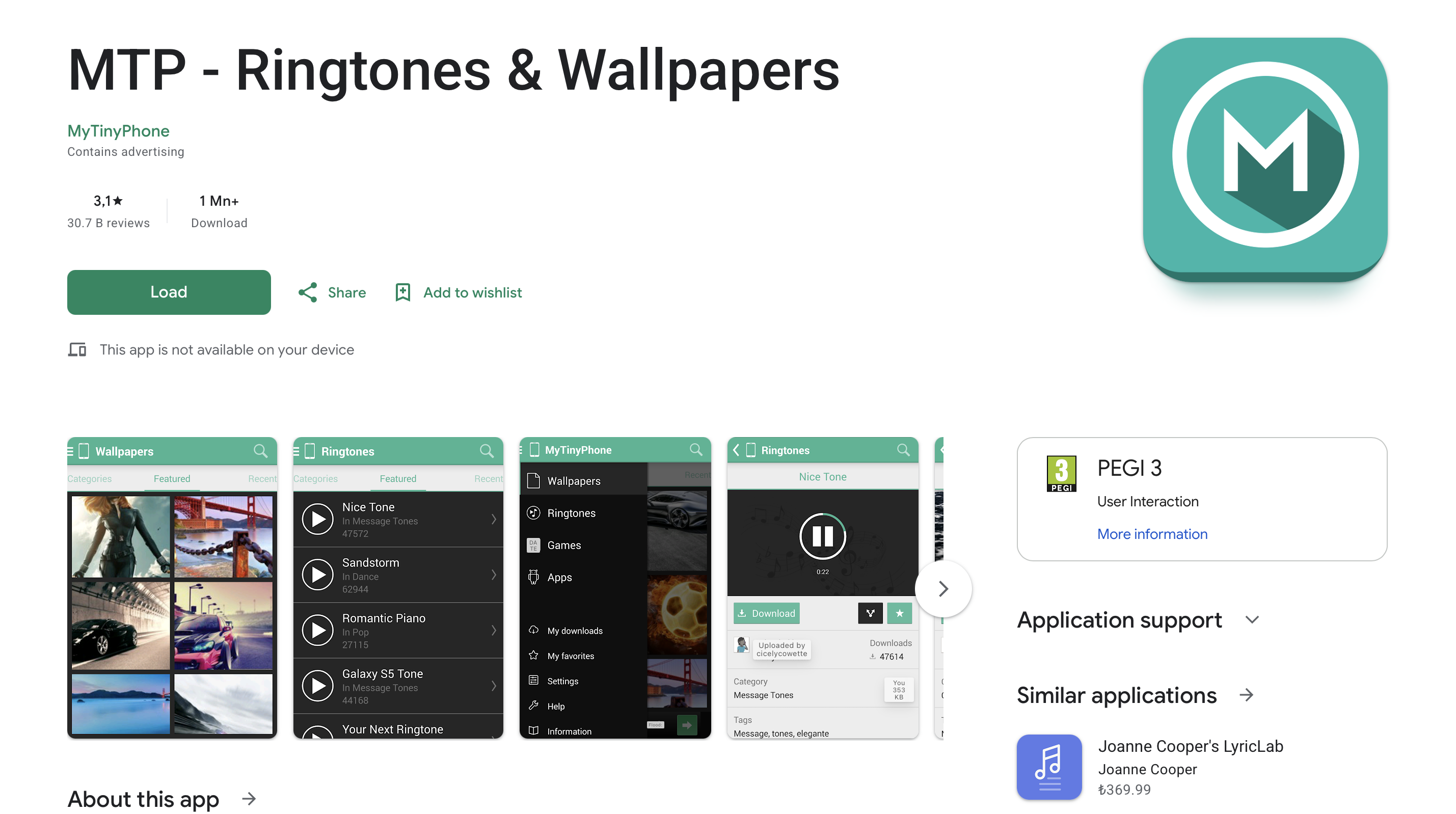
MyTinyPhone hosts a huge collection of assets that are especially good for Android devices. The site allows for easy browsing through thousands of user-uploaded images and sounds. It has been a reliable source for many years and continues to support older phone models. This makes it a great backup if you cannot find a specific niche sound elsewhere. It provides a community-driven feel that many newer apps have moved away from.
- Key Features: Huge collection, easy browsing, and community ratings.
- Ideal User: Android users looking for community-uploaded niche clips and wallpapers.
- Status: Free.
- Privacy: Moderate safety due to the nature of user-uploaded content.
Advanced Customization Tools
GarageBand (iOS)
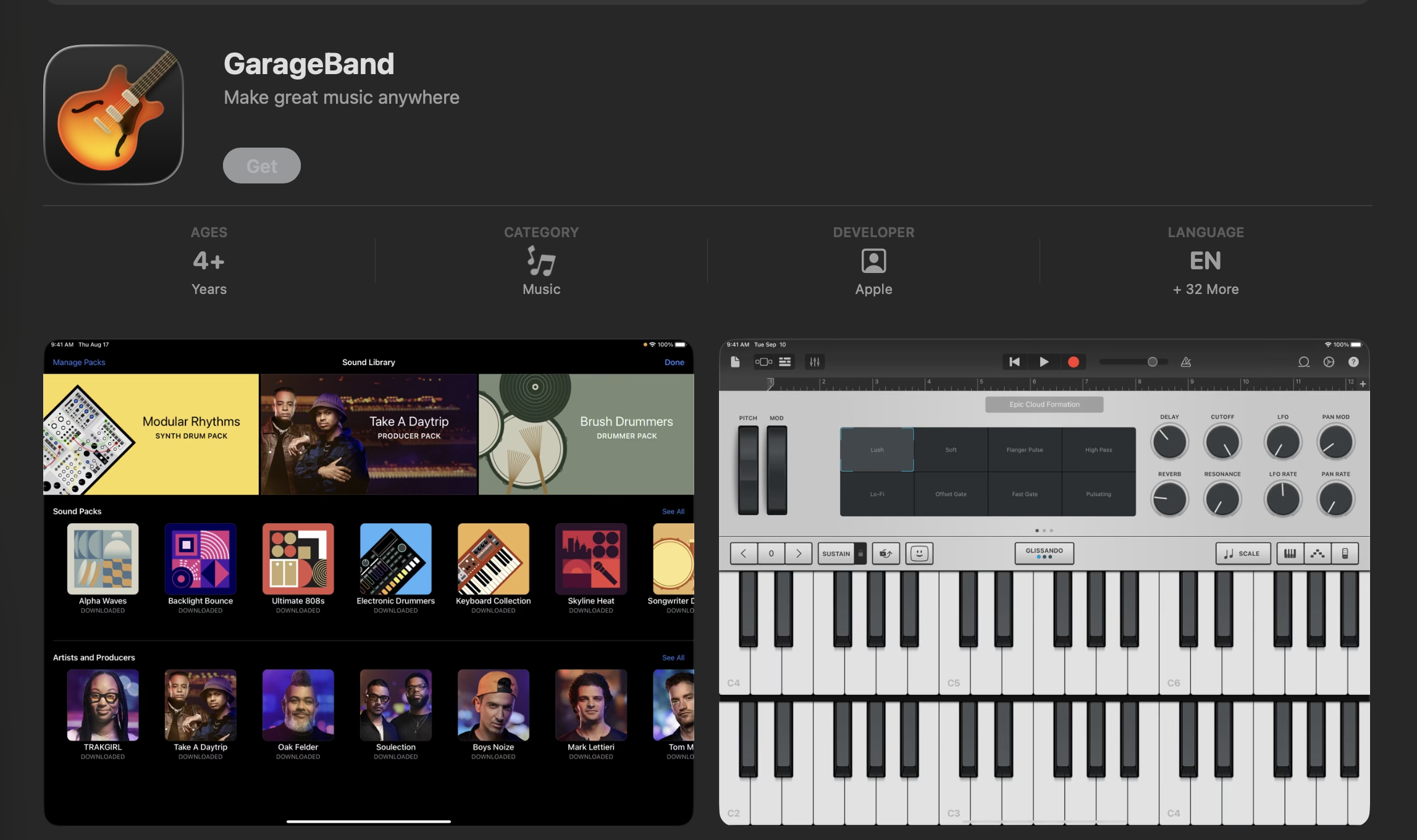
GarageBand is a professional-level audio workstation that is available for all iOS users. It allows you to create and edit ringtones from scratch using virtual instruments or local files. This tool is essential because it helps you understand how to buy ringtones versus making them. It provides the highest level of creative freedom for iPhone enthusiasts. You can produce truly unique sounds that no one else has.
- Key Features: Multi-track editing, virtual instruments, and direct export to ringtone.
- Ideal User: iOS users who want to compose their own melodies or edit files with precision.
- Status: Free for Apple users.
- Privacy: Extremely safe as it is a first-party application developed by Apple.
Ringtone Maker - MP3 Cutter
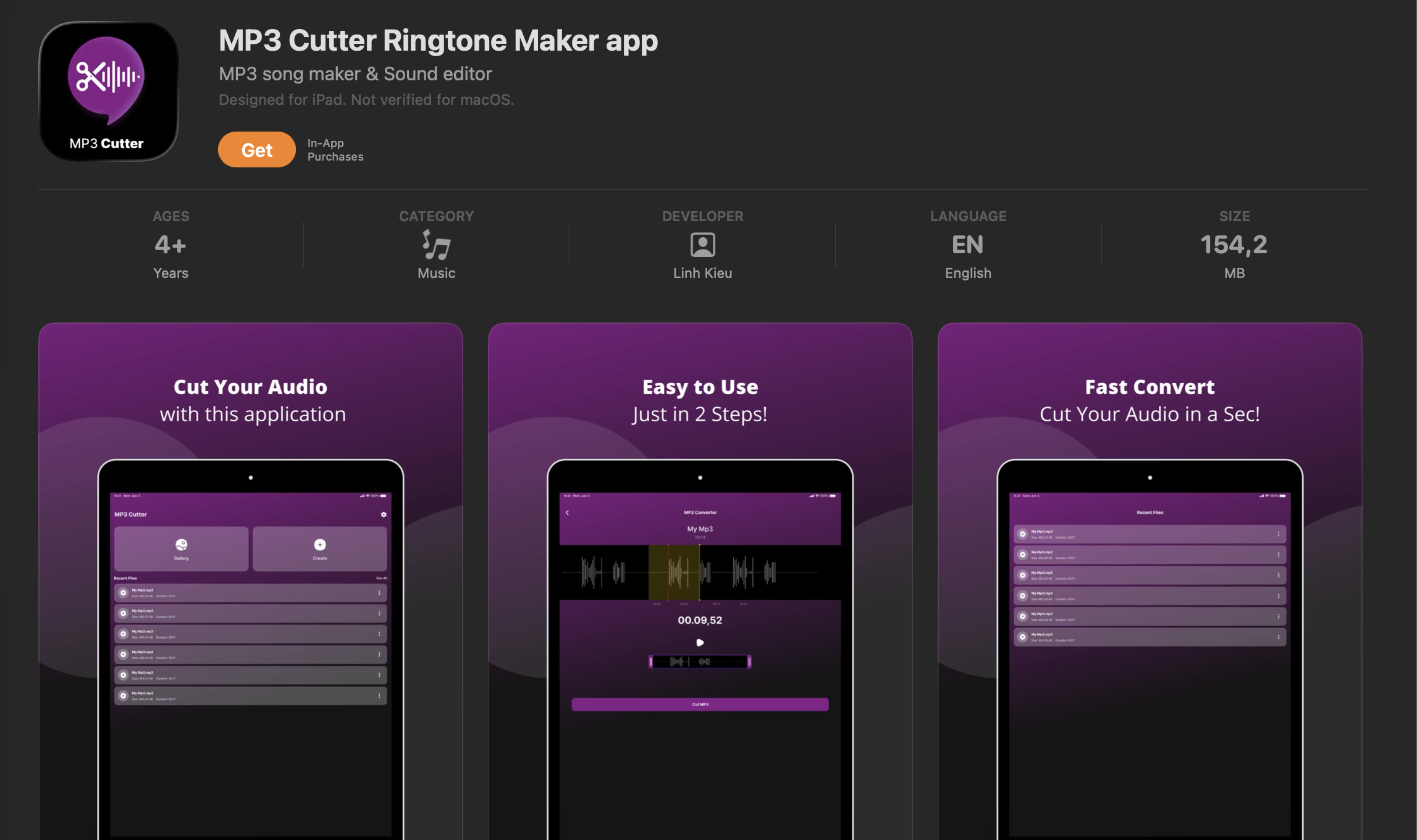
This app focuses on providing quick and free edits for any audio file on your device. It is a lightweight utility that does one job very efficiently and reliably. You can use it alongside the best AI ringtone maker tools to refine your sounds. It is an excellent choice for people who do not need a full media library. The app is straightforward and requires very little technical knowledge to operate.
- Key Features: Quick audio clipping, simple saving, and no-frills interface.
- Ideal User: Users who need to make quick, free edits to existing audio files.
- Status: Free.
- Privacy: Safe as it primarily handles local files on the device.
How to Choose the Right App for You
Selecting the best app for your needs depends on several key considerations. You should first evaluate the size and variety of content available in the library. A larger selection ensures that you can find something that truly fits your personality. Ease of use is also critical, especially if you want to set up your phone quickly. You can learn how to change the ringtone easily once you have found the right software.
Another important factor is device compatibility and overall system performance. Some apps are optimized for the latest Android versions while others focus on iOS. You should also consider the depth of customization the app provides for you. Some tools only allow for downloads while others let you edit the files yourself. Furthermore, safety and privacy should always be at the top of your priority list. Following a simple checklist can help you decide.
- Size and variety: Does it offer millions of choices or a limited selection?
- Ease of use: Is the interface intuitive for a fast setup process?
- Compatibility: Does it work smoothly on your version of Android or iOS?
- Safety and privacy: Are the downloads verified and are ads manageable?
- Customization depth: Can you edit the files or just download them?
Tips for Safe and Effective Customization
Safe customization requires a careful approach to device security and data privacy. You must prioritize verified software to protect your personal information from potential threats. Knowing exactly how to change ringtone files through your system settings provides a reliable backup if an automated app process fails. This technical knowledge allows you to maintain full control over your device's audio profile.
- Download from official stores: Only use Google Play or the App Store to avoid malicious files.
- Check app permissions: Monitor privacy settings and avoid tools that request excessive data access.
- Watch for ads: Be cautious with software that uses intrusive ads or requires too many permissions.
- Back up your phone: Always save your current settings before making significant system changes.
- Keep software updated: Regularly update your apps to access the latest security patches and features.
Frequently Asked Questions
Are Zedge and Fringster safe to use?
Zedge is considered very safe because it verifies content and is available on official stores. Fringster is generally safe but often contains more aggressive advertisements on its website. You should always use a secure browser and avoid clicking on suspicious pop-up links. Using a trusted app is usually safer than using an older community website.
How do I set a custom ringtone on Android or iPhone?
On Android, you can usually set a sound directly through the settings menu under sound and vibration. iPhone users often need to use iTunes or an app like GarageBand to sync their custom files. Once the file is in the correct format, it will appear in your list of available tones. Modern apps often simplify this by providing a one-click set button for you.
Can I use downloaded ringtones for alarms and notifications?
Yes, most downloaded files can be assigned to various alerts on your smartphone. You just need to select the file from your local storage within the specific alarm or message settings. This allows you to have a consistent audio theme across your entire mobile experience. Some apps even offer specialized packs for different notification categories.
Are there any ad-free ringtone apps?
Many apps offer a premium version that removes all advertisements for a small fee. This provides a much cleaner experience and helps support the developers and creators. Some first-party tools like GarageBand are also ad-free by default. If you prefer not to pay, look for apps that have high ratings for their ad management.