

If you just want a new ringtone right now, the fastest place to start is the Zedge ringtone library, where you can browse and set a tone directly from your phone without installing anything else first. If you'd rather compare your options first, this guide covers the seven best free ringtone apps for Android and iPhone, including a few built specifically for creating your own tone rather than downloading one.
Every app below, along with its rating and pricing, was checked in August 2026, since ringtone apps tend to change hands, add subscriptions, or lose iPhone support more often than most other app categories.
How We Picked These Free Ringtone Apps
This list weighs four things most.
- Library size and freshness, since a large, actively maintained catalog beats a handful of generic tones
- Creation and editing tools, for anyone who wants to make a custom tone rather than download one
- Format support, specifically whether an app exports MP3 for Android or M4R for iPhone
- Privacy and permissions transparency, since a ringtone app doesn't need much access to your phone to do its job
Apps that haven't shipped an update in years are listed separately at the end.
Quick Comparison Table: Best Free Ringtone Apps
App | Platform | Price | Standout Feature | 2026 Rating |
Zedge | Android, iPhone | Free, Zedge+ from $1.99/week | Massive tone library plus live wallpapers and an AI tone generator | 4.1 (App Store) / 4.4 (Google Play) |
Phonezoo | Web, works on Android and iPhone | Free maker tool, paid AI tiers | Browser-based ringtone maker plus a separate AI music generator | Not store-rated |
Pi Music Player | Android | Free, with in-app purchases | Full music player with a built-in ringtone cutter | 4.7 (Google Play) |
Ringtone Maker | Android | Free, with an ad-free paid version | Lightweight MP3 cutter with waveform zoom | 4.5 (Google Play) |
InShot MP3 Cutter | Android | Free | Clean trimming with fade in/out and volume control | 4.7 (Google Play) |
Tones7 | Web, works on Android and iPhone | Free | Instant MP3 and M4R downloads, no app needed | Not store-rated |
MTP Ringtones & Wallpapers | Android | Free | Simple browsing with direct save to your device | 4.4 (Google Play) |
Want more tones like these? | - | Free | - |
If you're on iPhone, format matters more than anything else on this list. Zedge, Phonezoo, and Tones7 all support M4R, the file format iPhone actually needs for a custom ringtone. The rest of the apps here, Pi Music Player, Ringtone Maker, InShot MP3 Cutter, and MTP Ringtones & Wallpapers, are Android tools built around MP3, and none of them currently offer a reliable iPhone version.
Best Ringtone App for Android and for iPhone
Short on time? Here's the pick by platform.
Best free ringtone app for Android: Zedge for browsing and one-tap setting, Ringtone Maker for a fast trim of your own MP3, and InShot MP3 Cutter if you want fades and volume control.
Best free ringtone app for iPhone: Zedge for a ready-made library, Phonezoo if you want to make an original tone in your browser, and Tones7 for a quick M4R download without installing anything. For the full iPhone setup, see our guide on how to get free ringtones on iPhone.
The 7 Best Free Ringtone Apps, Reviewed
If you're looking for apps like Zedge, the strongest alternatives below are Phonezoo, Ringtone Maker and InShot MP3 Cutter.
1. Zedge - Best All-In-One Ringtone App and Live Wallpapers
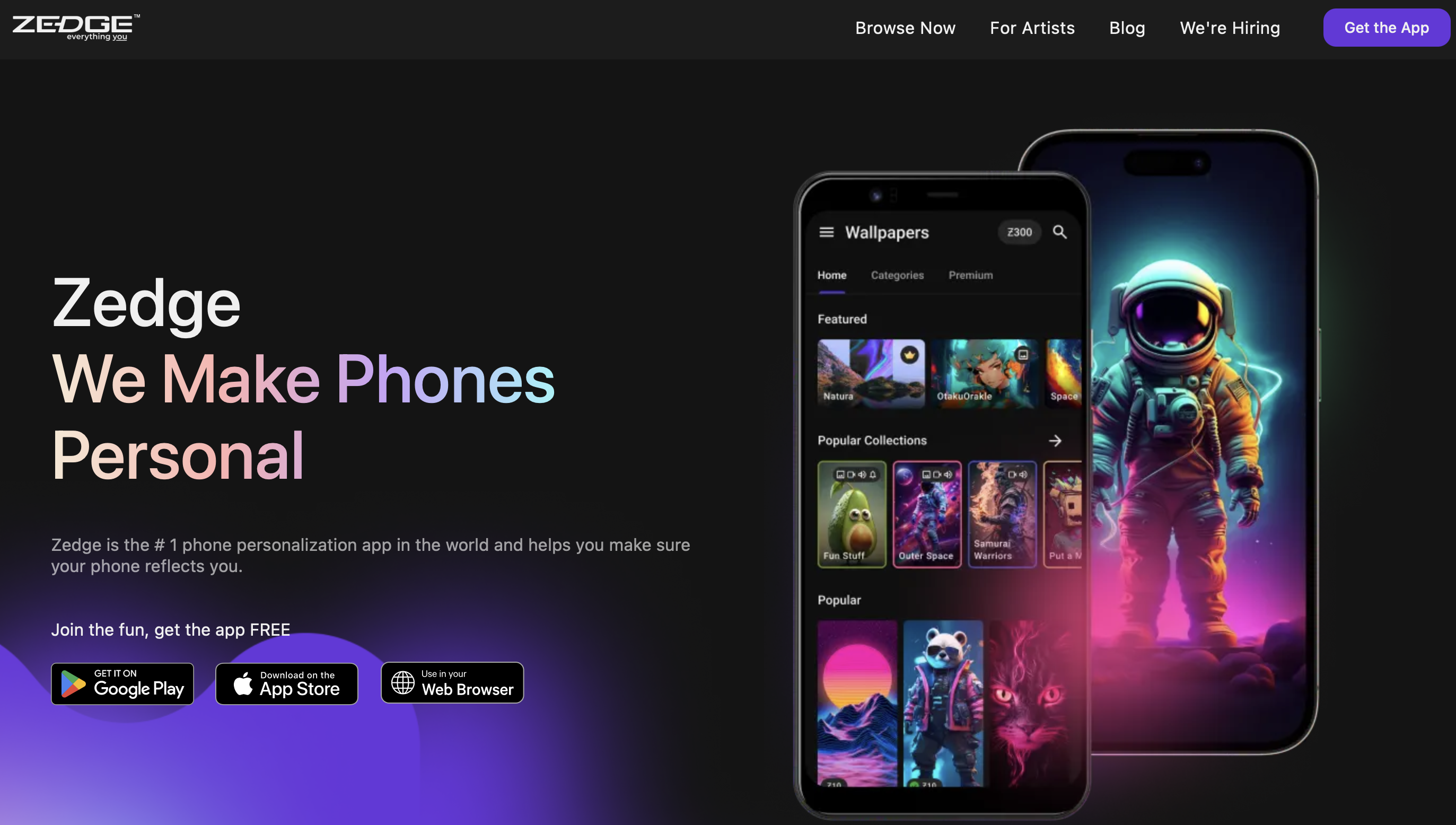
Zedge holds a 4.1 rating on the App Store and a 4.4 rating on Google Play. It combines a huge ringtone and notification sound library with live wallpapers, wallpapers, and app icons in one app, so you can handle your whole phone's personalization in one place.
Why It Stands Out
Between the live wallpapers and the sheer size of its ringtone catalog, Zedge covers more ground than any other app on this list. Setting a unique ringtone for a specific contact takes just a couple of taps once you've found a tone you like.
Best For
Anyone who wants one app for ringtones and wallpapers instead of juggling separate tools.
Key Strengths
- Signing in syncs your saved ringtones and wallpapers across every device you use
- On Android, Zedge includes an AI tool that generates custom ringtones and notification sounds from a text prompt, on top of its AI wallpaper generator (more in our guide to AI ringtone makers)
- The base app is fully free, with a Zedge+ subscription starting at $1.99 a week for anyone who wants ads removed
Possible Limitations
- The free version runs ads
- Zedge+ is a paid option if the ad-supported experience isn't for you
This is the app this whole list keeps coming back to. Start with the Zedge ringtone library before working through the rest of these options.
2. Phonezoo - Best Browser Ringtone Maker and AI Creation
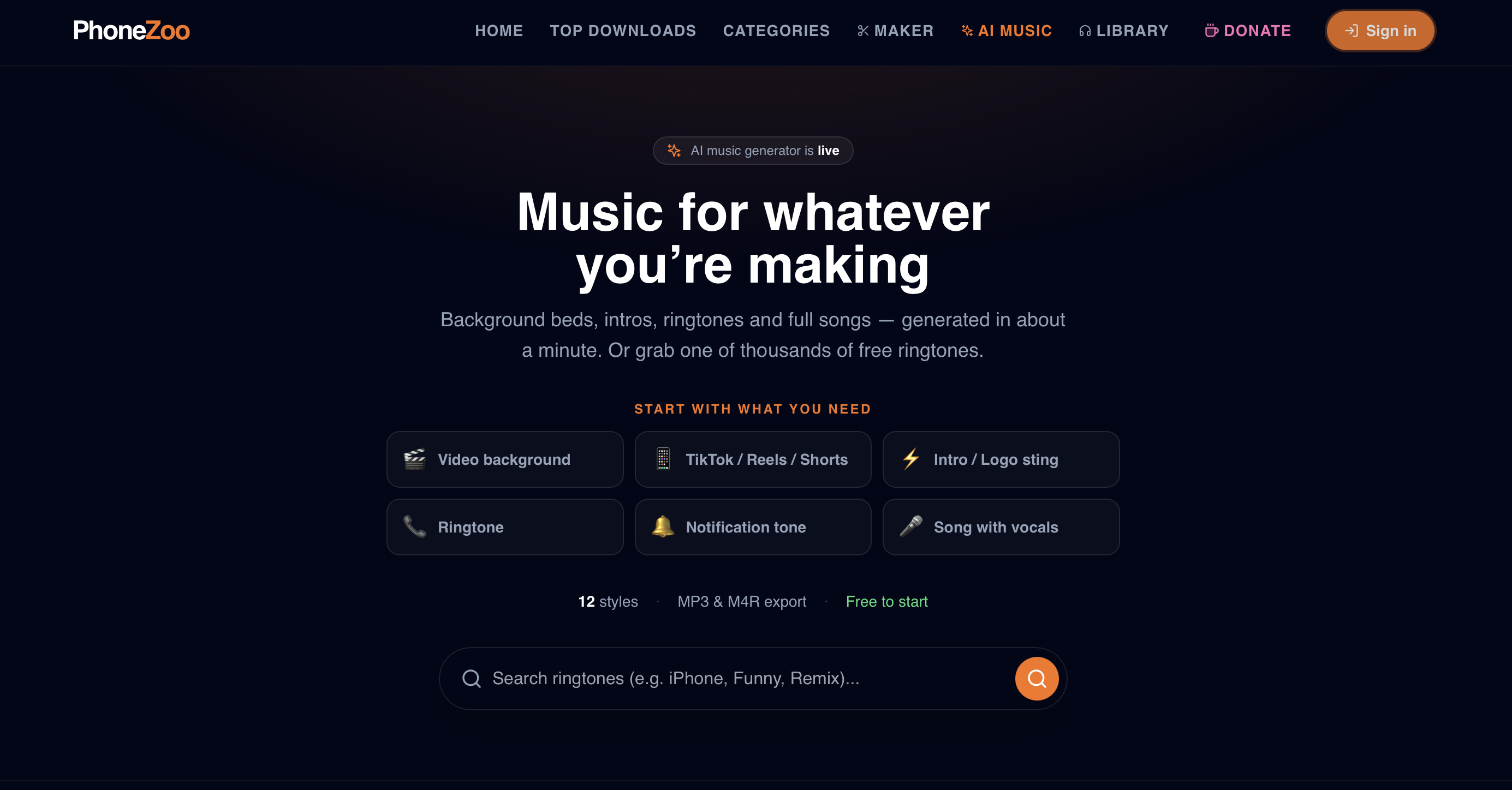
Phonezoo is a browser-based ringtone maker, so there's no app to install on either Android or iPhone. Its main tool turns any song into a custom ringtone from your browser, and a separate AI music generator can build an original tone from a text description instead.
Why It Stands Out
The AI music tool is the standout here. You describe what you want, pick a style like lo-fi or ambient, and it generates a short original track you can use as a ringtone or notification tone.
Best For
Anyone who wants a generated, original tone instead of trimming an existing song, or who just wants a quick browser-based export without installing anything.
Key Strengths
- No install required, and it works from a browser on either Android or iPhone
- The ringtone library offers ready-made tones in M4R for iPhone
- The AI generator offers a handful of free tracks a day before asking you to sign up or upgrade
Possible Limitations
- The AI tool's free tier is limited to a few generations a day, with paid tiers for more
- It's a browser tool, not an app, so there's nothing to browse offline
If you want a bigger library instead of a browser tool, the Zedge ringtone library has similar tones ready to download directly.
3. Pi Music Player - Best Music Player With Ringtone Maker
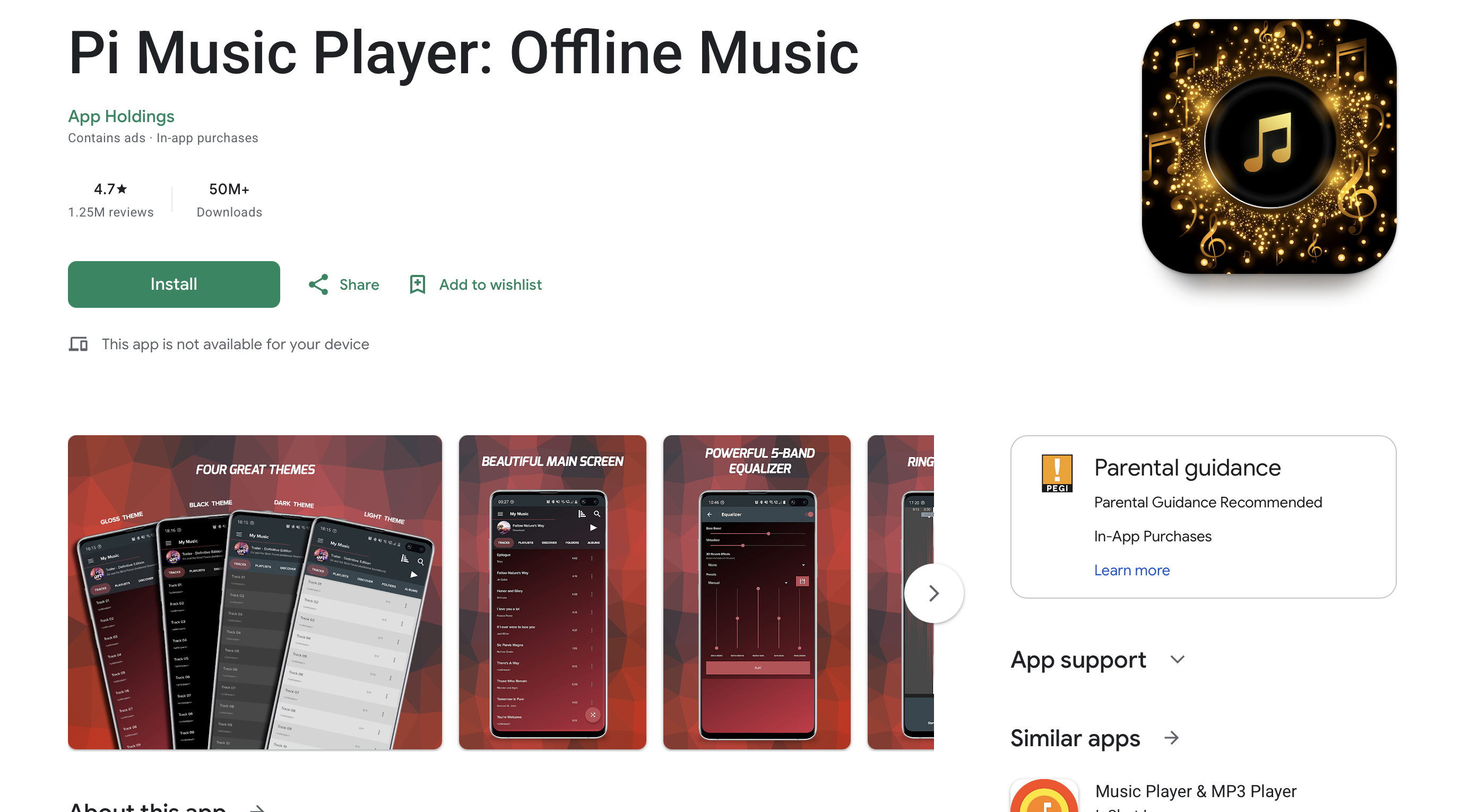
Pi Music Player holds around a 4.7 rating on Google Play. It's a full-featured music player with a built-in MP3 cutter, so you can trim a song from your own library and set it as your ringtone without leaving the app. It's primarily an Android app. A same-named app appeared on the App Store in 2026, but it has very few reviews and isn't a mature cross-platform release yet.
Why It Stands Out
Most apps on this list are either a music player or a ringtone cutter. Pi Music Player is both, which is useful if you already keep music stored locally on your phone. That makes it a good music ringtone app if your favorite songs are already on your phone.
Best For
Anyone who wants an everyday music player that also handles ringtone cutting, instead of installing a separate app just for trimming.
Key Strengths
- A 5-band equalizer, bass boost, and multiple themes, on top of the music player basics
- A sleep timer for falling asleep to music
- A built-in MP3 cutter with a one-tap option to set the result as your ringtone
Possible Limitations
- Contains ads, and recent reviews mention ads interrupting playback more often than users would like
- Primarily an Android app. Treat the iPhone listing as new and unproven rather than a real cross-platform option
For ready-made tones instead of cutting your own, the Zedge ringtone library offers similar options without needing a source file first.
4. Ringtone Maker - Best Simple Trimmer for Android Phones
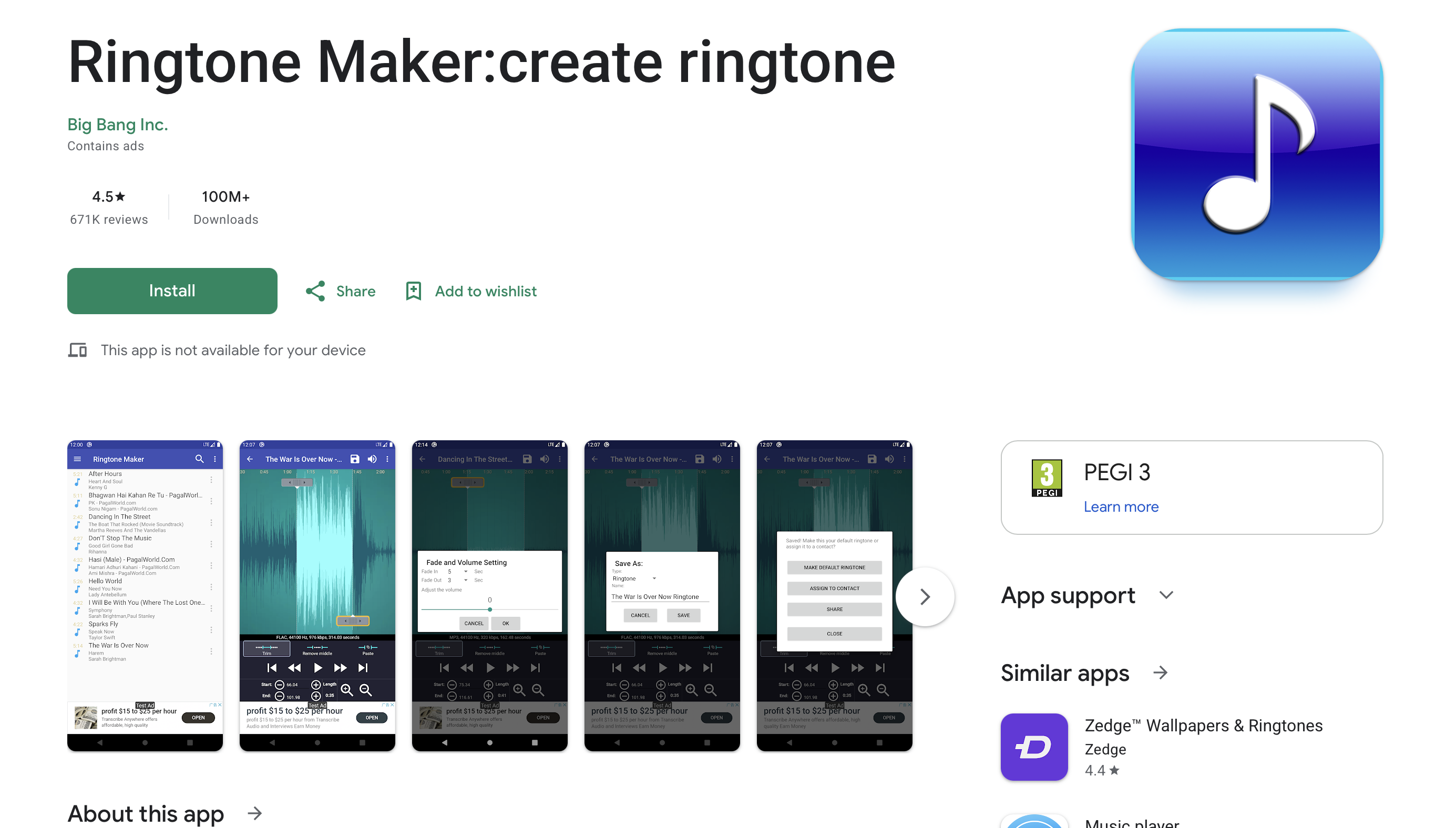
Ringtone Maker holds a 4.5 rating on Google Play. It's a lightweight, focused MP3 cutter for Android, without a music player or a content library built in.
If you want a free ringtone maker app for Android that does one thing well, this is the simplest pick on the list.
Why It Stands Out
It sticks to one job. There's a scrollable waveform view with six zoom levels, so lining up exactly where a ringtone starts and ends is easier than in most cutting tools.
Best For
Anyone who already has the audio file they want to trim and just needs a fast, focused cutting tool.
Key Strengths
- Waveform zoom for precise trimming
- Fade in and fade out effects for MP3 files
Possible Limitations
- Android only, with no iPhone version
- The free version runs ads, though a separate ad-free paid version is also available
If you'd rather download a finished tone instead of trimming your own, the Zedge ringtone library has downloadable alternatives ready to go.
5. InShot MP3 Cutter - Best Precise Editing Tool
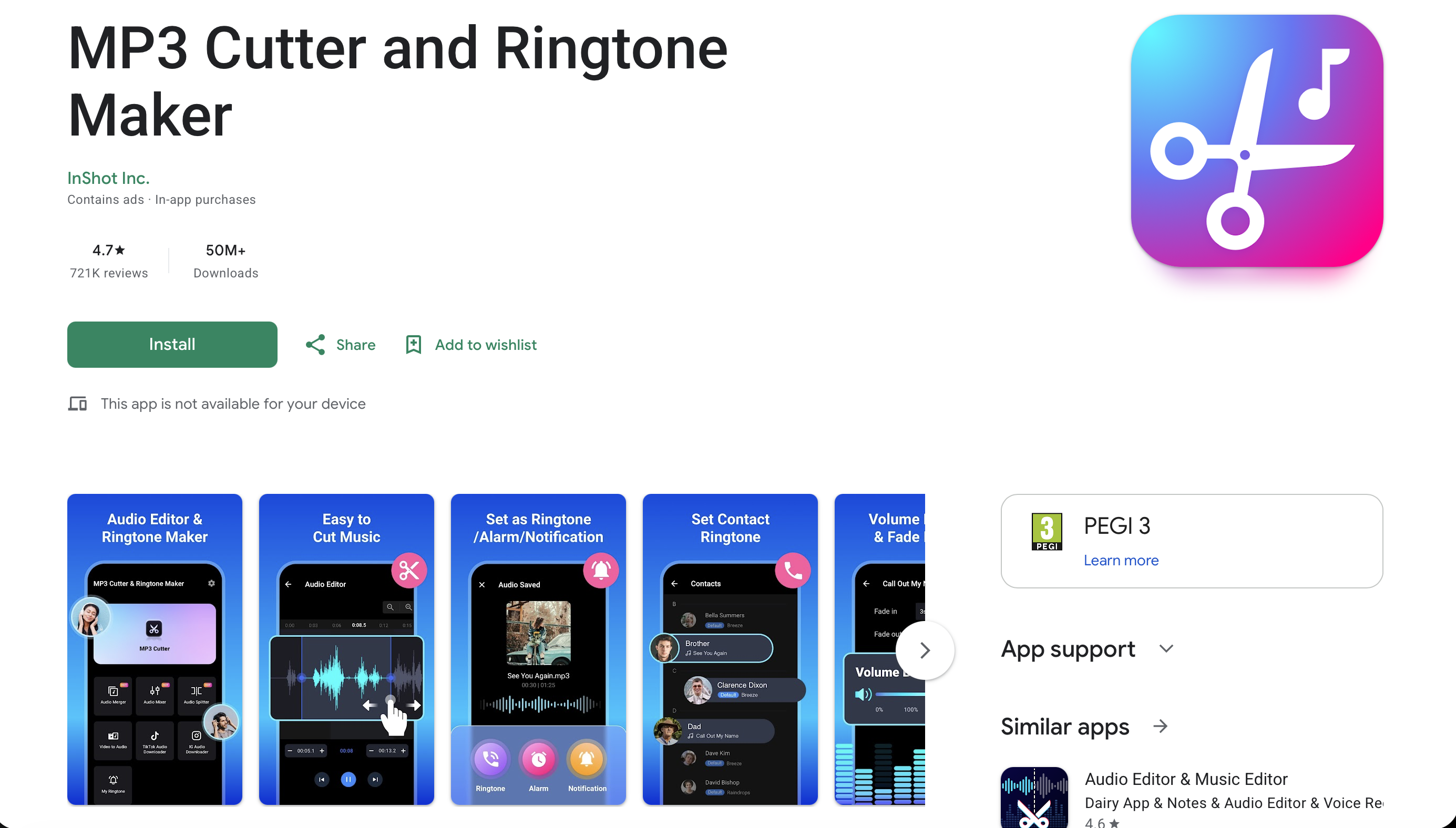
InShot MP3 Cutter, listed on Google Play as MP3 Cutter and Ringtone Maker, holds a 4.7 rating with 50M+ installs, published by InShot Inc. on Android.
Why It Stands Out
Fade in and fade out effects, plus volume adjustment, make it easy to smooth out a trimmed clip so it doesn't cut in abruptly when it plays.
Best For
Anyone who wants fine control over a trim without a complicated interface.
Key Strengths
- Fade in and fade out effects for smoother-sounding trims
- Volume boost and reduction controls built into the editor
Possible Limitations
- Android only as an InShot product. A same-named app exists on the App Store, but it's published by an unrelated developer, not InShot
- Ad-supported, with no in-app purchase option listed
For edited-tone examples without doing the trimming yourself, the Zedge ringtone library is worth a look.
6. Tones7 - Best Quick Browser Downloads for M4R and MP3
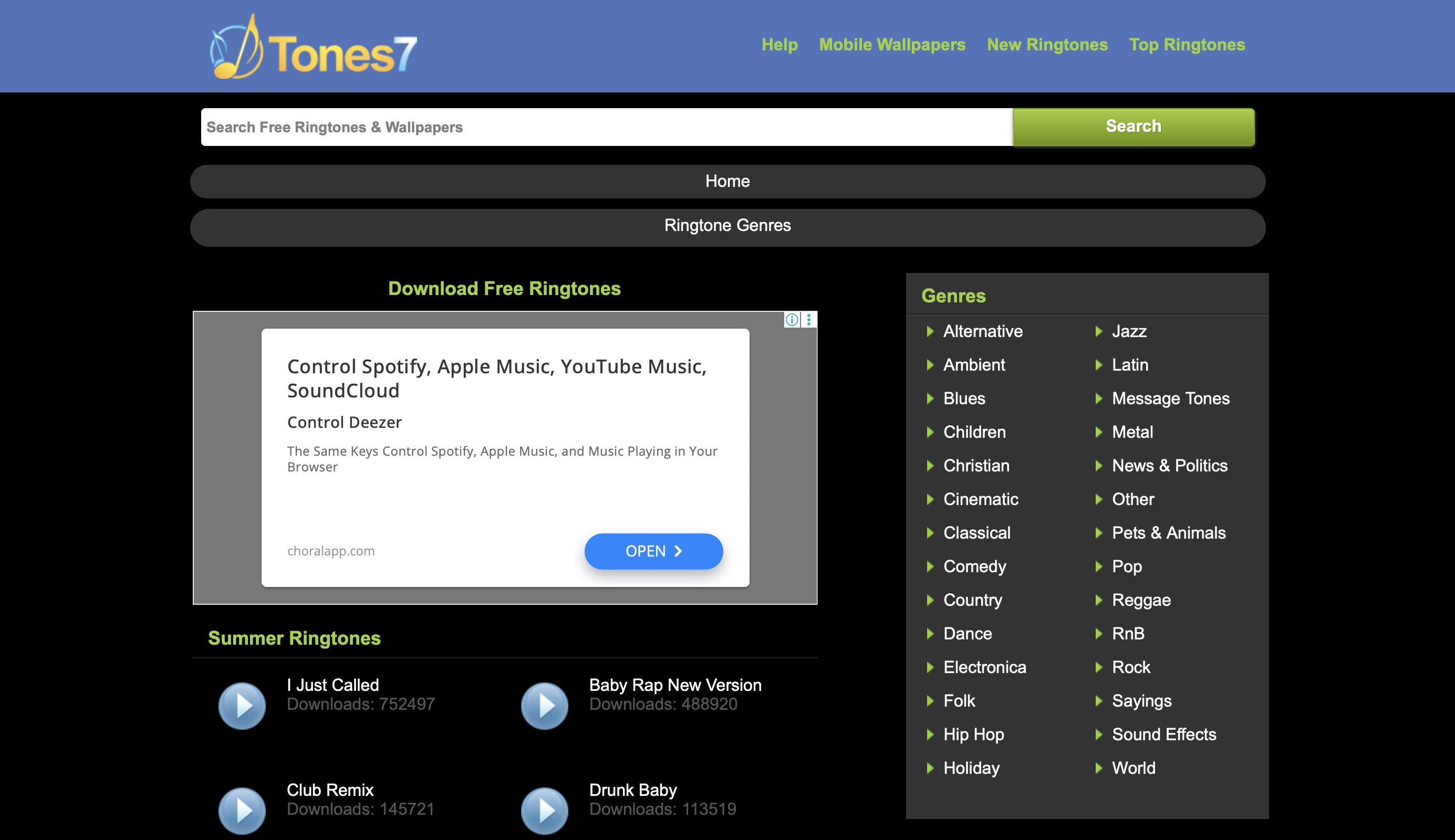
Tones7 is a no-install ringtone website with both MP3 and M4R downloads available directly from each tone's page, so there's nothing to install on either Android or iPhone.
Why It Stands Out
One-tap downloads in both MP3 and M4R mean you can grab a ready-made tone for either platform in seconds, without converting anything yourself.
Best For
Anyone who wants a fast download from any device without creating an account or installing an app.
Key Strengths
- Genre browsing across dozens of categories
- Popular and new-ringtone lists based on download counts
Possible Limitations
- As with most free download sites, expect some ads along the way
- It's a smaller, lesser-known site compared to an established app like Zedge
For a larger, better-known library, the Zedge ringtone library is a solid higher-quality alternative.
7. MTP Ringtones & Wallpapers - Best Simple Browsing and MTP Support
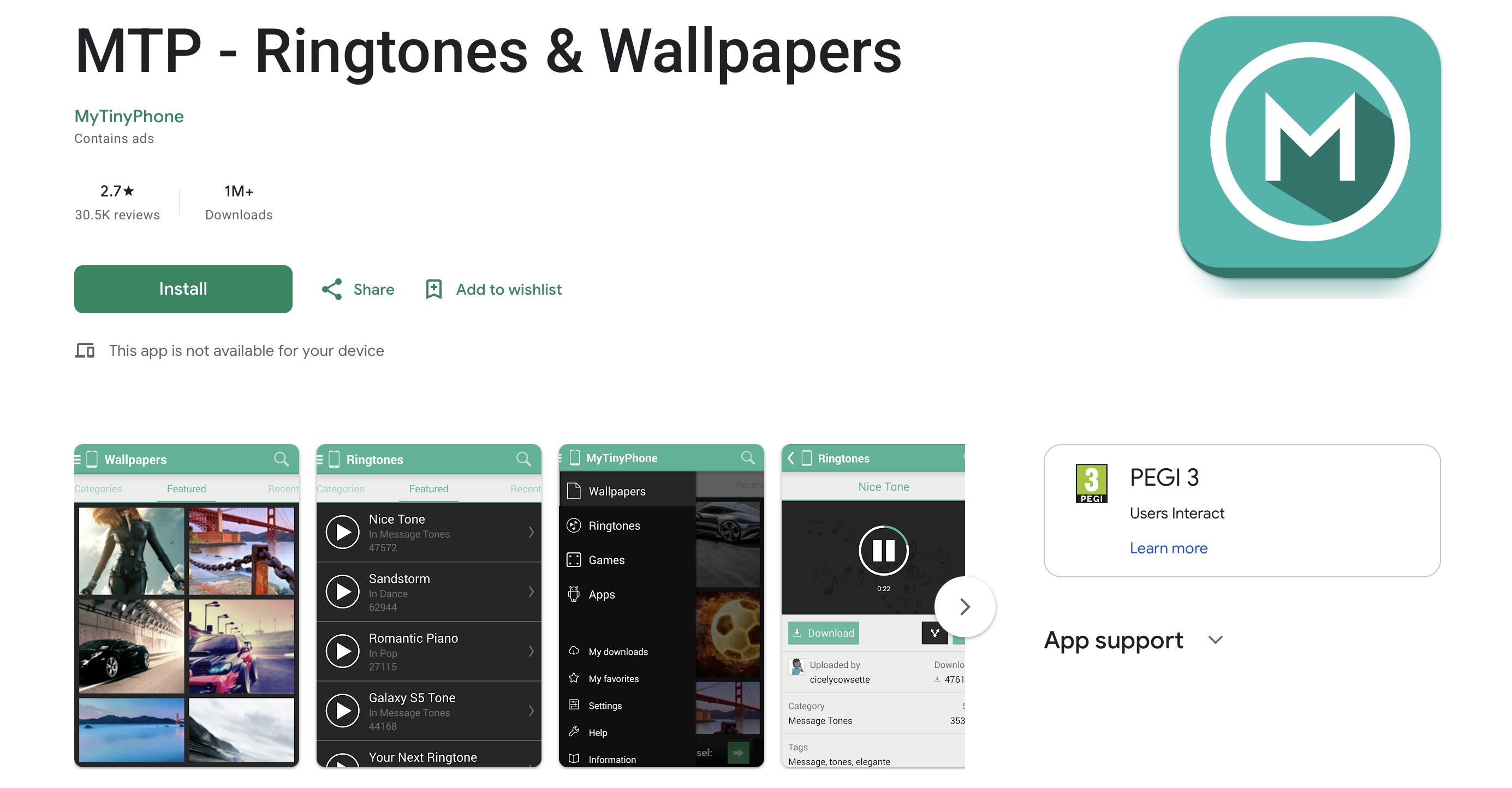
MTP Ringtones & Wallpapers holds a 4.4 rating on Google Play with 1M+ installs, and is from the developer MyTinyPhone.
Why It Stands Out
It keeps things simple. You browse, tap, and set a ringtone, contact tone, alarm, or notification sound directly from the app, with no extra steps in between.
Best For
Anyone who wants fast browsing and one-tap setting, without needing any editing tools.
Key Strengths
- A direct save-to-device flow for ringtones, alarms, and notification sounds
- Wallpapers available in the same app
Possible Limitations
- Limited editing tools. Actual ringtone cutting happens on MyTinyPhone's website, not inside the app itself
- Android only, with no iPhone version
For alternative downloads with more editing options built in, the Zedge ringtone library is worth comparing against.
No Longer Recommended: Audiko
Audiko used to be a popular mix of a tone catalog and a built-in cutter, but its Android app hasn't shipped an update since 2020 and its iPhone app has been removed from the App Store, so we no longer include it in the main list. If you're switching away from it, see our Audiko alternatives guide.
Quick Comparison: Which App Is Best For What
App | Best For |
|---|---|
Zedge | Best for sheer catalog and personalization |
Phonezoo | Best for AI-generated tones |
Pi Music Player | Best if you already keep local music and want a player plus a cutter |
Ringtone Maker | Best for a fast, no-frills MP3 trim |
InShot MP3 Cutter | Best for precise fades and volume control |
Tones7 | Best for a quick download in either MP3 or M4R |
MTP Ringtones & Wallpapers | Best for simple browsing without any editing |
How To Choose The Right Ringtone App
Choose Based On Platform And File Format
Android phones use MP3 for ringtones. iPhone specifically needs the M4R format, and most Android-focused cutting apps don't produce it. If you're on iPhone, stick to Zedge, Phonezoo, or Tones7, since all three offer M4R directly. If you already have an MP3 and need it converted, Phonezoo's browser tool can handle that conversion for you.
Choose Based On Ringtone Creation Needs
If you want to trim your own audio file with precise control, Ringtone Maker and InShot MP3 Cutter are both built for that, with waveform zoom and fade controls respectively. If you'd rather generate something original instead of trimming a song, Phonezoo's AI tool or the AI generator inside Zedge are the more direct picks. If you already keep music stored locally on your phone and want playback and cutting in one app, Pi Music Player covers both.
Choose Based On Library Size And Personalization
If you want the largest catalog along with live wallpapers and other personalization options, Zedge is the more complete pick. If you just want a quick one-off download, Tones7 works well without the extra features.
How to Set a Ringtone From an App
Every app on this list handles ringtone assignment a little differently, and it's usually faster than digging through your phone's own settings menu.
In Zedge, Pi Music Player, and MTP Ringtones & Wallpapers, you tap the tone you want and use a "set as ringtone" button built directly into the app, and it applies immediately without any extra steps.
In Ringtone Maker and InShot MP3 Cutter, you trim your clip first, then export it and choose to set it as your ringtone from the same export screen.
On apps built for iPhone, like Phonezoo and Tones7, you download the M4R file and sync or import it through the Files app, since iPhone doesn't let a third-party app set your system ringtone directly.
If you'd rather do it through your phone's settings, our step-by-step guide on how to change the ringtone covers iPhone, Samsung, Pixel and other Android phones.
Troubleshooting And File Format Notes
If a downloaded ringtone doesn't show up in your phone's sound settings, the file is usually sitting in the wrong folder rather than being broken. On Android, most ringtone apps save directly to the correct system folder for you, but a file downloaded manually from a browser may need to be moved into your phone's Ringtones folder before it appears as an option. On iPhone, a ringtone has to be in M4R format and synced or imported correctly, or it simply won't appear in the ringtone list at all.
Before exporting or downloading anything, check which format you actually need. MP3 works for Android. iPhone needs M4R specifically, and a file in the wrong format won't show up no matter how many times you try to set it.
Where to Download Free Ringtones for Android and iPhone
Not every search for a ringtone download needs a new app. If you already know the sound you want, the fastest route is a free ringtone download straight from a library that gives you the right format for your phone.
Free Ringtones for Android
Android phones play MP3 files, so any MP3 ringtone download will work. The Zedge ringtone library lets you browse free ringtones for Android by genre and mood, and the MP3 ringtones collection gathers popular tracks you can download for free.
Free Ringtones for iPhone
iPhone needs ringtones in M4R format. The free ringtones for iPhone on Zedge are already in that format, and our guide to getting free ringtones on iPhone shows how to import them step by step.
Call Ringtones and Popular Picks
For a call ringtone download that's popular right now, start with the call ringtone collection. The Zedge library also shows the most-downloaded tones, so you can find the best ringtone downloads without hunting for a separate top 100 ringtones list.
What to Look for in a Ringtone Setting App
A good ringtone setting app does more than store sound files. The best phone ringtone apps let you:
- Set a tone as your default call ringtone, a contact ringtone, an alarm or a notification sound in one tap
- Preview a tone before you download it
- Save files in the right format for your phone (MP3 for Android, M4R for iPhone)
- Ask only for the permissions they need to set sounds
Zedge, Pi Music Player and MTP Ringtones & Wallpapers all work as a ringtone set app in this sense: you pick a tone and the app applies it, which is all most people need from a call ringtone app, so you don't need a separate ringtone change app or a trip to Settings. On iPhone, no mobile ringtone app can change the system ringtone by itself, so you import the M4R file instead.
FAQ
What is the best app for ringtones for free?
Zedge is the best app for ringtones if you want everything free: browsing, previews and one-tap setting cost nothing, and the optional Zedge+ subscription only removes ads. If you'd rather cut your own tone, Ringtone Maker and InShot MP3 Cutter are free on Android.
How do I make a custom ringtone from a song?
Here's how to make a custom ringtone from a song you already have: open a cutter like Ringtone Maker or InShot MP3 Cutter on Android, trim the part you want, export it as an MP3 and set it as your ringtone. On iPhone, the clip needs to be an M4R file. To skip editing altogether, Zedge's AI generator can create an original tone from a text prompt, as covered in our guide to AI ringtone makers.
Which app is best to set ringtones?
For most people, Zedge is the easiest app to set ringtones, because you can browse, preview and apply a tone (including a contact-specific one) without leaving the app. If you want to cut your own song instead, Ringtone Maker or InShot MP3 Cutter on Android are the better fit.
Is Zedge still free?
Yes. The Zedge app is free to download and use on Android and iPhone. An optional Zedge+ subscription, starting at $1.99 a week, removes ads.
Is Zedge a good and safe app?
Zedge is available on Google Play and the App Store, where it holds a 4.4 and 4.1 rating, and it only needs access related to setting sounds and wallpapers. As with any app, check the permissions it requests before you install it.
How do I put a ringtone on my phone for free?
Download a free ringtone app like Zedge, pick a tone and tap "set as ringtone". On iPhone, download the tone in M4R format and import it, as explained in our guide to free ringtones on iPhone.
How do I set a custom ringtone using an app?
Most ringtone apps handle this without you ever opening your phone's own Settings app. In Zedge, Pi Music Player, and MTP Ringtones & Wallpapers, you tap the tone you want and use a built-in "set as ringtone" button, and the app applies it directly. Apps built for iPhone, like Phonezoo and Tones7, save the tone as an M4R file that you then sync or import through the Files app, since iPhone doesn't allow apps to set a system ringtone directly.
Are free ringtone apps safe?
Safety mostly comes down to which app you pick and how much access it asks for. Every app in this guide is available through an official app store or has been active for years, which is a reasonable baseline for trust. Be more cautious with any app that asks for permissions unrelated to playing or setting audio, like contacts or location, and stick to official app store listings rather than downloading files from unfamiliar sites.
What is the best ringtone app for iPhone vs Android?
For iPhone, Zedge and Phonezoo are the strongest picks here, since both offer the M4R format iPhone actually needs. For Android, Zedge works well for browsing and downloading, while Ringtone Maker and InShot MP3 Cutter are better if you want to trim your own MP3 file into a ringtone.
What file format should I download for my phone?
Android phones use MP3 for ringtones, while iPhone specifically requires the M4R format. If an app or site only offers MP3 and you're on iPhone, you'll need to convert it to M4R before it will show up as a ringtone option, which is exactly the extra step apps like Zedge, Phonezoo, and Tones7 skip by offering M4R directly.