

Missing important calls because your iPhone won’t ring? Overwhelming settings, hidden features, and accidental silencing make diagnosing this issue incredibly frustrating, while the struggle to find reliable solutions often leaves users stranded.
This is your one-stop, expert-driven guide, whether you want to permanently fix your iPhone’s ringer or take your phone’s personalization to the next level. Plus, discover how Zedge can help you find the perfect ringtone and wallpaper once your device is working flawlessly again.
TL;DR
Issue | Quick Fix | Next Steps |
|---|---|---|
Silent Switch | Check the physical switch on the left side of your device. | Ensure the orange indicator is hidden. |
Volume Settings | Adjust the "Ringer and Alerts" slider in Sounds & Haptics. | Turn off "Change with Buttons" to prevent accidents. |
Focus Mode | Open Control Center and disable active Focus or Do Not Disturb. | Check for automated scheduling in Settings. |
Bluetooth Audio | Disconnect active wireless speakers or headphones. | Toggle Bluetooth off temporarily. |
Corrupted Files | Delete broken files and download fresh audio. | Once your ringer is fixed, use Zedge to find unique ringtones and wallpapers to make your iPhone truly yours. |
Common Reasons Your iPhone Isn’t Ringing (with Fixes)
Silent/Ringer Switch Accidentally Activated
Every traditional iPhone includes a physical Ring/Silent switch on the upper left side edge of its chassis. Because this toggle rests directly against your pocket lining, it can accidentally slide into the silent configuration during daily movement.
- Locate the hardware switch on the upper-left boundary.
- Push the toggle forward to conceal the orange indicator.
- Observe your display to verify the "Ringer" graphic indicates activation.
System Volume and Alerts Too Low or Muted
Your device manages media and alert volumes through separate channels. Because of this separation, your device can play music loudly while keeping call alerts muted. If your sliders are maxed but you still miss calls, the default chime might be too quiet. Changing your ringtone on iPhone is the easiest way to swap that soft default sound for a much louder, high-energy alert.
- Navigate to Settings and select Sounds & Haptics.
- Adjust the Ringer and Alerts slider to the right.
- Toggle "Change with Buttons" off to prevent accidental volume shifts.
Focus Mode or Do Not Disturb Enabled
Modern Focus filters allow users to silence alerts based on schedules or locations. If these are active, incoming communication routes directly to voicemail.
- Swipe down from the top-right corner to launch the Control Center.
- Inspect the rectangular box marked Focus or Do Not Disturb.
- Tap the emblem to disable the layer and restore standard behaviors.
Bluetooth Audio Routing Problems
Smartphones connect seamlessly to wireless accessories like AirPods. Because these connections remain active over distances, your incoming call alerts can secretly stream to headphones in another room.
- Launch Settings and click on Bluetooth.
- Scan the list of peripherals to see if any device displays a "Connected" status.
- Disconnect active wireless speakers or toggle Bluetooth off temporarily.
Custom Ringtones Not Working or Corrupted
If your personalization clip contains broken data markers, the iOS code will fail to compile the file. Reviewing steps on how to change your ringtone ensures your files are correctly formatted. If the file is corrupted, reviewing top Mobiles24 alternatives will point you toward trustworthy databases for a replacement. Once ready, download a fresh file from Zedge to ensure flawless playback.
- Access Settings and select Sounds & Haptics.
- Click the Ringtone category.
- Select a stock Apple tone to verify hardware functionality.
- Delete the broken file and download a verified replacement.
Notification and Call Settings Misconfigured
System updates can occasionally alter notification rules. If incoming call banners are set to deliver quietly, your screen will illuminate while refusing to emit sound.
- Open Settings and select Phone.
- Click Notifications and verify the Allow Notifications switch is green.
- Confirm that Lock Screen, Notification Center, and Banners are active.
Software Glitches Requiring a System Restart
Minor memory bugs in your operating system can stall the audio process. Applying basic power cycling is an essential step to fix iPhone ringtone errors.
- Press and hold the Side button and Volume key.
- Drag the power-off slider across the screen.
- Wait thirty seconds before rebooting.
Physical Damage to Speaker Hardware
Lower acoustic ports are exposed to debris like pocket lint. Testing your hardware with audio files from the best ringtone app for iPhone helps determine if the issue is software-based or physical.
- Examine speaker openings under intense light.
- Use a soft-bristled brush to clear dirt blocks.
- Play a standard audio file to test clarity.
SIM Card or Network Issues
If your cellular connection drops due to a misplaced SIM chip, your phone cannot establish a voice line.
- Locate the SIM storage slot on the outer border.
- Use an extraction tool to release the tray.
- Clean the gold connection points with a microfiber cloth.
App-Specific Settings Interfering
Certain voice over IP communication applications or specialized call-blocking tools manipulate your system audio priorities directly. Because these external platforms run active background scripts on your device, they can accidentally override your standard phone configuration and mute calls.
- Launch Settings and navigate to Notifications.
- Review rules for internet communication utilities.
- Disable custom call filtering tools to see if they block notifications.
Best iPhone Ringtone & Customization Apps and Tools
Ringtone Makers
Zedge
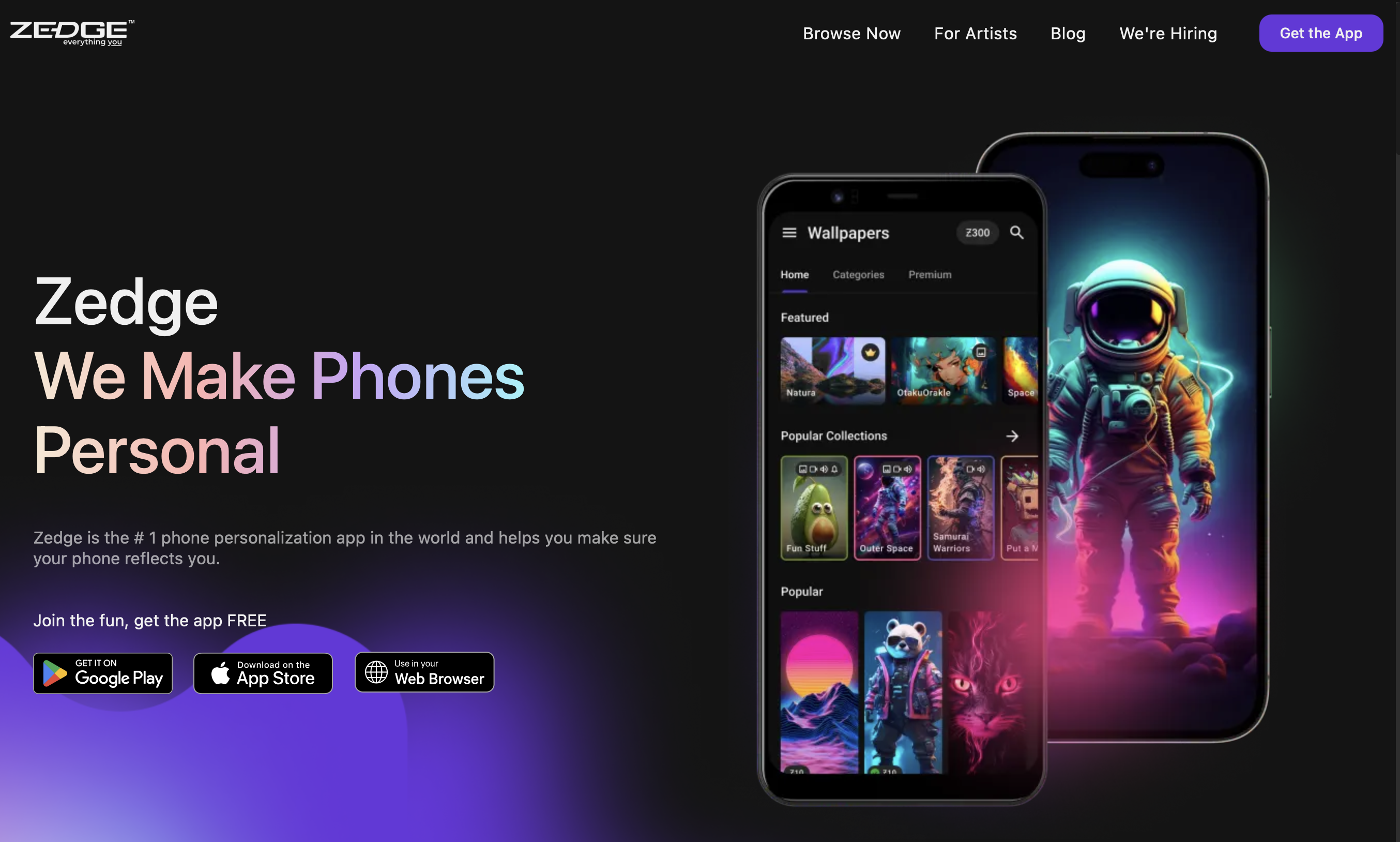
Zedge is the go-to for professionally curated and user-created ringtones, ensuring high reliability for every download. It offers a massive library of free iPhone ringtones and unique sounds, making it easy to personalize your iPhone once it’s ringing again. Zedge provides immediate access to the best free ringtones and sound samples explicitly optimized for modern mobile speakers.
- Key Features: Built-in ringtone editing tools, direct system integration options, and an advanced automated search platform.
- What Makes it Unique: A massive global creator community that updates the asset repository daily with trending tracks.
- Who it's Best For: Ideal for both casual users and technical enthusiasts seeking a highly trusted, all-in-one resource.
GarageBand
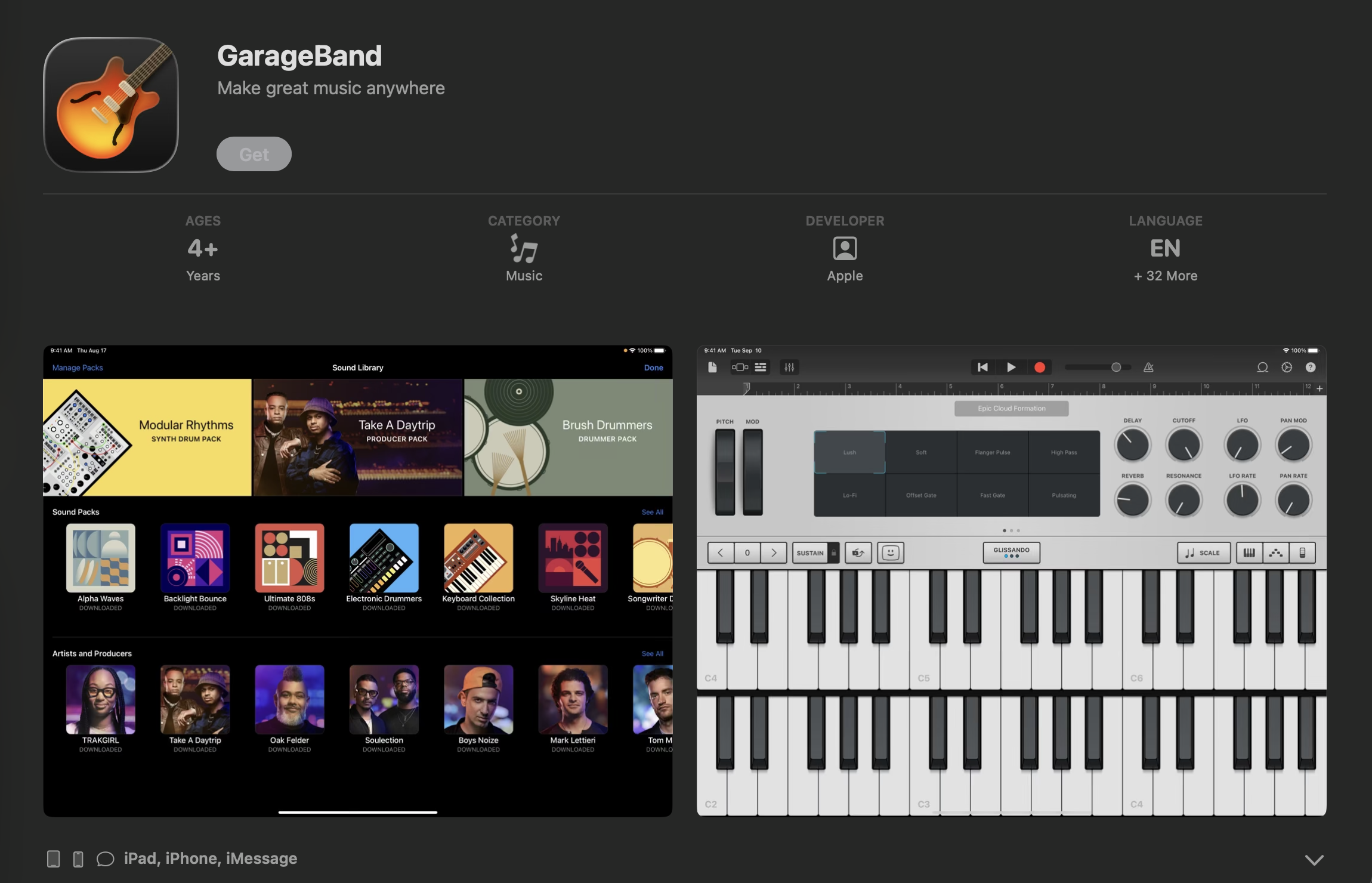
GarageBand serves as Apple's first-party audio creation studio and offers an advanced system environment for deep musical customization. It allows you to import any uncompressed music file from your local directories and slice it into a precise 30-second loop. Because it is built directly by Apple, it exports your creations straight into your system sounds directory without using an external computer setup.
If you prefer professional-grade manual composition over automated generation, this native utility is the superior choice. If you would rather explore modern tech-assisted tools, you can consult our guide on the best AI ringtone maker to see which method fits your personal workflow better.
- Key Features: Multi-track editing layers, virtual sound instruments, and direct native system sound export loops.
- What Makes it Unique: Complete freedom from commercial advertisements and full processing security inside the iOS platform.
- Who it's Best For: Perfect for advanced DIY designers who want to produce fully original music segments from scratch.
Ringtones for iPhone! (app)
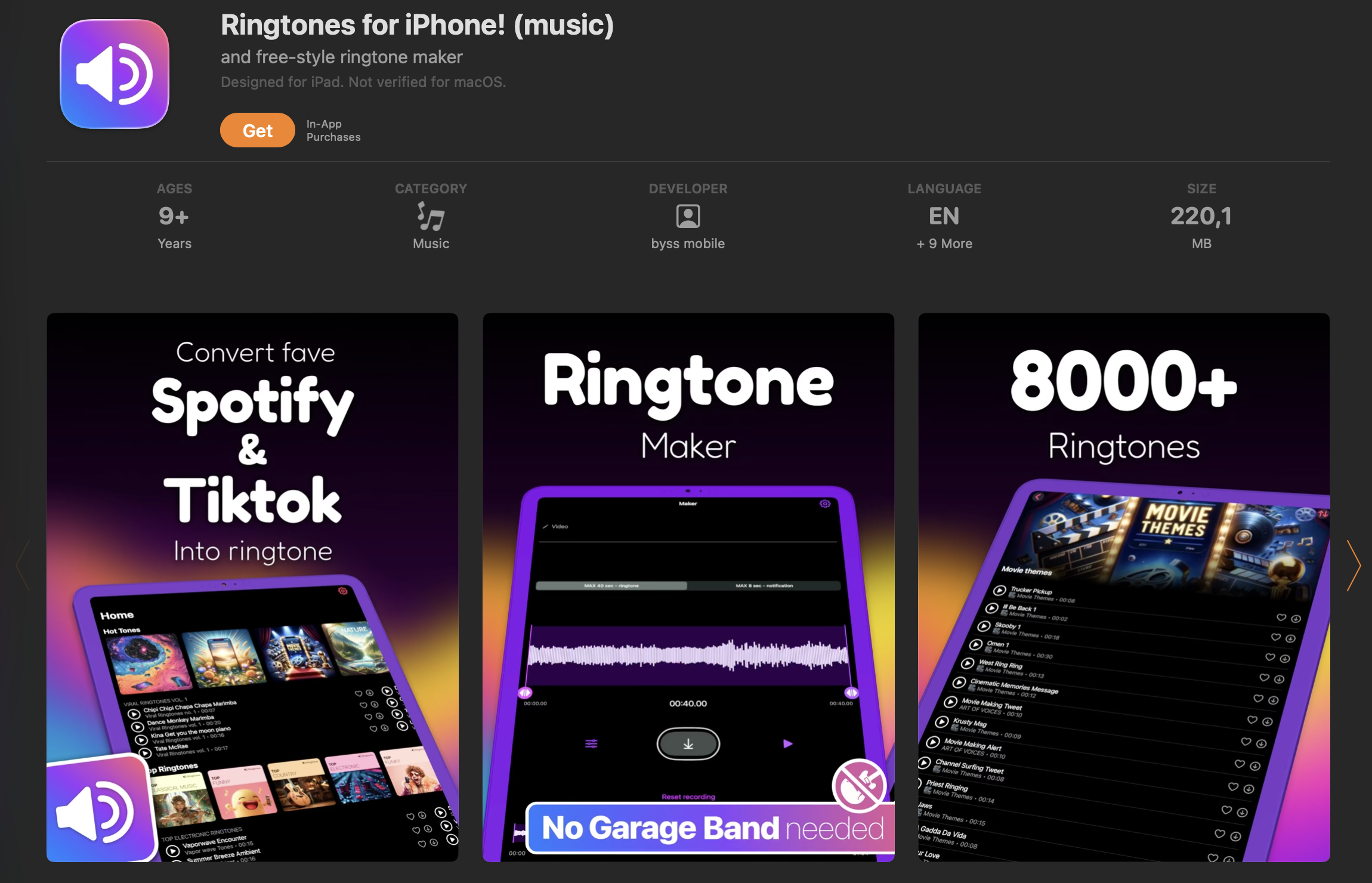
This dedicated application targets speed and simplicity by removing complex timeline editing boards in favor of straightforward trimming dials. It helps you convert local audio recordings into functional alert tracks in a matter of seconds.
If this application lacks the specific editing tools you require, exploring the best Audiko alternatives will reveal more advanced software options.
- Key Features: Fast conversion tools, custom fade layers, and guided sharing instructions.
- What Makes it Unique: A highly visual layout simplifying file rendering for beginners.
- Who it's Best For: Users who prefer a straightforward utility app over complex software.
Wallpaper & Theme Apps
Zedge Wallpapers
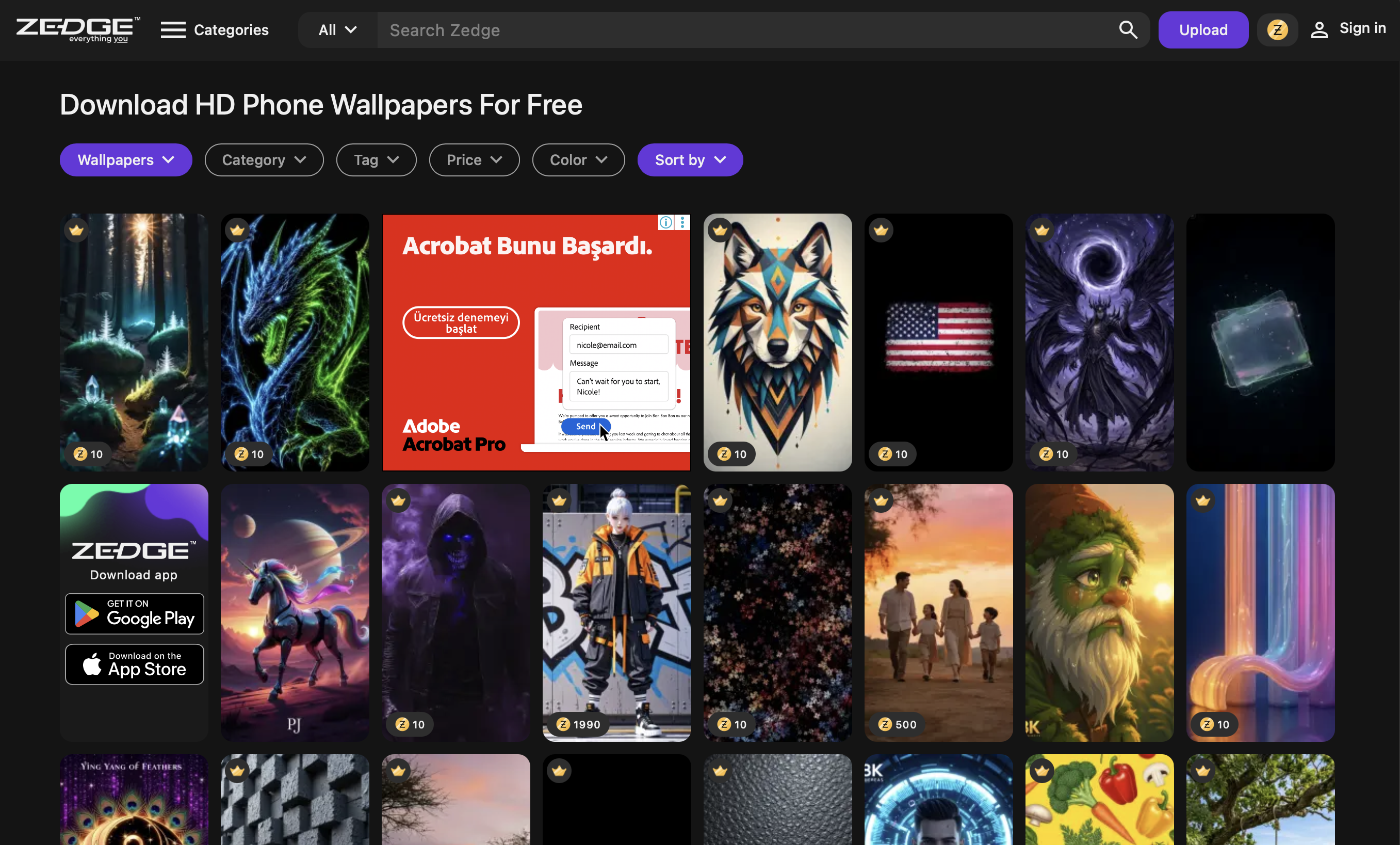
The visual catalog within Zedge provides an extensive collection of high-quality wallpapers and live images. Zedge makes it effortless to refresh your iPhone’s look to match your precise aesthetic style cleanly. This level of quality control solidifies its reputation among the best wallpaper apps currently available for iOS.
The app's extensive categorization allows users to find highly specific cultural assets, such as the best Narasimha wallpapers, without endless scrolling.
- Key Features: Smart aesthetic sorting, 4K resolution options, and automated visual matching.
- What Makes it Unique: A secure delivery architecture ensuring downloaded media contains zero corrupted blocks.
- Who it's Best For: Anyone wanting a secure, constantly refreshed catalog of professional options.
Vellum
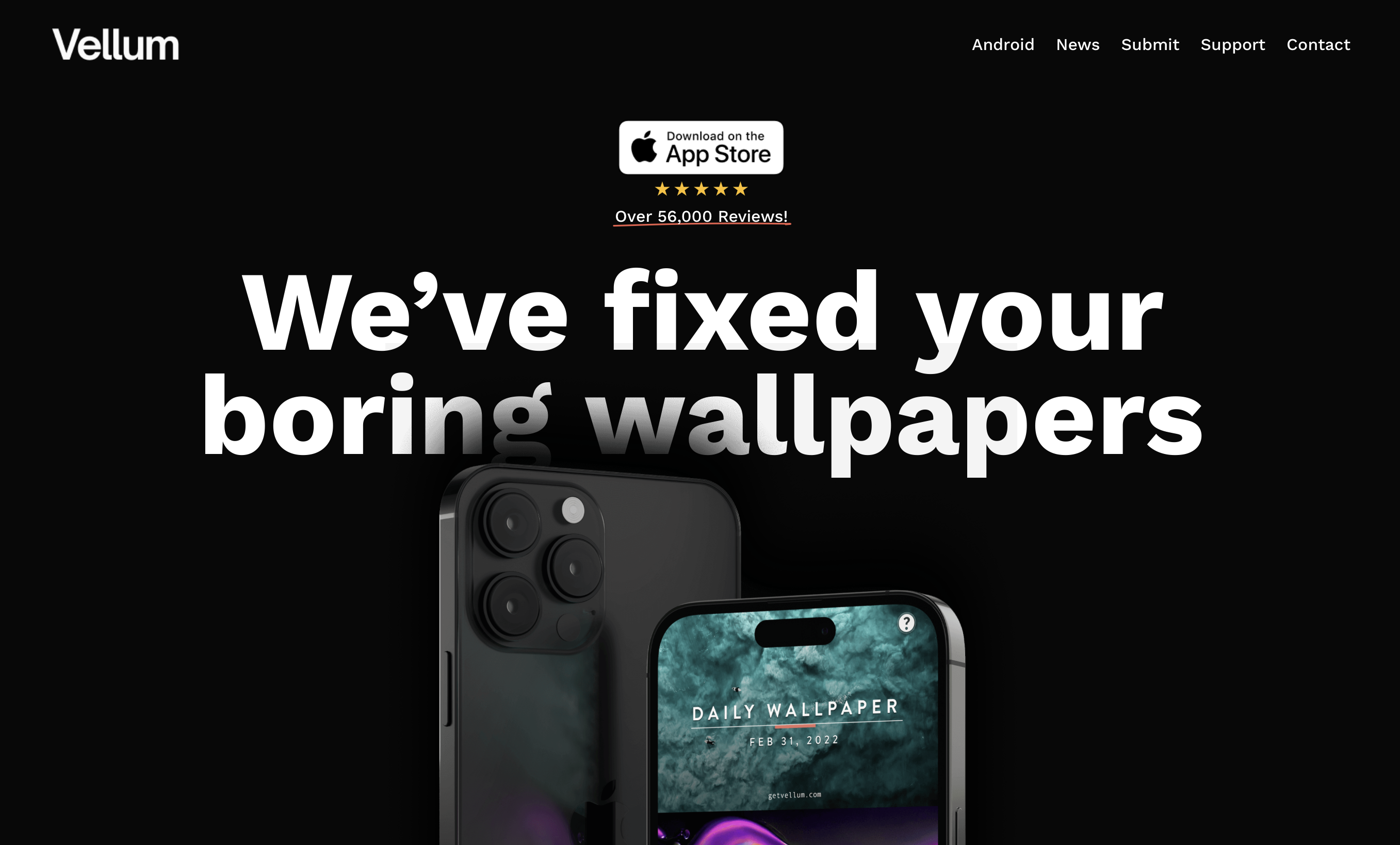
Vellum curates artistic visual assets that focus on abstract aesthetics, professional drone landscapes, and elegant minimalist designs. Because it updates its featured imagery row every day, you always have immediate access to exclusive visual pieces. Vellum is an excellent resource if you are searching for the best iTheme design wallpapers to compliment a minimalist layout. Furthermore, the application highlights the best AMOLED wallpapers, designed to utilize true-black pixels and preserve battery life.
- Key Features: Built-in blurring controls, daily curated art rows, and special display lighting templates.
- What Makes it Unique: Focuses exclusively on fine art styles and limited-edition graphic assets.
- Who it's Best For: Users wanting a curated gallery look rather than unvetted collections.
Unsplash
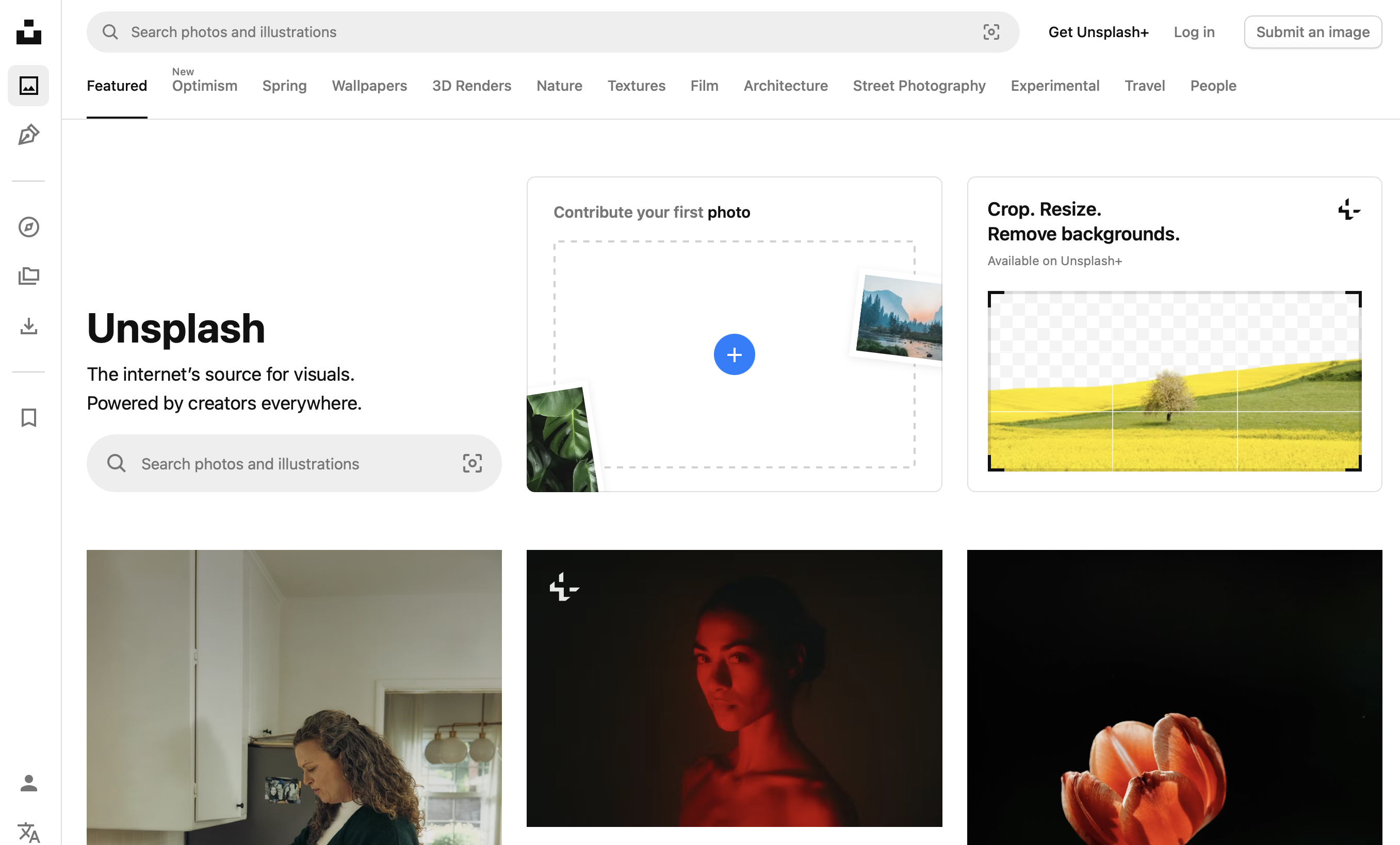
Unsplash gives you direct mobile entry to millions of royalty-free photographs captured by thousands of professional creators globally. Because it operates on an open-source ethos, you can access incredibly sharp editorial assets without subscription paywalls.
As a premier open-source repository, Unsplash operates as one of the best free wallpaper sites for raw, high-resolution photography. The global contributor network ensures diverse representation, allowing individuals to discover authentic religious photography, including the best Lord Hanuman wallpapers, directly from verified creators.
- Key Features: Global contributor network, high-resolution downloads, and intuitive keyword tags.
- What Makes it Unique: Direct access to real-world, documentary-style professional camera work.
- Who it's Best For: Budget-conscious fans prioritizing clean portrait photography and natural textures.
All-in-One Customization Tools
Themify
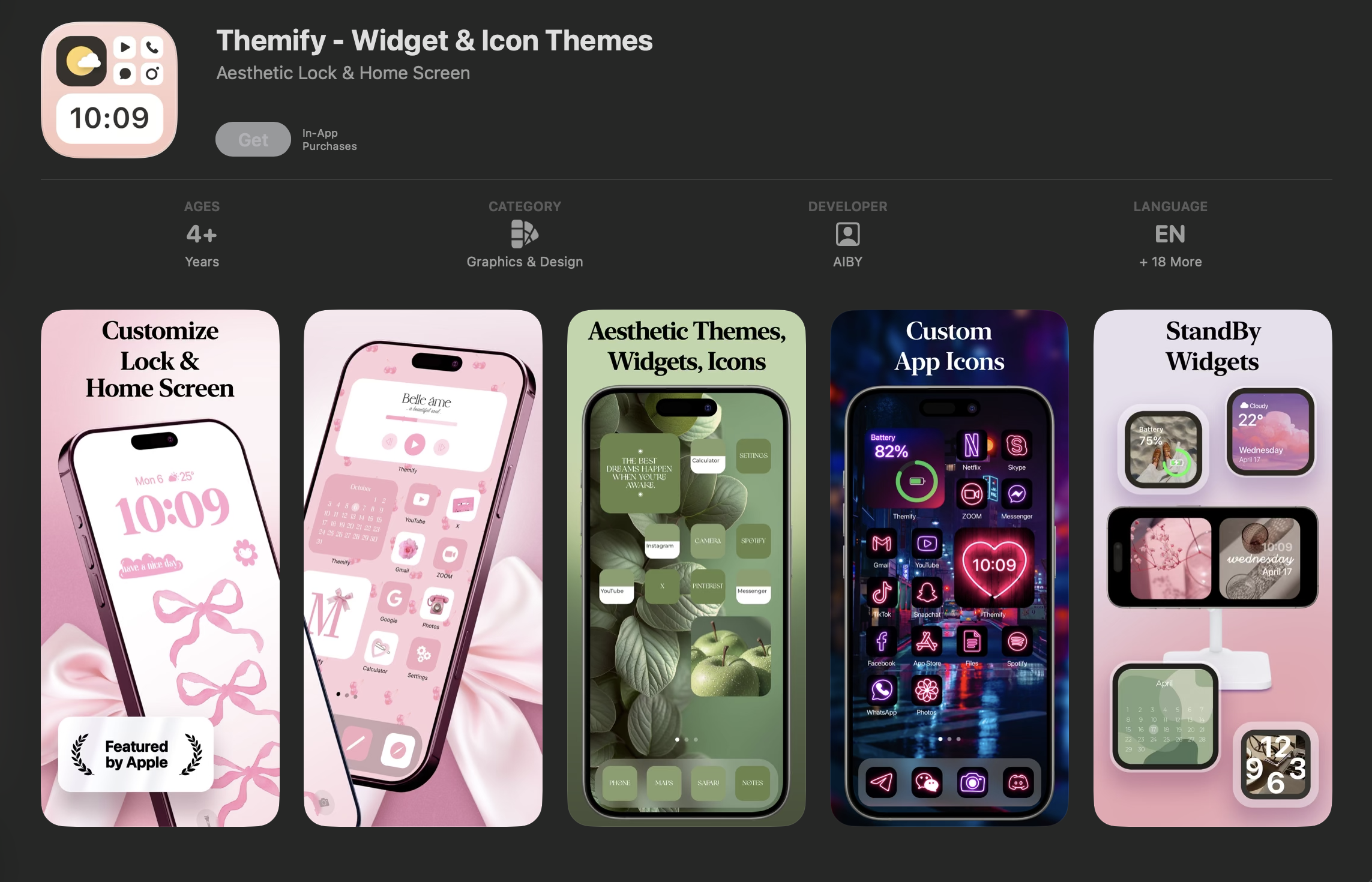
Themify combines matching home screen backgrounds, custom application icon themes, and stylized widget sets inside a unified download bundle. Because it coordinates designs beautifully, you can refresh your layout easily throughout the year without technical hassle.
For example, you can synchronize spiritual themes across your entire interface, pairing the best Lord Shiva wallpapers with matching custom icon color palettes.
- Key Features: Full icon packages, cohesive visual styles, and one-click installations.
- What Makes it Unique: Bundles multiple interface adjustments into a single download process.
- Who it's Best For: Enthusiasts wanting a total aesthetic overhaul without manual configuration.
Widgetsmith
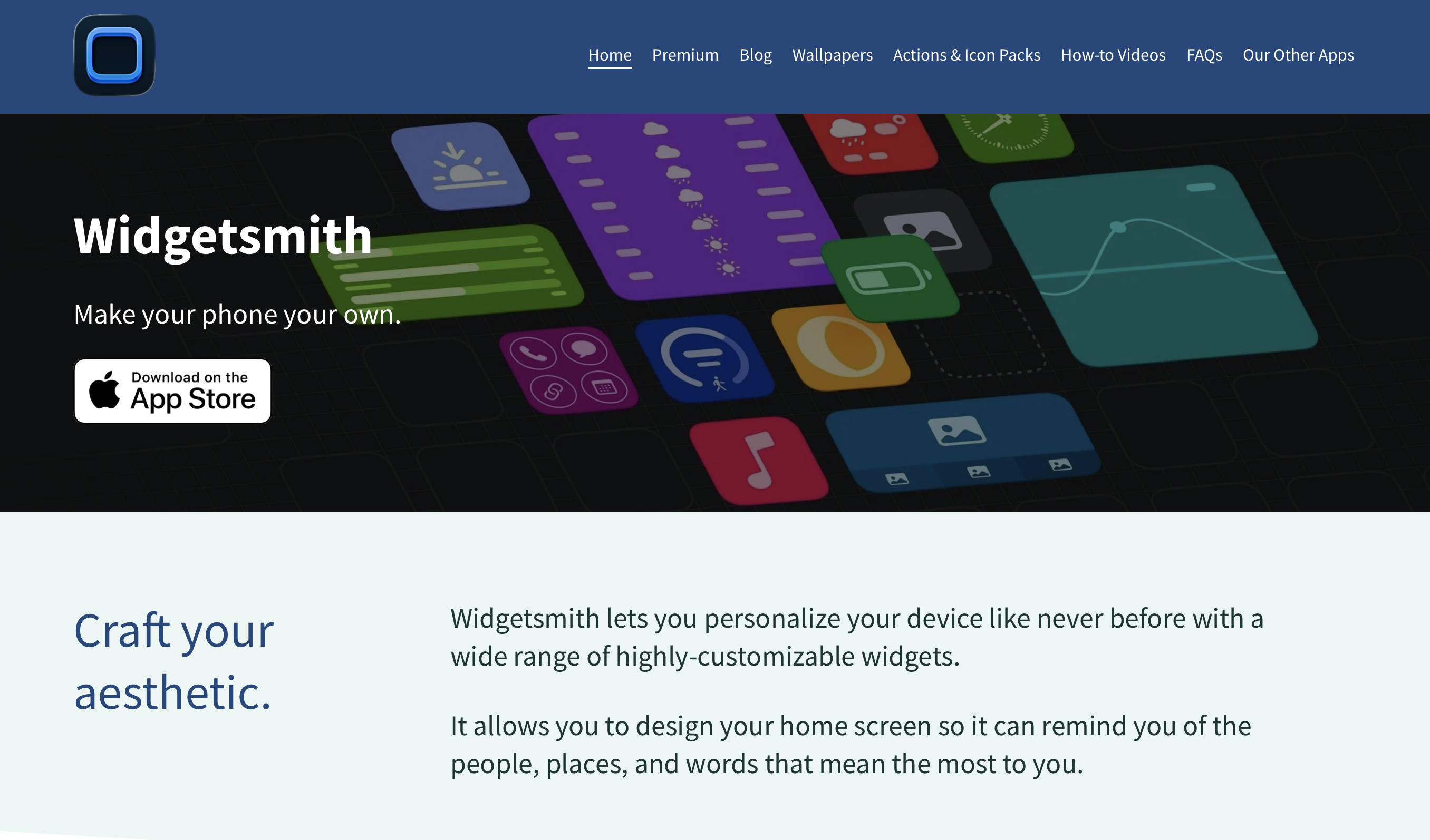
Widgetsmith allows you to build custom layout panels that display weather metrics, fitness charts, or photos based on the exact hour. Because it provides total control over border elements and fonts, it aligns perfectly with your active visual setups.
This structural freedom means you can proudly display historical tributes, like the best Chhatrapati Shivaji Maharaj wallpapers, inside custom interactive frames on your home screen.
- Key Features: Scheduled visual layouts, advanced data feeds, and full font management.
- What Makes it Unique: Changes home screen layouts automatically based on real-time routines.
- Who it's Best For: Advanced designers wanting full structural control over display geometry.
Color Widgets
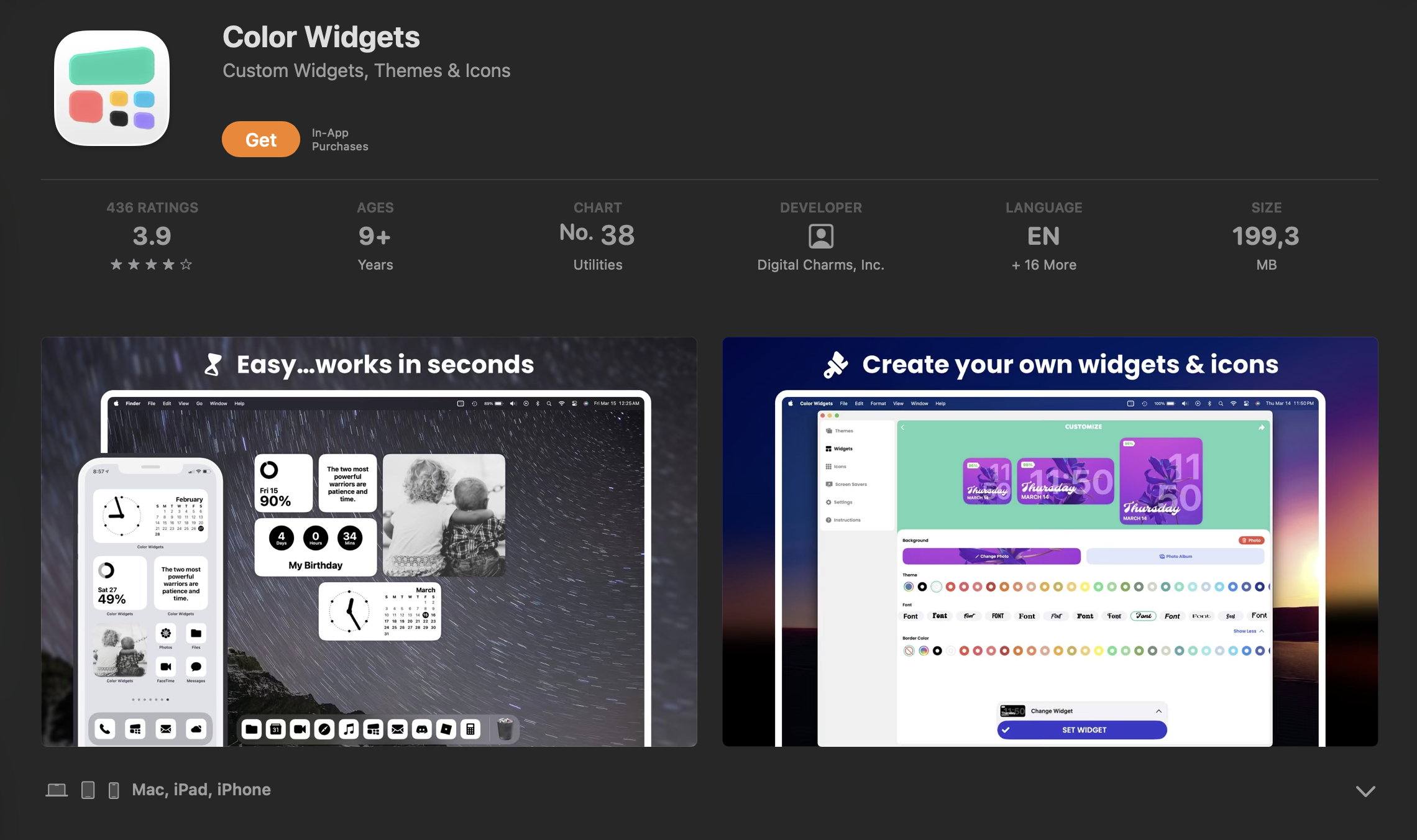
Color Widgets provides an intuitive path toward building attractive interfaces by offering pre-configured layout templates. It features a wide variety of minimalist calendar indicators and device performance checkers that adapt cleanly to any aesthetic theme.
- Key Features: Pre-made widget kits, step-by-step guides, and low-draw performance meters.
- What Makes it Unique: Features an intuitive design interface making layout building accessible.
- Who it's Best For: People wanting to organize home spaces quickly using reliable templates.
How to Choose the Right iPhone Customization App
Selecting the best app architecture for your mobile setup requires evaluating a few critical performance indicators. You should verify the balance of content categories to ensure the application provides deep customization options across audio, themes, and widgets.
When evaluating these platforms, understanding how to buy ringtones on iPhone provides helpful context for comparing paid commercial stores against free software creation tools.
Whichever route you choose, always prioritize platforms with a proven security record; Zedge is trusted by millions for its safety, variety, and ease of use, making it a top pick for both new and experienced users. Always consider the following factors before downloading new software:
- User interface and ease of use: Ensure navigation is straightforward.
- Customization depth: Check for a balance of sounds, wallpapers, and widgets.
- Privacy and data safety: Read developer logs regarding data isolation.
- Reviews and ratings: Confirm the app has a positive community reputation.
- Free vs. paid features: Evaluate whether the platform locks essential tools behind paywalls.
Tips for Safe and Effective Customization
Maintaining a secure device environment means paying close attention to where your media files originate. Downloading assets from unverified websites not only exposes your phone to security risks, but it also leads to poor visual quality, which is exactly why your wallpaper looks blurry on Retina displays.
To guarantee both high-resolution files and total data protection, always use trusted platforms. Zedge is available on the App Store and Google Play, ensuring a safe and reliable experience for all users. Follow these expert safety guidelines for ongoing iPhone customization:
- Download only from the App Store or reputable sources: Avoid unverified third-party hosts.
- Review app permissions regularly: Prevent access to your contacts or location data.
- Regularly update iOS and apps: Maintain security and application compatibility.
- Back up your device before major changes: Protect your data via iCloud.
- Use unique ringtones/wallpapers: Avoid alert confusion and express your style clearly.
Troubleshooting & FAQs
If your phone continues to remain silent after executing standard adjustments, you may face deeply corrupted system profile caches. In these scenarios, verifying your physical volume hardware and initiating a master system reset are your safest diagnostic steps.
- What to do if your iPhone still doesn’t ring after trying all fixes: Toggle the Bluetooth and Do Not Disturb settings rapidly to clear stuck background software caches.
- When to reset settings or seek professional help: If the audio slider inside Sounds & Haptics is completely grayed out and unmovable.
- How to check for hardware issues: Play a downloaded video file without headphones; if there is zero audio, the speaker is likely compromised.
- Restoring from backup if needed: Connect your device to a computer and utilize Finder to reinstall your last known secure iCloud image.
Frequently Asked Questions
Are ringtone and wallpaper apps safe to use?
Yes, customization software is perfectly safe when acquired through official channels. Zedge is a trusted, secure platform with millions of downloads that strictly monitors community uploads to prevent malware distribution.
How do I set a custom ringtone on my iPhone?
Navigate to Settings, tap Sounds & Haptics, and select the Ringtone menu. Your newly downloaded audio files will display at the top of the list, allowing you to apply them with a single click.
Why do some calls still go straight to voicemail?
The "Silence Unknown Callers" option is likely active in your Phone settings. Disabling this feature ensures that numbers not saved in your contacts can still ring through to your device speakers.
Can I use my own music as a ringtone?
Yes, you can import uncompressed local audio files directly into GarageBand. From there, you can trim the track to thirty seconds and export it straight into your native iOS sound directory.
How do I fix a corrupted ringtone?
You must permanently delete the broken file from your device storage to prevent background compilation errors. Once deleted, download a fresh, verified replacement file from a reliable source to restore standard alert operations.
What should I do if my iPhone’s speaker isn’t working?
If adjusting the volume slider in Settings yields no sample tones, your internal speaker hardware is likely damaged. You should schedule a diagnostic appointment with an authorized Apple repair technician immediately.