


Personalizing a smartphone is a way to make a mass-produced device feel like your own. Many users start their journey with platforms like MobCup. However, relying on a single app often leads to limitations in variety or quality. You might find yourself facing choice overload or worrying about the security of third-party downloads. Finding a reliable source for high-quality audio and visuals is essential for a smooth experience.
This guide serves as the ultimate resource for finding the best MobCup alternatives for every type of user. We will explore how to safely use personalization apps to transform your mobile experience.
TL;DR
- Zedge: Best all-in-one platform for high-quality wallpapers and professional ringtones.
- Ringdroid: Top choice for Android users who want to edit their own audio files locally.
- Lively Koi Fish 3D: Ideal for those seeking interactive and touch-responsive live backgrounds.
- Private Photo Vault: Essential for privacy-conscious users wanting to secure custom media.
- S10 Launcher: Best for a total visual overhaul of the Android user interface.
- FunForMobile: A community-focused social platform for discovering shared ringtones and games.
Best MobCup Alternatives: Curated List
All-in-One Customization Apps
Zedge (feature-rich, trusted, wallpapers & ringtones)
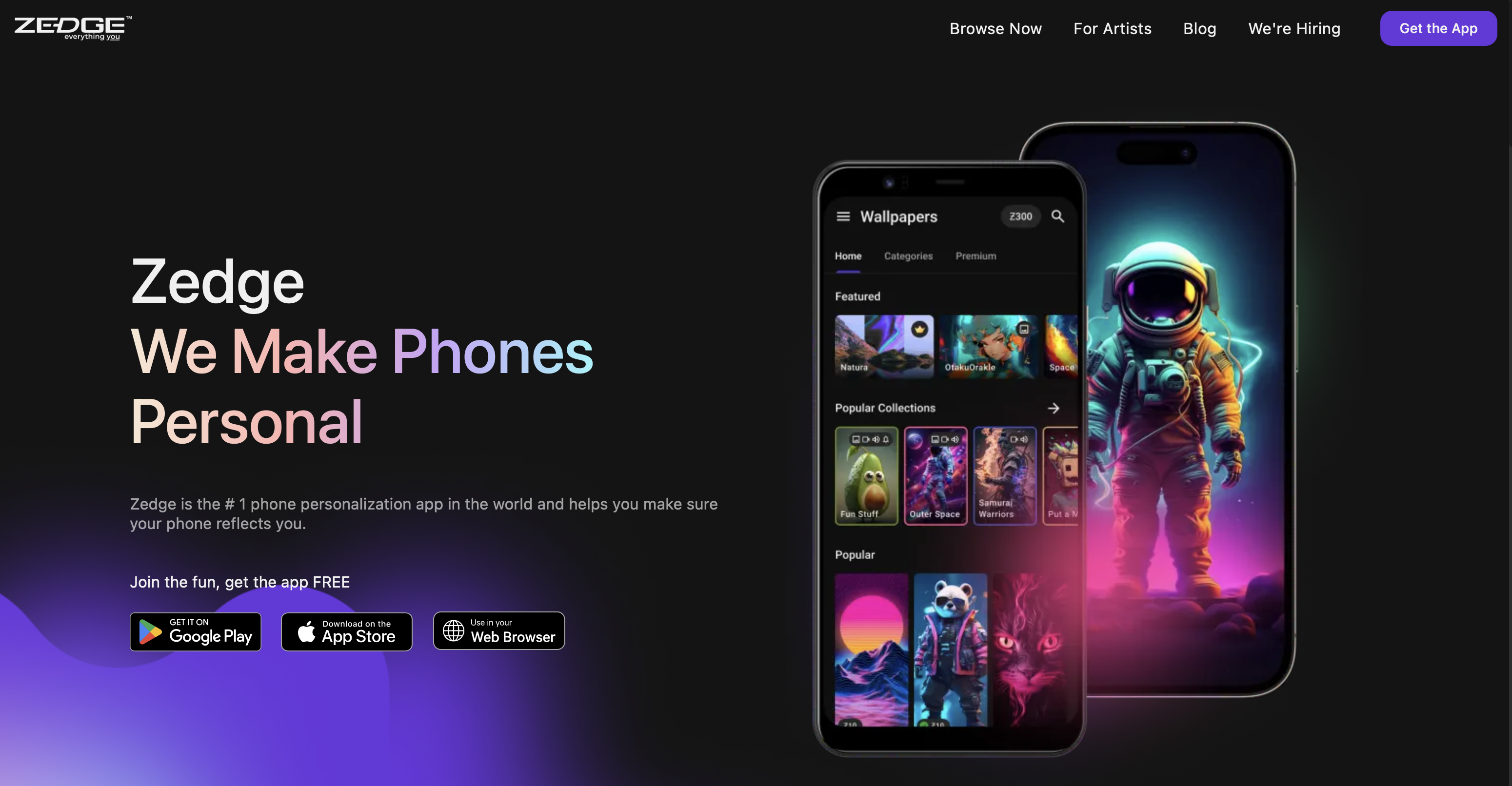
Zedge is widely regarded as the gold standard for mobile personalization. It features millions of high-definition images and audio files submitted by a global community. The app is designed for easy navigation and quick application of content. It even includes an AI ringtone maker feature for unique results. This tool allows you to generate sounds that are entirely your own. It is a trusted environment where safety and quality are prioritized for every download.
Zedge has evolved into much more than a simple repository. It now offers NFTs and specialized artist collections. Users can follow their favorite creators to get notifications when new content is uploaded. The platform also offers a robust search engine to find specific themes. You can browse through thousands of wallpaper apps categories within the Zedge ecosystem. It remains a top choice for those moving away from unverified third-party websites.
- Key Features: Massive variety, AI-powered generation tools, and verified content safety.
- Ideal For: Both Android and iOS users looking for a one-stop shop for all mobile styles.
FunForMobile
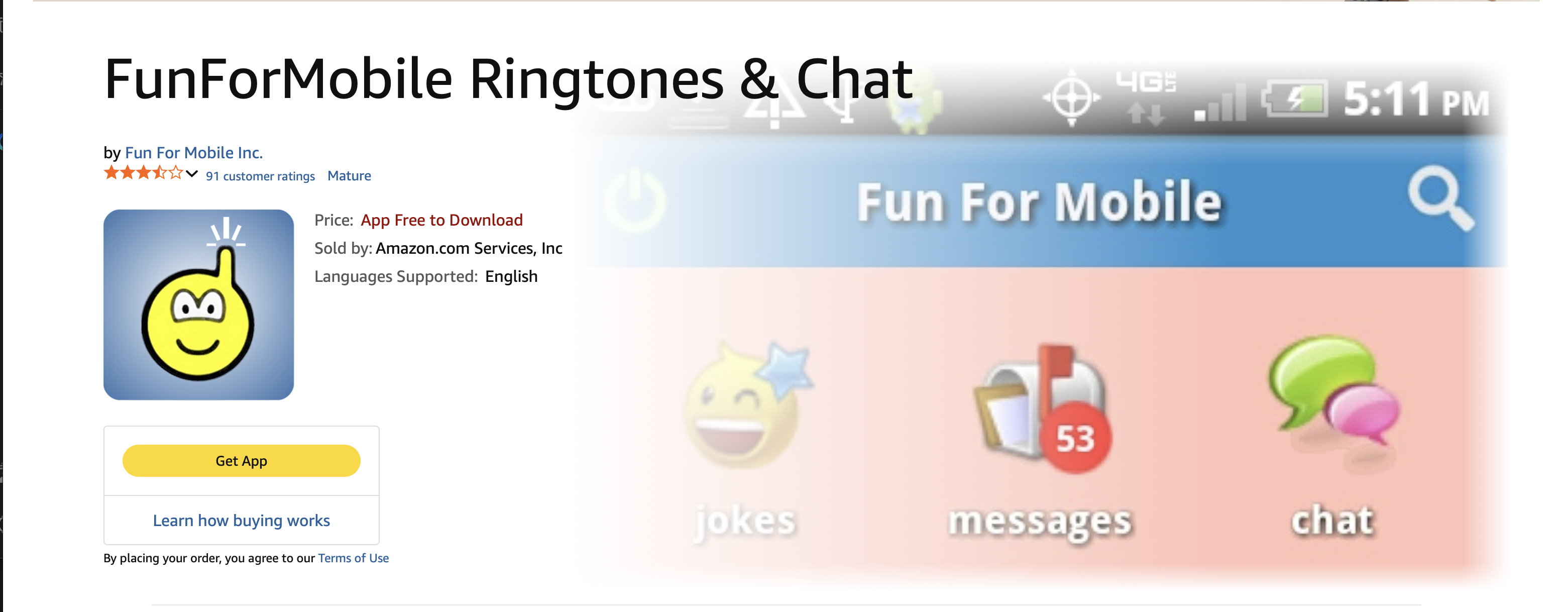
FunForMobile serves as both a download hub and a social platform. It allows users to share their favorite mobile content and engage in community discussions. The library includes a vast selection of tracks and images for various phone models. Many users consider it among the best Fringster alternatives currently available. It is a great place to discover trending media through social recommendations.
The social aspect of FunForMobile sets it apart from traditional download sites. You can join groups based on your interests, such as gaming or cinema. This allows you to find content that matches your specific hobbies. The platform also includes simple games and chat features to keep users engaged. It is a versatile choice for anyone who enjoys a community feel. You can find a high-quality ringtone download while chatting with other fans.
- Key Features: Social integration, community-vetted content, and diverse file categories.
- Ideal For: Users who enjoy discovering media through community interaction and feedback.
Ringtone Makers & Editors
Ringdroid
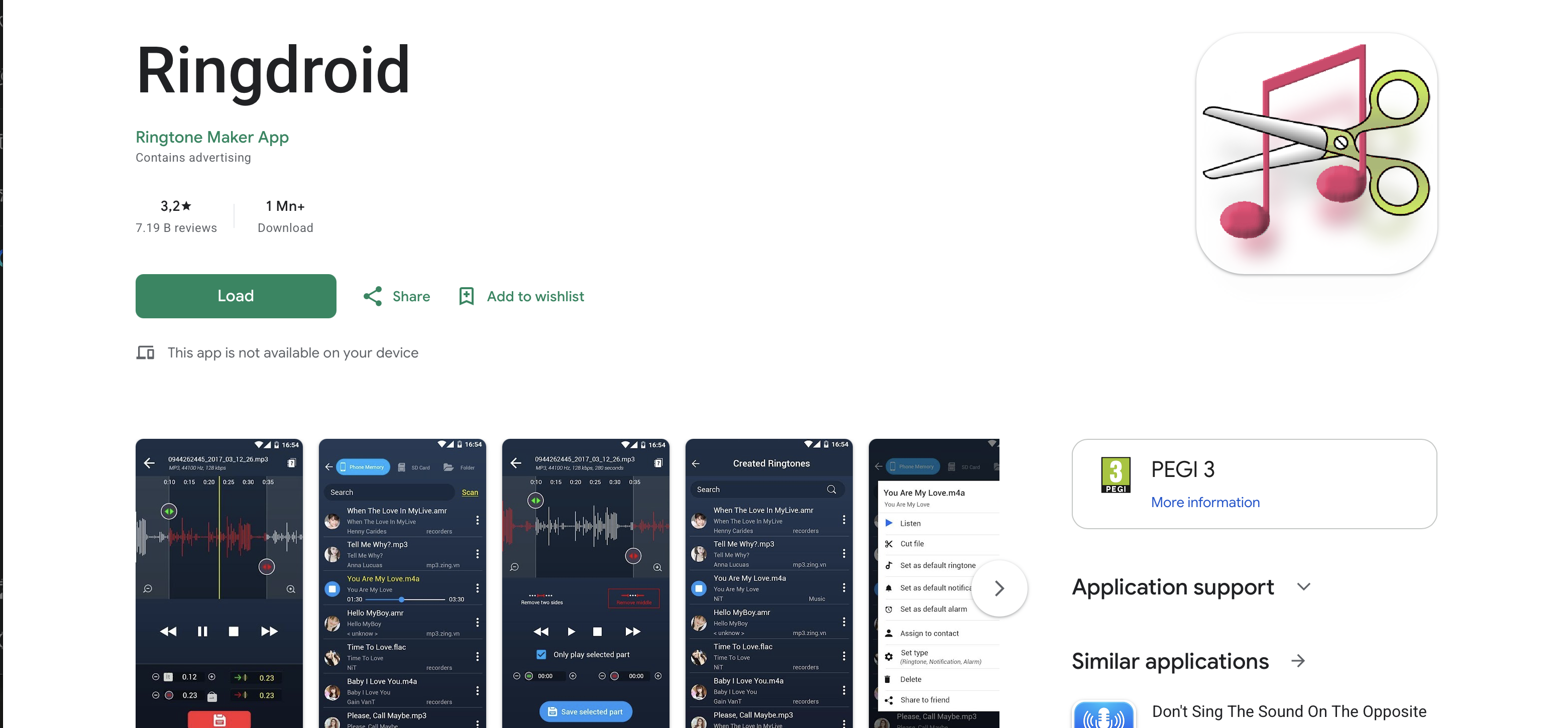
Ringdroid is a staple for users who prefer to create their own alert sounds. It does not provide a built-in library of songs. Instead, it allows you to edit any audio file stored on your phone. You can use the visual waveform to select the perfect segment of a song. Once you understand how to change the ringtone on your device, this app becomes essential. It is completely free and contains no advertisements.
The app is open-source, which means it is transparent and secure. It has been a favorite for Android users for many years due to its simplicity. You can create ringtones, alarms, and notification sounds with just a few taps. It supports several audio formats like MP3 and WAV. This ringtone maker gives you full control over the audio editing process. It is a lightweight tool that does not take up much space.
- Key Features: Zero ads, open-source transparency, and precise waveform editing.
- Ideal For: Android enthusiasts who prefer DIY audio over pre-made downloads.
Ringtone Maker
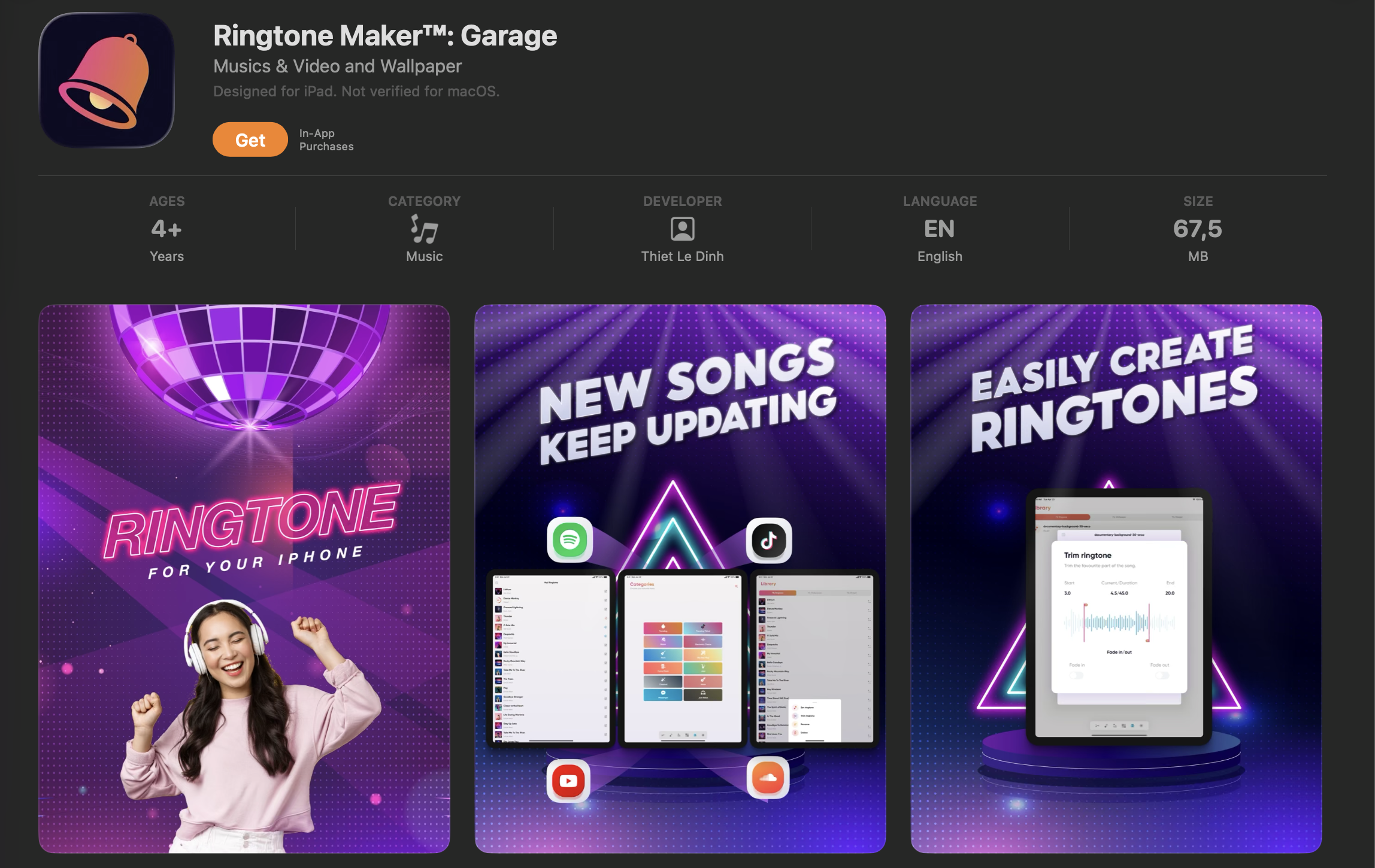
Ringtone Maker is another high-quality tool for manual audio adjustment. It supports a wide range of formats including MP3, FLAC, and OGG. You can check the best Audiko alternatives free ringtones to see how this app compares to others. You can assign specific tones to individual contacts directly within the app interface. This makes it easy to know who is calling without looking at your screen.
The interface is designed for users who want fast results. It includes a search feature to find all the audio files on your device quickly. You can even record a new sound and edit it immediately. This makes it a great choice for recording unique voice alerts. The app also allows you to manage your audio library with ease. It is a practical solution for anyone looking to customize phone notification settings.
- Key Features: Wide format support, contact-specific alerts, and an intuitive UI.
- Ideal For: Users who want to organize their notifications with custom recordings.
DJ Remix Ringtones
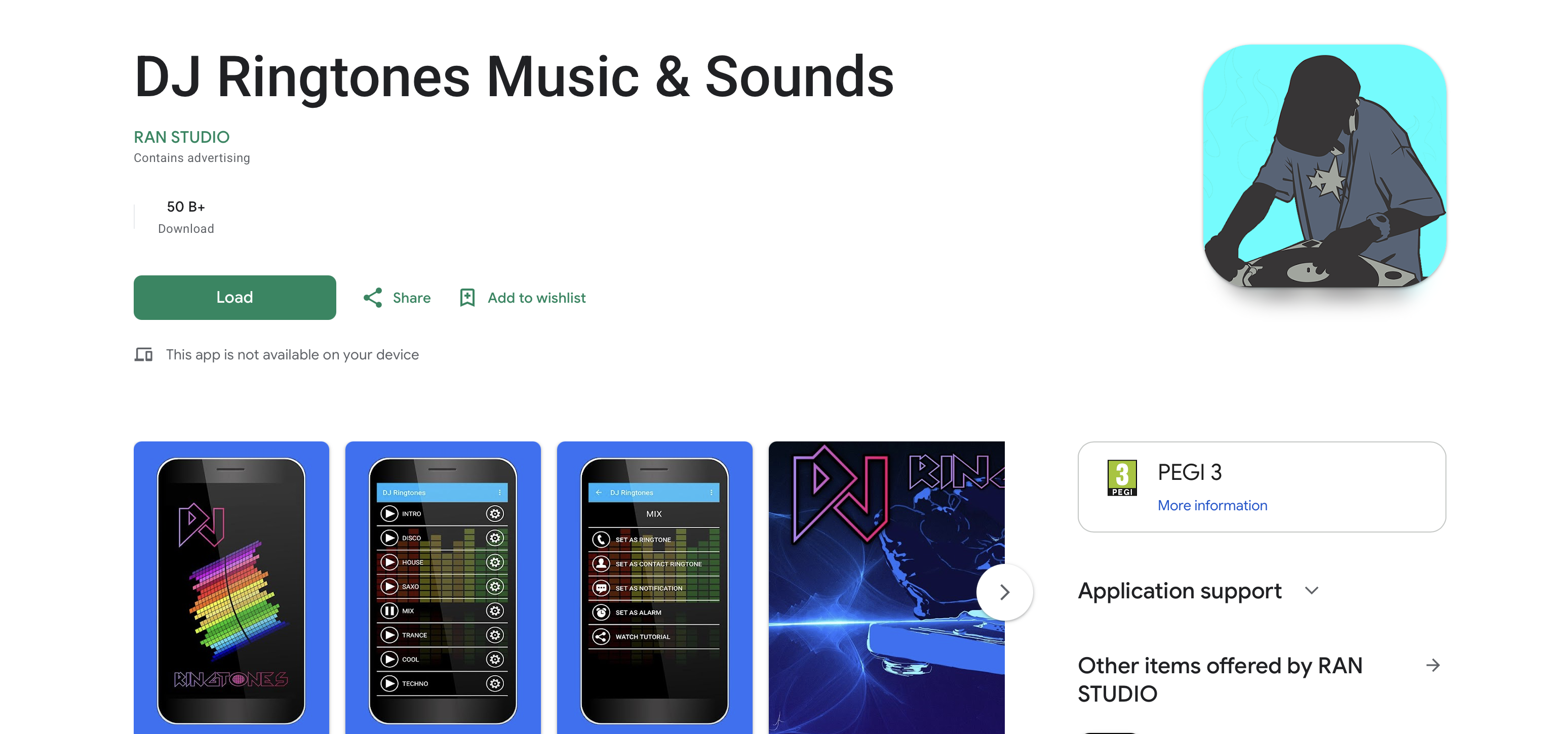
For those who enjoy electronic and high-energy music, DJ Remix Ringtones is perfect. It offers a specialized collection of club-style sounds and dance remixes. Many of these tracks are mastered to sound great even on small mobile speakers. You can explore the best free ringtone apps to find other high-energy alert collections. This app ensures your phone gets noticed in any environment.
The app is regularly updated with the latest tracks from the electronic scene. You can preview every sound before you decide to download it. This helps you avoid wasting storage on sounds you do not like. The library is categorized by sub-genre, such as house or techno. It is a niche app that does one thing very well. It provides the most energetic audio for your mobile device.
- Key Features: High-volume audio mastering, unique remixes, and regular content updates.
- Ideal For: Fans of EDM and those who need loud, distinct notification sounds.
Wallpaper Apps & Theme Tools
Mobile Phone Ringtones
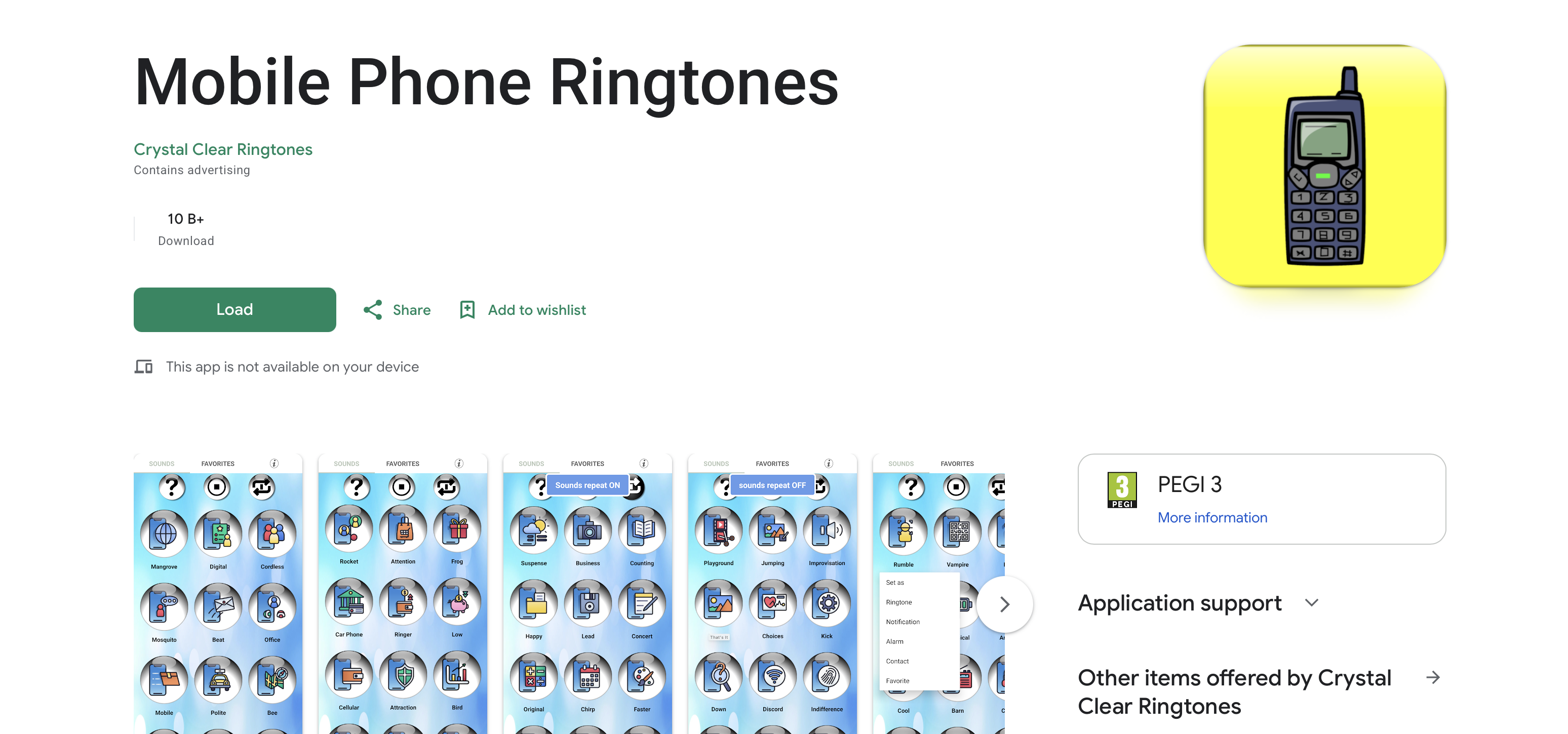
Mobile Phone Ringtones provides a balanced mix of audio and visual assets. It features high-resolution images that are updated daily to reflect current trends. The search function is robust and allows for filtering by category or color. It is a reliable way to keep your phone looking modern and fresh. This platform is a strong contender for those seeking Zedge alternatives with a simple interface.
The app also includes a selection of HD wallpapers designed for large screens. You can find images for holidays, nature, and abstract art. It is a great resource if you like to change your theme based on your mood. The download process is fast and does not require a subscription. It is an excellent choice for users who want both audio and visuals in one place. You can find your next favorite background image here.
- Key Features: Daily updates, high-resolution visuals, and an easy search engine.
- Ideal For: Users who want a rotating selection of traditional mobile backgrounds.
Lively Koi Fish 3D Theme
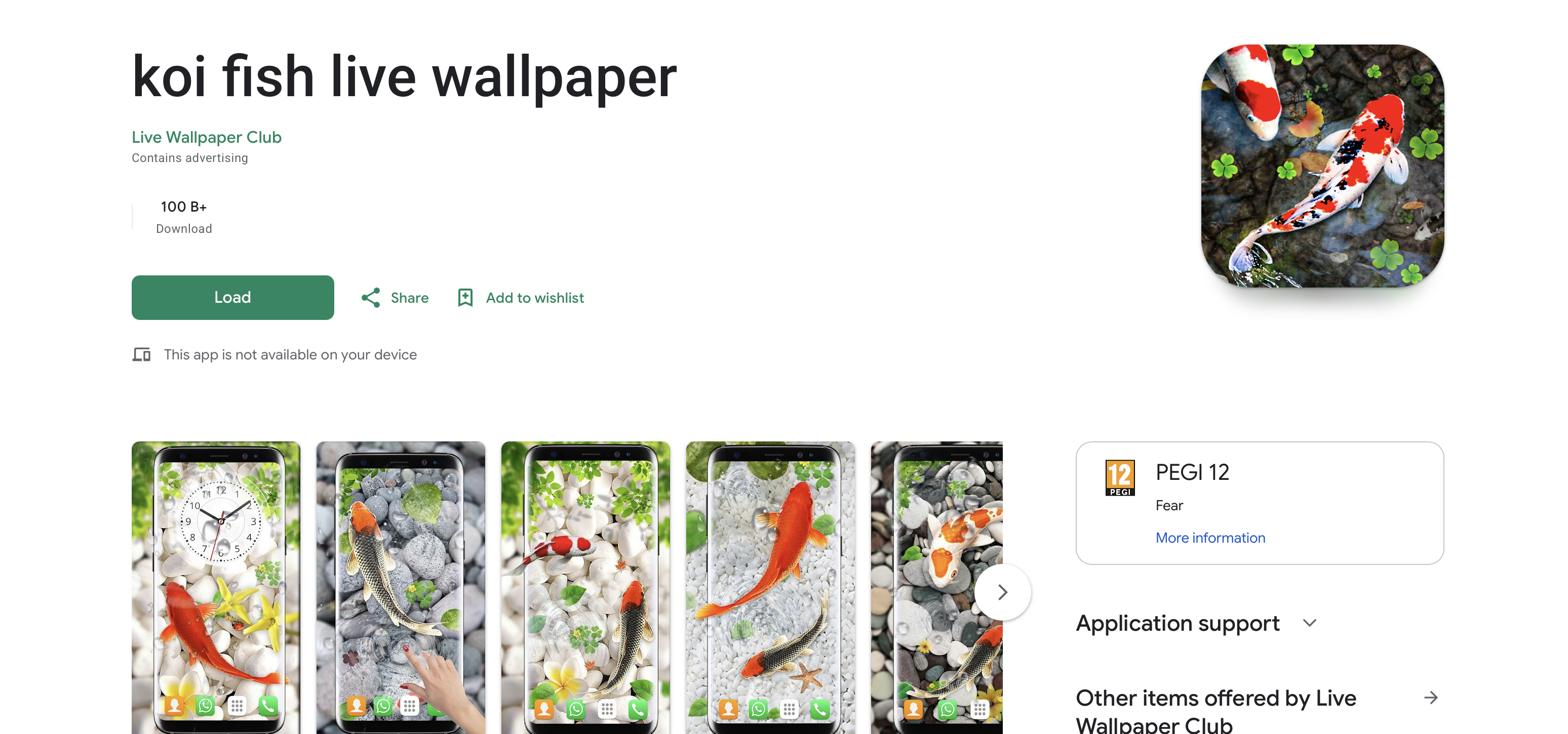
This app offers more than just a static picture for your screen. It creates a 3D environment where fish react to your finger movements on the glass. The animation is smooth and does not drain your battery excessively. It is a premier choice for those who view their phone as a piece of digital art. The interactive nature of the theme makes every interaction enjoyable.
The app includes several customization options for the pond. You can change the number of fish and the color of the water. It even allows you to add different types of aquatic plants. This level of detail makes it stand out in the crowded market of theme apps. It is a peaceful and beautiful way to change your phone's look. It turns your home screen into a relaxing virtual aquarium.
- Key Features: Touch-sensitive animations, battery-saving modes, and realistic 3D graphics.
- Ideal For: Customization enthusiasts who want a dynamic and interactive home screen.
S10 Launcher
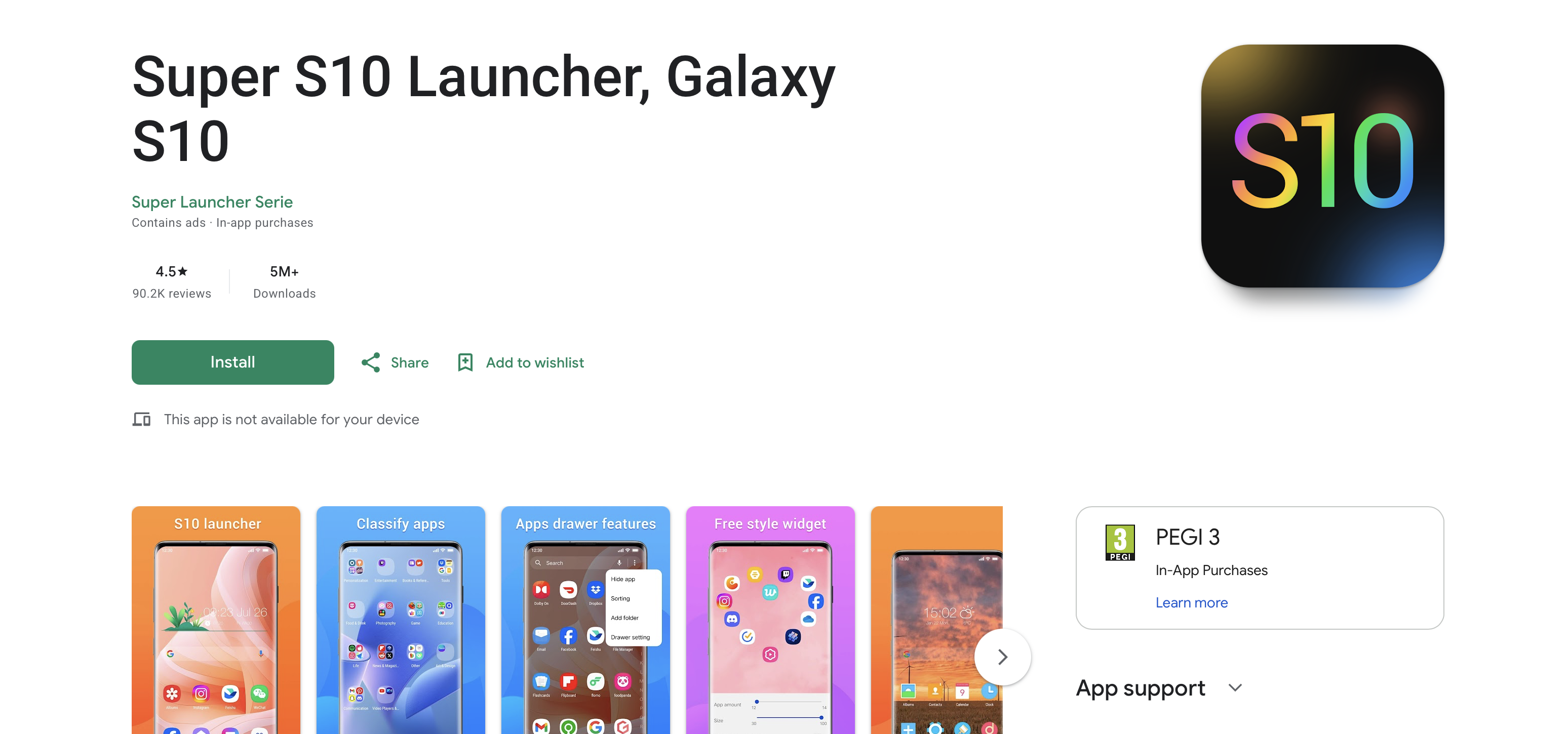
S10 Launcher transforms your entire phone interface into a sleek and modern environment. It allows you to change icon packs and adjust the grid layout of your apps. You can also explore various personalization apps to find icons that match this launcher. This tool is highly customizable and includes features like hidden app folders. It is a total transformation tool for your mobile operating system.
The launcher provides a high level of control over your desktop. you can add custom gestures to launch your favorite apps faster. It also includes several transition effects for switching between home screens. This makes your device feel faster and more responsive. It is a great choice for older phones that need a fresh look. It brings modern design to any Android device.
- Key Features: Icon pack support, custom gestures, and interface layout control.
- Ideal For: Android enthusiasts who want to change their system look entirely.
Other Noteworthy Tools
Private Photo Vault
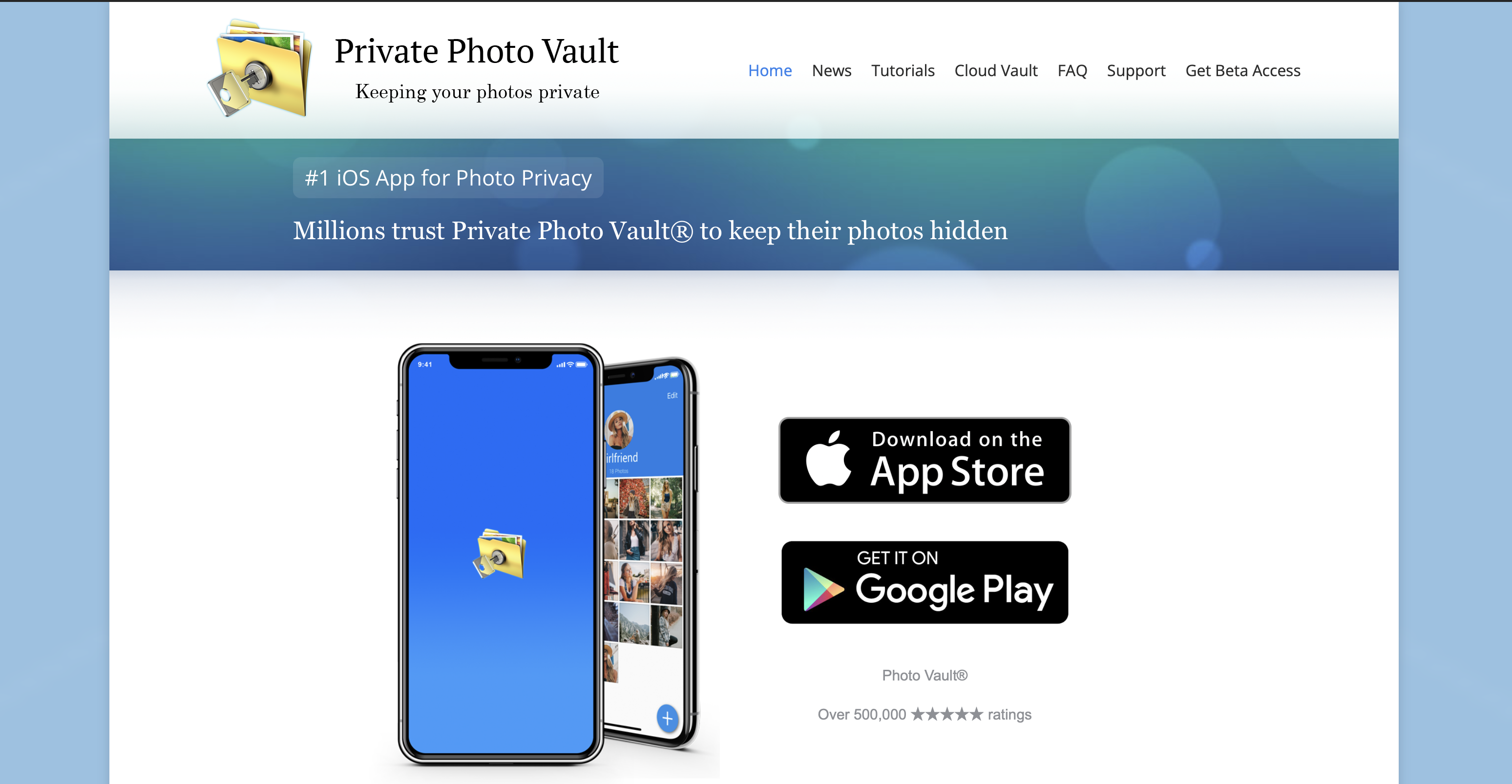
Personalization often involves using personal images that you might want to keep private. Private Photo Vault provides a secure space for your custom media. It uses pin-code or biometric locks to ensure only you can see your gallery. This is essential if you download many items from a site that might also offer private photos. It helps you keep your projects organized and safe.
The app also includes a "break-in report" feature. It will take a photo of anyone who tries to enter the wrong password. This gives you extra peace of mind when leaving your phone unattended. You can also create decoy vaults with a separate password. This is a top-tier security app for any mobile user. It keeps your private images away from prying eyes.
- Key Features: Password protection, decoy vaults, and break-in alerts.
- Ideal For: Privacy-focused users who handle sensitive or personal media files.
How to Choose the Right App for Personalization
Finding the perfect app requires a systematic approach to ensure quality and safety. You should always start by checking your specific hardware and software versions. Not every tool works the same way on every operating system. Learning how to buy ringtones on iPhone and Android is a good way to start your search. Follow this checklist for the best results:
- Consider device compatibility: Verify if the app is optimized for your version of Android or iOS. Some features like live wallpapers require specific hardware capabilities to run smoothly.
- Prioritize privacy and safety: Always check what data the app wants to collect. A tool for visuals should not need access to your contact list or location.
- Evaluate content variety and quality: Look for apps that offer high-definition files and regular updates. You want a library that stays current with modern music and design trends.
- Look for user reviews and ratings: Read the most recent feedback in the app store. This will help you identify any bugs or performance issues before you install the software.
- Free vs. paid features: Some apps are truly free while others use a subscription model. Decide if you are willing to watch ads or if you prefer a one-time purchase.
Take your time to explore the interface before committing to a download. A clean and intuitive UI usually indicates a well-maintained app. If the app is cluttered with pop-up ads, it may be better to look elsewhere. Quality apps often have a dedicated support team to help with issues. Following these steps will lead you to a better experience. You will avoid the common pitfalls of low-quality downloads.
Tips for Safe and Effective Customization
A personalized device should remain secure and functional. While finding the best wallpaper and ringtone apps is exciting, safety must come first. Following a few technical protocols ensures your phone remains protected throughout the process.
- Download only from trusted sources: Always use official marketplaces. If you are looking for high-resolution graphics, you can find the best laptop wallpapers our answer up front on verified sites that do not bundle unwanted software.
- Check app permissions: Apps should only access the data they need. To see what a full setup looks like, you can learn how to customize home screen layouts to avoid tools that ask for excessive permissions.
- How to avoid spam and malware: Stick to apps with high download counts and verified developers. This ensures your ringtone download comes from a clean source without malicious scripts.
- Back up your current settings before changing: Always save your current look before experimenting. You can find detailed steps on how to make your own phone wallpaper if you want a custom design. If the new look does not fit, use a guide on how to change wallpaper on iPhone easily to return to your previous setup. If you need to clear storage, knowing how to delete wallpaper on iPhone helps you manage space safely.
Frequently Asked Questions
What is MobCup and why look for alternatives?
MobCup is a traditional site for mobile downloads. Users seek alternatives to find modern quality and more robust security features. Some people prefer using a modern ringtone maker to create their own files instead of downloading them.
Are MobCup alternatives free to use?
Many options are free but may contain ads. Some premium apps offer an ad-free experience for a small fee. It is often worth searching for best free ringtones sound samples mobile to find quality content without costs.
Is Zedge safe and legal for downloading ringtones and wallpapers?
Yes. Zedge is a legal and secure platform that respects intellectual property rights. It is widely considered one of the best choices for those seeking a safe and massive library.
How can I make my own ringtone or wallpaper?
You can use specialized editing apps to crop your photos or clip your audio files. This allows for a truly unique mobile setup. Once you have a safe app, you can learn how to change ringtone settings with confidence.
Do these apps work on both Android and iOS?
Most large platforms support both systems. However, some specific tools like launchers or audio editors are exclusive to Android. Apple has stricter rules about how apps can interact with the system.
Can I use custom ringtones and wallpapers without rooting or jailbreaking my device?
Yes. Modern devices have built-in settings that allow for deep customization without modifying the core software. You can safely change your look using the official settings menu.
How do I delete or change wallpapers on my phone?
You can do this through your display settings. Most phones allow you to keep a gallery of your favorite backgrounds for quick switching. This keeps your device looking fresh and organized.
What should I consider when choosing a ringtone or wallpaper app?
Look for a large library, a clear privacy policy, and high-quality file previews. This ensures you are happy with the results. You should also check how often the library is updated.
Are there any privacy concerns with ringtone and wallpaper apps?
Low-quality apps may try to track your browsing habits. Always stick to well-known and highly-rated brands to avoid this. Check permissions every time you install a new tool.
How do I avoid low-quality or spammy apps?
Read the reviews and check the developer history. Once you have a safe app, you can update your background with confidence. It is also wise to avoid apps that request access to your text messages or calls.