

Girl wallpaper is a broad search category that splits into very different styles depending on what you actually want: pink and glitter, kawaii illustration, anime art, dreamy aesthetic photography, or culturally specific designs. Zedge is one of the best wallpaper apps for browsing all of them in one place, and this page organizes the main styles into separate galleries.
Jump to: Styles | By device | How to set | FAQ
Girl Wallpaper Styles
The styles below cover the full range of what girl wallpaper actually means as a search, from pink and glitter to anime character art and culturally specific designs. Pick the one that matches what you had in mind.
Girly Wallpapers
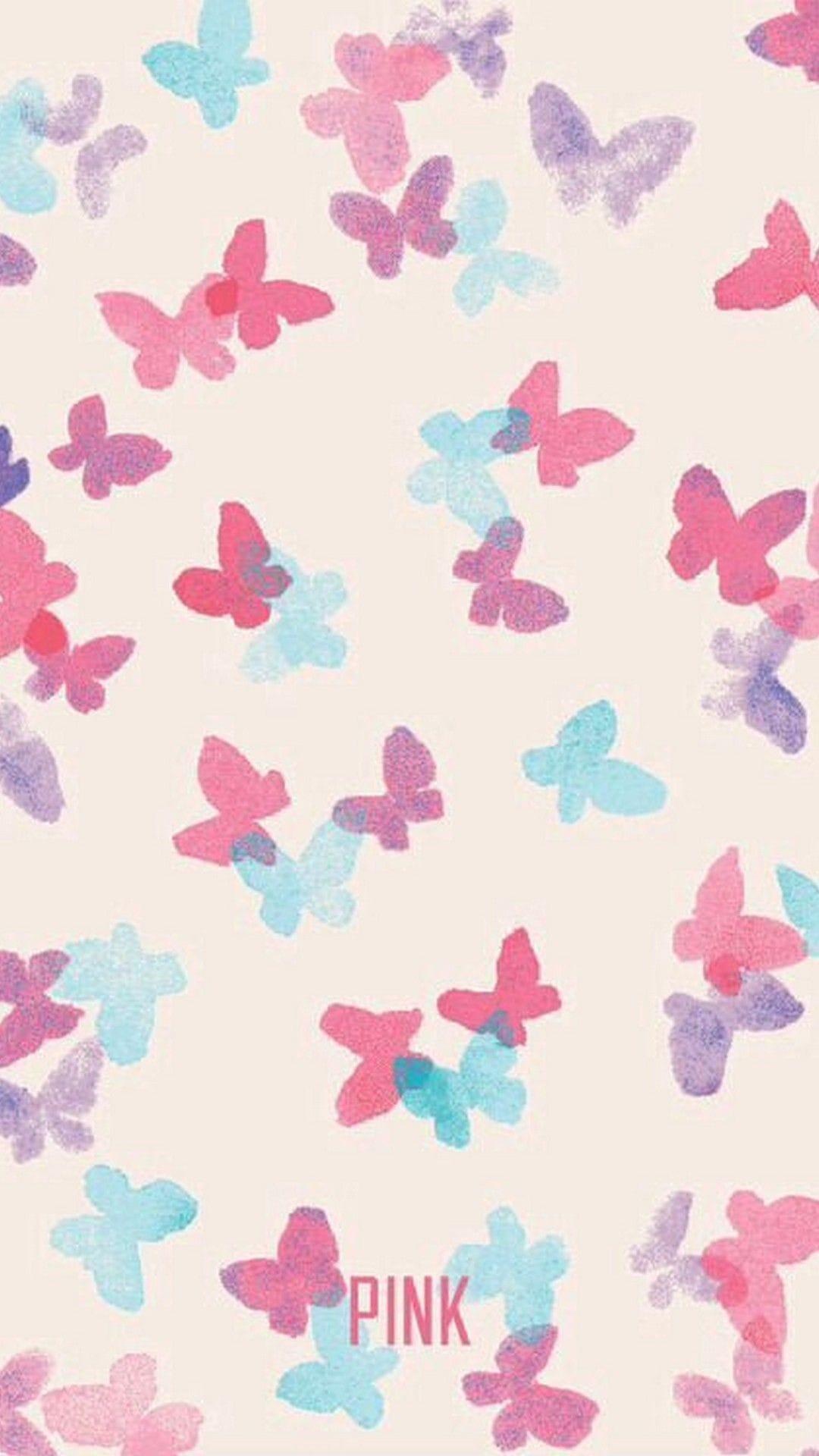
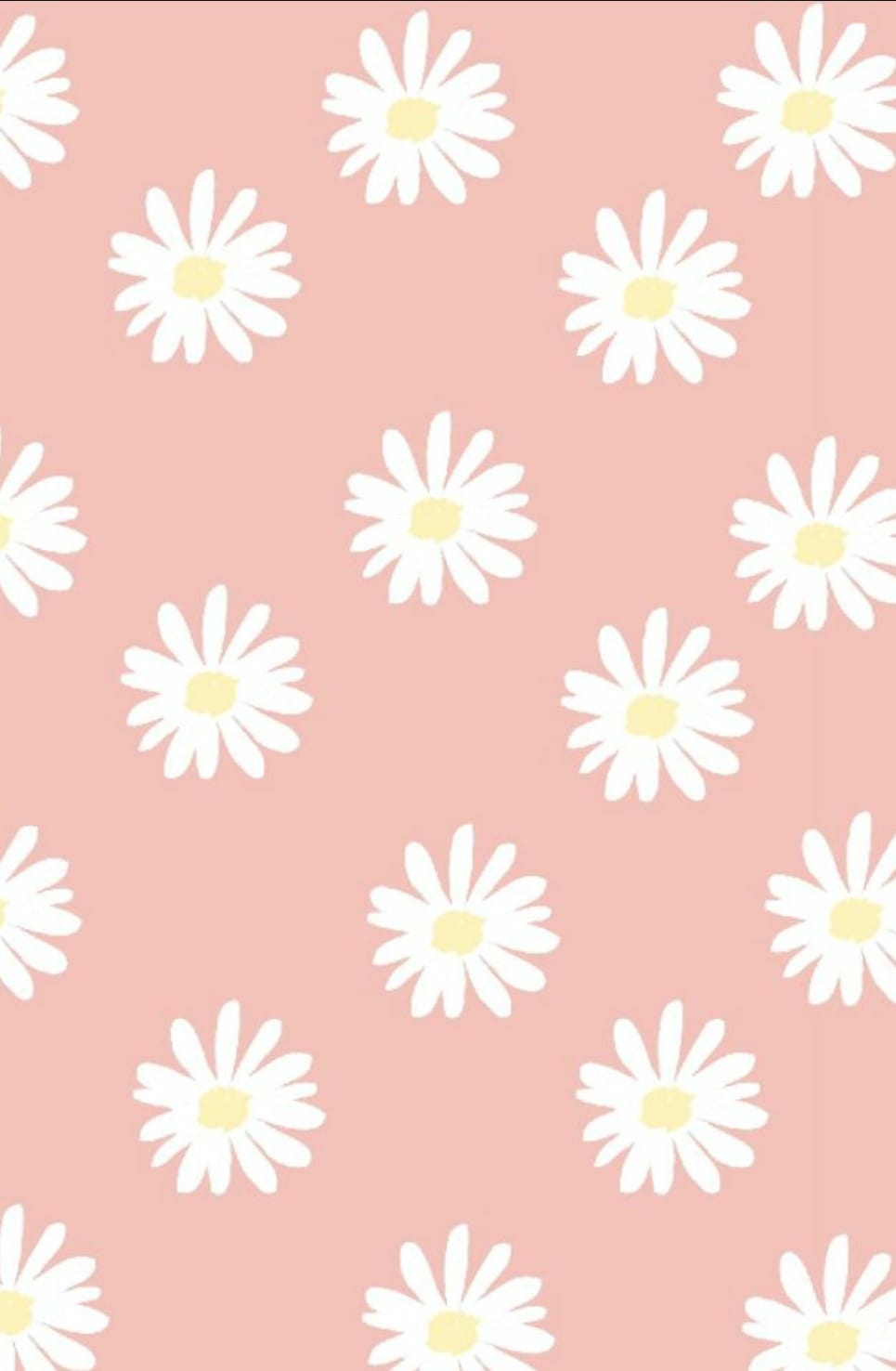
Pink, glitter, bows, and feminine flourishes. The pink aesthetic wallpapers on Zedge cover everything from blush gradients and ribbon motifs to bold fuchsia patterns and sparkle overlays. These pair well with light icon themes and pastel widget stacks.
Cute Girl Wallpapers
Soft, rounded illustrations with expressive characters and gentle color palettes. This cute girl wallpaper style covers kawaii-inspired art, chibi characters, and playful illustrated girls in pastel settings. It sits at the overlap between the cute aesthetic and girl-specific wallpaper demand.


Aesthetic Girl Wallpapers
Dreamy photography and soft-focus illustrations where a girl figure is part of the broader aesthetic composition. Muted tones, film grain, and deliberate negative space are common across this style. Works well on lock screens where the image sits behind minimal clock overlays.
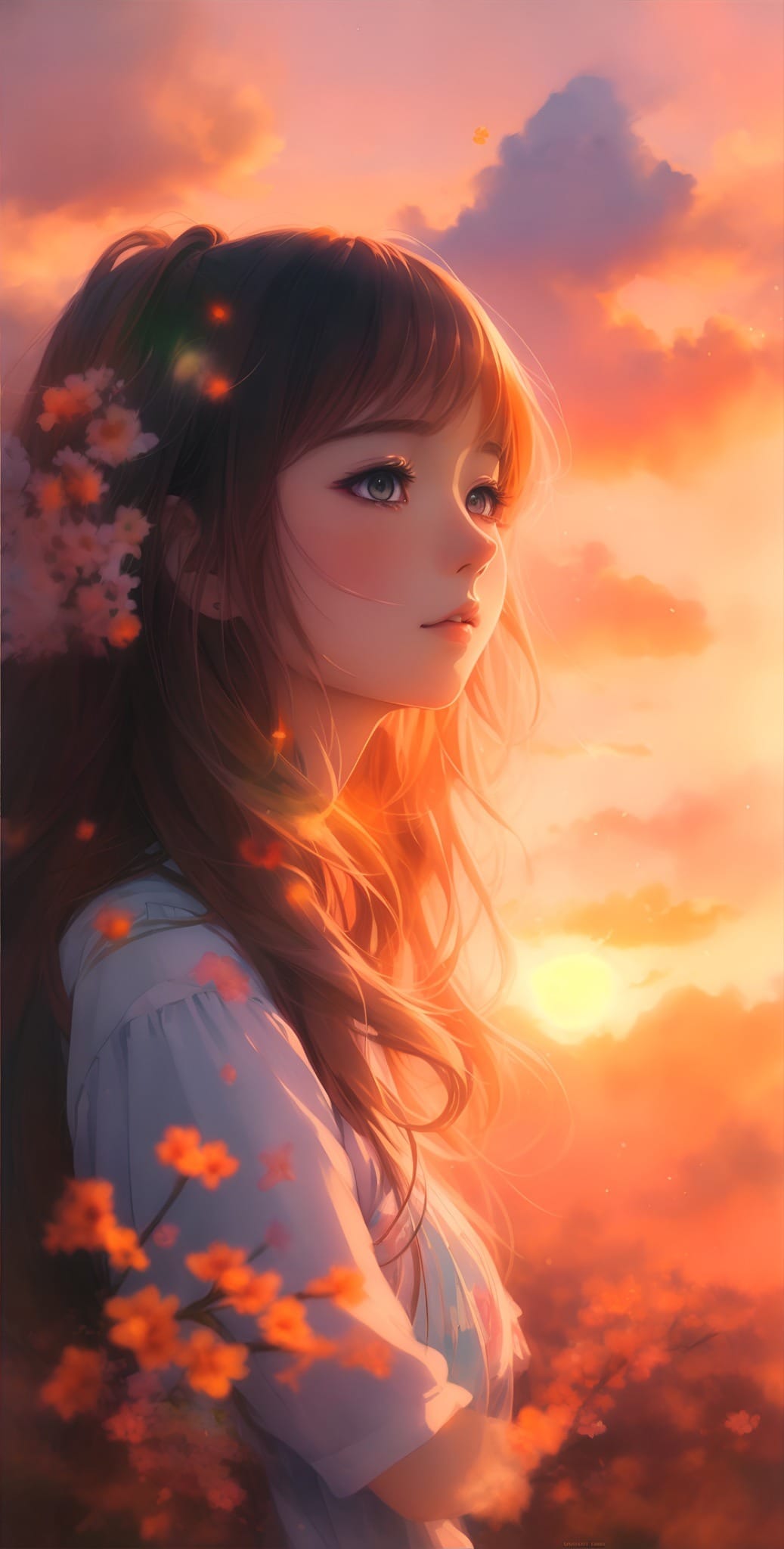
Anime Girl Wallpapers
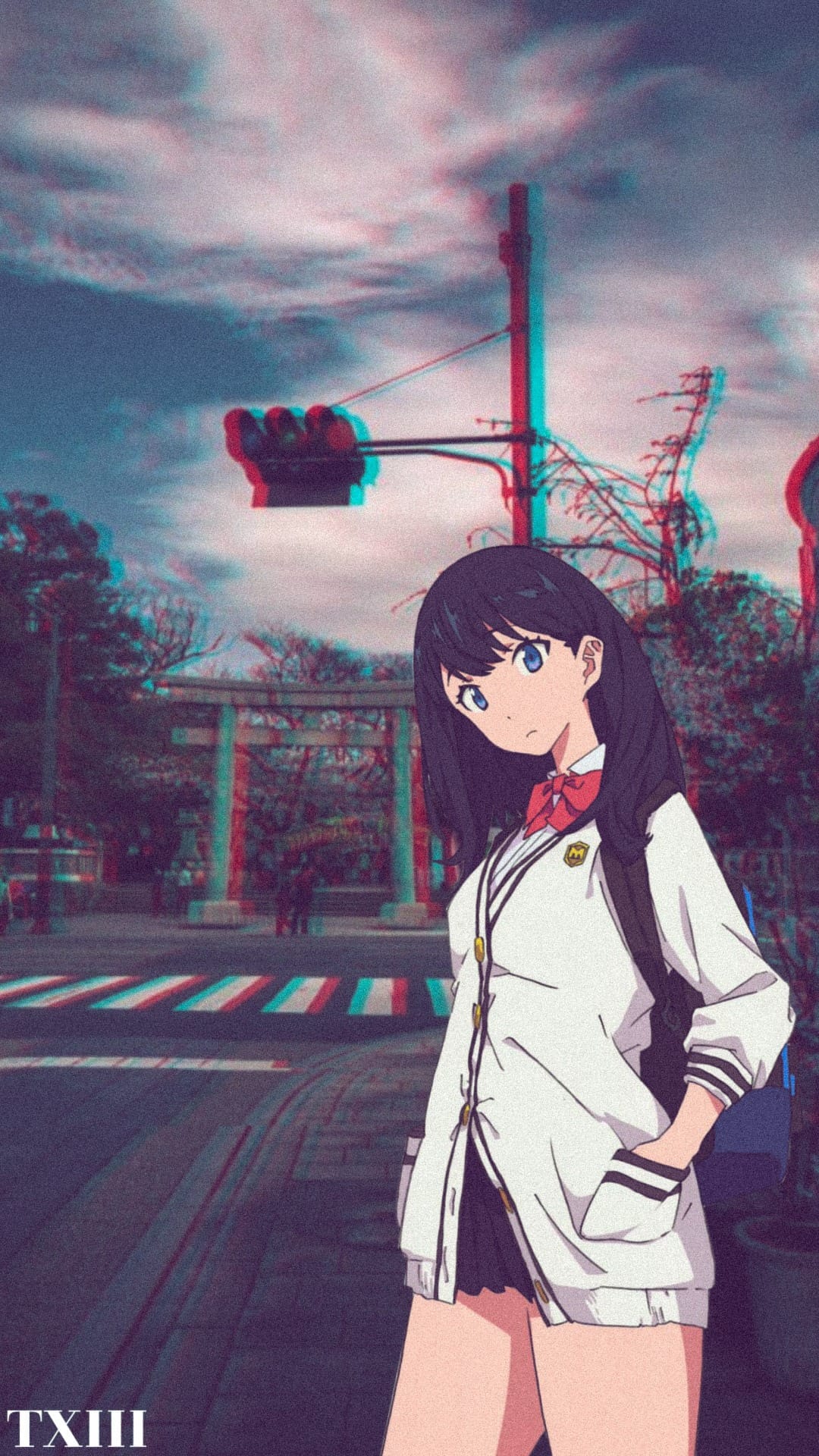
Character-focused anime art ranging from soft slice-of-life to more vivid, dramatic styles. This category has high search volume, particularly in India and Southeast Asia. It is important to stick to licensed or properly attributed fan art rather than screenshots from copyrighted series.
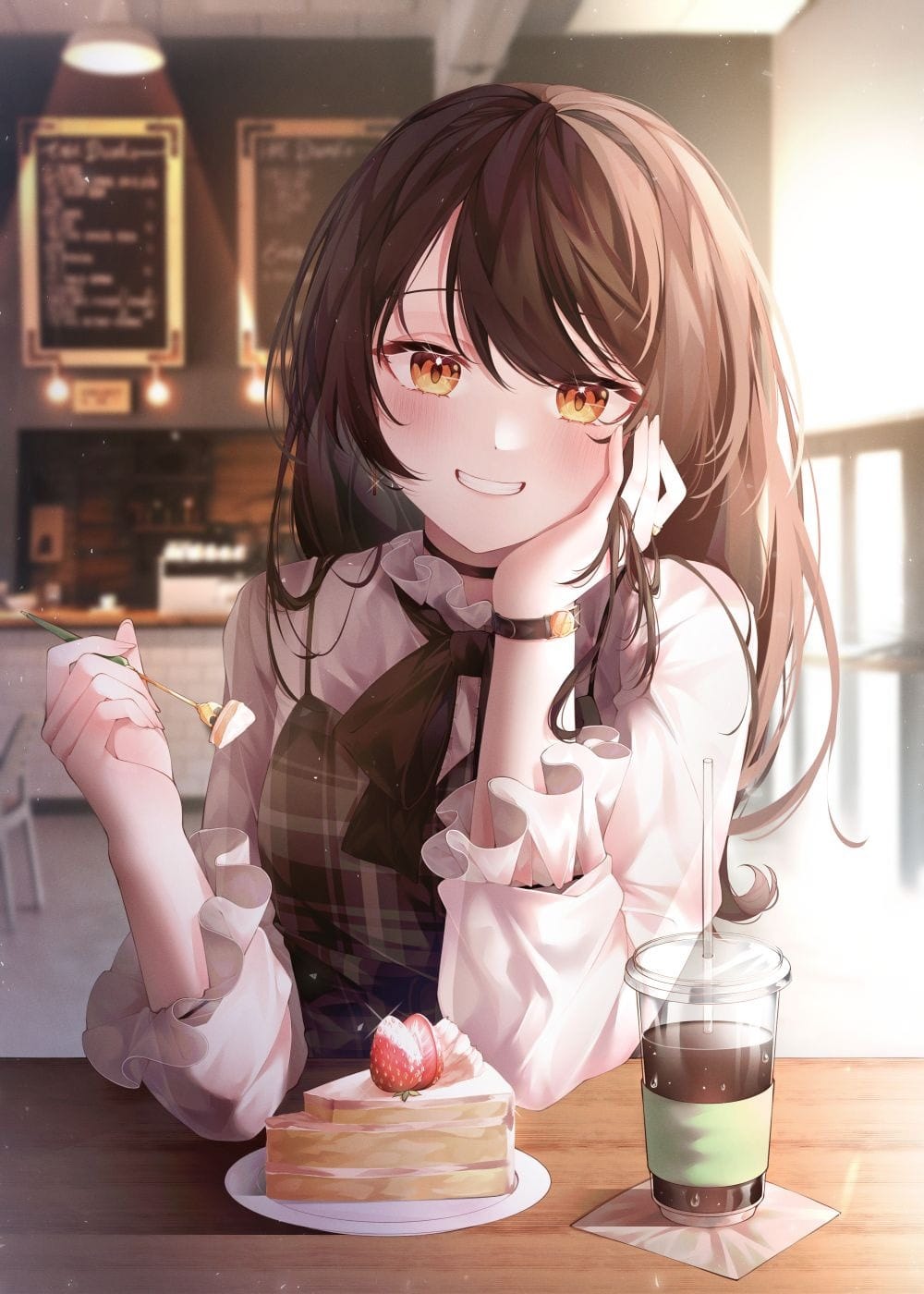
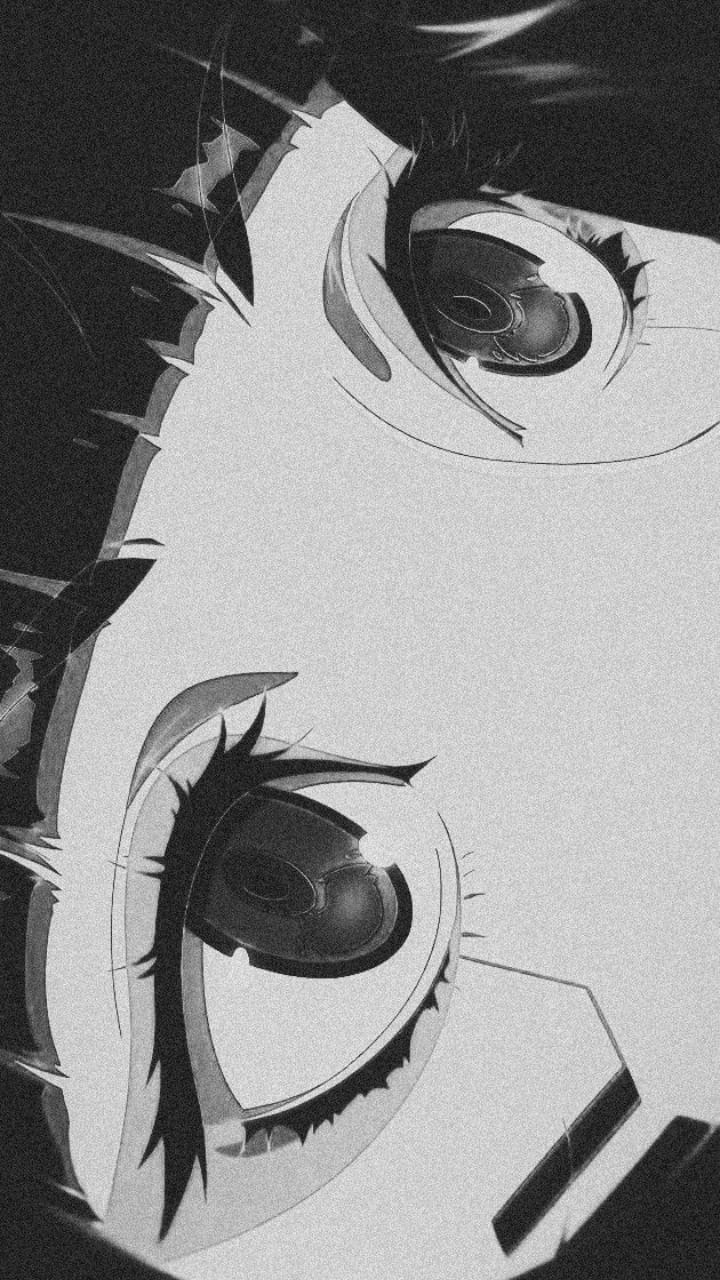
Beautiful Girl Wallpapers
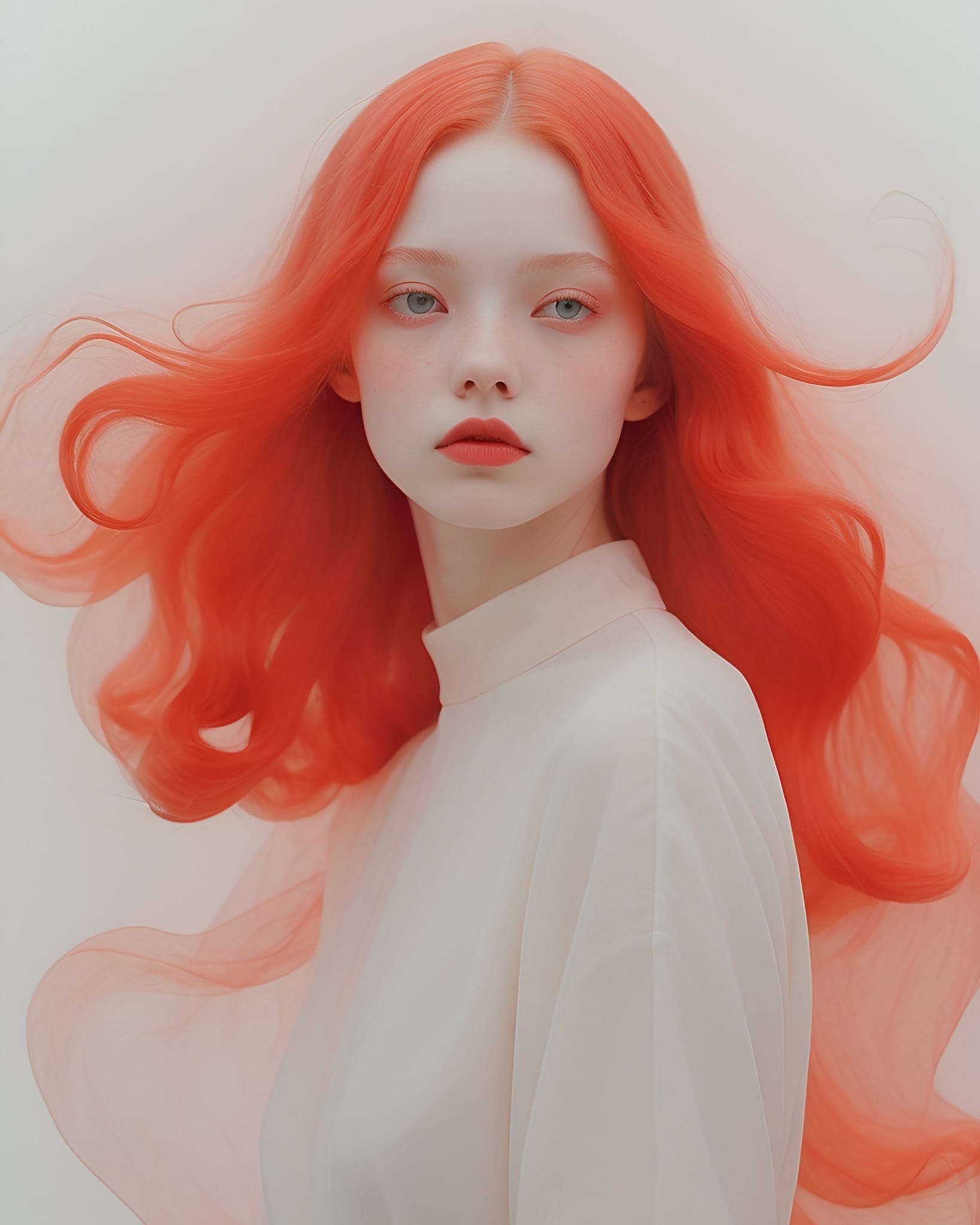
Artistic, stylized compositions featuring a female figure as the focal point: illustrated portraits, digital paintings, and photography with strong visual direction. The beautiful girl wallpaper category covers a wide tonal range from soft and romantic to bold and graphic.
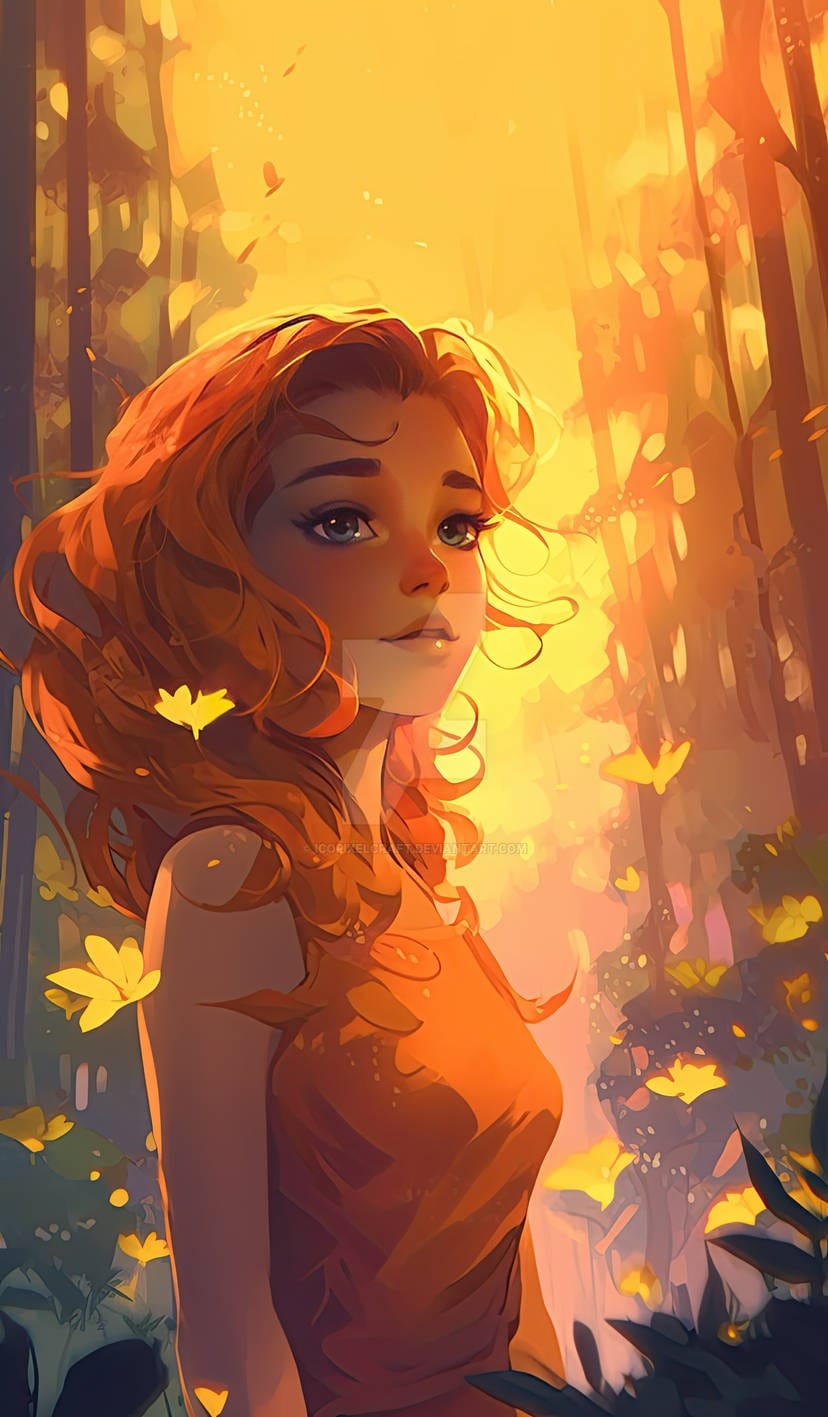
Indian Girl Wallpapers
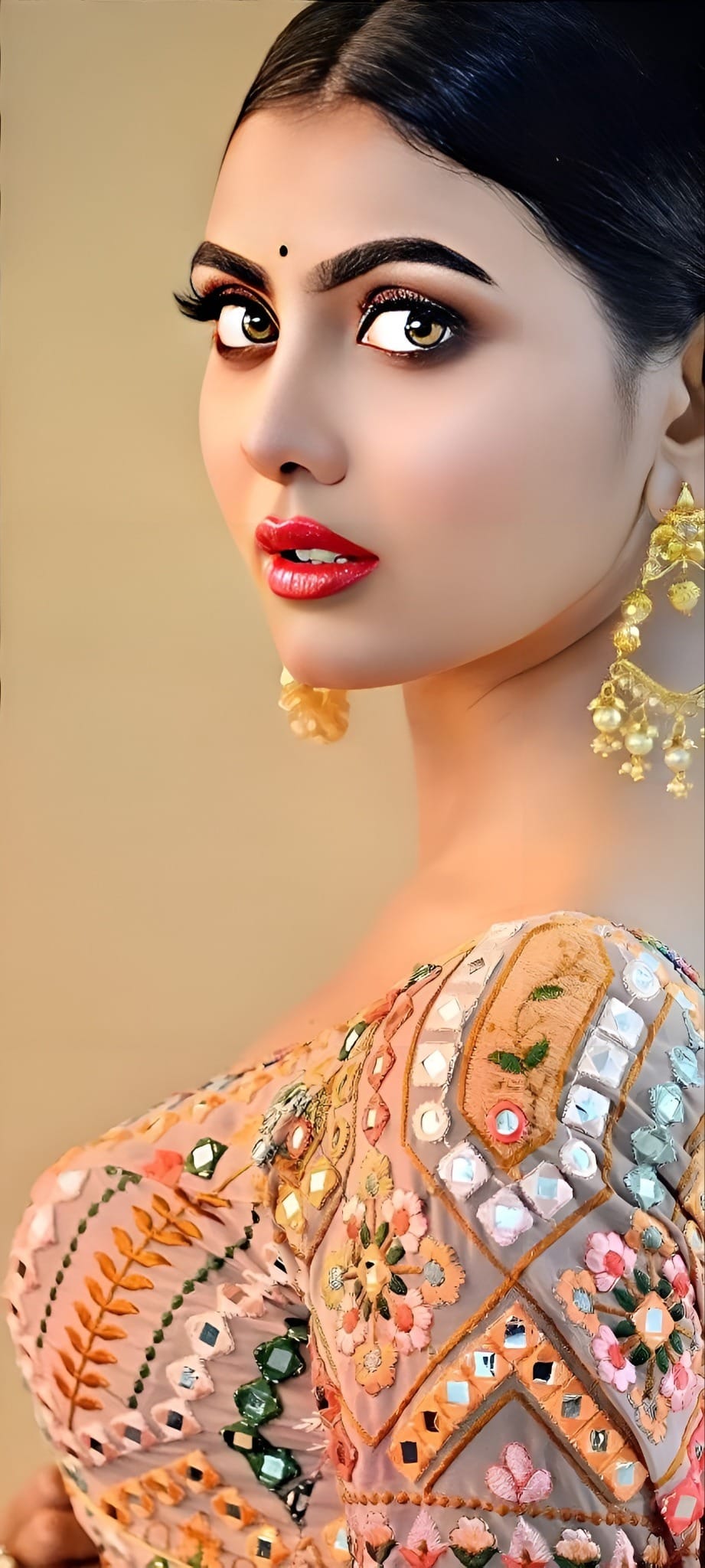
Wallpapers featuring traditional and contemporary Indian aesthetics: ethnic wear, mehndi art, festival colour palettes, and cultural motifs. This is a high-demand category in India, both as girl-specific wallpapers and as cultural expression on phone screens.

Girl Wallpapers by Device
Download at the highest resolution available for your device. The specific sizes are below.
iPhone: Portrait images at 1170x2532 or higher cover all current iPhone models. Face-centered or upper-third-centered compositions work best with iOS clock and widget overlays.
Android: 1080x2340 or higher covers most current Android phones. Samsung Galaxy and Pixel both support landscape rotation, so a loose crop around the subject handles orientation changes cleanly.
How to Set a Girl Wallpaper
On iPhone:
- Save the image to Photos.
- Open Settings, then tap Wallpaper.
- Tap Add New Wallpaper, then Photos, and select your image.
- Crop and reposition, then tap Add and choose lock screen, home screen, or both.
Lock screen options including depth effect and clock style are available when you change wallpaper on iPhone through the lock screen editor.
On Android:
- Save the image to your gallery.
- Long-press the home screen or go to Settings, then Wallpaper.
- Select the image, crop to fit, and apply to home screen, lock screen, or both.
FAQ
Where can I download cute girl wallpapers?
Zedge carries a large free library of girl wallpapers across every style, from girly pink and kawaii to anime and aesthetic. All are phone-sized and free to download. For style ideas beyond the categories above, iPhone wallpaper ideas cover a broader range of aesthetics.
What is a girly aesthetic wallpaper?
Girly aesthetic wallpapers combine feminine visual elements, typically pink tones, bows, ribbons, glitter, or floral patterns, with the soft, muted, or dreamy quality of the broader aesthetic wallpaper style. They work especially well as lock screen wallpapers alongside pastel icon themes.
How do I set a girl wallpaper on my phone?
On iPhone, go to Settings, tap Wallpaper, tap Add New Wallpaper, select your image from Photos, and choose where to apply it. On Android, long-press the home screen, tap Wallpapers, select your image, and apply it to the home screen, lock screen, or both.