

Struggling to find the perfect image or video for your project? Many creators face choice overload or inconsistent quality across various platforms. Copyright worries and the need for truly unique visuals make the search difficult. This guide explores the Best Pexels Alternatives for every creative need.
Zedge is a champion of creative personalization in the digital world. We help you find stock photo alternatives for all your design needs. Diversifying your free image resources keeps your marketing materials fresh and engaging. This article covers both free and paid sites for all users.
Key Takeaways / TL;DR
- Zedge: Best for mobile-first personalization and high-definition device backgrounds.
- Unsplash: Top choice for editorial-style, high-resolution royalty-free images.
- Pixabay: Best all-in-one resource for photos, vectors, and music in one place.
- Mixkit: Ideal for high-quality, production-ready stock video alternatives for social media.
- Storyblocks: Best for agencies needing unlimited downloads and flat-rate video pricing.
- Shutterstock: Leading premium library with a massive catalog for global corporate use.
- Adobe Stock: Top professional choice for users in the Adobe Creative Cloud ecosystem.
- Generated Photos: Best specialized resource for privacy-friendly, AI-generated human faces.
Best Pexels Alternatives: Curated List by Category
1. Zedge
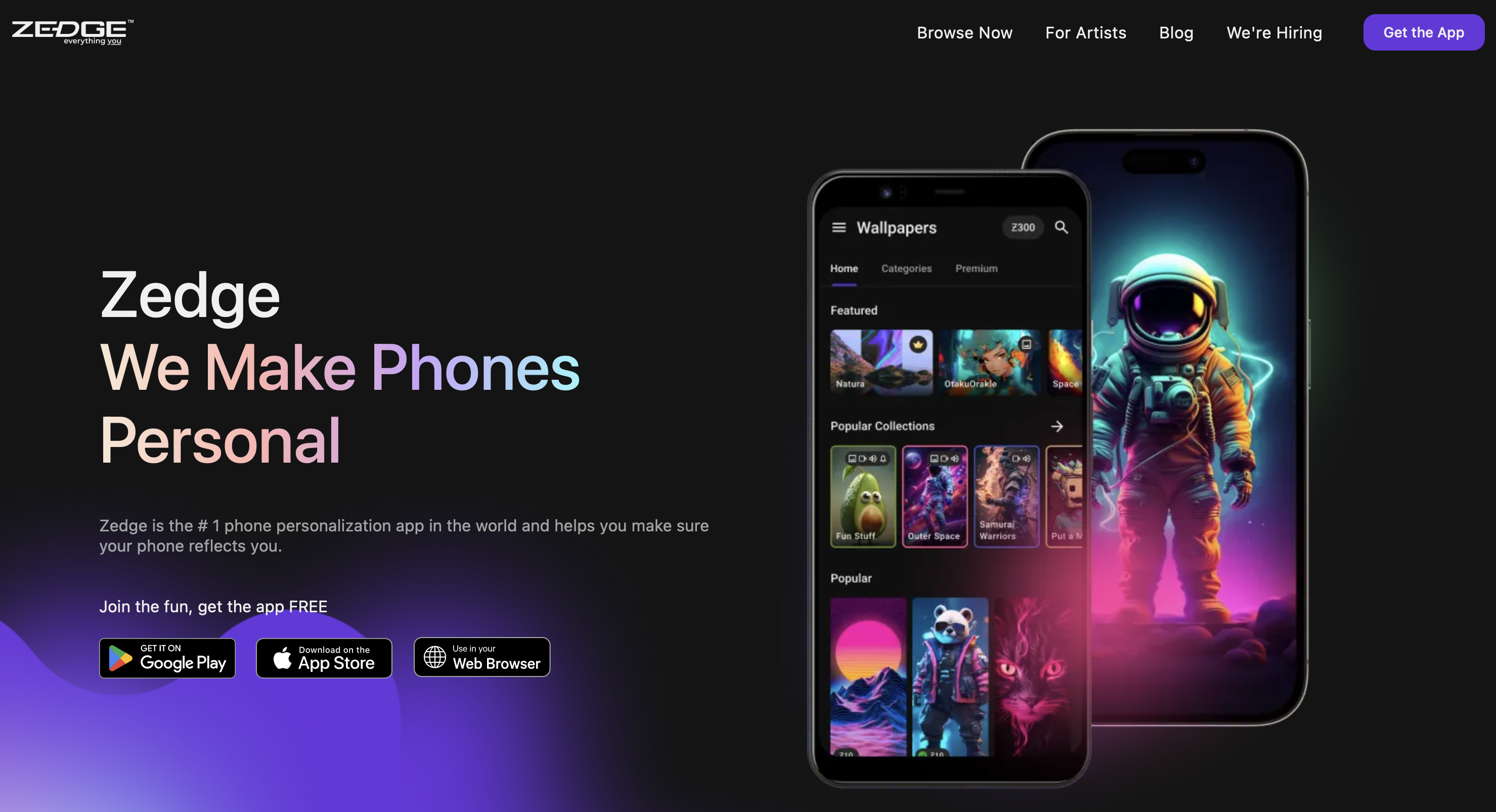
Zedge stands as a global leader in mobile personalization because it is trusted by millions of users worldwide. This reputation is built on a community-driven library that is updated daily to simplify content discovery. Most people start by browsing the top 100 wallpapers to stay ahead of current design trends. This constant stream of high-quality assets ensures your device always feels modern and fresh.
Beyond simple images, the platform provides visuals specifically optimized for various smartphone aspect ratios. You can explore best Android theme wallpapers to create a cohesive and professional look for your interface. Every download is verified for safety so you can customize your device with total confidence. Ultimately, it is a powerful tool for expressing your unique digital identity with ease.
- Key Features: Community uploads, high-res visuals, and easy one-click application.
- Ideal For: Mobile enthusiasts seeking unique wallpapers and professional ringtones.
2. Photo-First Libraries
Unsplash
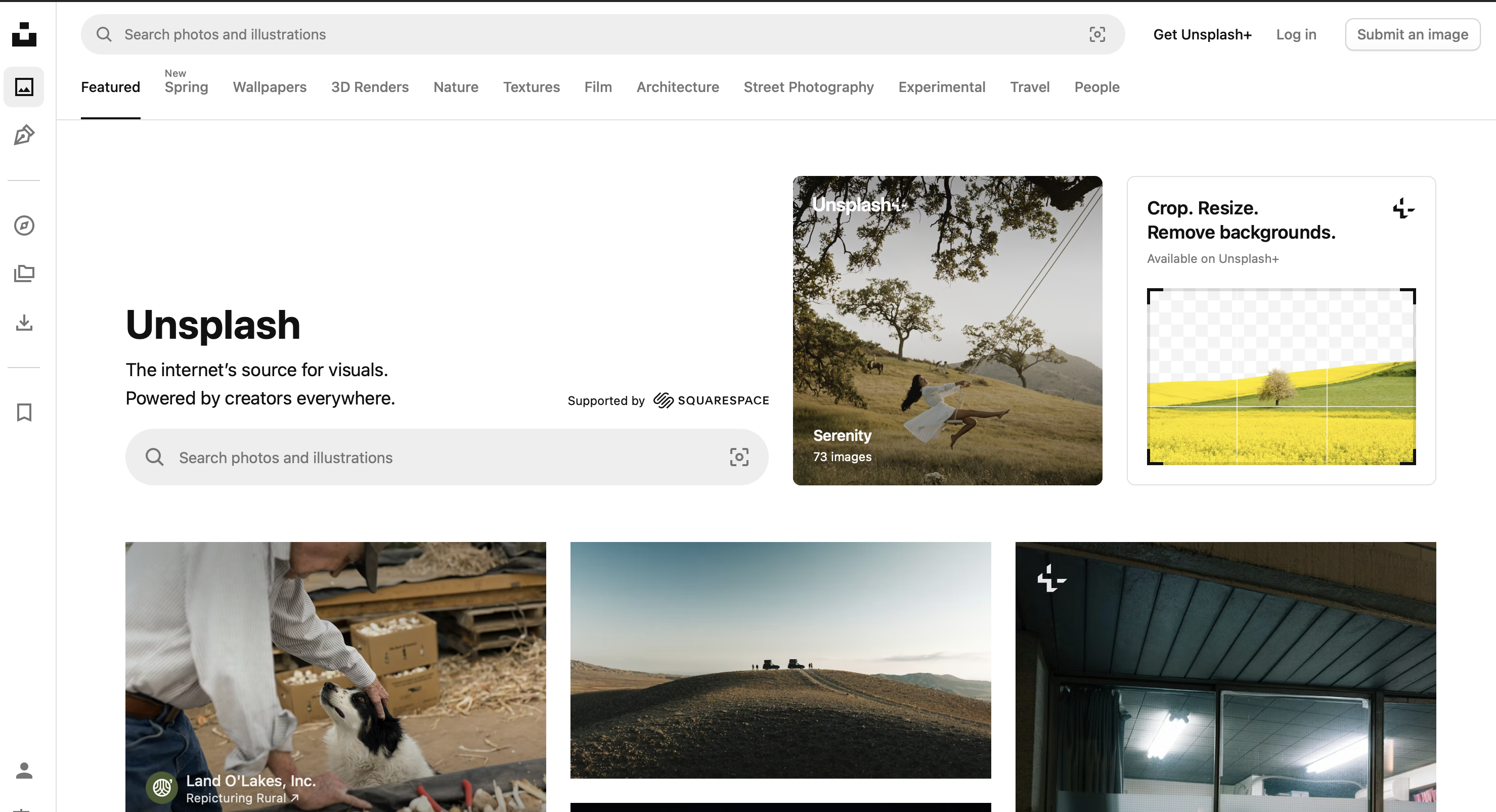
Unsplash is a leading platform for high-resolution editorial-style photos. It features images contributed by a vibrant community of global photographers. The quality is consistently high because of strict curation standards. It is a fantastic resource for finding royalty-free images with a contemporary feel. Unsplash is among the best websites to download free high resolution wallpapers for editorial work.
The licensing model allows for both personal and commercial use cases. You do not need to provide attribution to the creators. The site is known for its modern and clean aesthetic. It is often the first place designers go for hero images. The platform continues to grow as a primary source for visuals. It is a powerful tool for building a brand identity.
- Key Features: Modern imagery, consistent quality, and free for commercial use.
- Ideal For: Designers and marketers seeking aesthetic and contemporary visuals.
Pixabay
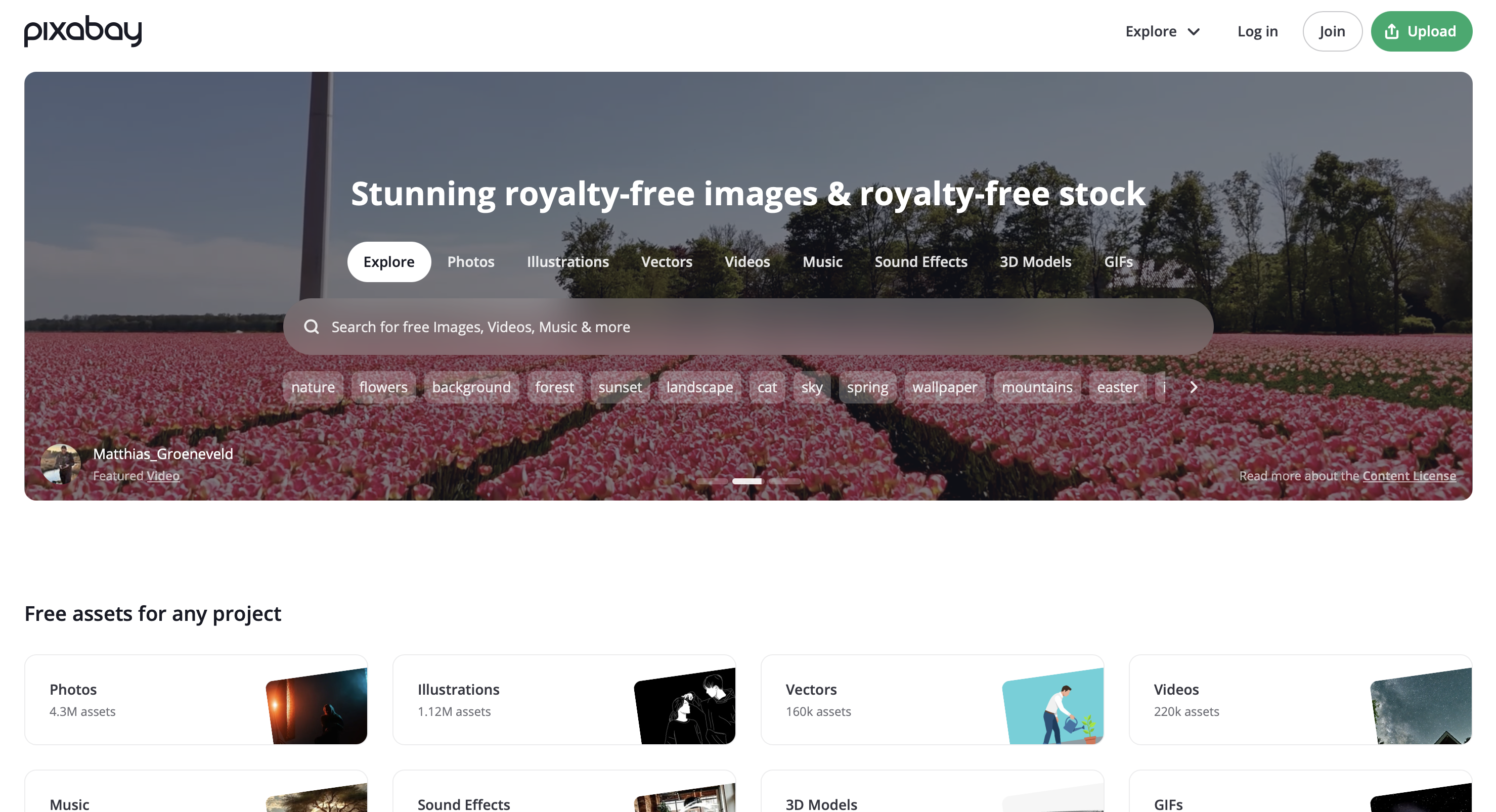
Pixabay is a massive resource for copyright-free images and illustrations. You can find everything from simple icons to complex vector graphics. As of 2026, the platform hosts over 5.2 million assets. It is a top choice among free stock photo sites for all creators. It is one of the best free wallpaper sites for people needing diverse themes.
The site allows you to download files in multiple resolutions quickly. This makes it an efficient tool for social media managers. The community of contributors is international and provides unique perspectives. You can find cultural imagery that other libraries might lack. Pixabay remains a staple in the toolkit of many creators. It is a reliable destination for high-volume content needs.
- Key Features: Extensive media types, simple licensing, and fast downloads.
- Ideal For: Content creators needing a wide range of assets in one place.
3. Multi-Asset & Video Libraries
Mixkit
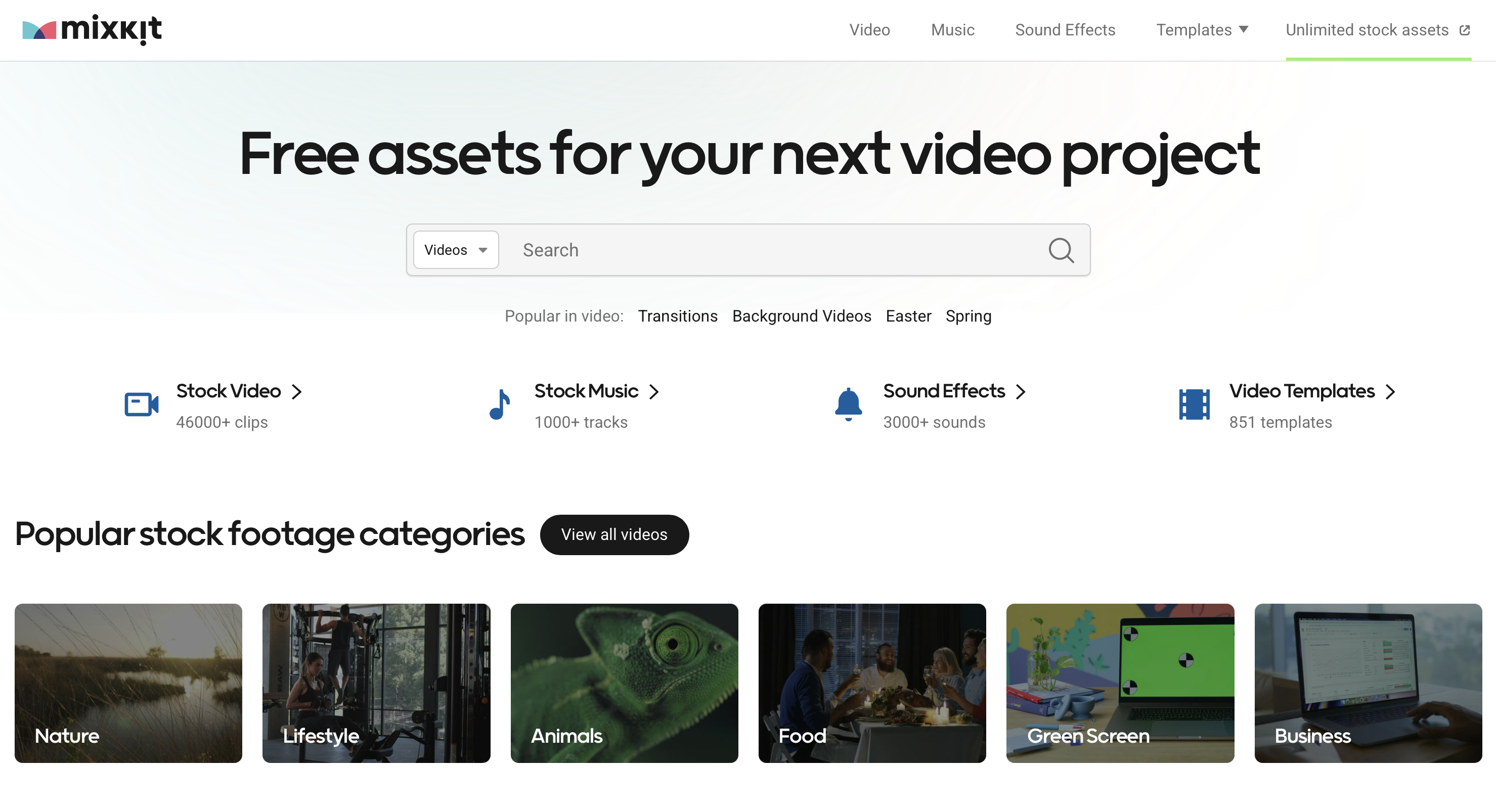
Mixkit provides free and production-ready video clips for fast creation. The platform does not require a sign-up for downloads. It also includes a selection of music and sound effects. This makes it a primary choice for stock video alternatives today. You can easily find assets for social media or YouTube.
The video library is divided into clear categories like technology. Every clip is shot in high definition for professional use. The music tracks are curated to match modern video styles. Mixkit is a sister site to the Envato platform. It is a perfect resource for creators on a budget. The platform adds new templates and assets for users regularly.
- Key Features: Video-centric, no sign-up required, and music included.
- Ideal For: Social media teams and YouTubers needing quick-turnaround projects.
Videoblocks by Storyblocks
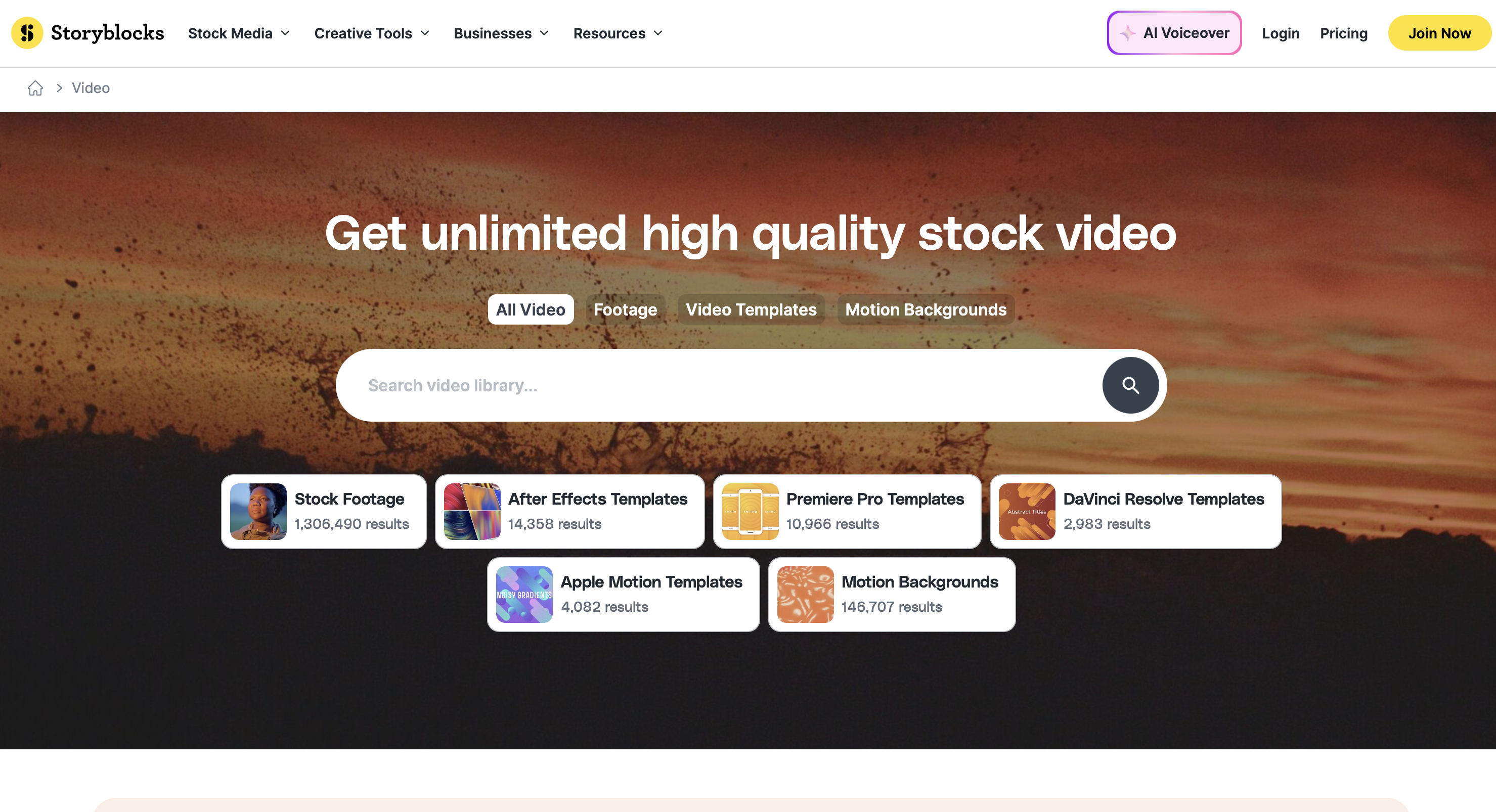
Storyblocks is a subscription-based library with over 6 million assets. It provides unlimited downloads for a fixed monthly price for users. This makes it a highly predictable resource for high-volume teams. It is a reliable source of free image resources for subscribers. Creators often use the best 4k wallpapers and backgrounds for high-resolution video projects.
The platform offers several tiers to fit different business needs. The All Access plan is popular for individual professional creators. It includes footage, backgrounds, and audio tracks in one bundle. The library is updated daily to keep up with trends. It offers legal protection for users against copyright claims. Storyblocks is designed to streamline the workflow for production teams.
- Key Features: Unlimited access, editor-friendly, and predictable licensing costs.
- Ideal For: Agencies and in-house teams with high-volume needs.
4. Premium & Professional Alternatives
Shutterstock
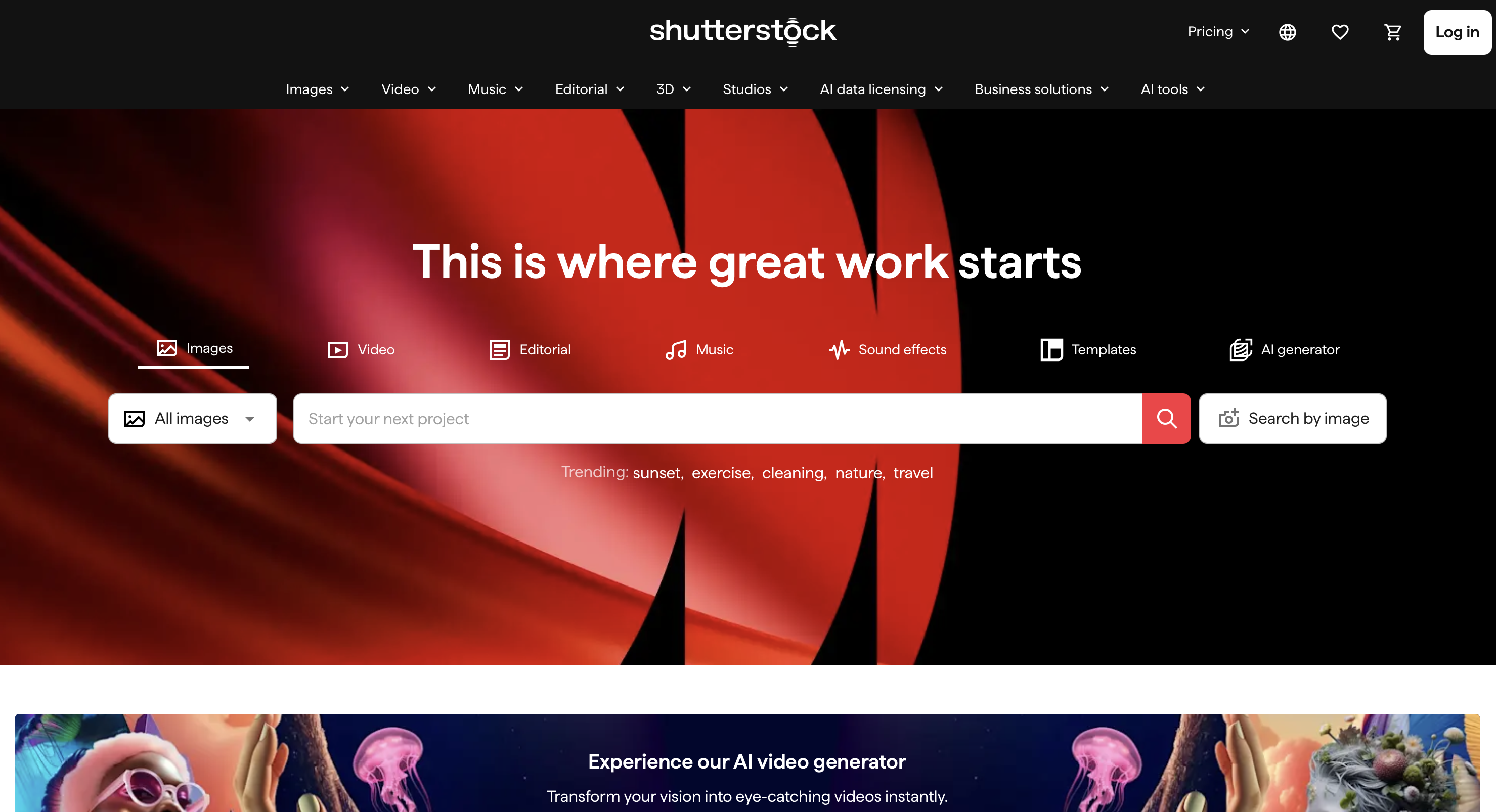
Shutterstock is a global leader in stock assets with millions of files. The platform offers advanced search tools to find niche content. It is a powerful source for creative assets in corporate marketing. Designers use the best curved edge wallpapers to highlight modern smartphone screen features. Large businesses rely on Shutterstock for its high volume and security.
The platform includes a dedicated editor to customize your images. You can add text and filters directly in your browser. Shutterstock also provides an AI generator for users needing custom visuals. The library includes editorial content for news and entertainment reporting. It is a comprehensive solution for businesses of all sizes. The platform remains an industry standard for professional stock media.
- Key Features: Huge catalog, advanced search, and flexible pricing for teams.
- Ideal For: Businesses and professionals needing premium and exclusive content.
Adobe Stock
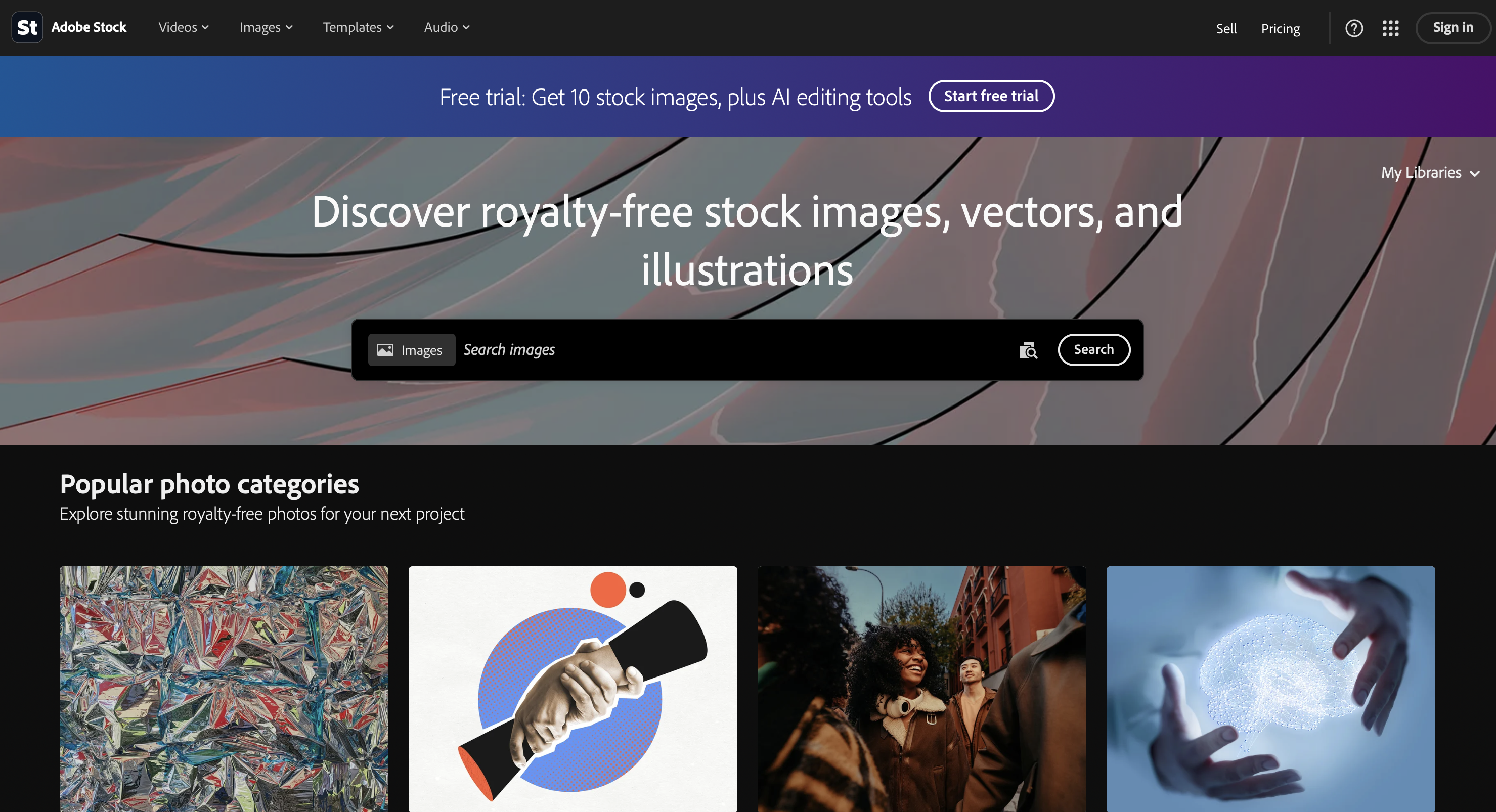
Adobe Stock features millions of high-res assets in one library. It offers a seamless workflow for users of Photoshop or Illustrator. Subscriptions start at a standard price for an asset pack. This platform is a top-tier choice for stock photo alternatives today. The integration allows you to license assets directly inside your tools.
You can preview images inside your design software before you buy. This saves time and ensures the image fits your layout. The library includes high-end 3D assets and motion graphics. Adobe uses AI to help you find similar images quickly. It is a professional-grade tool that prioritizes efficiency and quality. The platform is essential for creators in the Adobe ecosystem.
- Key Features: Royalty-free, diverse collections, and direct software integration.
- Ideal For: Creatives and professionals seeking top-tier integrated assets.
Depositphotos
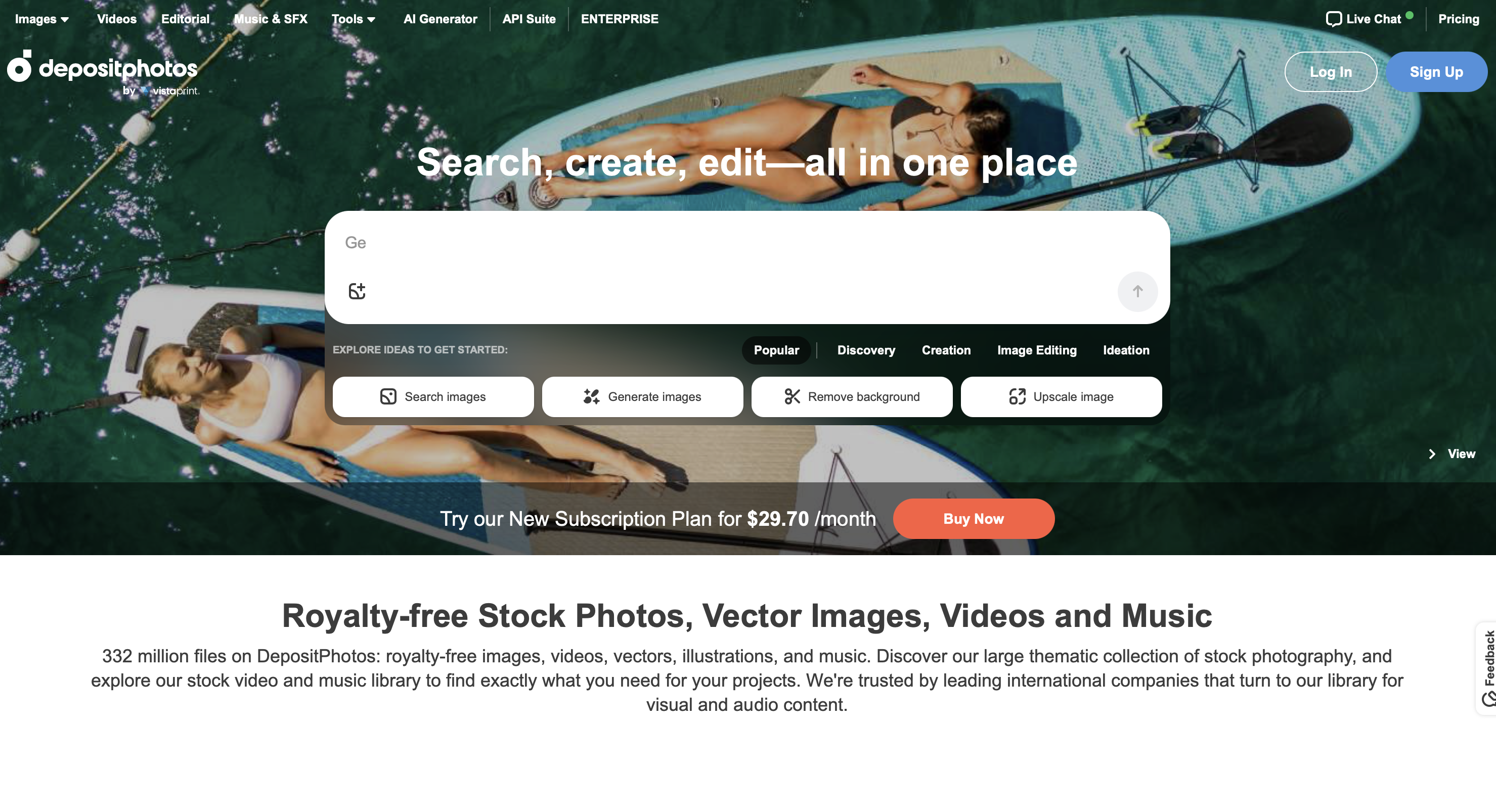
Depositphotos is an international marketplace with over 300 million files. It offers multilingual support and flexible plans for global users. It is a robust source for royalty-free photography for any project. Niche searches for the best narasimha wallpapers reveal the depth of their cultural catalog. It provides a massive variety of content for a competitive price.
The platform offers a library of free files for budget users. You can also find high-quality vectors and video clips. Depositphotos is known for its excellent customer support and navigation. They offer on-demand packs for users who avoid subscriptions. The site is a bridge between free and premium platforms. It remains a popular choice for its balance of cost.
- Key Features: Multilingual support, diverse content, and flexible pricing plans.
- Ideal For: Global users seeking both buying and selling options online.
5. Specialized & AI-Driven Resources
Generated Photos
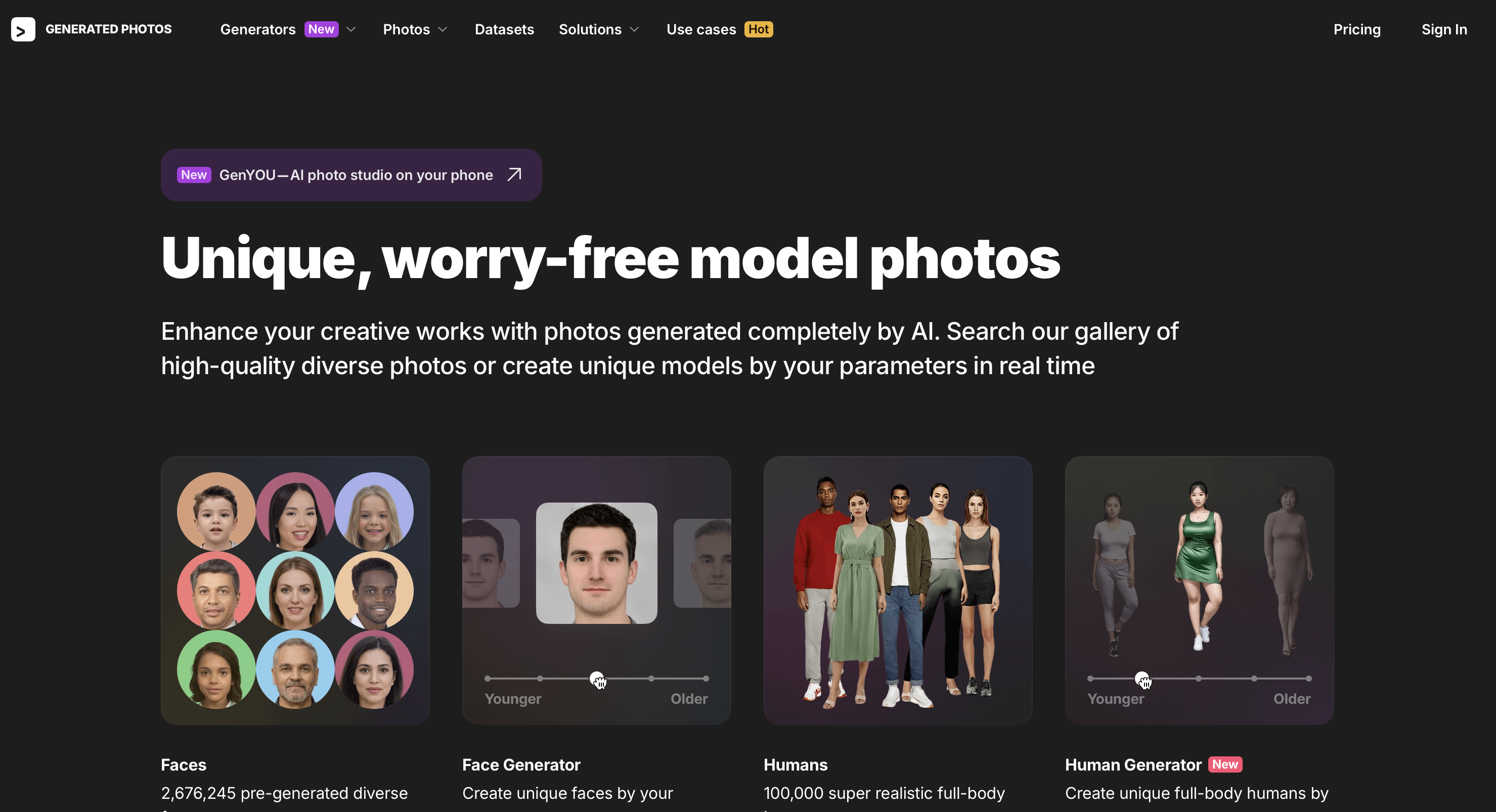
Generated Photos provides AI-generated human faces for commercial use. The platform uses synthetic models that do not require legal releases. AI models look great when placed against the best amoled wallpapers for high contrast. It is a unique option for protecting privacy during design. This represents the next stage of visual creation for tech.
The platform allows you to customize the age of the faces. You can even adjust the lighting of the generated person. This level of control is impossible with traditional stock photography. It is a powerful tool for creating diverse design projects. The assets are model-release-free for brands and developers. Generated Photos leads the way in synthetic media for professional use.
- Key Features: Synthetic people, API access, and privacy-friendly assets.
- Ideal For: Designers and researchers needing unique human imagery safely.
6. Creative Content & Design Tools
Adobe Creative Cloud Express
Adobe Express is a user-friendly platform for social media graphics. It includes a drag-and-drop editor and professional templates. The tool integrates with the Adobe Stock library for easy access. Templates for the best lord hanuman wallpapers help users create spiritual social media content. It is one of the best tools for beginners.
The platform is available on web and mobile for editing. You can remove backgrounds and apply effects with one click. It is designed for speed for small business owners. Adobe Express also offers a free version with design assets. It is a great way to personalize stock content quickly. The tool continues to add new features to help users.
- Key Features: Templates, drag-and-drop editor, and stock integration.
- Ideal For: Users wanting to personalize and create digital content easily.
How to Choose the Right Stock Photo or Video Alternative
Choosing the right platform depends on your specific budget and goals. You must first consider the licensing and usage rights of files. Some sites offer CC0 licenses while others require a paid agreement. Verify if the asset types you need are available in high resolution. A systematic approach helps you find the best value today.
- Check the license: Ensure the site allows for commercial use without attribution.
- Evaluate asset variety: Look for a site offering photos, videos, and icons.
- Compare free vs. paid: Paid sites often provide higher quality and safety.
- Integration tools: Choose a platform that works with your current editing apps.
- Quality and variety: Browse the library to see if the style matches.
- Copyright concerns: Verify that the platform has a good reputation for safety.
A clear decision-making process helps you avoid low-quality sites. Make sure the site you choose is updated with new content. This ensures your projects always look modern and follow digital trends. High-quality visuals are the foundation of professional design and marketing. Take the time to find the best resource for your project.
Consider the volume of content you will need over a month. If you only need a few images, a pack is cheapest. For high-volume projects, a subscription with unlimited downloads is best. Always look for a clear privacy policy before you create an account. This protects your personal data while you search for the visuals. Selecting the right alternative is a major step for you.
Tips for Safe and Effective Customization
Ensuring a safe experience is just as important as the visual quality. You should always verify the specific licensing of an image before use. Some free sites have hidden rules about how you use files. Following a few best practices will help you stay legally safe. High quality production requires attention to every detail during the search.
- Verify licensing before use: Read the fine print to see if attribution is needed.
- Edit and personalize content: Change the colors or crop images to feel unique.
- Best practices for attribution: Always give credit to the creator if required.
- Avoid overused visuals: Do not use the most popular images on a site.
- Check for updates: Regularly browse new arrivals to find fresh ideas for projects.
- Verify resolutions: Ensure the file size matches the intended use for the design.
Consistency is key when building a brand online for your business. Choose images that follow a similar color palette or lighting style. This creates a more professional look for your website or profile. Do not be afraid to experiment with different filters and overlays. Stock assets are just a starting point for your creative vision. High quality visuals help you capture the attention of your audience.
Personalization should be a fun and rewarding process for every creator. Follow these steps to ensure your journey is smooth and successful.
Frequently Asked Questions
Are these stock photo and video sites safe to use?
Yes, the platforms listed in this guide are trusted by millions of creators. You should always use the official websites to ensure your downloads are secure. Many of these sites use advanced security protocols to protect their users. Stick to verified sources for your safety.
Can I use these images for commercial projects?
Most of these sites offer commercial licenses but you must check files. Paid subscriptions often provide better legal protection for business use and safety. Always read the specific license agreement for every image you download. Legal safety is a priority for all professional designers today.
How do I credit photographers or creators?
If a license requires attribution, you include the creator's name and site. This is often done in the description or the metadata of your project. Providing credit is a great way to support the artists who work. It builds good will in the creative community.
What is the difference between royalty-free and free-to-use?
Royalty free means you pay a one time fee for use multiple times. Free to use refers to images that have no cost but limited rights. Always verify which model a site uses before you start a project. This prevents legal issues later in your design career.
How do I set a downloaded image as my phone wallpaper?
You can do this through the display settings on your mobile device. Selecting a high quality file from a trusted site ensures the image looks sharp. You can find detailed guides for every phone model in our customization section. High resolution images make a big difference.
Are there copyright risks with AI-generated images?
AI copyright laws are still evolving in many countries during 2026. It is best to use platforms like Generated Photos for commercial usage rights. This protects you from future legal changes in the synthetic media industry. Stay informed about current regulations.