

Phones ring dozens of times a day, yet most people never think twice about the sound coming out of them. AI has changed what's possible in ringtone creation, turning what used to require audio production software into something anyone can do in just a few taps, whether you want to pull a clip from a favorite song, generate something entirely original, or set a different contact ringtone for everyone in your life.
Key Takeaways
- The best AI ringtone maker to customize your ringtones depends on your platform, skill level, and whether you need free or premium features.
- Tools like ZEDGE, Media.io, CapCut, and MAGIX Music Maker each bring different strengths, from a massive ringtone library to full AI music generation.
- Creating custom ringtones takes just a few clicks: upload an audio or video file, trim to your desired length, apply fade effects, and export.
- iPhone users and Android phones require different setup steps and audio format requirements.
- Key features to compare: supported audio formats, AI generation capabilities, free vs. paid subscription tiers, and ease of use.
- ZEDGE remains one of the most complete platforms for finding, customizing, and downloading personalized ringtones and wallpapers in one place.
Top AI Ringtone Makers for Customizing Your Ringtones
ZEDGE
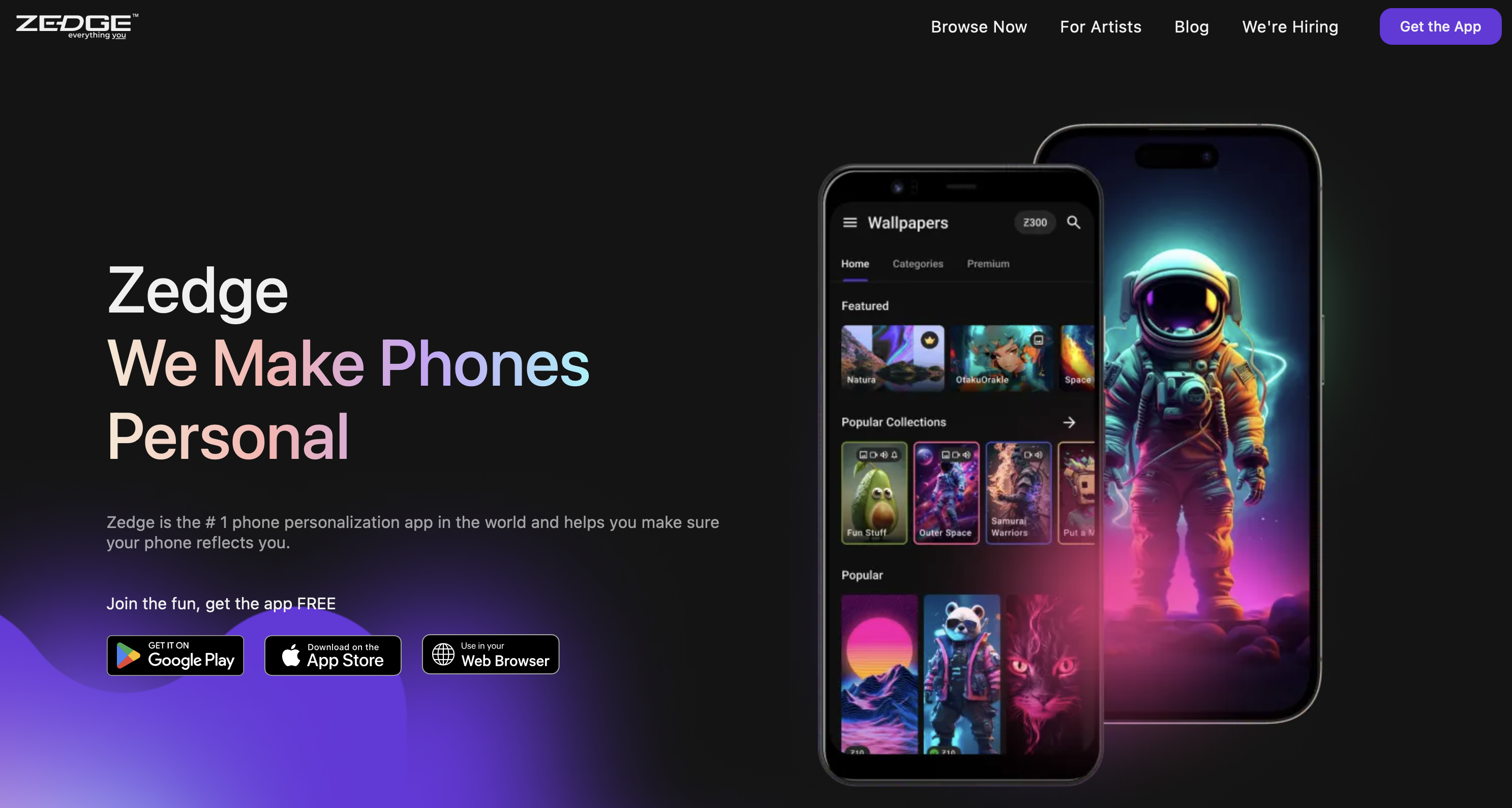
ZEDGE is the world's most-downloaded phone personalization platform, with over 711 million installs and more than 20 million active users. Its ringtone library spans millions of tracks across genres, moods, and styles, contributed by a global creator community and updated continuously alongside wallpapers, video wallpapers, and notification sounds.
Pros: Massive free ringtone library with daily updates; Audio AI generates custom ringtones and notification sounds from a text prompt (Android); AI-powered wallpaper maker included; set ringtones, contact ringtones, and notification sounds directly from the app; intuitive interface requiring no audio editing knowledge; works seamlessly on both iOS and Android phones; free to use without an account; covers the full phone personalization picture like ringtones, wallpapers, video wallpapers, and notification sounds in one place.
Cons: Audio AI is currently Android-only; custom audio generation is not yet available on iPhone; custom upload and editing tools are more basic than desktop audio editors
Supported formats: Various audio formats for upload; device-compatible formats for export
Pricing: Free, with optional ZEDGE Premium subscription for ad-free access and exclusive content; premium content also unlockable with ZEDGE credits earned by watching ads
Media.io
Media.io is a browser-based creative platform by Wondershare with a dedicated free ringtone maker that accepts a wide range of audio and video input formats and requires no account or installation, with a separate AI ringtone generator (Text to Music) for users who want to generate original tracks.
Pros: Supports import from Google Drive and Dropbox; precise trimming via waveform controls; fade in/out effects; ad-free; exports M4R for iPhone ringtones and MP3 for Android phones; AI music generator, vocal remover, and AI sound effects available; uploaded files auto-deleted after 24 hours and SSL encrypted
Cons: AI generation features are separate tools rather than integrated into the ringtone workflow; advanced AI features require a paid subscription
Supported formats: MP3, M4R, AAC, FLAC, WAV, OGG, AU, and video formats including MP4, MOV, MTS, VOB, DAT on input; multiple audio formats on export
Pricing: Free for the core ringtone maker; paid plans from $9.99/month
CapCut (Desktop and Mobile)
CapCut is a video editing platform by ByteDance with powerful editing tools that extend naturally into ringtone creation, particularly useful for users whose source material is a video file, with AI audio features built directly into the editor across desktop and mobile versions.
Pros: Precise audio trimming and splitting via drag-and-drop timeline; one-click background noise removal; voice enhancer and voice changer; text-to-speech for creating name or dialogue ringtones with a personal touch; fade in/out effects; extracts audio from video files directly; exports MP3 for Android and M4R for iPhone users; available on iOS, Android, Windows, and Mac; core features free; just a few taps on mobile completes the full workflow
Cons: Primarily a video creation platform requiring navigation of a video-first interface; file size recommended below 100 MB; some advanced features require CapCut Pro
Supported formats: MP3, WAV, AAC, FLAC on input and export; M4R compatible for iPhone ringtones
Pricing: Free tier available; CapCut Pro from $8.99/month
Garage Ringtone Maker
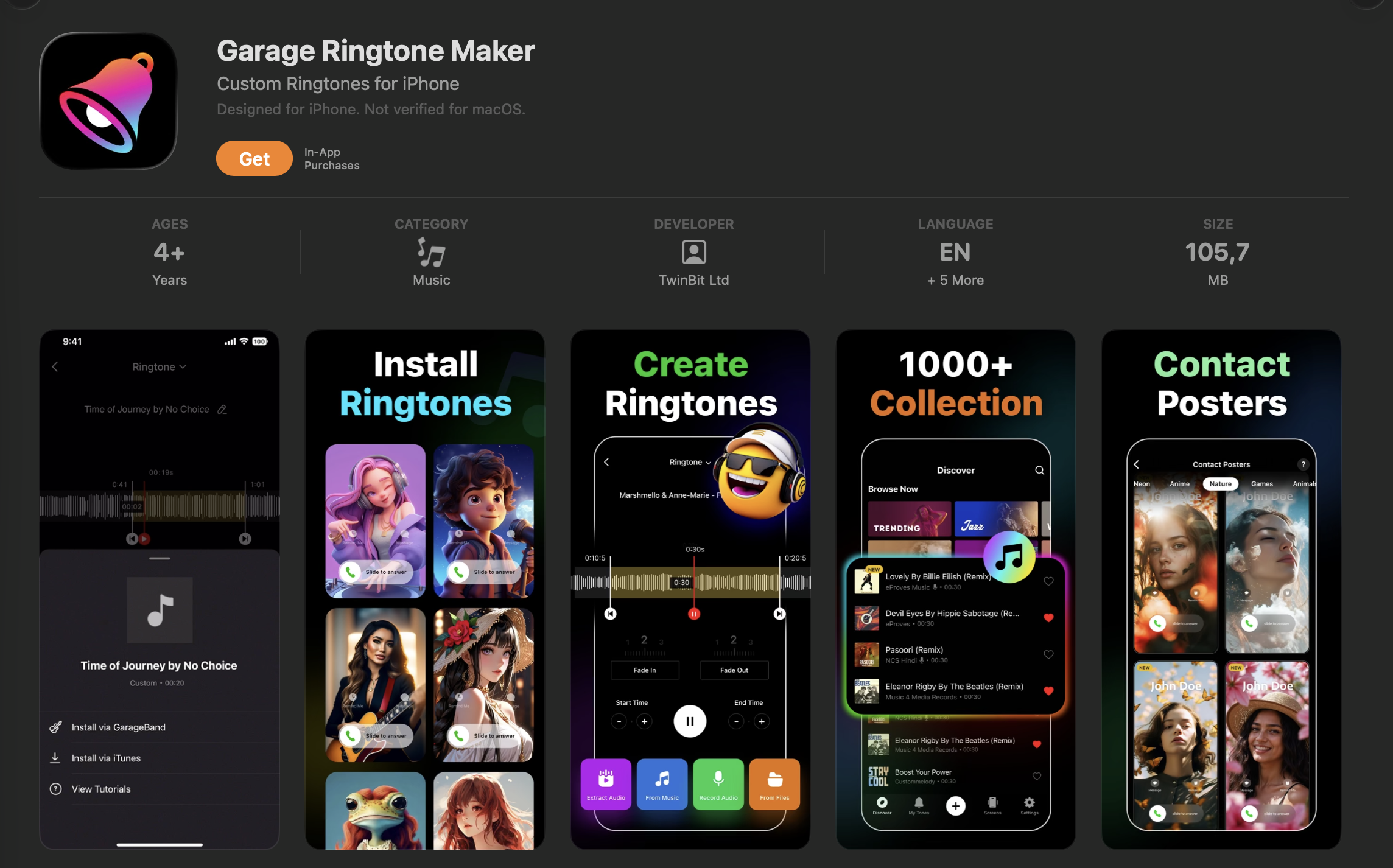
Garage Ringtone Maker (by TwinBit Ltd) is a dedicated mobile ringtone creation app for iOS and Android, combining a library of over 2,000 ringtones across 34 categories with a waveform-based audio editor for creating custom ringtones from any audio or video file on the device.
Pros: Millisecond-level precise trimming via waveform editor; audio extraction from TikTok videos; audio mixer for combining multiple files; fade in/out, bitrate and volume adjustment; set results as ringtone, contact ringtone, notification sound, or alarm directly from the app; 2,000+ ringtones across 34 categories including ambient, electronic, dubstep, Latin, and trance; intuitive controls throughout
Cons: On iPhone, ringtone installation requires GarageBand, adding steps compared to Android; ads present in the free version; no AI music generation
Supported formats: MP3, WAV, OGG, M4A, AAC, FLAC
Pricing: Free (ad-supported); Pro version available to remove ads
Audiko Ringtones
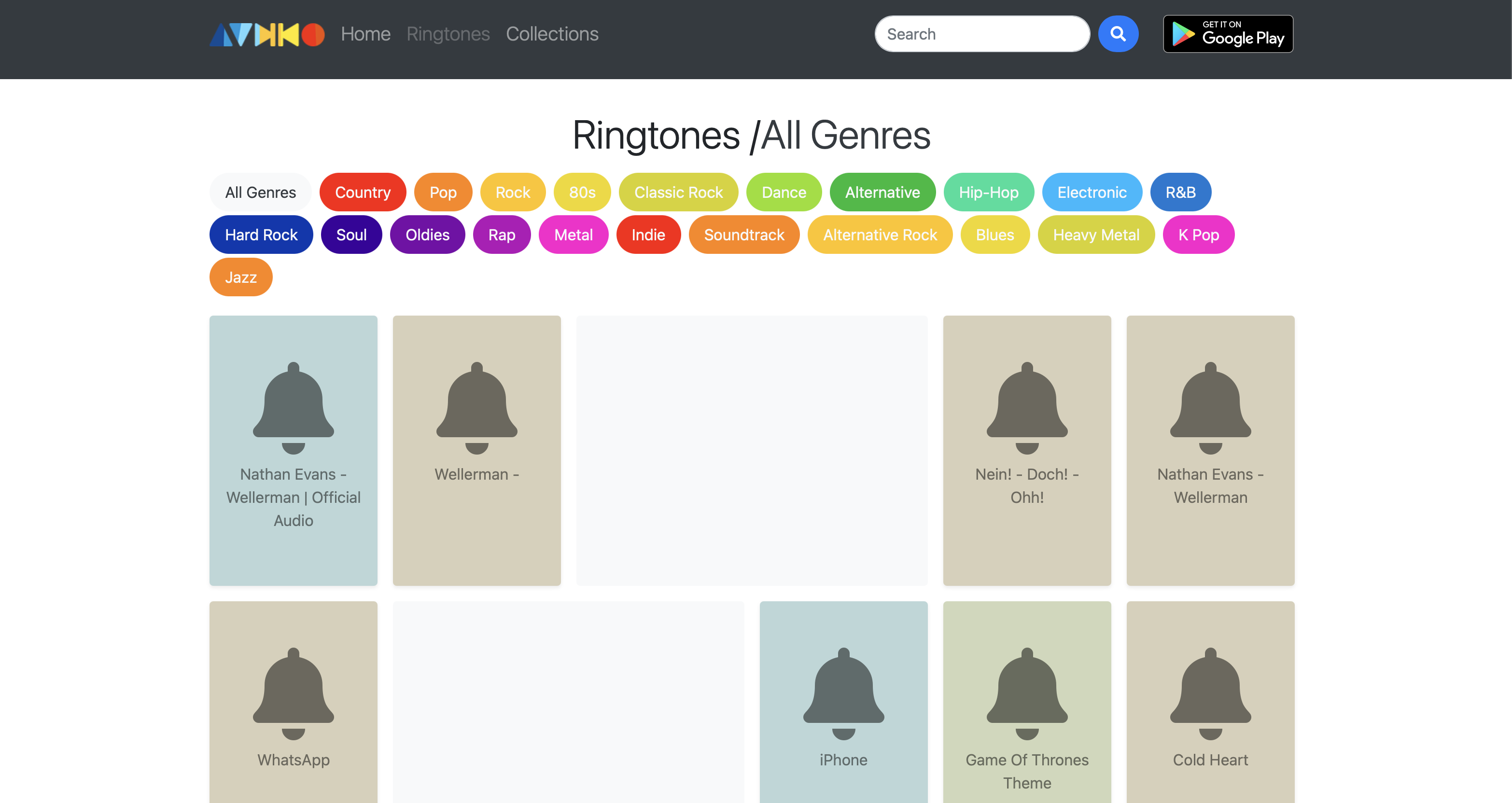
Audiko is a community-based ringtone platform with a library of close to 2 million tracks, available as a website and mobile app for iOS and Android, with a built-in audio editor for creating personal ringtones from uploaded audio files.
Pros: Library of approximately 2 million tracks with daily updates; searchable by artist, track name, or national charts; real waveform display for precise trimming; 10,000 HD and 4K wallpapers included; contact-specific ringtone support; share created ringtones with contacts
Cons: Some users report stability issues with newer Android versions; free version limitations push toward a paid subscription; custom ringtones on iPhone require syncing via iTunes; no AI music generation
Supported formats: MP3, MP4, WAV on upload and export; M4R available for iPhone via the website
Pricing: Free app available; Audiko Pro unlocks unlimited ringtones, ad-free use, and higher audio quality
Prokerala
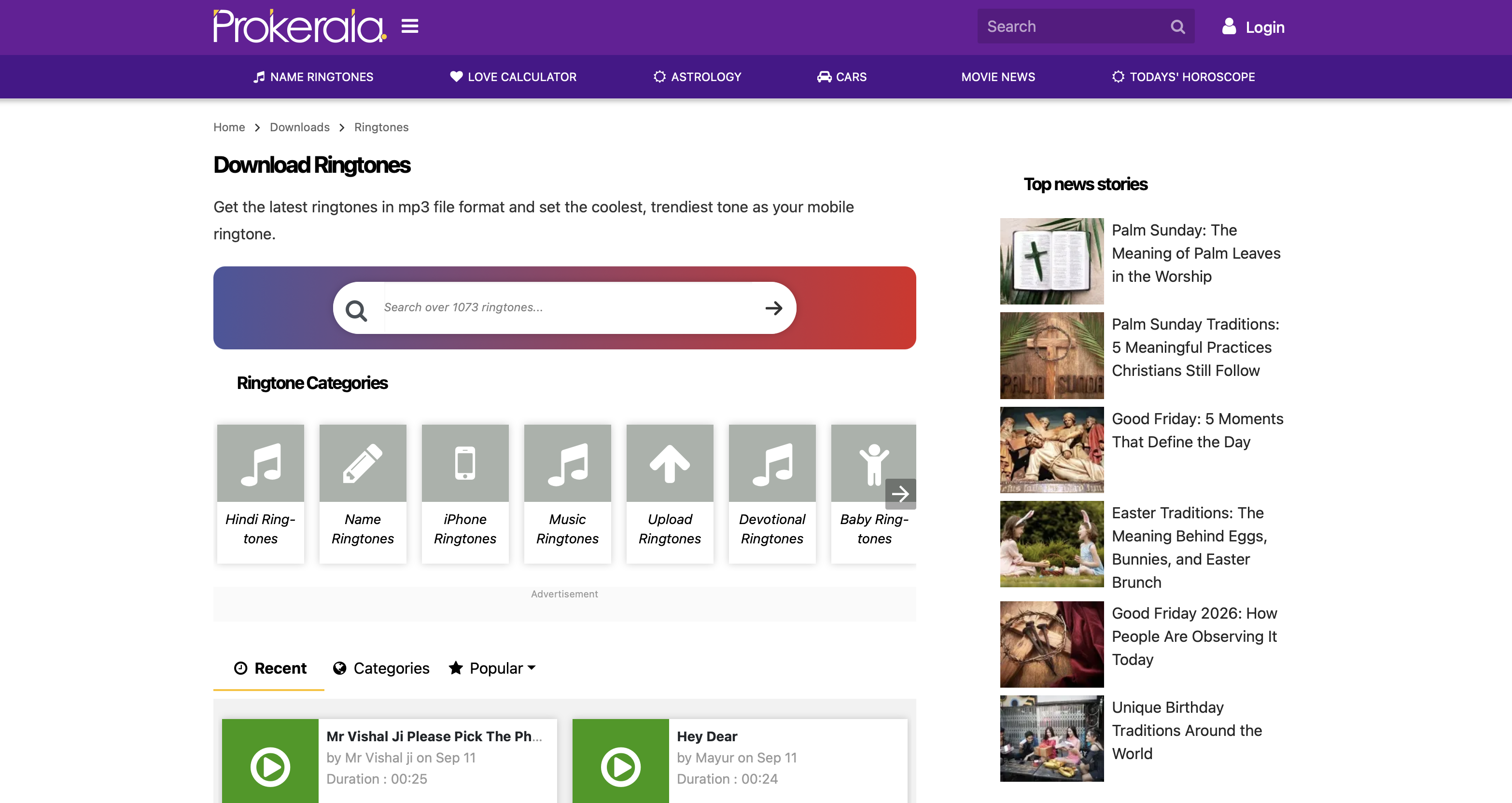
Prokerala's ringtone tool is a specialized free web tool for generating personalized name ringtones, letting users combine their name or a custom message with background music and download the result in just a few steps with no account required.
Pros: Fully free with no account required; guided six-step process; custom message input with preset phrases; background music library with option to simply upload your own track; audio clip slider for setting start and end point; available in English, Hindi, Tamil, Bengali, and Malayalam; exports M4R for iPhone users; easy to use interface accessible to anyone
Cons: Designed exclusively for name and message ringtones, not a general-purpose ringtone maker online; no AI music generation; limited editing beyond start/end trimming
Supported formats: MP3 and M4R on export
Pricing: Fully free
Flixier
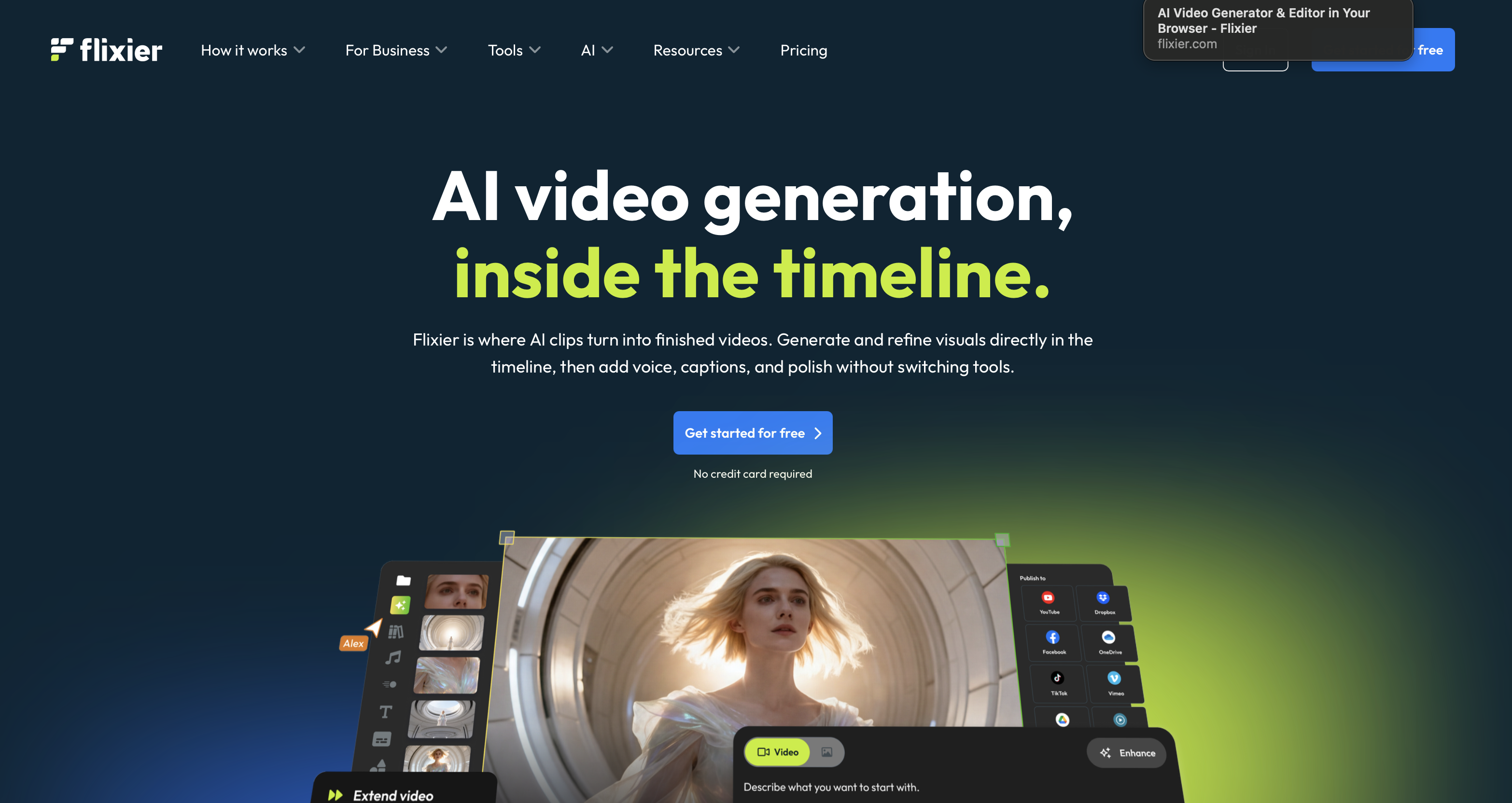
Flixier is a cloud-based video and audio editing platform with a dedicated browser-based ringtone maker that works on iPhone, Android, and desktop without any download or installation required, used by over one million creators.
Pros: Royalty-free music and sound effects library for creating ringtones without uploading your own audio; precision audio trimming and splitting; speed control; equalizer for bass and treble adjustment; loop any audio section; AI audio enhancer, noise reduction, and voice cleaner tools; audio extraction from video files via timeline detach; seamless editing across any browser with cloud rendering; no downloads required
Cons: Export is MP3 only with no native M4R export for iPhone users; advanced features require a paid subscription; more involved than simple trim-only tools for basic ringtone creation
Supported formats: MP3, M4A, WAV and other audio formats on input; MP3 on export
Pricing: Free tier available; paid plans from $5.55/seat/month
FlexClip
FlexClip is a web-based video maker with a free dedicated ringtone maker and one of the broadest AI feature sets of any tool in this list, spanning AI music generation, text-to-speech, vocal removal, song covers, and voice cloning, all accessible from the browser.
Pros: AI music generator produces original tracks by genre and mood; AI text-to-speech for name or custom-message ringtones in realistic voices; vocal remover for isolating instrumentals from uploaded audio; AI song cover tool for reimagining tracks in different styles; trim, split, fade in/out workflow for uploaded audio and video files; cloud storage for re-editing at any time; user friendly interface suitable for beginners; designed as an AI sound creator with multiple creation pathways
Cons: Advanced AI features add complexity for users who only want basic trimming; MP3 export only (M4R conversion for iPhone requires additional steps via iTunes); paid plan required for full AI feature access; requires internet connection
Supported formats on input: MP4, MOV, WEBM, M4V, AVI, WMV, MKV, RMVB, MPG, FLV, RM, TS (video); AAC, MP3, M4A, FLAC, OGG, WAV (audio). Export: MP3 and other common audio formats
Pricing: Free tier available; paid plans from $11.99/month
MTP Ringtones & Wallpapers
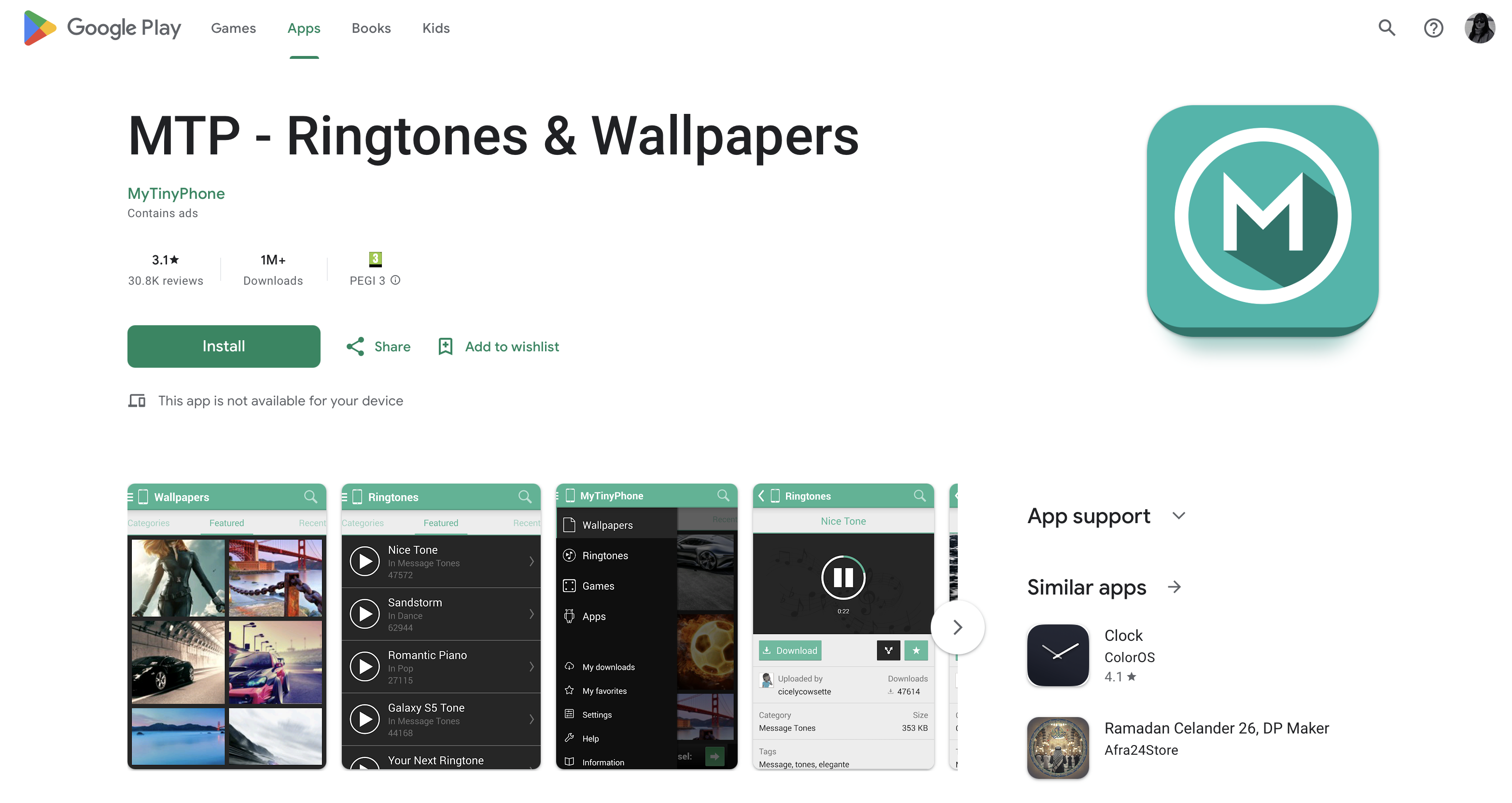
MTP Ringtones & Wallpapers (by MyTinyPhone) is a free Android app offering a user-contributed ringtone library organized by category alongside a wallpaper collection, with the ability to set ringtones, contact ringtones, alarm sounds, and notification alerts directly from the app.
Pros: Large user-shared ringtone catalog with daily updates; categories include notification sounds, voice clips, music, and funny ringtones; set standard ringtones, contact ringtones, alarms, and notification sounds from within the app; wallpaper collection searchable by keyword or category; fully free; user friendly design that keeps navigation simple
Cons: Android only; custom ringtone creation handled via the MyTinyPhone website rather than natively in the app; ads present; some users report occasional download reliability issues; no AI features
Supported formats: MP3
Pricing: Free, ad-supported
Wondershare UniConverter
Wondershare UniConverter is a desktop multimedia conversion tool for Windows and Mac that supports over 1,000 audio and video formats, converts at up to 90 times faster than conventional converters, and handles batch conversion for processing multiple audio files simultaneously.
Pros: 1,000+ supported formats, the broadest format coverage of any tool reviewed here; batch conversion for multiple files at once; trim, volume, and bitrate adjustment; M4R export for iPhone ringtones; GPU-accelerated conversion speed; intelligent trimmer that automatically detects and removes silent sections; background noise removal and vocal remover; powerful editing tools; works on both Windows and Mac
Cons: Requires download and installation; primarily a video converter with fewer dedicated audio editing features than audio-first tools; full feature set requires a paid plan; can be resource-intensive on older computers
Supported formats: 1,000+ formats including MP3, WAV, FLAC, OGG, AAC, M4A, M4R, WMA, AVI, FLV, MKV, WMV, and more
Pricing: Free trial available; paid plan from $9.99/month
MAGIX Music Maker
MAGIX Music Maker 2026 is Europe's most successful music production software with over 3.3 million copies sold, built for loop-based song and beat creation using a drag-and-drop workflow, making it the only tool in this list where the ringtone starts as an original ai generated composition rather than a clip from existing audio.
Pros: Drag-and-drop loop-based composition requiring no prior music experience; Genre Filter for faster loop browsing; Beatbox Pro 3 for beat creation; iZotope Ozone 11 Elements for professional mastering (Premium edition); up to 99 audio and MIDI tracks; VST plug-in support for advanced users; AI-assisted mastering that matches sound to a reference track; exports to MP3, WAV, OGG, WMA; 30-day free trial
Cons: Windows only; significantly more complex than any browser-based or app-based tool reviewed here; included Soundpool loops are licensed for personal use only; requires download and installation; steep learning curve for users who only need a simple ringtone
Supported formats: MP3, WAV, OGG, WMA on export
Pricing: Subscription from €34.99/month
Tool | AI features | Supported formats | Free vs. Paid | Ease of use |
|---|---|---|---|---|
ZEDGE | Audio AI (text-to-ringtone generator, Android); AI wallpaper maker | Various audio formats | Free with optional premium subscription | Very easy, no audio knowledge required |
Media.io | AI music generator, vocal remover, AI sound effects | MP3, M4R, AAC, FLAC, WAV, OGG, AU + video formats | Free core tool, paid plans for AI features | Easy, browser-based, no account needed |
CapCut | Noise removal, voice enhancer, voice changer, text-to-speech | MP3, WAV, AAC, FLAc, M4R | Free core, pro required for advanced features | Moderate, video-first interface adds steps |
Garage Ringtone Maker | None | MP3, WAV, AAC, FLAC, M4R | Free with ads, pro removes ads | Easy, waveform editor is straightforward |
Audiko Ringtones | None | MP3, MP4, WAV, M4R | Free with limits, pro for unlimited access | Easy, simple trim and download workflow |
Prokerala | None | MP3, M4R | Fully free | Very easy, guided six-step process |
Flixier | AI audio enhancer, noise reduction, voice cleaner | MP3, M4A, WAV + broad audio/video input | Free tier limited, paid from $5.55/month | Moderate, more tools than basic trim tools |
FlexClip | AI music generator, text-to-speech, vocal remover, song covers | MP3, WAV, AAC, M4A, FLAC, OGG + video formats | Free tier limited, paid from $11.99/month on discount | Easy for basic trim, moderate for AI tools |
MTP Ringtones & Wallpapers | None | MP3 | Fully free, ad-supported | Very easy, browse and download only |
Wondershare UniConverter | Smart trimmer, noise removal, vocal remover | 1000+ formats, including MP3, WAV, M4R, FLAC | Free trial only, paid plans starts from $9.99/month. | Moderte, desktop install, broad feature set |
MAGIX Music Maker | AI mastering, loop-based composition | MP3, WAV, OGG, WMA | 30-day free trial, paid from $34.99 | Advanced, full music production software |
Recommended Tools & Apps
For most users, ZEDGE is the strongest starting point, combining a massive free ringtone library, cross-platform support, and the ability to upload your own audio files in one app. For original ai ringtones from scratch, FlexClip is the best browser-based option and MAGIX Music Maker suits advanced users comfortable with full music production software.
CapCut is the pick for extracting ringtones from video files, while Wondershare UniConverter serves advanced users who need broad format coverage or batch conversion. For the simplest experience, Prokerala covers name ringtones free with no account, and Media.io handles M4R conversion automatically for iPhone users. Android users wanting a combined library-plus-editor app can choose between MTP Ringtones & Wallpapers for browsing and Ringtone Maker Garage for extracting audio from social media video files.
Why Use an AI Ringtone Maker?
Tasks that once required dedicated audio production software, trimming a music file to the exact ringtone duration, applying fade effects, converting between audio formats, now take just a few clicks inside a browser or app. A good custom ringtone maker gives users control over the specific section of a track, the fade behavior, the output format, and in many cases the ability to generate entirely new ai generated ringtones from text prompts, so a ringtone can perfectly match a specific theme or mood rather than being pulled from a fixed catalog.
For users who want something genuinely distinctive, AI music generators within tools like FlexClip and ZEDGE's Audio AI remove the dependency on existing favorite songs entirely, producing a unique ringtone with a personal touch that sidesteps copyright concerns. Format compatibility across various audio formats, seamless editing on mobile and desktop, and simple export to the desired location mean creating personalized tones that reflect your personal style no longer requires expertise.
How to find the best ringtones with Zedge?
ZEDGE's browse and search functions let you filter by category, mood, genre, and popularity. The trending and staff-picked sections are useful for discovering free special ringtones without searching through the entire ringtone library, and best free ringtones sound samples is a solid starting point for finding audio clips across genres and styles. For users who want more control, the upload feature lets you bring in your own audio files, effortlessly trim to the right ringtone duration, and set the result as a general ringtone, contact ringtone, or notification sound.
ZEDGE also covers the broader personalization picture. The same app gives you access to wallpapers alongside ringtones, and users who want to go deeper on the visual side can explore how to make your own phone wallpaper, discover the best wallpaper apps available, or learn how to change wallpaper on iPhone easily. Pairing ringtone choices with updates to how to customize home screen pulls the entire experience together, and knowing how to delete wallpaper on iPhone keeps your library organized as your personal style evolves.
Frequently Asked Questions
What is an AI ringtone maker and how does it work?
An AI ringtone maker is a tool that uses artificial intelligence to assist in creating, editing, or generating ringtones. Depending on the tool, AI can trim audio automatically, clean up sound quality, generate entirely new ai generated ringtones from a text prompt, or convert audio files between formats.
Are AI ringtone makers free to use?
Most offer a free ringtone tier covering basic functions like uploading audio files, trimming, and downloading. Advanced features typically require a paid subscription. Tools like Prokerala are entirely free, while others like MAGIX Music Maker and Wondershare UniConverter gate their most powerful features behind paid plans.
How can I create a custom ringtone from a song or video?
Upload the audio or video file into your chosen tool, locate the section you want, and trim it to your preferred ringtone duration, typically 20 to 30 seconds. Apply fade effects if needed, then export in the appropriate format. iPhone users need M4R, while most Android phones accept MP3 or OGG.
Which audio formats are supported by most AI ringtone makers?
The most commonly supported audio formats are MP3, WAV, and M4R for iPhone ringtones. Many tools also support M4A, OGG, AAC, and FLAC. Tools like Media.io handle M4R conversion automatically in the browser, while Wondershare UniConverter offers the broadest coverage with support for over 1,000 formats.
Can I use AI to generate a ringtone with my name or custom text?
Yes, FlexClip and CapCut both support text-to-speech for custom-message ringtones, and Prokerala's dedicated name ringtone maker generates spoken-name audio clips entirely free. ZEDGE's Audio AI also lets Android users generate ringtones from a text prompt.
Is it safe to use online ringtone maker tools?
Reputable platforms are generally safe. Media.io uses SSL encryption and auto-deletes uploaded files after 24 hours. Stick to established tools and check the privacy policy before uploading personal recordings.
How can I set a custom ringtone on my iPhone or Android device?
On Android phones, go to Settings > Sound > Phone ringtone and select the downloaded file. Apps like ZEDGE allow setting ringtones directly from within the app. On iPhone, custom ringtones need to be in M4R format and synced via iTunes or Finder, after which they appear in Settings > Sounds & Haptics > Ringtone.
What are the best apps for making ringtones on mobile?
For Android, ZEDGE, Ringtone Maker Garage, and MTP Ringtones & Wallpapers are the strongest options. For iPhone users, ZEDGE and Audiko Ringtones work well for browsing, while CapCut handles custom ringtone creation from audio or video clips. For a deeper comparison, best free ringtone apps breaks down the top picks across both platforms.
Are there any copyright issues with using songs as ringtones?
Using commercial recordings as personal ringtones is a gray area in most jurisdictions, distributing them is more clearly problematic. To avoid any issues, use AI music generators like MAGIX Music Maker or FlexClip to create original audio, or choose from licensed content on platforms like ZEDGE.
How do I troubleshoot problems with ringtone installation?
Most issues come down to file format and file location. On iPhone, the file must be M4R and under 40 seconds. On Android phones, the audio file needs to be in the Ringtones folder in internal storage. If a ringtone doesn't appear in settings, moving it to the correct desired location and restarting the device usually resolves the issue.