

- The best apps and websites for creative projects span multiple categories: professional suites like Adobe Creative Cloud, accessible design tools like Canva, and personalization platforms like Zedge that help creatives source unique digital assets for any project.
- Free tools and paid subscription options exist across every category. The right choice depends on your project type, design skills, and collaboration needs.
- Platforms like Zedge are essential for creatives who need wallpapers, ringtones, and notification sounds that add a finishing touch to multimedia projects and iOS devices.
- Organizing creative work with tools like Milanote and Notion helps creative professionals plan projects, manage timelines, and collaborate with other creatives effectively.
Why Creative Apps and Websites Matter for Every Project
Creative projects rarely succeed on talent alone. The tools a creator uses directly shape how efficiently design ideas develop, how smoothly collaboration happens, and how polished the final output looks.
For a graphic designer working across branding, publishing, and social media, having the right suite of favorite tools means saving time on repetitive tasks and spending more of it on actual creative work. For beginners looking to learn graphic design, accessible platforms lower the barrier to entry without sacrificing quality.
The best apps in 2026 combine powerful new features with interfaces that work across mobile apps, desktop software, and browser-based platforms, giving creative professionals flexibility at every stage of a project.
Top Picks: Best Apps and Websites for Creatives
Zedge: The Go-To Platform for Wallpapers, Ringtones, and Notification Sounds
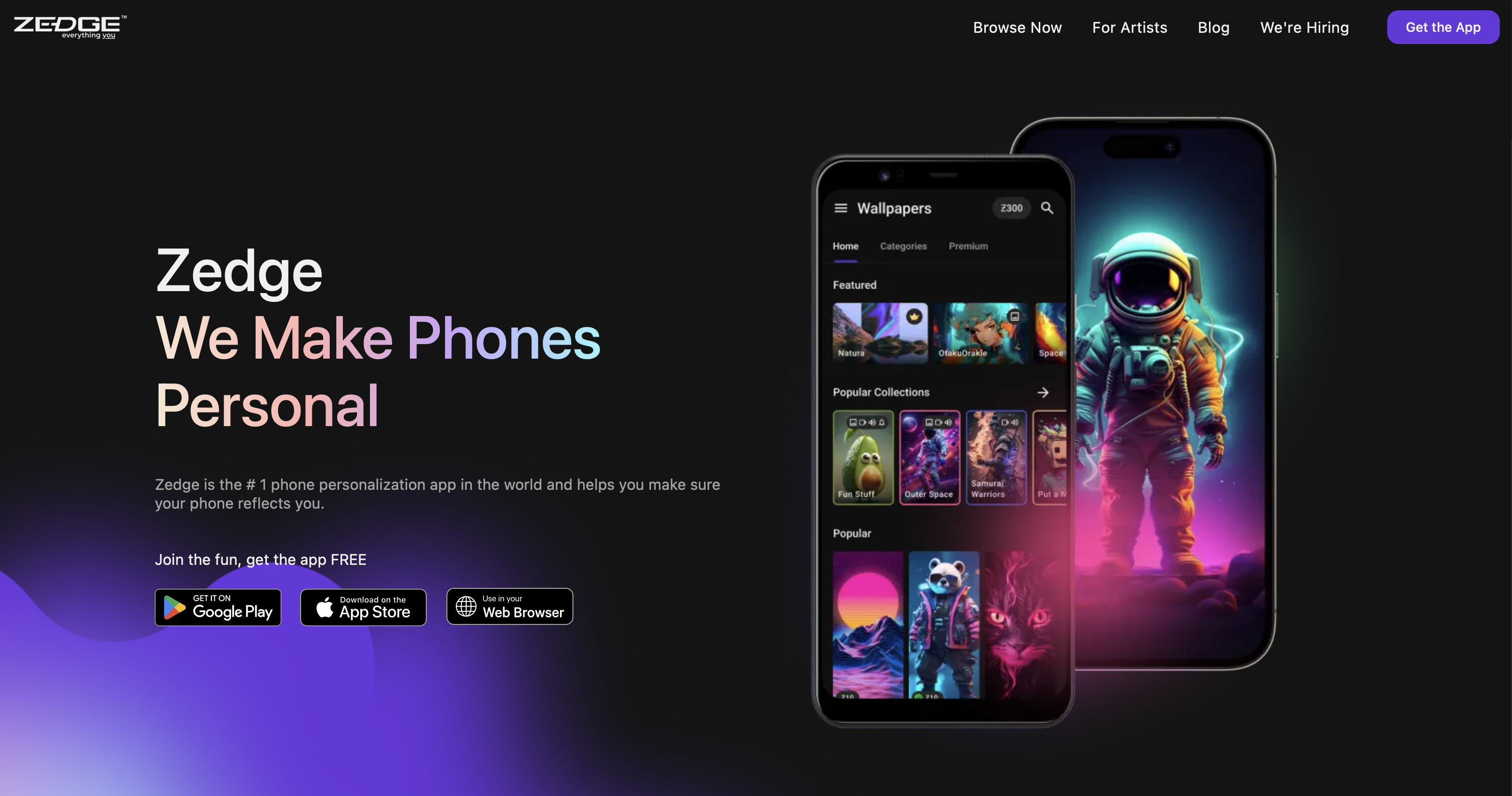
Zedge is a must-have resource for creatives who want to source unique digital assets quickly. Its vast library of wallpapers covers everything from abstract art and photography to branded visuals and themed collections, making it a reliable starting point for anyone building out a device aesthetic or sourcing visual inspiration for a project. Beyond wallpapers, Zedge offers ringtones and notification sounds that can add a distinctive audio layer to multimedia presentations and creative demos.
For creatives who want to personalize their iOS devices as part of their workflow setup, the best wallpaper apps on the market cover a range of styles and content types, and Zedge consistently ranks at the top of that list for collection depth and ease of use. Users who want to go further can build on Zedge's existing library by learning how to make your own phone wallpaper on iOS. Anyone building a cohesive creative setup can take it further by exploring how to customize home screen on iOS to match layout, icons, and backgrounds to a consistent visual theme.
Adobe Creative Cloud: The Professional Standard
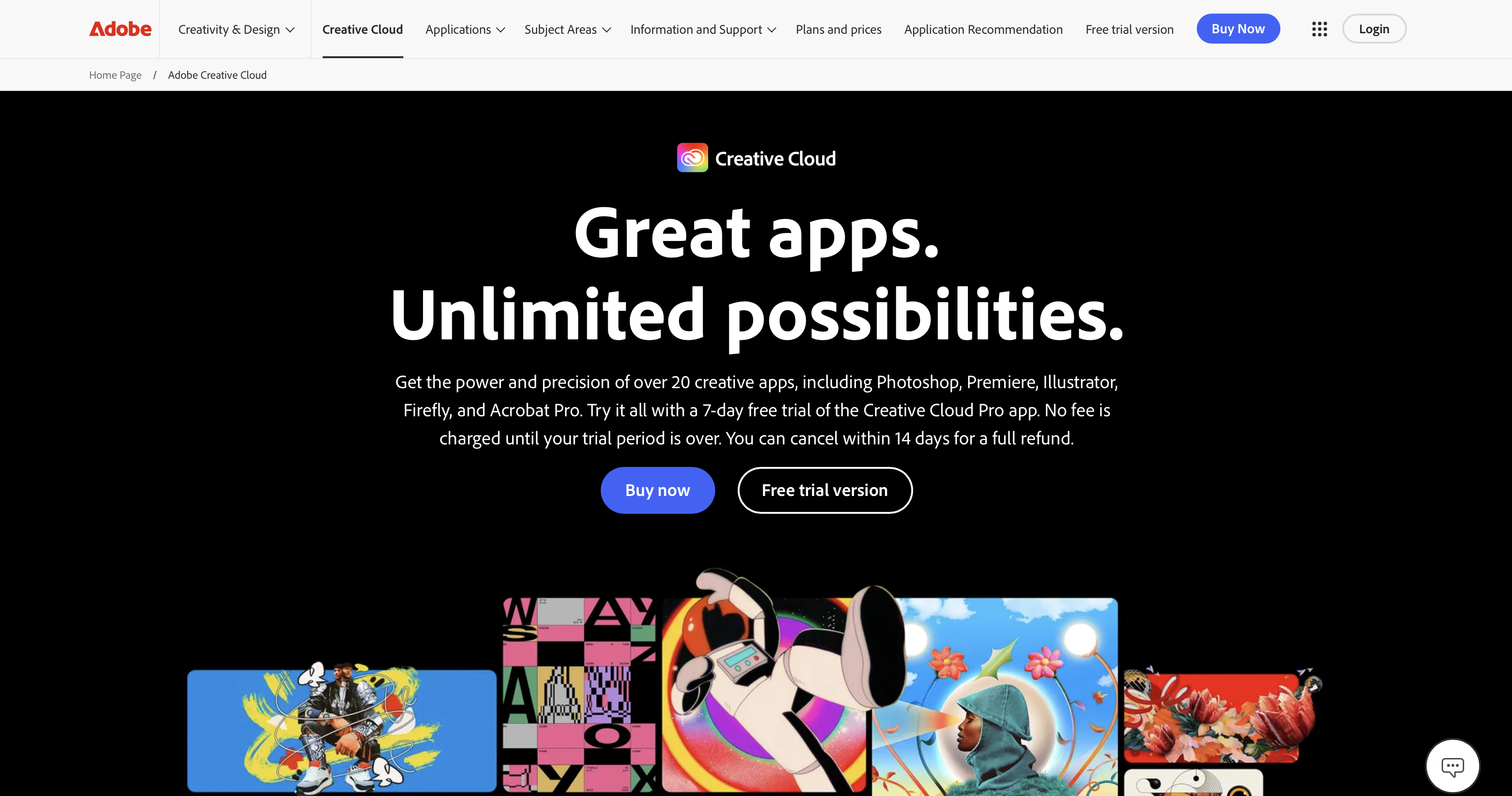
Adobe Creative Cloud remains the benchmark suite for creative professionals in 2026. Adobe Photoshop leads the industry for photo editing, compositing, and color correction, while Adobe Illustrator is the standard tool for vector-based graphic design, logo creation, and illustration work. Adobe InDesign handles everything from multi-page publications to marketing collateral, making it indispensable for any graphic designer working on create documents at a professional level. Premiere Pro and After Effects round out the suite for video editors and motion designers, covering everything from color correction and timeline editing to complex visual effects and animation.
Adobe Creative Cloud operates on a paid subscription model, with plans for individuals, teams, and students. For creative professionals who rely on the suite daily, the investment is justified by the depth of each application and the seamless integration between them. New features roll out regularly across all apps, keeping the suite current with industry needs.
Canva: Effortless Design for Everyone
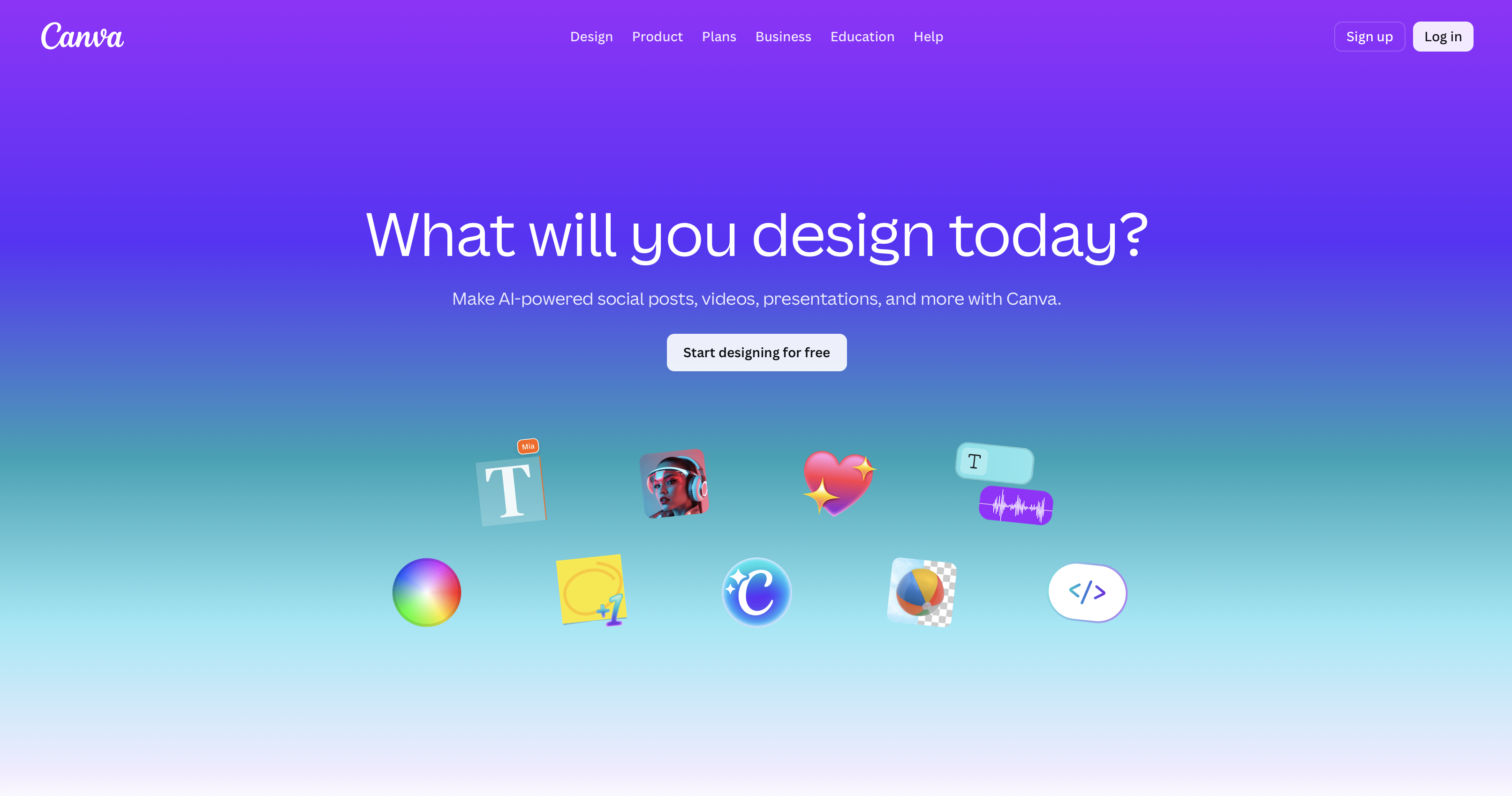
Canva has become one of the most widely used graphic design platforms in the world, particularly among creators who need to produce high-quality visual content quickly. Its drag-and-drop interface and extensive template library make it easy to create templates for social media posts, presentations, YouTube videos thumbnails, and marketing materials without requiring deep design skills. Canva Pro unlocks additional features including brand kits, advanced collaboration tools, the ability to schedule content directly to social media platforms, and a significantly expanded asset library.
For beginners looking to learn graphic design or for teams that need to move quickly without a dedicated graphic designer, Canva is one of the most accessible best apps available. It works across desktop and mobile apps, making it practical for creatives who switch between iOS devices and desktop throughout the day.
Figma, Sketch, & Webflow: UI/UX and Web Design Powerhouses

Figma has established itself as the leading collaborative design tool for UI/UX work, allowing multiple designers to work on the same file simultaneously and build interactive prototypes that can be shared directly with developers and potential employers as portfolio pieces. Its browser-based approach means no installation is required and teams spread across locations can collaborate in real time.
Sketch remains a preferred tool among macOS-based designers for its clean interface and powerful plugin ecosystem, particularly for creating mobile and web interface designs. Webflow bridges the gap between design and development, allowing designers to build fully responsive websites visually while generating clean production code, making it valuable for creative professionals who want to move from design ideas directly to a live product.
Procreate & Vectornator: Digital Art and Illustration
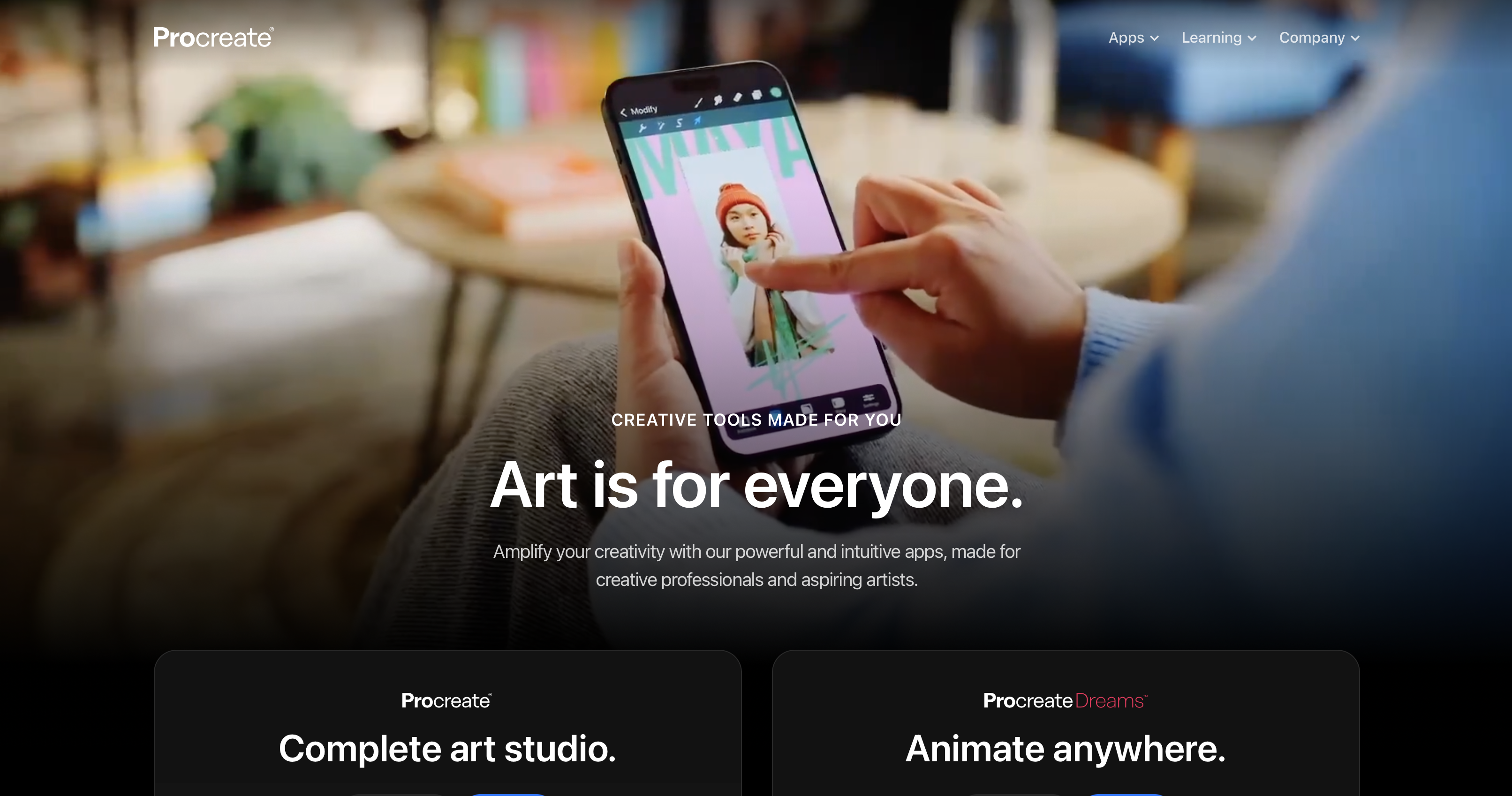
Procreate is the dominant illustration app on iPad, used by professional illustrators, concept artists, and hobbyists alike for sketching, painting, and creating polished digital artwork. Its brush engine, layering system, and time-lapse recording feature make it a favorite among creatives who document their process for social media or YouTube videos. For those looking to work with vector illustration on iOS devices, Vectornator offers a capable alternative with a clean interface and tools that cover everything from basic shapes to complex graphic design work.
Both apps are well-suited to creative professionals who do much of their creative work on the go, and iOS users who want to apply their artwork directly to their device can do so by following how to change wallpaper on iPhone easily on any iPhone or iPad.
DaVinci Resolve & CapCut: Video Editing and Motion Graphics
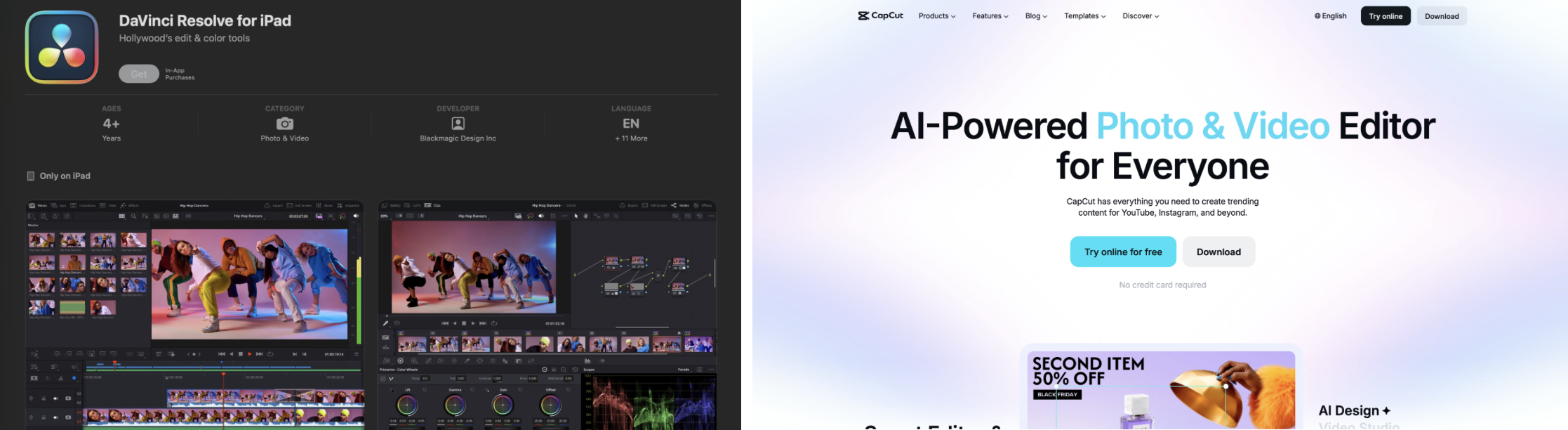
DaVinci Resolve is a professional-grade video editing suite that covers the full post-production pipeline: editing, color correction, visual effects, motion graphics, and audio mixing, all within a single application. Its free tools tier is genuinely powerful, making it one of the most accessible professional video editors available to creative professionals at any budget level. The paid subscription version, DaVinci Resolve Studio, unlocks advanced visual effects, collaboration features, and additional noise reduction tools.
CapCut serves a different part of the market, delivering fast, mobile-friendly video editing for social media content, YouTube videos, and short-form creative work. Its AI-powered features and template library make it one of the most widely used mobile apps for video creators who need to produce and publish content quickly without complex workflows.
Milanote & Notion: Organize, Plan, and Collaborate
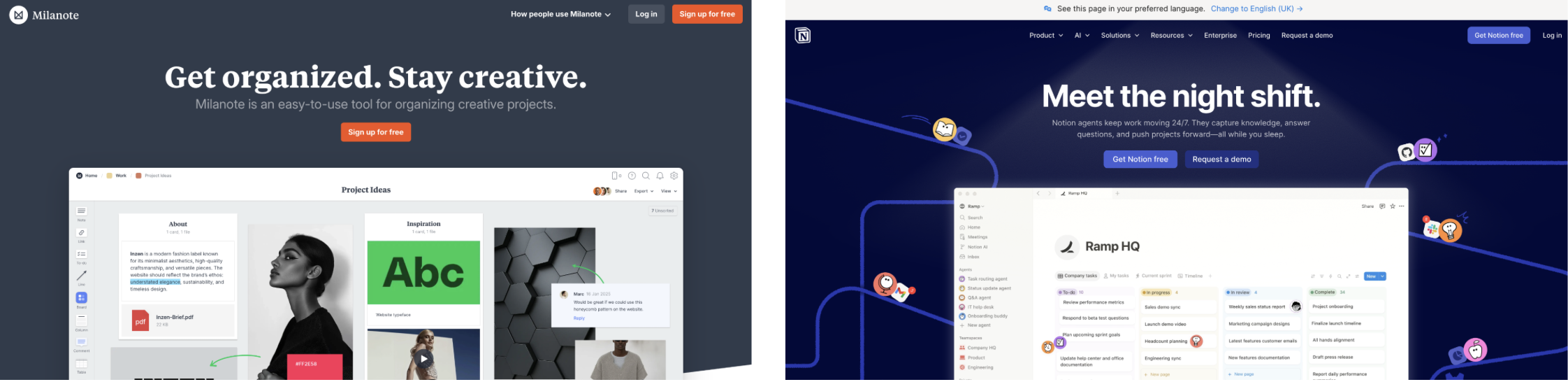
Creative projects require planning, research, feedback, and coordination. Milanote is built specifically for creative workflows, offering a flexible visual board where designers and creative teams can collect design ideas, mood boards, reference images, and project notes in one place. Its visual structure makes it intuitive for creative professionals who think in images and concepts rather than lists.
Notion takes a more structured approach, functioning as an all-in-one workspace for notes, databases, project timelines, and team wikis. For agencies and studios that need to plan projects across multiple team members and deadlines, Notion provides the organizational depth to manage complex creative work. Both tools have free tiers suitable for personal use and paid plans for larger teams.
Best Websites for Creative Inspiration and Resources
Inspiration Platforms: Discover and Share Creative Work
Behance and Dribbble are the two most established platforms for discovering creative work and sharing portfolios with other creatives and potential employers.
- Behance, owned by Adobe, covers a broad range of disciplines including graphic design, illustration, photography, and video.
- Dribbble skews toward UI/UX and visual design, making it a focused resource for designers seeking inspiration in interface and product design.
- Pinterest remains one of the most widely used tools for collecting visual inspiration, creating mood boards, and discovering color schemes and layout ideas across every creative discipline.
Resource Hubs: Fonts, Colors, and More
Adobe Color is a browser-based tool for generating and exploring color schemes, with the ability to extract palettes directly from uploaded images, useful for any graphic designer building a cohesive visual system.
Khroma uses AI to generate personalized color palettes based on user preferences, while Color Hunt offers a curated library of community-submitted color combinations.
For typography, V-Fonts covers variable font resources and specimens, and Google Fonts provides a broad free library of web-optimized typefaces.
These free tools collectively cover the foundational design assets that creative professionals reach for at the start of most projects.
How to Choose the Right Creative App or Website
Project type | Recommended tools | Free option available |
|---|---|---|
Graphic design and branding | Afobe Illustrator, Canva | Canva (free tier) |
Photo editing | Adobe Photoshop | Canva, Pxlr |
Video editing | DaVinci Resolve, CapCut | DaVinci Resolve (free), CapCut |
UI/UX and prototyping | Figma, Sketch | Firma (free tier) |
Digital illustration | Procreate, Vectornator | Vectornator |
Publishing and creating documents | Adobe InDesign | Canva |
Project organization | Milanote, Notion | Both (free tiers) |
Personalization assets | Zedge | Zedge (free tier) |
Inspiration and portfolios | Behance, Dribbble, Pinterest | All free |
Color and fonts | Adobe Color, Google Fonts | All free |
Budget is a key factor: Adobe Creative Cloud requires a paid subscription, while Canva, Figma, and DaVinci Resolve all offer generous free tiers. For creative professionals billing client work, the paid subscription tiers of Adobe and Canva Pro pay for themselves through saving time and professional output quality. iOS users managing a growing collection of visual assets can keep things organized by following how to delete wallpaper on iPhone as their creative preferences evolve.
Frequently Asked Questions
What are the best free creative apps?
Canva, Figma, DaVinci Resolve, Vectornator, and Zedge all offer strong free tools that cover graphic design, video editing, illustration, UI/UX prototyping, and personalization assets. For creative professionals on a limited budget, these platforms provide genuine professional capability without requiring a paid subscription.
How do I choose between Adobe and Canva?
Adobe Creative Cloud suits creative professionals who need deep, specialized tools: Adobe Photoshop for photo editing, Adobe Illustrator for vector work, Adobe InDesign for publishing. Canva suits creators who need to move quickly, create templates at scale, and schedule content across social media without requiring advanced design skills.
What apps are best for beginners?
Canva is the most accessible starting point for beginners looking to learn graphic design, followed by Procreate for illustration on iPad. Both have large communities, extensive tutorials, and interfaces designed to build design skills progressively without overwhelming new users.
Where can I find ringtones, wallpapers, and notification sounds for my projects?
Zedge is the most comprehensive platform for sourcing ringtones, wallpapers, and notification sounds for personal use and creative projects. Its library covers a wide range of styles and is updated continuously, making it a reliable resource for any creative professional who needs audio or visual assets quickly.
How do I collaborate with others on creative projects?
Figma is the strongest tool for real-time design collaboration, allowing multiple team members to work on interactive prototypes simultaneously. Notion handles project management and documentation for larger teams, while Canva Pro supports brand kit sharing and multi-user editing for content teams that plan projects together.
How can I make my own phone wallpaper?
Zedge's built-in customization features and AI wallpaper generator make it the most straightforward starting point, allowing users to generate, save, and apply wallpapers directly from the app on any iOS device.
What websites offer inspiration for creative projects?
Behance, Dribbble, and Pinterest are the most widely used inspiration platforms among creative professionals. Zedge is also a strong source of visual inspiration for device-level design work, with a constantly updated library of wallpapers and themes across every style.
What tools help organize creative ideas?
Milanote is purpose-built for creative project organization, offering visual boards for collecting design ideas, references, and notes. Notion works well for teams that need structured databases, timelines, and documentation alongside their creative work, and is particularly strong for studios that need to plan projects across multiple clients.
Are there legal considerations when using creative resources?
Yes. Creative professionals should always check licensing terms before using assets from any platform in commercial work. Many platforms offer assets under specific licenses, free for personal use, but requiring attribution or a paid subscription for commercial projects.
How to customize my device's home screen using creative apps?
Zedge is the most complete tool for device-level customization, covering wallpapers, notification sounds, and ringtones in one place. Pairing it with a design app like Canva or Procreate gives creative professionals full control over every visual element of their iOS device setup.