

Finding the right wallpaper should take minutes, not an entire evening. But between sites that serve more ads than images, downloads that turn out blurry on your actual screen, and apps that request permissions they have no business asking for, the search tends to drag. Wallpaper Cave has been a go-to for many users, but depending on what you need, there are better options.
This guide covers the top Wallpaper Cave alternatives across every category: free sites with professional-quality libraries, premium platforms for exclusive digital art, niche communities for specific tastes, and the one all-in-one app that handles wallpapers, ringtones, and customization tools in a single place.
TL;DR
- Zedge is the top all-in-one solution for mobile wallpapers, ringtones, and personalization tools, trusted by tens of millions of users worldwide.
- Unsplash and Pexels offer the strongest free libraries of professional photography for both mobile and desktop.
- Vladstudio and Digital Blasphemy are the best paid options for users who want exclusive, original digital art.
- Alpha Coders and Wallpapers.com lead the community-driven category for users who want niche collections and user ratings.
- Free options cover most needs; paid platforms are worth considering only if you want content you genuinely won't find elsewhere.
- Best for mobile-first users: Zedge.
- Best for photographers: Unsplash.
- Best for gamers: Alpha Coders.
- Best for minimalists: Simple Desktops.
Best Wallpaper Cave Alternatives
1. Zedge
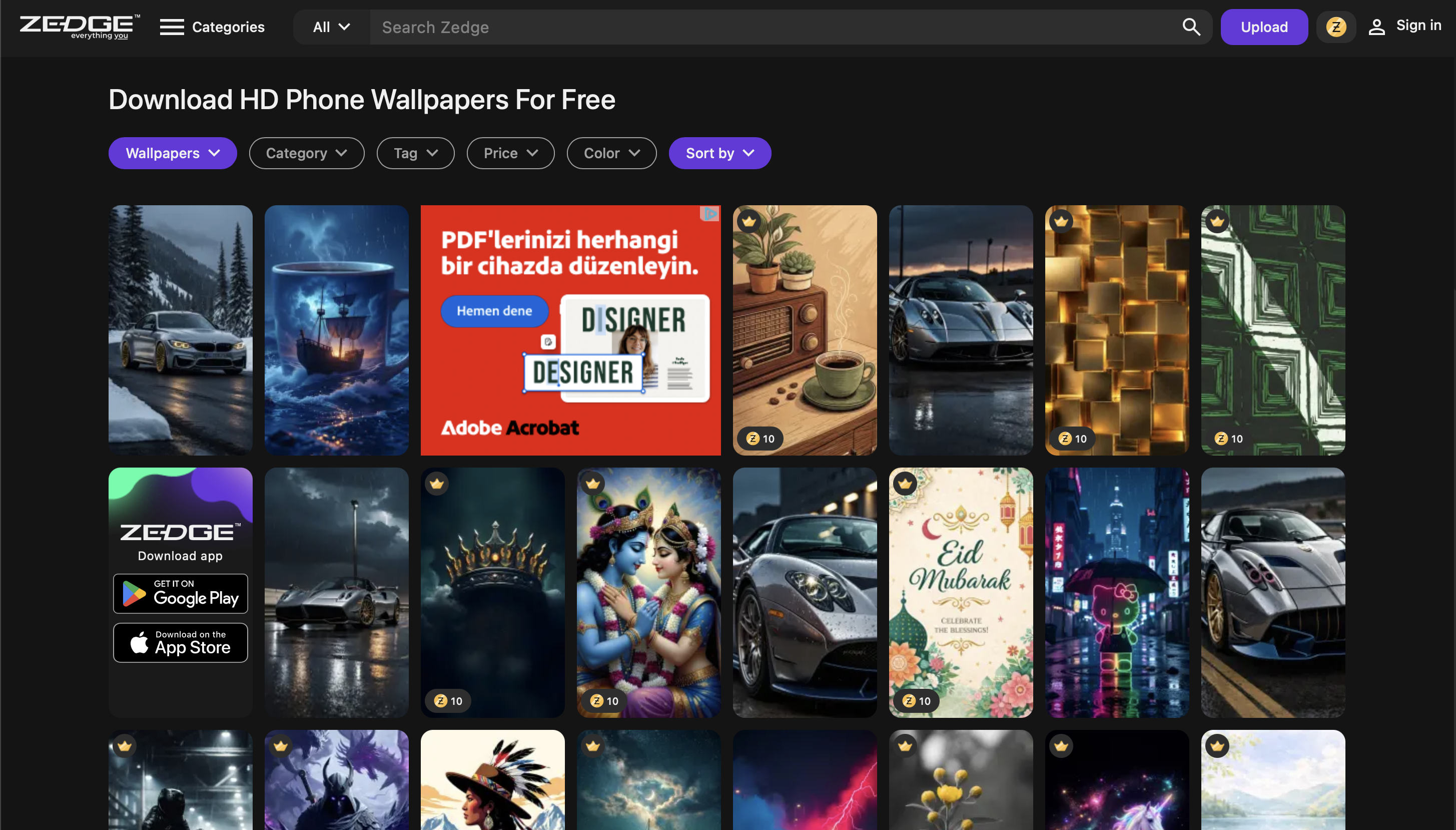
Zedge is the leading platform for phone personalization, combining a massive wallpaper library with ringtones, icons, and customization tools in a single app, and it doubles as the best ringtone app for Android in our testing. The library spans abstract art, photography, illustrations, nature, and pop culture, with new content added regularly. Downloads are safe, the interface is clean, and everything is sized for modern mobile screens.
Key features: Easy-to-use app and website, curated wallpaper and ringtone library, personalization editor, icon packs, regular content updates, safe downloads.
What makes it stand out: No other platform on this list combines wallpapers, ringtones, and editing tools in one place. It consistently ranks among the best wallpaper apps on iOS and Android, and the library depth reflects that.
Best for: Anyone looking for a trustworthy, all-in-one solution for mobile customization.
Pricing: Free with premium options.
2. Free Wallpaper Sites & Apps
Unsplash
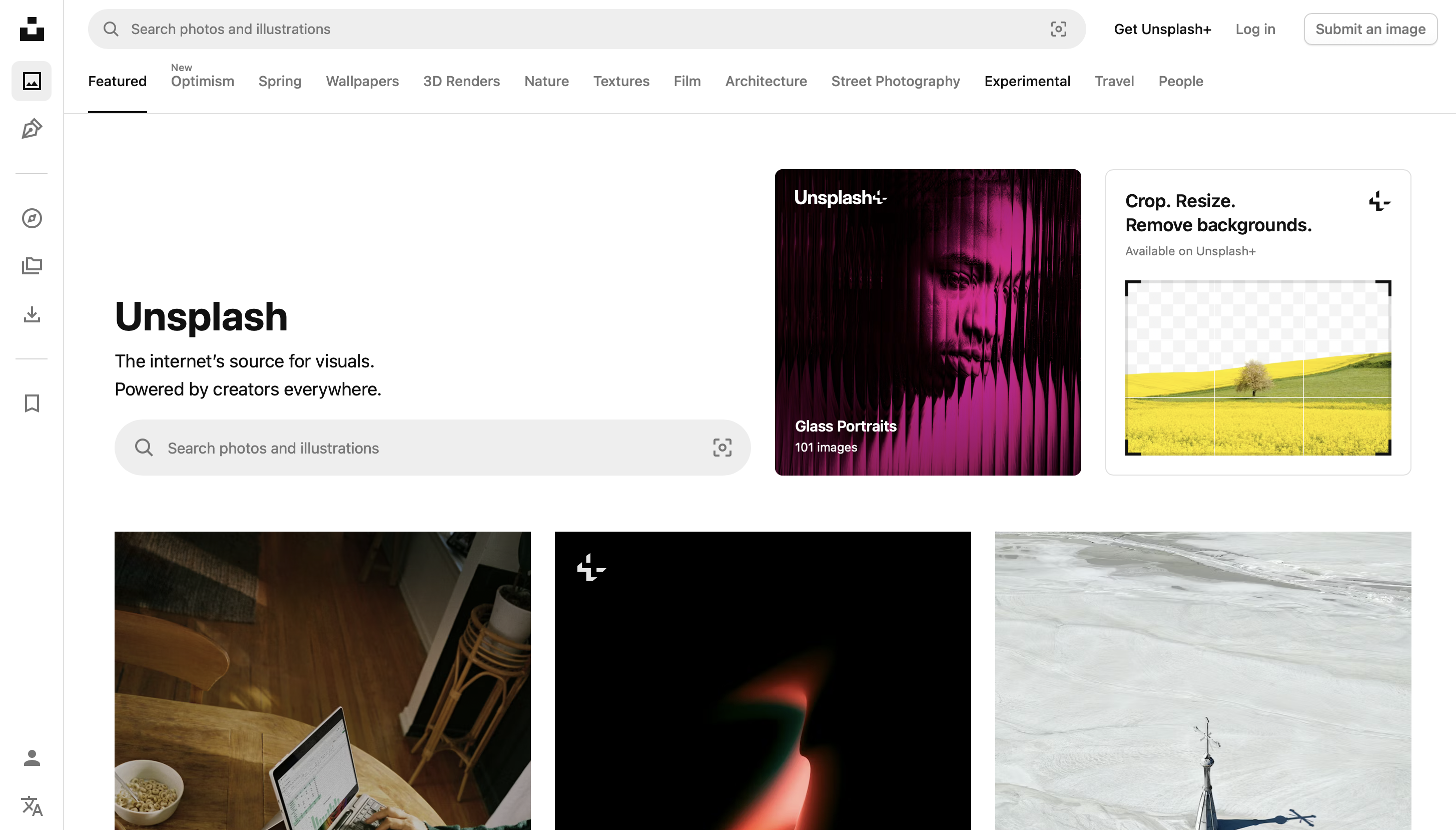
Unsplash gives you access to millions of professional photographs, all free to use, organized by category and photographer. The library covers landscapes, architecture, minimalism, portraiture, and abstract photography. Images download at full resolution, making them suitable for both mobile and desktop use. There is no built-in wallpaper-setting tool, but the download-to-camera-roll workflow is straightforward.
Key features: Millions of professional photos, free licensing, full-resolution downloads, category and photographer browsing.
What makes it stand out: Scale and licensing. No other free source comes close to this volume of professionally shot photography available without cost or attribution requirements.
Best for: Users seeking artistic, high-resolution wallpapers.
Pricing: Free.
Pexels
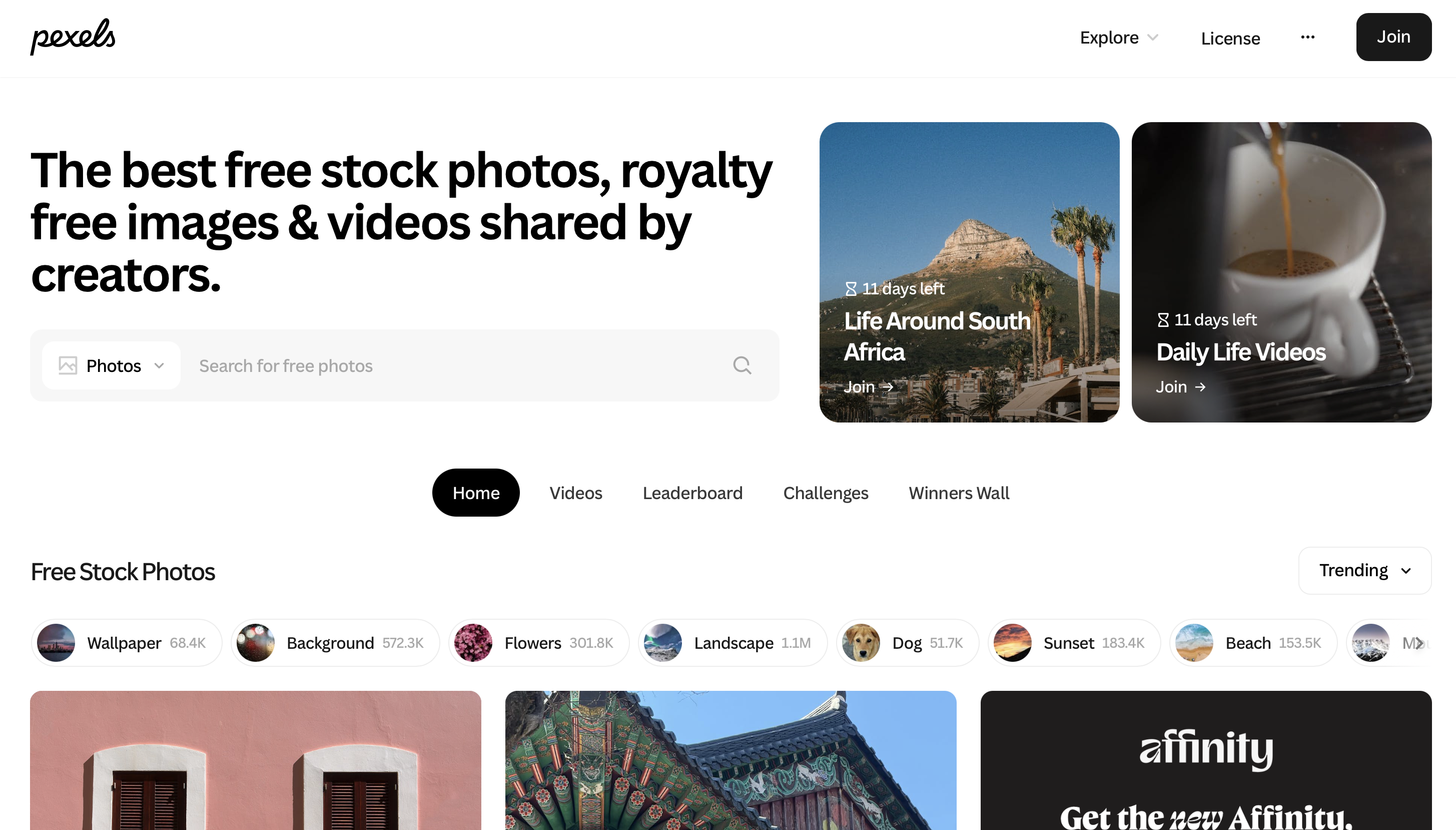
Pexels offers a hand-picked library of high-resolution photos and videos, all free to download and use. The curation is tighter than Unsplash, which means a smaller but more consistently polished selection. It supports both mobile and desktop use and has a clean, fast interface that makes browsing by category or keyword easy.
Key features: Curated high-res photo and video library, free licensing, mobile and desktop support, fast search.
What makes it stand out: The editorial curation keeps quality consistently high. You spend less time filtering out weak results than you would on open-upload platforms.
Best for: Variety-seekers who want quality and ease.
Pricing: Free.
WallpaperAccess
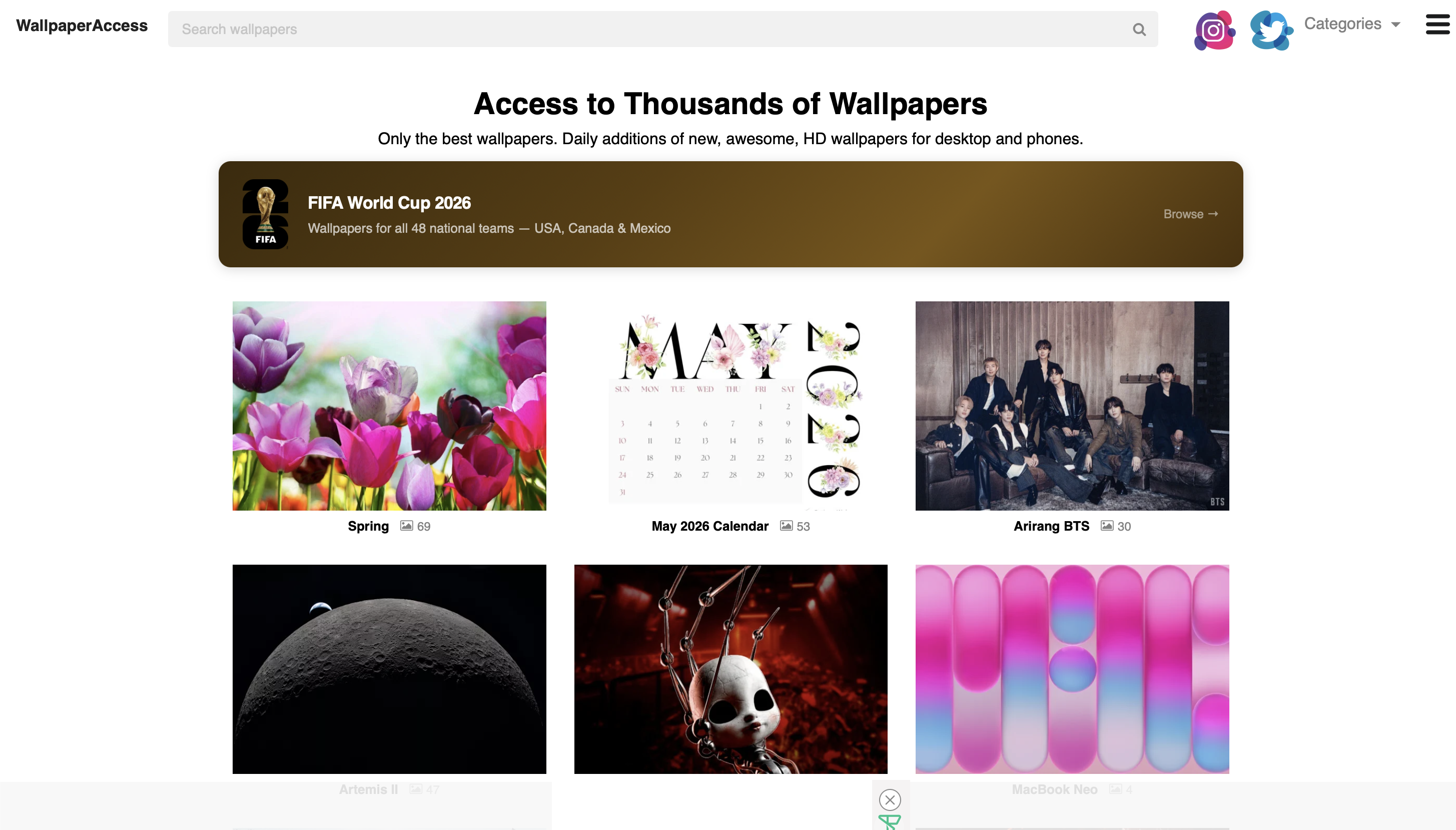
WallpaperAccess focuses on speed and variety, with a large catalog of creative, illustrated, and animated wallpapers alongside standard photography. The interface is minimal and downloads are fast. It skews toward vibrant, high-energy designs rather than the quieter aesthetic of Unsplash or Pexels, making it a better fit for users who want something with more visual punch.
Key features: Large catalog, animated wallpaper options, fast downloads, category browsing.
What makes it stand out:The animated and illustrated content gives it a different feel from photography-first platforms. Users who search for the best Lord Hanuman wallpapers or similarly detailed devotional imagery will find dedicated category sections here.
Best for: Quick, vibrant, and fun wallpapers.
Pricing: Free.
WallpapersWide
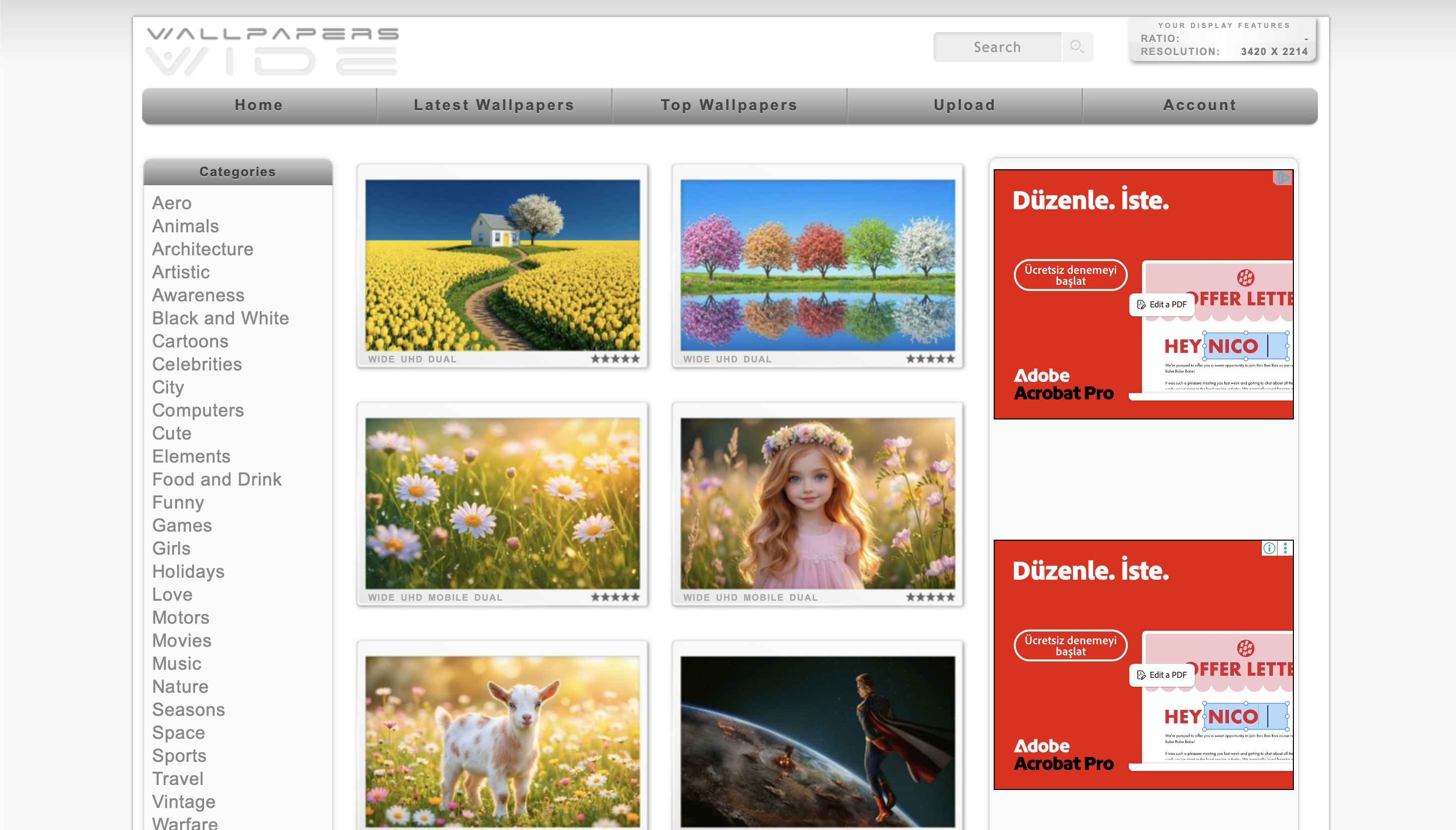
WallpapersWide automatically detects your screen size and filters results accordingly, removing the manual step of checking whether an image fits your display. Its real strength is format coverage, ultrawide and multi-monitor setups that most platforms don't account for at all.
Key features: Auto screen size detection, ultrawide and multi-monitor support, user ratings, extensive library.
What makes it stand out: It's the only free platform here that treats non-standard desktop setups as a first-class use case rather than an afterthought. If you run dual monitors or a 21:9 display, this is where you start.
Best for: Users with ultrawide or unique screen setups.
Pricing: Free.
Desktop Nexus
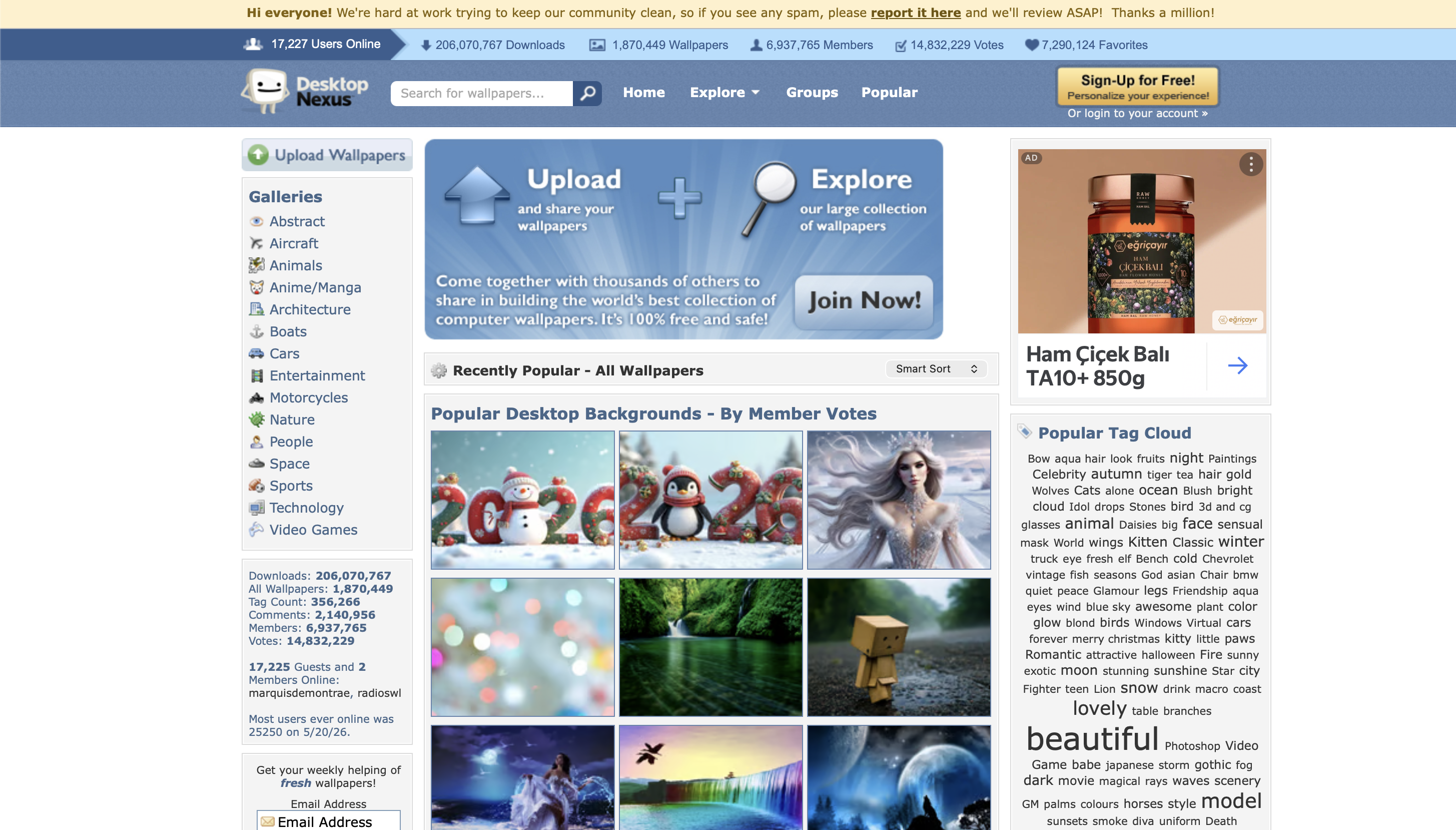
Desktop Nexus is built around community uploads and ratings, with a category system detailed enough to surface niche content that broader platforms don't carry. The community has been active for years, which means the archive runs deep.
Key features: Community upload and rating system, comment and favorite tools, granular category browsing, deep archive.
What makes it stand out: Age and depth. The community has been curating content for over a decade, so categories that feel thin on newer platforms, obscure fandoms, specific art styles, regional themes, often have substantial collections here.
Best for: Those who value community input and unique finds.
Pricing: Free.
WallpaperSafari
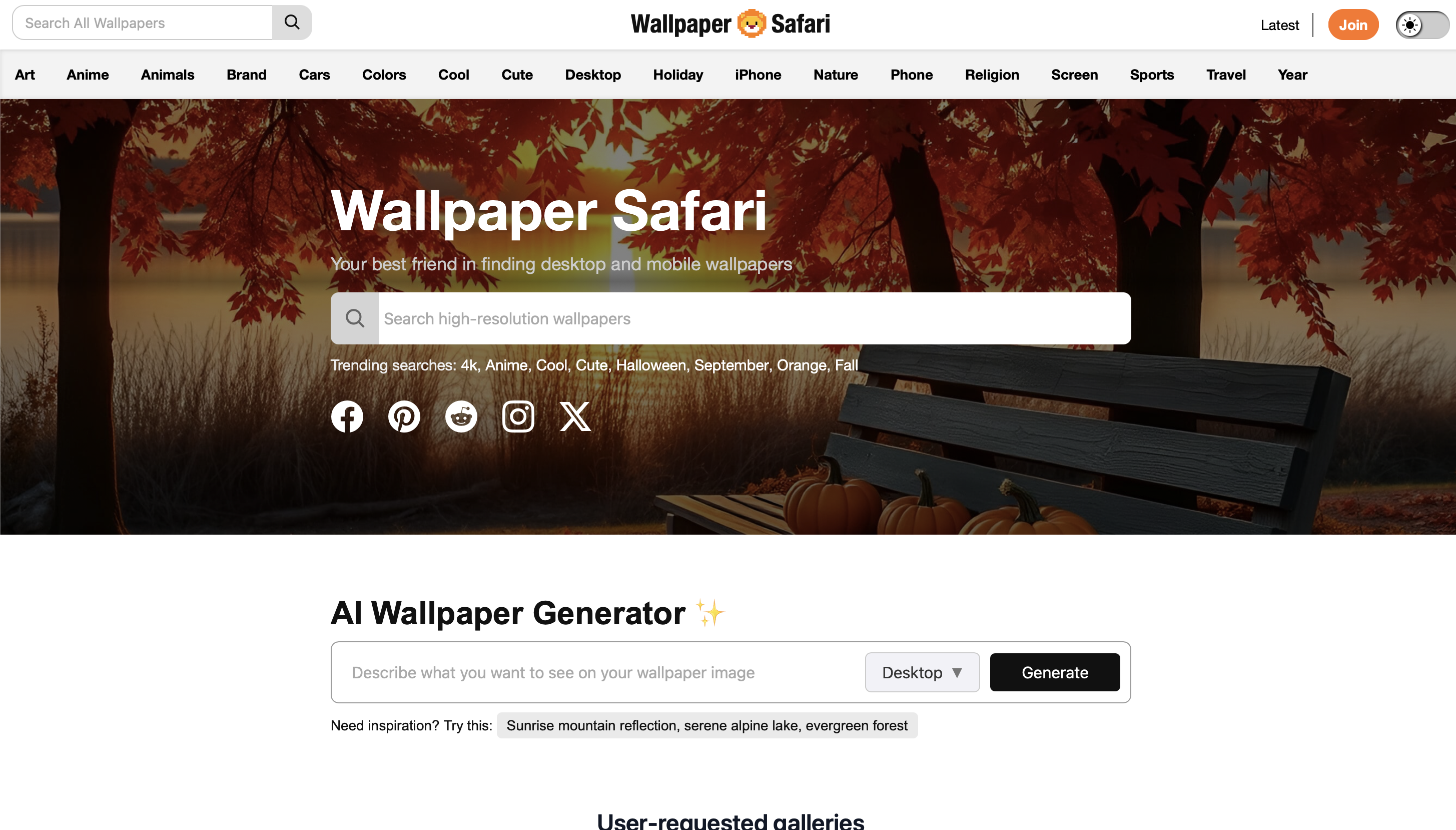
WallpaperSafari organizes its library into clearly defined categories and subcategories. Image quality is consistently high-resolution and the browsing experience is straightforward.
Key features: Organized category and subcategory system, high-resolution images, clean navigation.
What makes it stand out: Structure without clutter. Unlike community platforms where navigation can feel chaotic, WallpaperSafari's category system is clean enough that browsing by theme feels deliberate rather than accidental.
Best for: Browsers who like to explore by theme.
Pricing: Free.
Simple Desktops
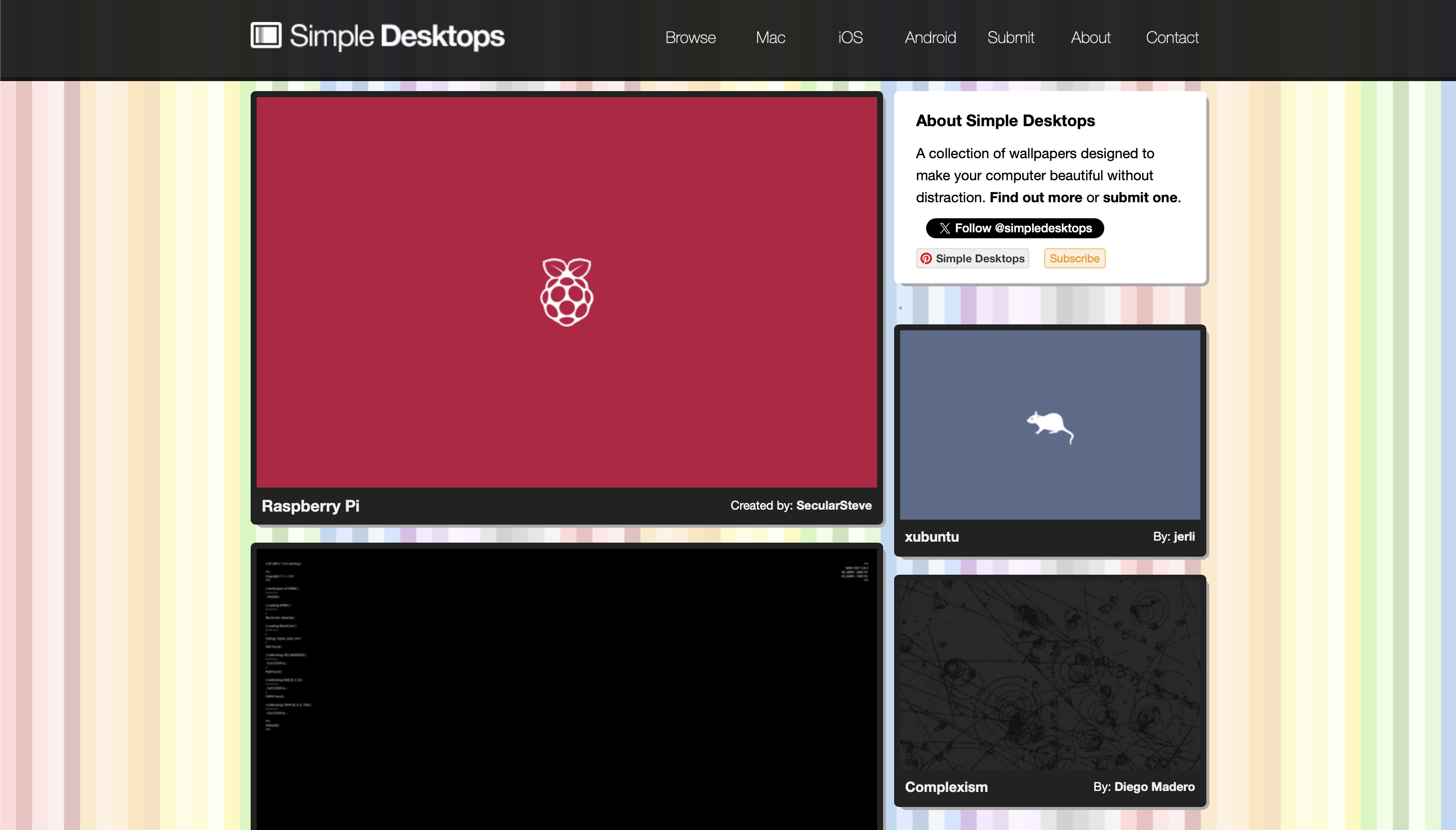
Simple Desktops is a deliberately small, curated collection of minimalist wallpapers. Every submission is reviewed before going live and the aesthetic is consistent throughout; clean, quiet, and built to disappear into the background.
Key features: Curated minimalist library, all submissions reviewed, consistent aesthetic.
What makes it stand out:Restraint. This is the only platform on the list that has made a deliberate editorial decision to keep the library small. That constraint is the feature, you're not sorting through thousands of results to find something that doesn't compete with your screen content.
Best for: Minimalists and productivity-focused users.
Pricing: Free.
3. Paid & Premium Wallpaper Resources
Vladstudio
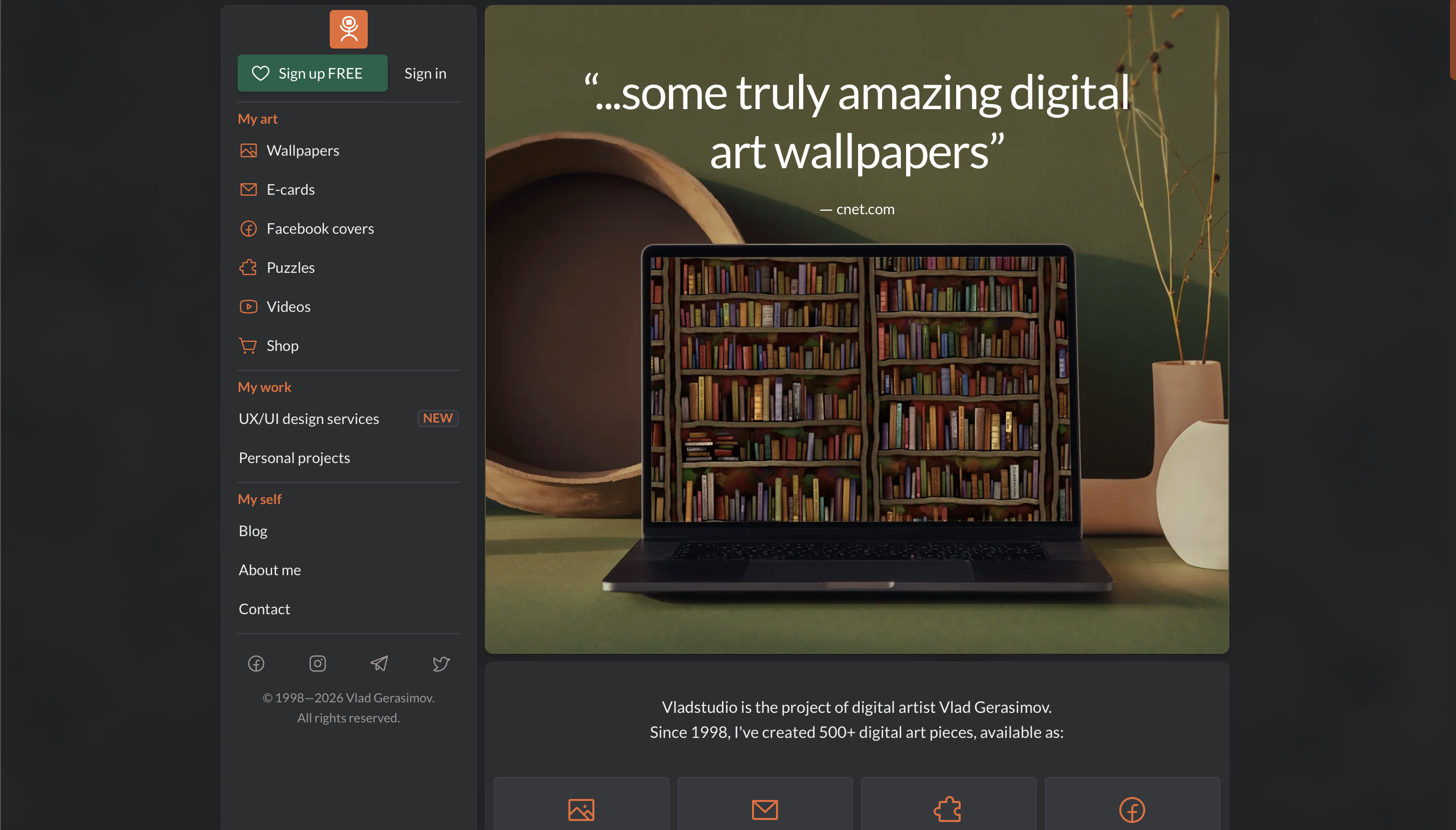
Vladstudio is the work of a single artist, Vlad Gerasimov, offering a library of original illustrated wallpapers spanning landscapes, character art, and surreal compositions. A small selection is free; the full library requires a paid membership.
Key features: Original single-artist library, illustrated and surreal styles, limited free selection, premium membership for full access.
What makes it stand out: Creative consistency. Because everything comes from one artist, the library has a unified aesthetic that no aggregator can replicate. For users who appreciate how structured visual design elevates a wallpaper, similar to what draws people to the best iTheme design wallpapers, Vladstudio offers something genuinely different.
Best for: Fans of unique, consistent digital art.
Pricing: Limited free tier; premium membership for full access.
Digital Blasphemy
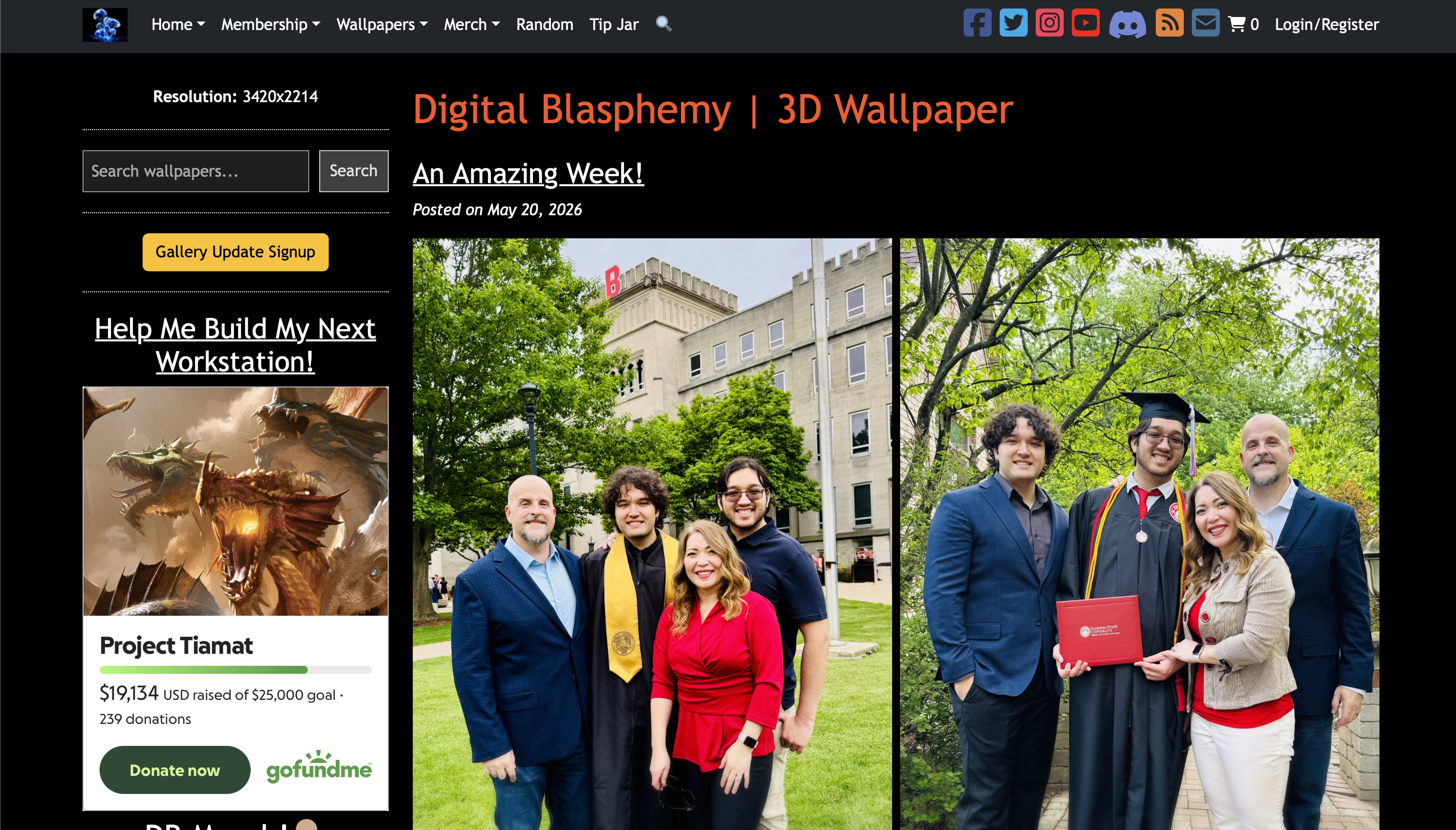
Digital Blasphemy has been producing exclusive 3D rendered wallpapers since 1997. The catalog covers sci-fi landscapes, abstract environments, and nature-inspired renders that have never appeared on free platforms.
Key features: Exclusive 3D rendered art, nearly 30-year archive, membership-gated library, high-resolution downloads.
What makes it stand out:Archive depth is unmatched. Most premium wallpaper platforms have a few years of content; Digital Blasphemy has been running since before broadband was common, and none of it has leaked to free sources.
Best for: Users seeking premium, original wallpapers unavailable elsewhere.
Pricing: Membership required for most content.
4. Unique & Niche Platforms
Alpha Coders (Wallpaper Abyss)
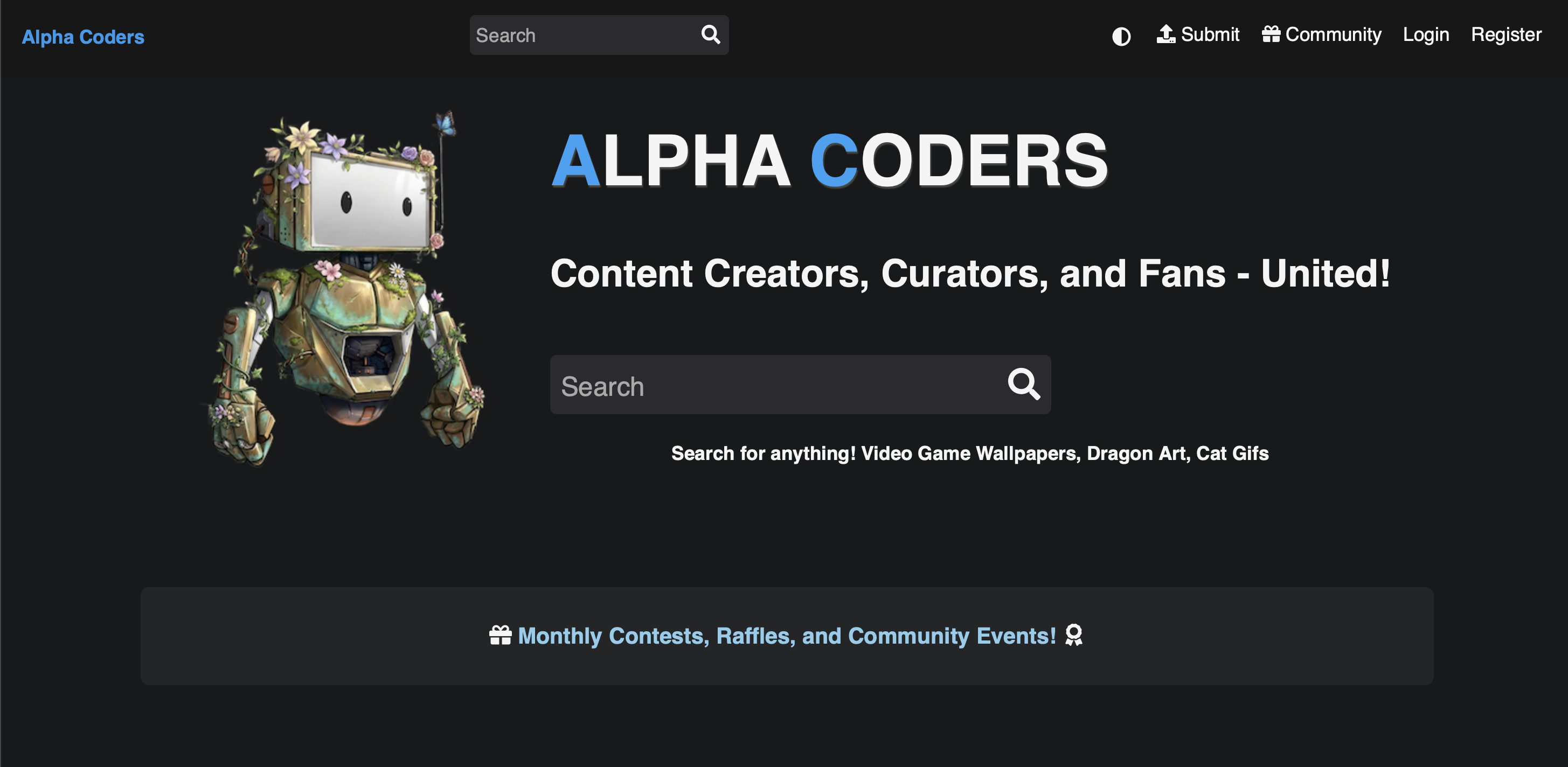
Alpha Coders hosts one of the largest community-curated libraries online, with particular depth in gaming, anime, and pop culture. Content is filterable by theme, color, resolution, and aspect ratio.
Key features: Massive community library, gaming and anime depth, multi-filter search, wide format and resolution support.
What makes it stand out: Gaming and anime coverage that no other free platform comes close to matching. It also carries culturally specific content with genuine depth, dedicated collections like the best Chhatrapati Shivaji Maharaj wallpapers reflect the kind of niche community investment that only a large, active user base produces.
Best for: Gamers, anime fans, and community-driven collection browsers.
Pricing: Free.
Wallhaven
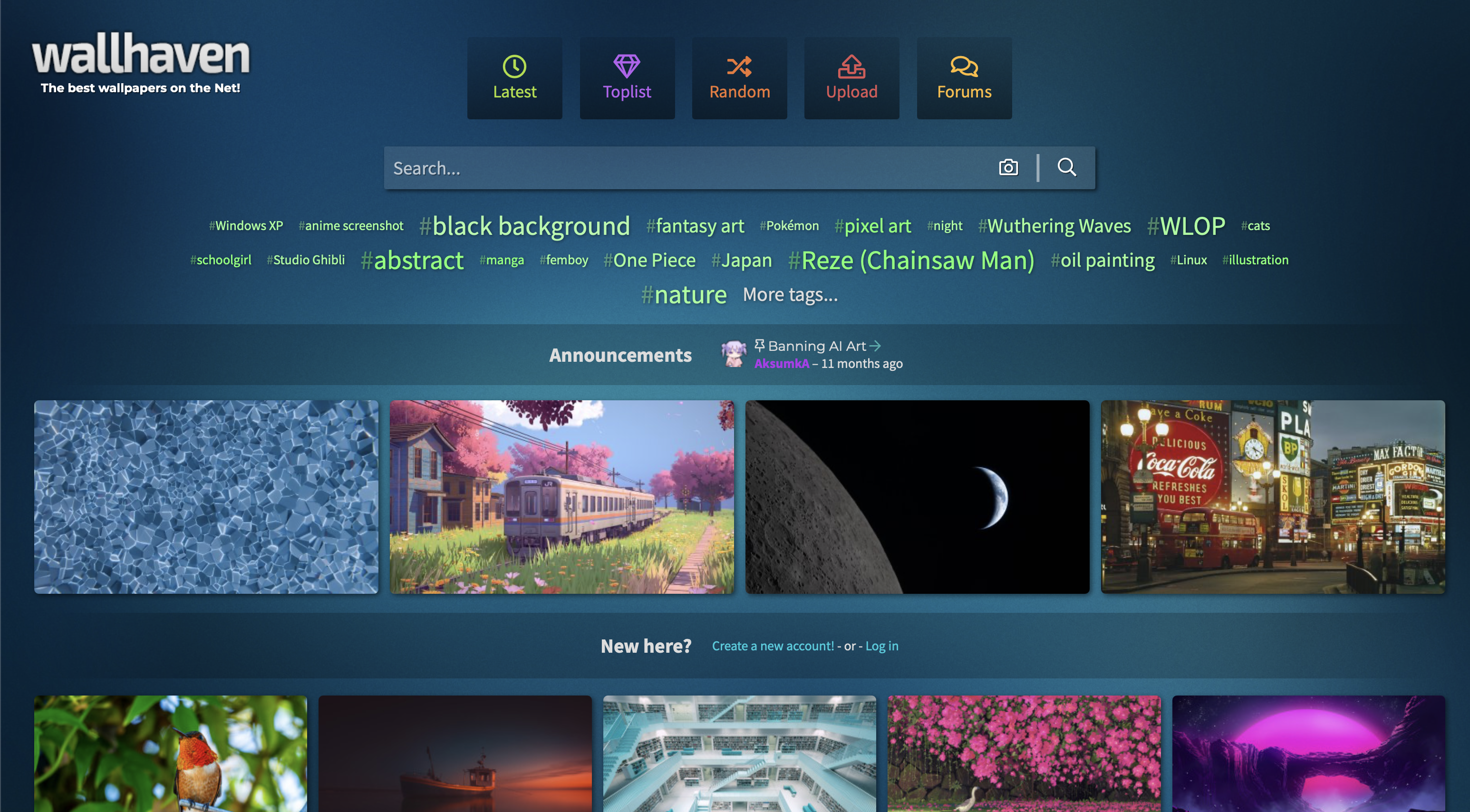
Wallhaven was built as the successor to Wallbase, a beloved platform that shut down, and inherited much of its community and curatorial philosophy. The library runs over 1.3 million wallpapers, searchable by tags, color, resolution, and aspect ratio. Content skews toward high-quality digital art, photography, and anime, and the community actively flags low-quality uploads.
Key features: Tag-based search, color and resolution filtering, HD/QHD/4K support, active community moderation, account-based favorites.
What makes it stand out: The tagging system is more granular than most platforms on this list. If you know exactly what you want (a specific color palette, art style, subject, or resolution) Wallhaven's filters surface it faster than broad-category browsing elsewhere.
Best for: Power users who want precise search control and high-resolution output.
Pricing: Free; account required for full access.
Wallpapers.com
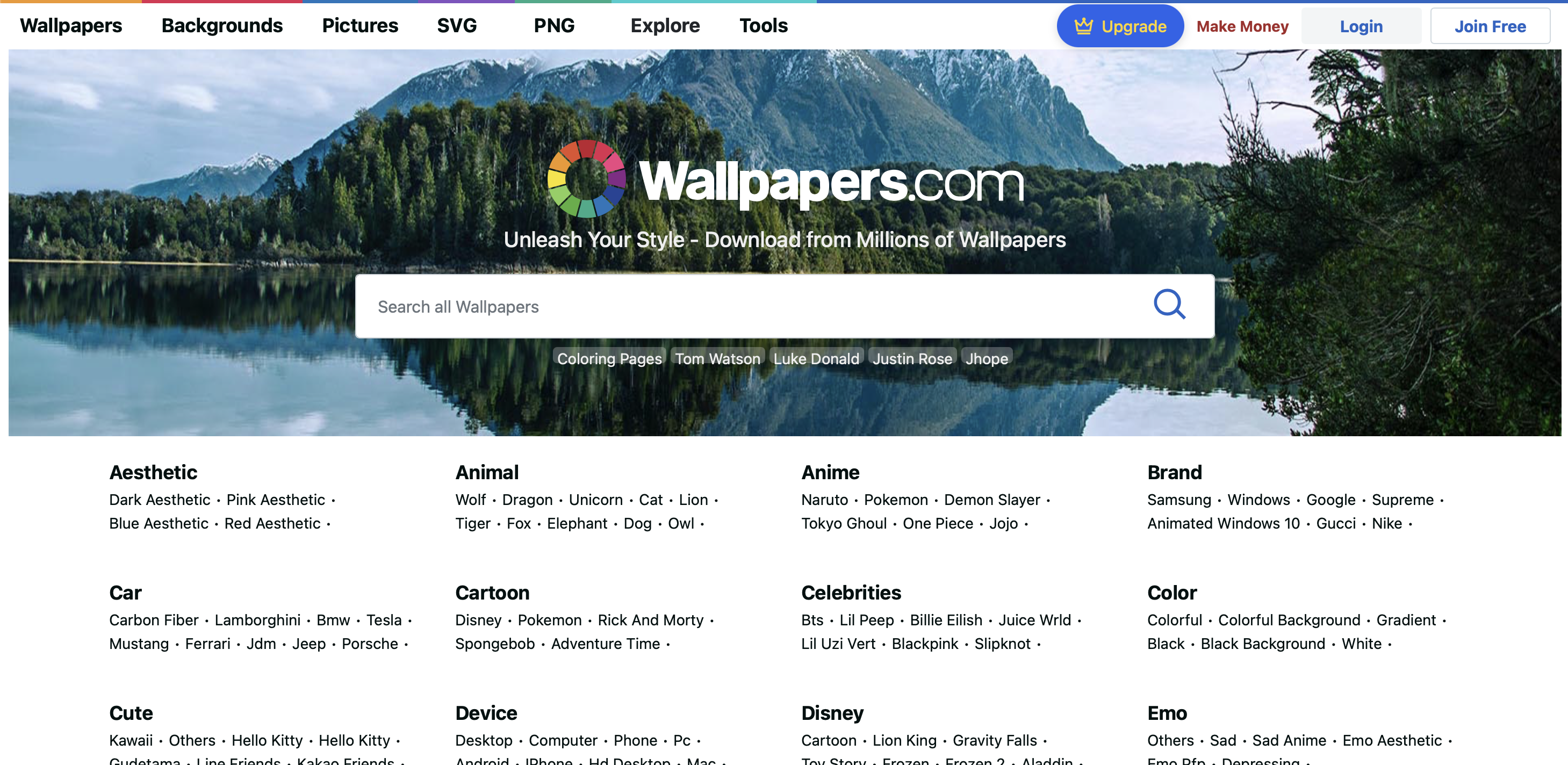
Wallpapers.com combines community uploads with a moderation layer, so content goes through review before going live. The subcategory system is extensive and community ratings drive visibility.
Key features: Moderated uploads, extensive subcategories, community feedback system, broad resolution support.
What makes it stand out: Moderation plus ratings is a stronger quality signal than either alone. Content that surfaces here has cleared a review and then earned engagement, a higher bar than most community platforms clear.
Best for: Users who want a large, well-organized selection with quality control.
Pricing: Free.
How to Choose the Right Wallpaper App or Site
Device compatibility. Not all platforms serve mobile and desktop equally. Zedge and WallpapersWide are strong for their respective audiences; Unsplash and Pexels work well for both. Beyond this list, the best free wallpaper sites tend to skew desktop-first, so mobile users should check resolution and crop behavior before committing to any new source.
Image quality and resolution. HD covers most mobile screens; 4K is worth seeking for modern desktop displays. Ultrawide formats are only reliably served by WallpapersWide. Understanding why your wallpaper looks blurry usually comes down to sourcing an image below your screen's native resolution, always check dimensions before downloading.
Licensing. Free platforms like Unsplash and Pexels allow personal use without attribution. Community platforms vary by upload. Verify the license before any commercial use.
Customization options. If editing tools matter, Zedge's editor and Canva handle cropping, color adjustment, and text overlays better than any download-only platform.
Community features. For community-curated discovery, Desktop Nexus, Alpha Coders, and Wallpapers.com are the strongest options. For editorial curation, Vellum and Simple Desktops are the better fit.
Variety and cultural depth. If you search for the best Narasimha wallpapers or similarly specific devotional imagery, a platform's response tells you a lot about the actual depth of its library.
When to pay. Free platforms cover the vast majority of use cases. Vladstudio and Digital Blasphemy are worth paying for only if you specifically want original digital art unavailable anywhere else.
Tips for Safe and Effective Customization
Download from reputable sources only. The platforms on this list are all established and safe. Outside this list, be cautious of sites with excessive pop-up ads, download buttons that redirect to installers, or pages that prompt you to grant device permissions.
Check image resolution before downloading. If you search for intricate devotional images like the best Lord Shiva wallpapers, resolution matters especially, detailed compositions lose impact when downloaded at a lower size than your display. Always verify dimensions before downloading.
Use trusted apps for setting wallpapers. Setting wallpapers through the platform's own app or through iOS/Android settings gives you the most control over cropping and fit.
Use editing tools for personal touches. Zedge's editor, Canva, and Adobe Express all let you adjust, crop, and modify wallpapers before setting them. A small crop adjustment can make a significant difference in how an image fits your screen.
Organize your favorites. Most platforms let you save or favorite images. Use it, it saves time while researching for something you've already found.
Respect copyright and licensing. Personal wallpaper use is covered by most free licenses. Commercial use or redistribution is a different matter, check license terms before anything beyond personal use.
FAQs
Are these wallpaper sites and apps safe?
All platforms listed here are established and safe. For mobile apps, download from the App Store or Google Play only and review permissions before granting access. Wallpaper apps need photo library access to save images, nothing beyond that is necessary.
How do I set a custom wallpaper on my phone or computer?
To set wallpaper on iPhone: Settings > Wallpaper > Add New Wallpaper. On Android: long-press the home screen and select Wallpaper. On Windows: right-click the desktop > Personalize > Background. On Mac: System Settings > Wallpaper.
Can I use these wallpapers for commercial purposes?
It depends on the platform and image. Unsplash and Pexels permit commercial use for most images, though some photographer-specific restrictions apply. Community platforms like Alpha Coders vary by upload, check the individual image license before any commercial use.
What's the difference between HD, 4K, and ultrawide wallpapers?
HD is 1920x1080px, covering most standard monitors and mid-range phones. 4K is 3840x2160px, suited for high-resolution displays and flagship phones. Ultrawide covers 21:9 and wider ratios, used in gaming monitors and some laptops. For AMOLED displays, deep blacks render as true off pixels rather than dark grey, which is why high-contrast imagery dominates the best AMOLED wallpapers collections, it's the format that actually shows off what the screen can do.
Do I need an account to download wallpapers?
Most free platforms do not require an account for basic downloads. Community platforms like Desktop Nexus and Alpha Coders may require registration for favorites or higher-resolution downloads. Zedge requires a free account for its full feature set.
How often should I change my wallpaper?
As often as you like. Platforms like Zedge and Vellum add new content regularly, so there is always something new worth trying.